Model setup recipes
Gemma 4 26B-A4B MTP: How Speed Changes Between One and Many Requests
MTP gains can look different when the number of requests changes.
Gemma 4 26B-A4B is a MoE1 model with 25.2B total parameters and about 3.8B active per token2. The active count describes computation; it does not mean only 3.8B of weights must be available. MTP3 uses an assistant drafter to propose tokens that the target verifies. Measure your own single-request and multi-request workloads separately.
It is not a 3.8B model just because 3.8B are active
Suppose you want Gemma 4 26B-A4B to read a long design document and find what changed. The model name is often accompanied by the figure 3.8B active parameters. That figure describes the experts activated to compute each token. The runtime4 still needs access to the full set of roughly 25.2B weights, along with KV-cache5 memory for the context. The active count alone does not mean the model will fit in about 4 GB of memory.
The original recipe used a Q4 desktop conversion in an app such as LM Studio, with an 8K context and one concurrent request. This is a comparison baseline, not an ideal setting for every machine. Even if the model file fits, memory must remain available to the operating system, runtime, other apps, and KV cache for long documents. First load the target alone and confirm that it can finish one real document question; only then add the assistant model.
The Gemma 4 MTP drafter Google announced in May 2026 is an optional layer on top of this path. The target and drafter must be a supported matching Gemma pair; the assistant checkpoint6 is not interchangeable with a small general-purpose Gemma chat model. Downloading the files alone does not enable acceleration if the app does not support the assistant checkpoint and MTP.
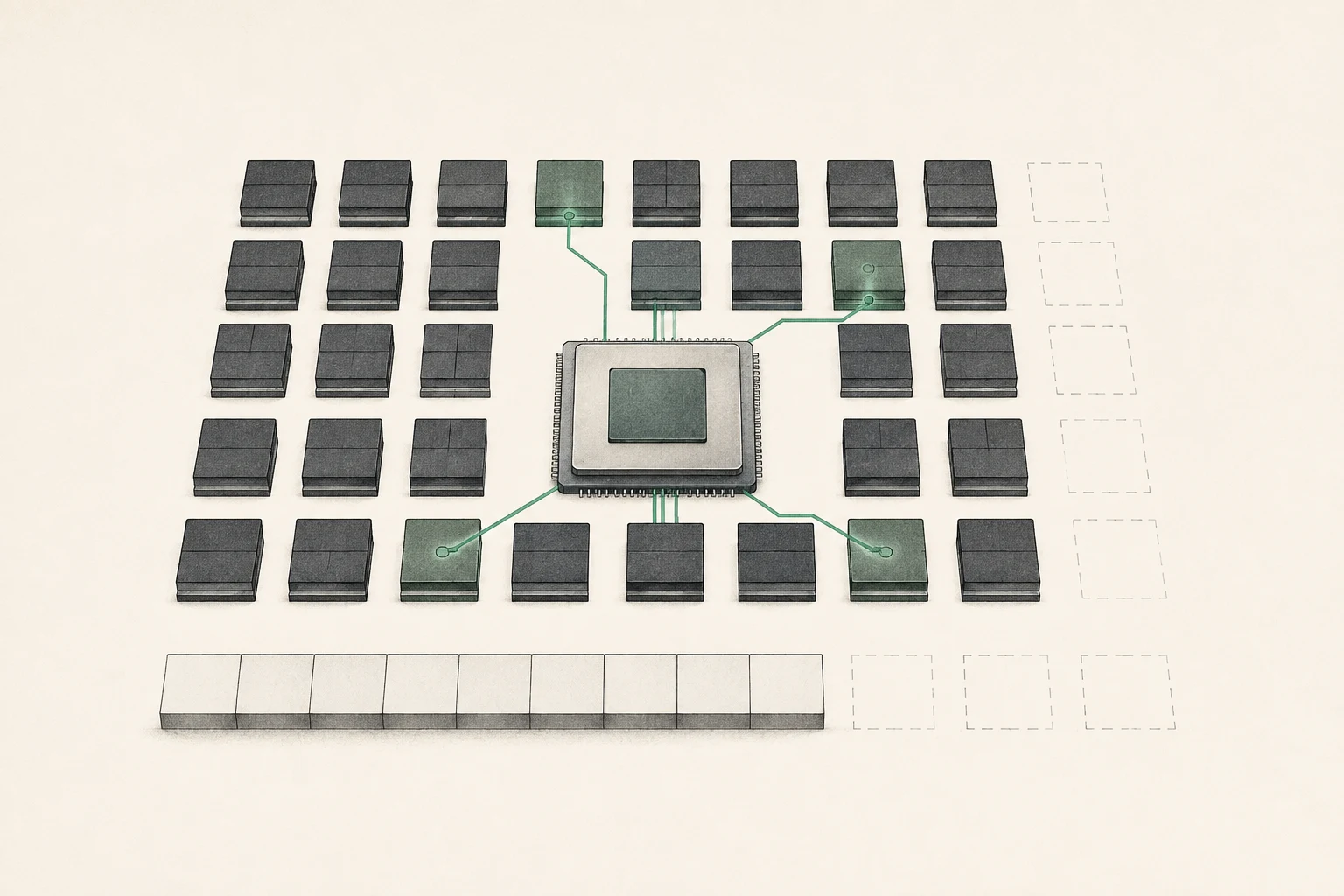
MTP proposes tokens for the target to verify
In ordinary generation, the target model calculates one next token at a time. With MTP, a four-layer assistant drafter proposes following tokens, and the target verifies the proposal. When candidates match, several tokens may be accepted during a target pass, potentially reducing decode7 latency. Incorrect candidates are discarded and generation continues with the target’s token; the drafter does not simply write the answer without verification.
The savings vary by task. A drafter that proposes many accepted tokens can help, while frequent rejections add draft computation and memory without saving as much time. If most of the wait is spent processing a long input (prefill8), MTP only shortens the decode portion and may have little effect on total response time. That is why time to read the document and time to generate after the first token should be measured separately.
Compare a single-request workload with one that handles several requests at once. In its May 2026 announcement, Google reported a routing challenge for batch 1 on Apple Silicon and observed up to about 2.2× improvement at batch 4–8. These are results under the announced experimental conditions, not a guarantee for one person asking one question on a Mac or for a different app or quantization9. Record batch size10, prompt and output token counts, runtime, and model files when measuring your own results.
| Measurement stage | What this stage tells you | Conditions to record |
|---|---|---|
| Model load | Does the target and assistant fit in memory? | Cold start, weight precision, peak memory |
| Prefill / TTFT | How long to read the design document and produce the first token? | Input token count, warm/cold prefix, context |
| Decode | How quickly does the answer continue after the first token? | Output length, accepted tokens, temperature |
| Total request | What is wall-clock time from start to finish? | Batch, concurrency, warmups and repetitions |
Separate the stages of waiting when evaluating MTP.
Model load
- What this stage tells you
- Does the target and assistant fit in memory?
- Conditions to record
- Cold start, weight precision, peak memory
Prefill / TTFT
- What this stage tells you
- How long to read the design document and produce the first token?
- Conditions to record
- Input token count, warm/cold prefix, context
Decode
- What this stage tells you
- How quickly does the answer continue after the first token?
- Conditions to record
- Output length, accepted tokens, temperature
Total request
- What this stage tells you
- What is wall-clock time from start to finish?
- Conditions to record
- Batch, concurrency, warmups and repetitions
Establish a single-request baseline in MLX-VLM
This exercise compares the same BF1611 target with its matching BF16 assistant drafter using `mlx12-vlm` on Apple Silicon. You need enough memory to prepare both files. It is not a comparison against the earlier LM Studio Q4 baseline; it isolates the effect of adding MTP to the same target within MLX-VLM. Start by installing a supported version, then check the target-only output and response in the terminal.
The first run may include model download and load time. Once the completion log appears and an answer is generated, run the target-only command three times with the same prompt and a 256-token limit. Then add the drafter and repeat under the same conditions. The presence of `--draft-kind mtp` in a command does not prove that the model pair is supported or that the run succeeded; check the logs for drafter loading and generation statistics.
A successful run should answer both prompts, and the MTP log should include draft-acceptance information or a similar statistic. If the two temperature-0 outputs differ, do not hide the difference even if both answers read well. First check the runtime version, checkpoint, prompt template, and logs. Keep publisher-reported efficiency separate from measurements on your installed setup.
python -m pip install -U mlx-vlm
mlx_vlm.generate --model mlx-community/gemma-4-26B-A4B-it-bf16 --prompt "Design note: The Northstar launch moves from May 12 to May 19. The API freeze remains May 5. Summarize the changed date and the unchanged milestone." --max-tokens 256 --temperature 0
mlx_vlm.generate --model mlx-community/gemma-4-26B-A4B-it-bf16 --draft-model mlx-community/gemma-4-26B-A4B-it-assistant-bf16 --draft-kind mtp --draft-block-size 6 --prompt "Design note: The Northstar launch moves from May 12 to May 19. The API freeze remains May 5. Summarize the changed date and the unchanged milestone." --max-tokens 256 --temperature 0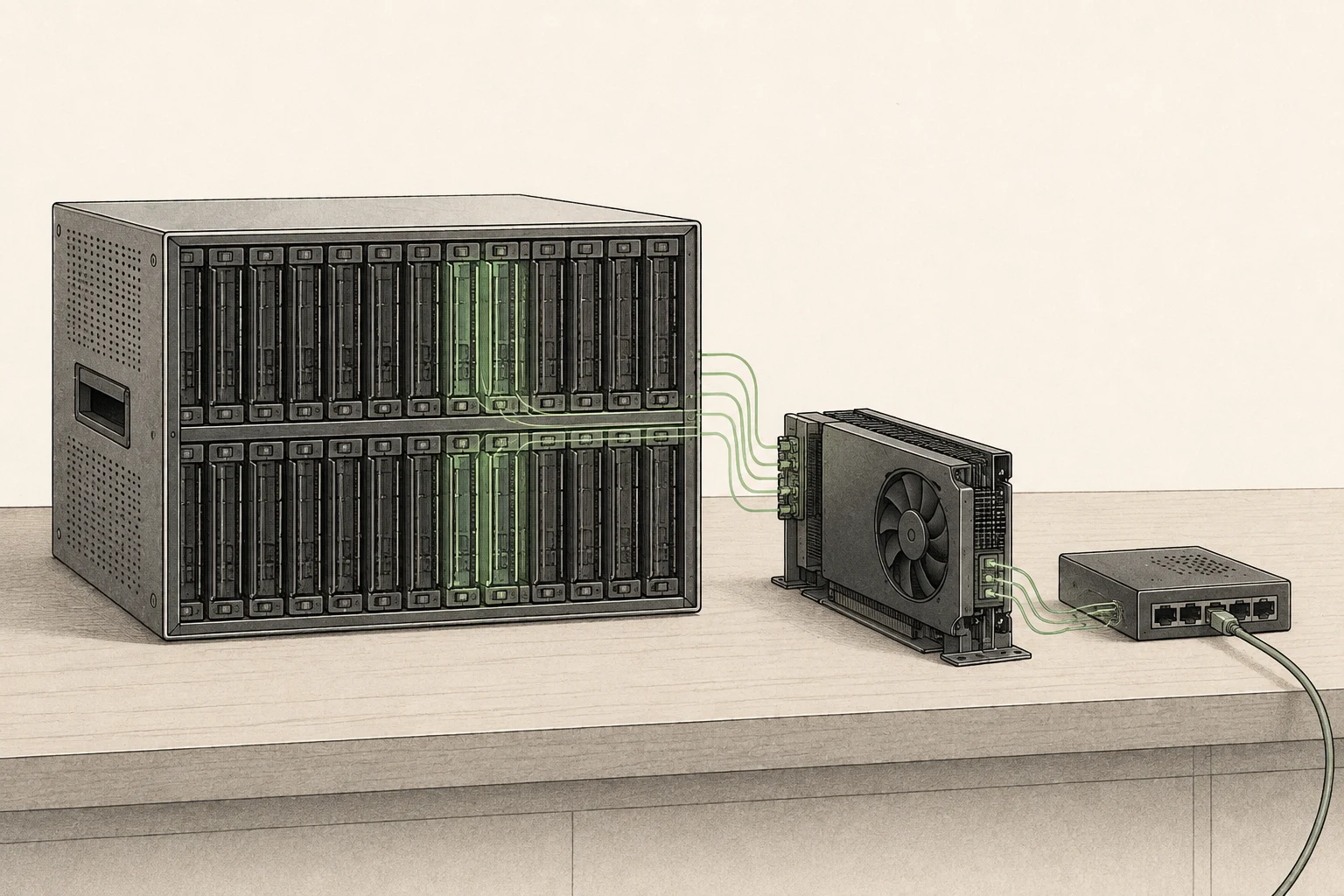
Test single requests and batches separately
Run the target-only and MTP paths with one request at a time. Use the same document and output limit, and send at least three requests in a warm state. Do not mix the time spent reading files on the first run with warm timings from the other path. Record the median, omissions in the answer, accepted-token count, and peak memory. Decode tokens per second alone can hide a difference in long-input prefill.
Next, send several requests to the same server at once. When increasing batch size, change only the prompt, output length, or request count; keep the model files and draft block size fixed. If the goal is responsiveness for one user, do not make a concurrent-request result your primary metric. For a server shared by several apps, track both per-request latency and total throughput13 so that one request’s longer wait is not overlooked.
Even if single-request latency barely changes, the total number of requests completed by a multi-request server may change. Conversely, throughput may rise while each request waits longer. Choose metrics that match the target workload and limit your conclusion to the request configuration you tested.
Decide whether to test QAT or MTP first
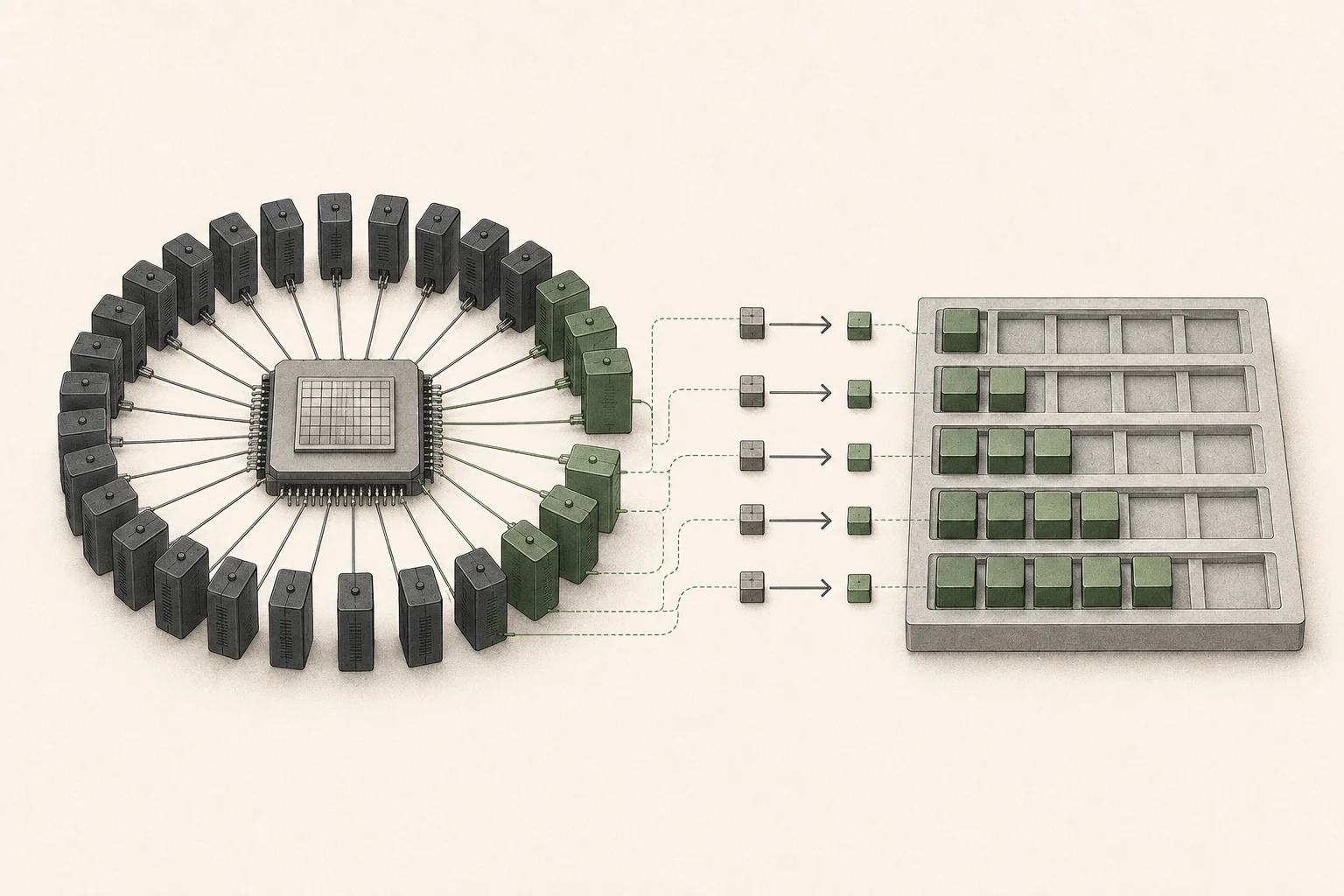
Gemma 4 QAT and MTP solve different problems. A QAT checkpoint changes weight representation to improve compression efficiency and reduce memory needs. MTP uses an assistant to propose candidates in an effort to reduce token-generation latency. To use MTP with a QAT target, verify a target/drafter pair that supports both features. A name containing “QAT” or “MTP” does not make arbitrary combinations compatible.
If the target itself will not load on your machine, address weight precision and available memory before testing MTP. If the target runs reliably but long answer generation is the main wait, MTP may be worth testing. If the first token is delayed by a long input, examine input processing and cache first. If adding the drafter makes responses slower or causes memory pressure, target-only may be the better choice for that workload.
To choose, check in order whether the full 26B weights fit reliably alongside your documents and apps, whether you serve one user or several requests, and whether input processing or answer generation is the bottleneck. MTP does not remove required weights or verification computation. If the target alone answers adequately and there is only one concurrent user, you can keep the existing setup. If several requests arrive on the same Mac and batch 4–8 tests complete faster, that workload provides a reason to keep MTP enabled.
Official announcement and runtime references
The MTP design and Apple Silicon batch results are described under the conditions in Google’s May 2026 announcement. The runtime example follows the model pairing and CLI14 format published by MLX-VLM. This guide does not present new device-specific speed measurements.
Terminology notes
MoE — A model architecture that selects some of several expert subnetworks for each input. Total parameters can differ from the number activated for one token.
Back to the textToken — A unit into which a model divides input or output for processing. One token does not equal one character or a fixed duration.
Back to the textMTP — A training method or model component for predicting multiple future tokens. Whether it improves generation speed depends on implementation and runtime conditions.
Back to the textRuntime — The software environment that provides facilities needed while a program runs. In local AI it can also refer to a model execution engine; a GPU runtime library and a complete serving app are different components.
Back to the textKV cache — Memory that stores attention keys and values from earlier tokens for reuse during later token generation. Its size depends on context length and batch size.
Back to the textCheckpoint — A file containing saved model weights and related state. Versions or tasks in one model family may use different checkpoints.
Back to the textDecode — For an LLM, this is the stage that generates output tokens after input processing. For a VAE or audio codec, decoding can mean reconstructing the original form from a compressed representation or encoded data.
Back to the textPrefill — The stage where an LLM reads the input prompt and computes representations for its tokens. Longer prompts contain more tokens to process.
Back to the textQuantization — Representing model values with fewer bits. Memory use, accuracy, or execution speed may change; the effects depend on the format and implementation.
Back to the textBatch size — The number of inputs or requests processed together in one batch. Increasing it can affect both throughput and memory requirements.
Back to the textBF16 — A 16-bit floating-point format for storing and computing model values. Support depends on the hardware and runtime.
Back to the textMLX — A machine-learning framework developed by Apple. On Apple silicon it uses unified memory and Metal; separate Linux backends are also available. Model and feature support depends on the MLX-based tool.
Back to the textThroughput — The amount of work processed or generated over time. Comparisons need the unit, such as tokens per second or requests per second.
Back to the textCLI — Short for Command-Line Interface: operating a program by entering commands in a terminal.
Back to the text
Serving recipe
Settings for your hardware
For one user
Choose your hardware to see the launch command and settings you can adjust.
Profile
Apple MacBook Pro M5 Pro (64GB)
Memory fitsRecommended runtime: LM Studio (4-bit MLX (a different format from GGUF Q4_K_M)) · Documented runtime settings
For your first run or reliable everyday use
Profile context length
16,384 tokens
A starting setup based on the runtime documentation. Follow the steps below and compare speed as you make changes.
Estimated decode speed
26.9 ~ 65.4 tok/s
Estimate for one user
Estimated TTFT
8.8 ~ 21.5 s
Prefill: 765 ~ 1,861 tok/s
Estimated memory use
About 16.34GB / 56GB
Remaining margin: approx. 39.7GB
Server address
http://127.0.0.1:1234
Local only · 127.0.0.1
Estimates use the calculator’s recommended quantization and acceleration with 16,384tokens. They are not measurements of the configuration above.
Settings in this profile
| Value | Why this setting |
|---|---|
| Model weights4-bit MLX (a different format from GGUF Q4_K_M) | Use an MLX model directory. This is a different file format from Q4_K_M GGUF. |
| Check input length16,384 | Check both the context-length setting in lms load and the context actually loaded. |
| KV cacheCheck model settings | This launch command does not set the KV cache precision. |
| Prefill batch sizeCheck runtime settings | Do not use llama.cpp's batch-size and ubatch-size values as substitutes for MLX settings. |
| Concurrent requests1 | Measure the speed of one request, separately from the combined throughput of multiple requests. |
| Memory headroom2 GB or more | After loading the model, check actual memory use and whether the system is swapping. |
MBP M5 Pro 64GB Run command (LM Studio)
# lms ls에서 확인한 MLX 4비트 모델 식별자를 입력
MODEL_ID=""
lms ls
: "${MODEL_ID:?MLX 모델 식별자를 입력하세요}"
lms load "$MODEL_ID" --gpu=max --context-length=16384
lms server start --port 1234Checks after startup
- 01Check the startup log for completed model loading and the actual context length.
- 02After warming up, send one request at a time. Use three different inputs of the same length to record fresh-input processing time.
- 03Record repeated-input results separately as cache-reuse runs. Do not combine them with fresh-input results.
- 04Record prefill tok/s, decode tok/s and peak memory together, then change one setting at a time.
Trade-offs
- Conservative context and concurrency settings may produce less than the hardware's maximum throughput.
Adjust one item at a time
Speed tuning, step by step
If several values are changed at once, it is difficult to find the cause.
- STEP 1
Save a baseline
Record first-input and cache-reuse runs separately, three times each. Compare prefill, decode and peak memory together.
When to stop: Do not move on if there are errors or less than 2GB of memory headroom.
- STEP 2
Tune prefill chunk size
Increase in steps of 1,024 → 2,048 → 4,096, comparing TTFT and peak memory on long inputs.
When to stop: Revert to the previous value if TTFT does not improve or peak memory rises sharply.
- STEP 3
KV Cache Tuning
Only when you need more context, compare Q8 cache against the F16/BF16 baseline using the same question.
When to stop: Keep the default precision if the output changes or you already have enough context.
- STEP 4
MTP/speculative decoding
Enable it only for supported models. Test code and prose separately, measuring acceptance rates and actual decode tok/s.
When to stop: Turn it off if the median of three runs does not improve on the baseline.
- STEP 5
Context expansion
Double context length at each step until you reach what you need. Check retrieval from the middle of the input and whether swapping occurs.
When to stop: Reduce by one step if retrieval accuracy drops or swapping or memory compression starts.
Submit a measurement from my hardware
Import a JSON file with at least three runs under the same conditions. The file stays in this browser until you submit it.
Include only hardware, model, runtime settings and measurements. Do not include prompts, responses, raw logs or file paths.
If you do not have a measurement file, use the tool with your running local server. It requires Node.js 20 or later and does not upload results automatically.
These are reviewed community submissions, not measurements made by this site.
Report a setup issue
Tell us where this setup failed. Only the site administrator can read your report.
Setup being reported · MBP M5 Pro 64GB · Gemma 4 26B-A4B (MoE) · Balanced
Change log
These entries record changes to the site's guidance. They do not automatically check your installed engine or model version.
Corrected model formats and runtime settings for Mac
Separated the Mac MLX path from GGUF Q4_K_M and aligned the engine name, model format and command. KV-cache precision and prefill batching that the command does not specify are now marked for checking in the model or runtime settings.
Also removed MLX speed profiles that implied a larger batch despite leaving the command unchanged.
Separated uncached-input and cache-reuse records
Updated the checks to record first-time inputs separately from repeated inputs. Cache effects are not folded into uncached prefill throughput or hardware differences.
Added saving and reopening hardware profiles
Runnable profiles can now be saved with their hardware selection in this browser, up to five entries, and reopened from the guide directory. A notice prompts you to recheck before running if the published settings have changed or the profile is no longer available.
Added links to runtime explanations
Engine names in the settings now link to the corresponding runtime guide. Paths without an identified engine are not linked to a guessed program.