Local speech recognition & synthesis
Creating a local voice assistant: ASR·LLM·MCP·TTS connection guide
Understanding speech and operating a computer are two different steps.
The local voice assistant connects ASR1, LLM2, tool execution, and TTS3 in sequence. You can make it quickly and safely by looking at the delays and permissions of each step separately.
Divide a sentence into four steps
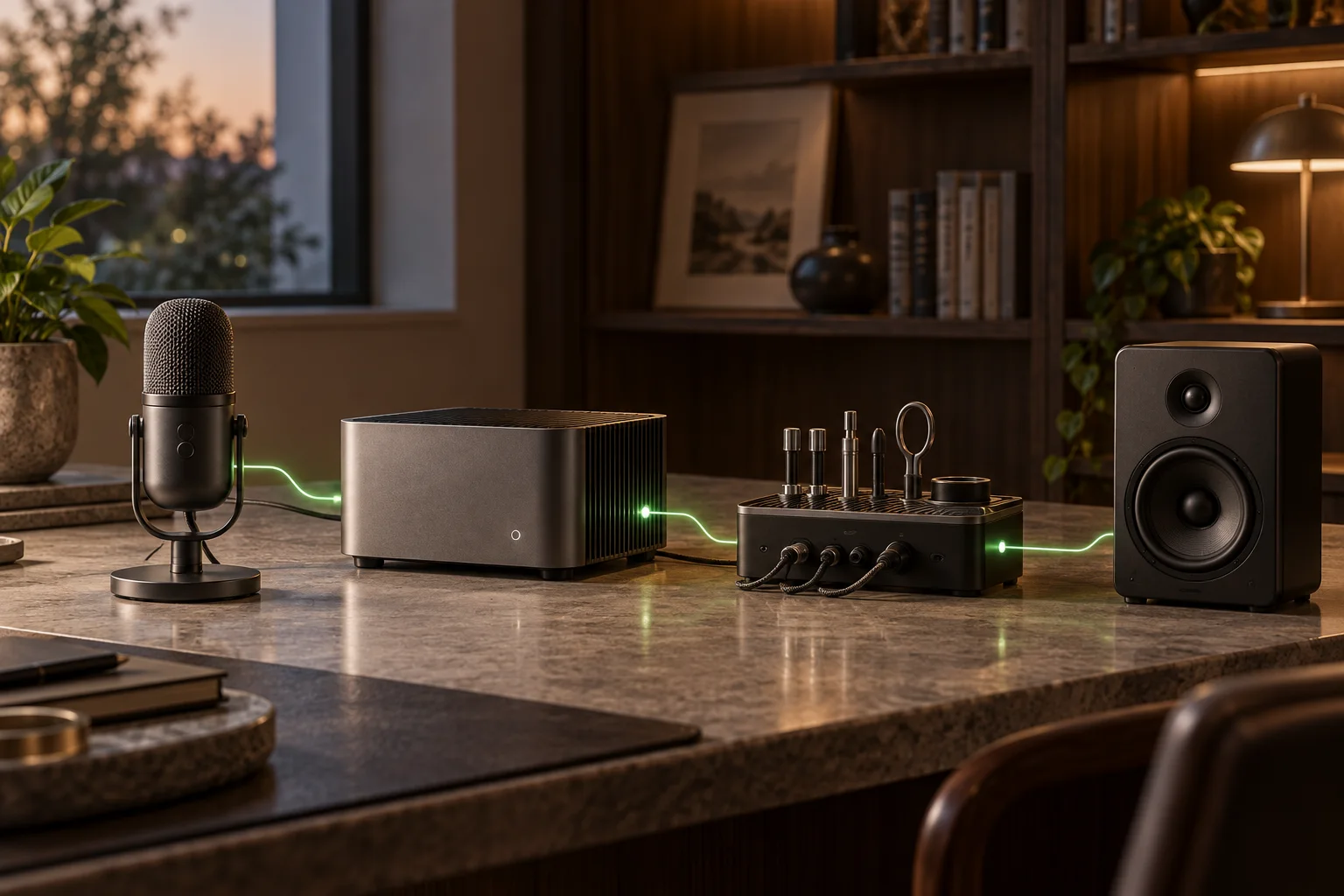
ASR converts the microphone input into text, and LLM determines the intent of the request. If you need to search for a file or schedule, call the MCP4 tool, and TTS will read the completed answer aloud. If you are late at any stage, the entire conversation will seem broken.
Initially, streaming ASR, short system prompts, small decision models, and short voice replies reduce round-trip time. A hierarchical configuration using larger models or longer TTS output is practical only when long descriptions are needed.
Speed is considered the time for the first partial response.
We record the time ASR waits for the end of the sentence, the first token5 for LLM, the tool execution, and the first audio for TTS, respectively. If you only look at the overall completion time, it is difficult to know which parts need to be changed.
You can reduce perceived waiting by turning over partial transcriptions before the end of speech and starting TTS once the first sentence of your LLM answer is complete. However, because intermediate results may change, command execution is performed after final transcription or user confirmation.
MCP server reviews like installing a local app
The local MCP server can use the file and program permissions that the Run As account has. The source and code are verified, only necessary directories are accessed, and servers exposed to the public network are authenticated.
Initially, only link tools that are easy to revert, such as search and lookup. Deleting files, making payments, and sending external messages are confirmed before execution, and requests and results are left in a user-readable format.

The first version connects one safe thing all the way to the end
Decide on a flow with clear inputs and outputs, such as ‘transcribing the meeting recording and reading today’s tasks.’ ASR accuracy, tool success rate, and first voice response time are measured repeatedly using the same scenario.
After the flow is stable, add tools with different permissions one by one, such as calendar, document search, and home automation. It's more about being able to stop when something fails and tell the user what didn't work, rather than the number of features.

Terminology notes
Automatic Speech Recognition — Technology that recognizes spoken language in audio and converts it to text. The recognized text represents the utterance, not a reconstruction of the audio.
Back to the textLarge language model — A language model trained on large text datasets to process and generate text. Capabilities and supported inputs vary by model.
Back to the textText-to-Speech — Technology that converts text into spoken audio with pronunciation and prosody. Output characteristics depend on the model and settings.
Back to the textMCP — A protocol for connecting clients to tools and data sources a model may use. Connectivity and permission to execute a particular tool must still be configured separately.
Back to the textToken — A unit into which a model divides input or output for processing. One token does not equal one character or a fixed duration.
Back to the text