
read first
Last updated
Can a Mac Neural Engine run local AI? GPU, MLX, and ANE roles
Use a model and runtime designed for the Neural Engine.
Apple Neural Engine1 is dedicated hardware for neural-network computation. Core ML2 speech tools and some LLM3 projects can use it. To make local AI work well on your Mac, start with your task and check which GPU4 or Neural Engine path its runtime5 uses.
If you already use an LLM on your Mac, check its runtime first. There are MLX6 models running on the Metal7 GPU, Core ML models placed on the Neural Engine, and hybrid runtimes that share parts of prefill8 across the GPU and ANE. Your app and model format determine which path is available.
Split transcription and summarization work
ASR9 needs a speech-recognition model and software to organize its output. WhisperKit runs Whisper through Core ML, while FluidAudio runs speech models such as Parakeet. After choosing your model, inspect the Core ML report for operations assigned to the Neural Engine. This helps you judge whether speech processing can share work with other GPU tasks.
For meeting notes, transcribe the recording first and send that text to an LLM for summarization. Live captions can make these stages overlap, so compare latency with transcription and summarization running together. WhisperKit, FluidAudio
LLMs can share the input-processing stage
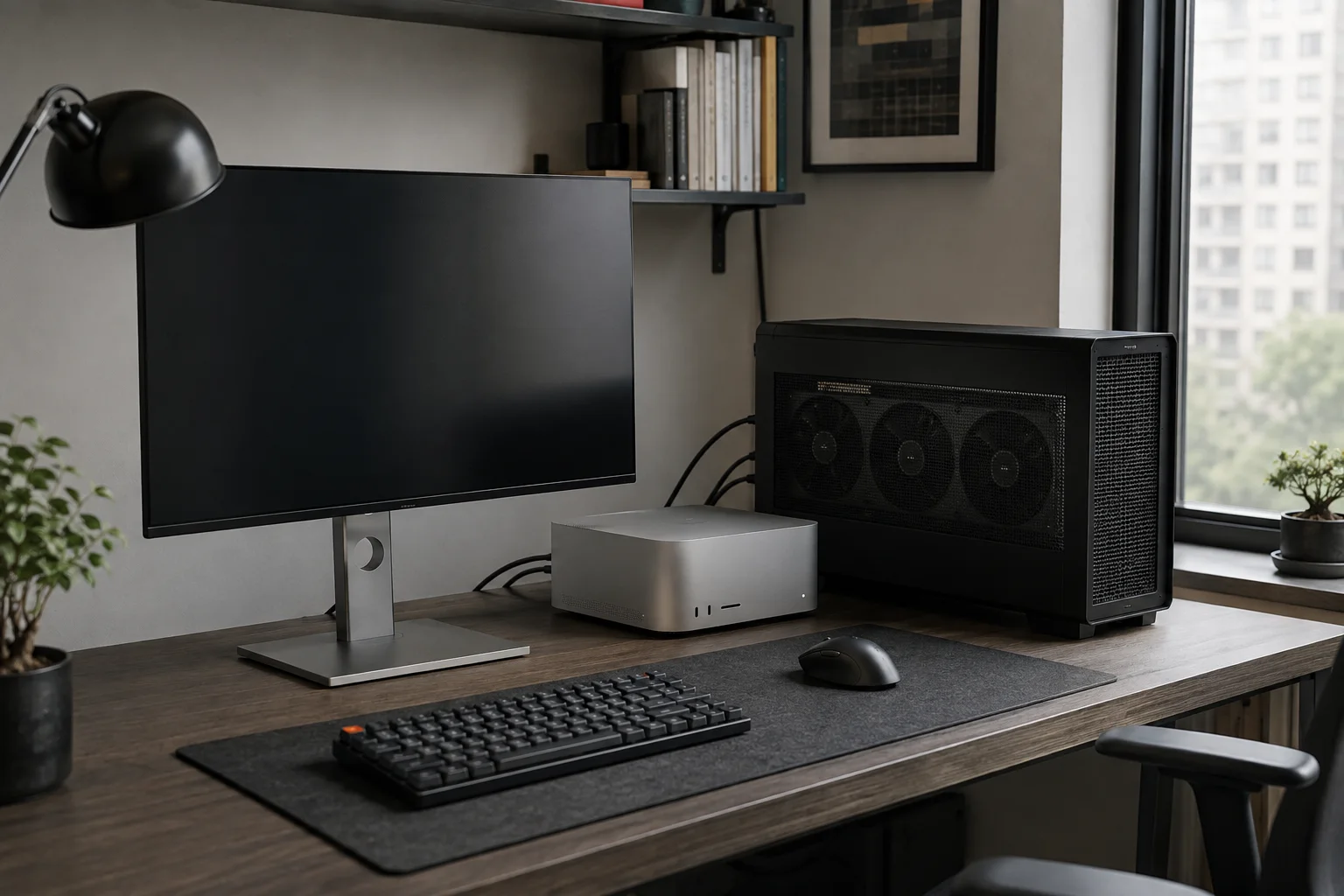
An LLM reads a long document during prefill before generating an answer. Runtimes such as Splash can split part of supported models' prefill across the GPU and Neural Engine. That path targets the wait between submitting a long document and receiving the first answer. Splash
ANEMLL provides converted models and samples for trying LLM execution on ANE. It is a developer-oriented path with files prepared for particular architectures, context sizes, and conversions. For everyday chat, start with your current GPU runtime as the baseline and compare the wait after submitting long inputs. ANEMLL
Where M5 GPU Neural Accelerators fit
M5 GPU cores contain Neural Accelerators for matrix computation. MLX uses this GPU capability through Metal 4 TensorOps and Metal Performance Primitives. Apple's M5 MLX performance article describes that GPU path. Apple MLX and M5
An app using the M5 GPU's Neural Accelerators computes on the GPU. To check Neural Engine use, inspect operations assigned to ANE in the Core ML report. When choosing a Mac, compare where your model runs and how quickly it finishes your work alongside the chip's TOPS specification.
Choose the app, then compare the same task
For Korean recordings, start with a multilingual WhisperKit model; for several speech features in an app, consider FluidAudio. If you frequently send long documents to an LLM, compare Splash's shared-prefill approach too. Choose your task first, then the model and software that support it.
Record the initial model download and compilation time separately. Once preparation is complete, run the same recording or document twice to compare first-use and repeat completion times and results. Try the same task with your usual apps open. Follow the Core ML inspection guide to examine which devices perform the computation.

Terminology notes
Neural Engine — Dedicated hardware in Apple Silicon for neural-network computation.
Back to the textCore ML — Apple’s framework for running machine-learning models on its devices.
Back to the textLarge language model — A model trained on large text datasets to learn language patterns and process or generate text in context.
Back to the textGPU — A processor designed to handle many calculations in parallel. It performs model computations during AI inference.
Back to the textRuntime — The software environment that provides facilities needed while a program runs. In local AI, it can also refer to a model execution engine.
Back to the textMLX — Apple’s machine-learning framework, which runs models using memory shared by the CPU and GPU on Apple Silicon.
Back to the textMetal — Apple’s low-level technology for graphics and parallel GPU computation.
Back to the textPrefill — The stage where an LLM reads the input prompt and computes representations for its tokens. Longer prompts contain more tokens to process.
Back to the textAutomatic Speech Recognition — Technology that recognizes spoken language in audio and converts it to text.
Back to the text
Frequently asked questions
- What should you check first in this article?
- Apple Neural Engine is dedicated hardware for neural-network computation. Core ML speech tools and some LLM projects can use it. To make local AI work well on your Mac, start with your task and check which GPU or Neural Engine path its runtime uses.