
read first
Last updated
Prefill vs decode: should you look at TTFT or tok/s?
Long inputs make TTFT matter; long answers make decode speed matter
When you send code and an error description, an LLM1 first reads the input and then produces a review. The input-processing stage is prefill2; the stage that generates answer tokens3 one by one is decode4. The first answer appears after prefill, and the rest streams during decode.
Long code and error descriptions can increase the wait before the first answer. Asking for a detailed response can also lengthen the time the answer takes to stream. Even the same code review can have different waiting stages depending on input and output length. Understanding the two stages helps you compare the speed that matters for your work.
The model reads input before the first character appears
A code-review request contains code, the error situation, and the scope of the answer you want. Before writing, the model processes the input as tokens and calculates relationships among them to prepare the state used for answering. This is prefill. Decode then generates answer tokens in sequence. Attaching multiple files increases input tokens and can delay the first answer.
For prefill comparisons, matching the actual input-token count matters more than matching file or line counts. Code tokenization varies, and an app may send only relevant files or include a wider portion of the repository. Checking the input length the review app actually sent makes processing speed easier to compare accurately.
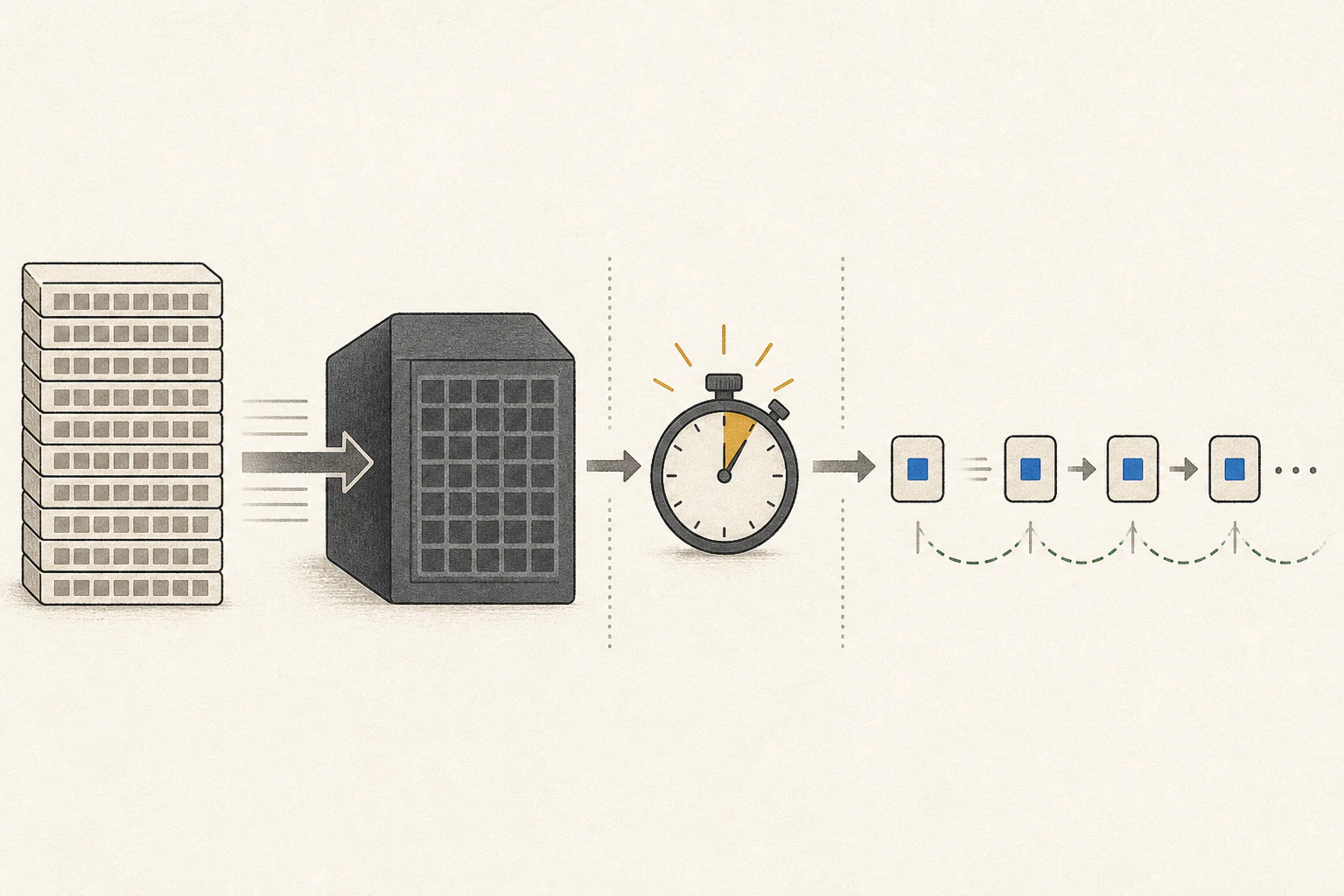
The wait for the first token is called TTFT
TTFT5 (time to first token) is the time from sending a request until the first output token appears on screen. It can include app-side input preparation, queueing, tokenization, and runtime6 setup in addition to prefill. Prefill throughput7 measures how quickly input tokens are processed; TTFT measures the user’s wait from request to first token.
Use input tokens per second to compare prefill throughput, and TTFT to track the wait for the first answer. An app may not show queueing or preprocessing separately, so also record the time you measure until the first token appears on screen.
| Stage or metric | What happens | When the user waits |
|---|---|---|
| Prefill | Processes input tokens and context to prepare an answer. | After sending code and error details, before the first token |
| TTFT | Total latency from the request to the first output token. | Until the first part of the answer appears |
| Decode | Generates output tokens in sequence after the first token. | While the answer continues appearing on screen |
| Completion time | The time until both pre-token latency and answer generation have finished. | Until the full review is complete |
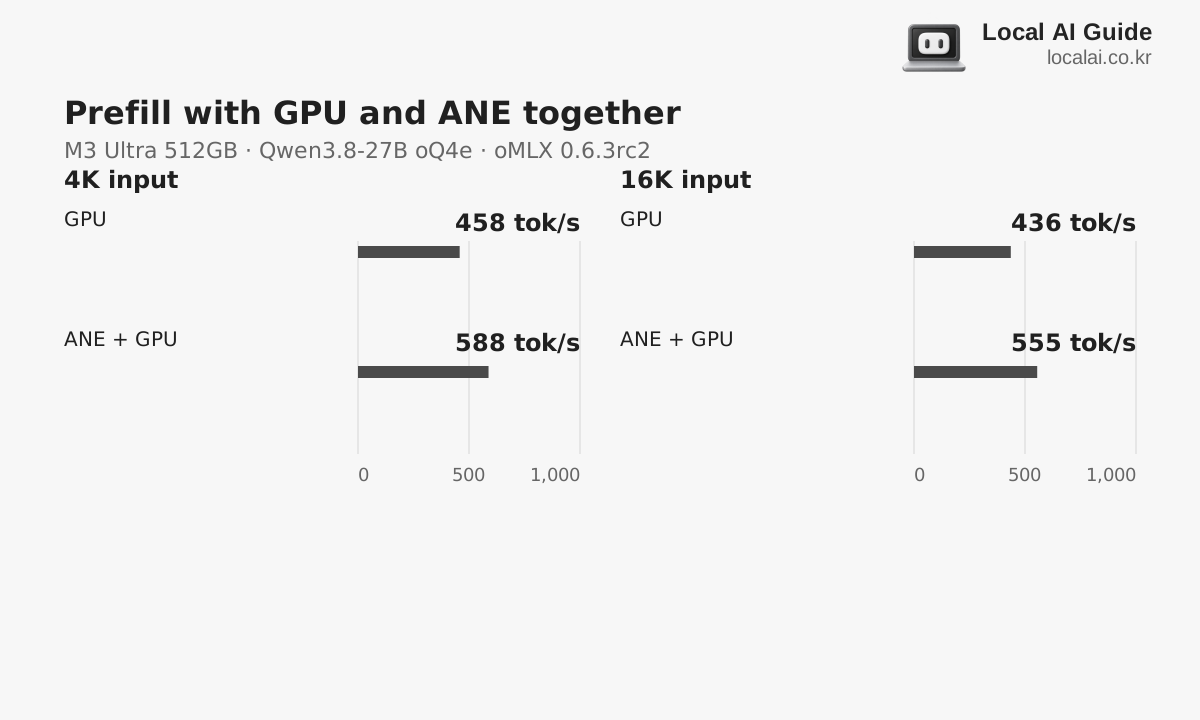
Compare the streaming answer speed with decode
The speed of answer generation after the first token is expressed in tokens per second (tok/s). For answers with the same token count, higher tok/s means less decode time. Korean character count does not map one-to-one to tokens, however, so tok/s alone cannot predict exact completion time.
If you ask for only one line about an error, the short output can make the wait for the first token feel more significant. Asking for fixes and evidence across several files produces a longer answer, which can take time to finish even if it starts quickly. The metric to prioritize depends on the answer length you need.
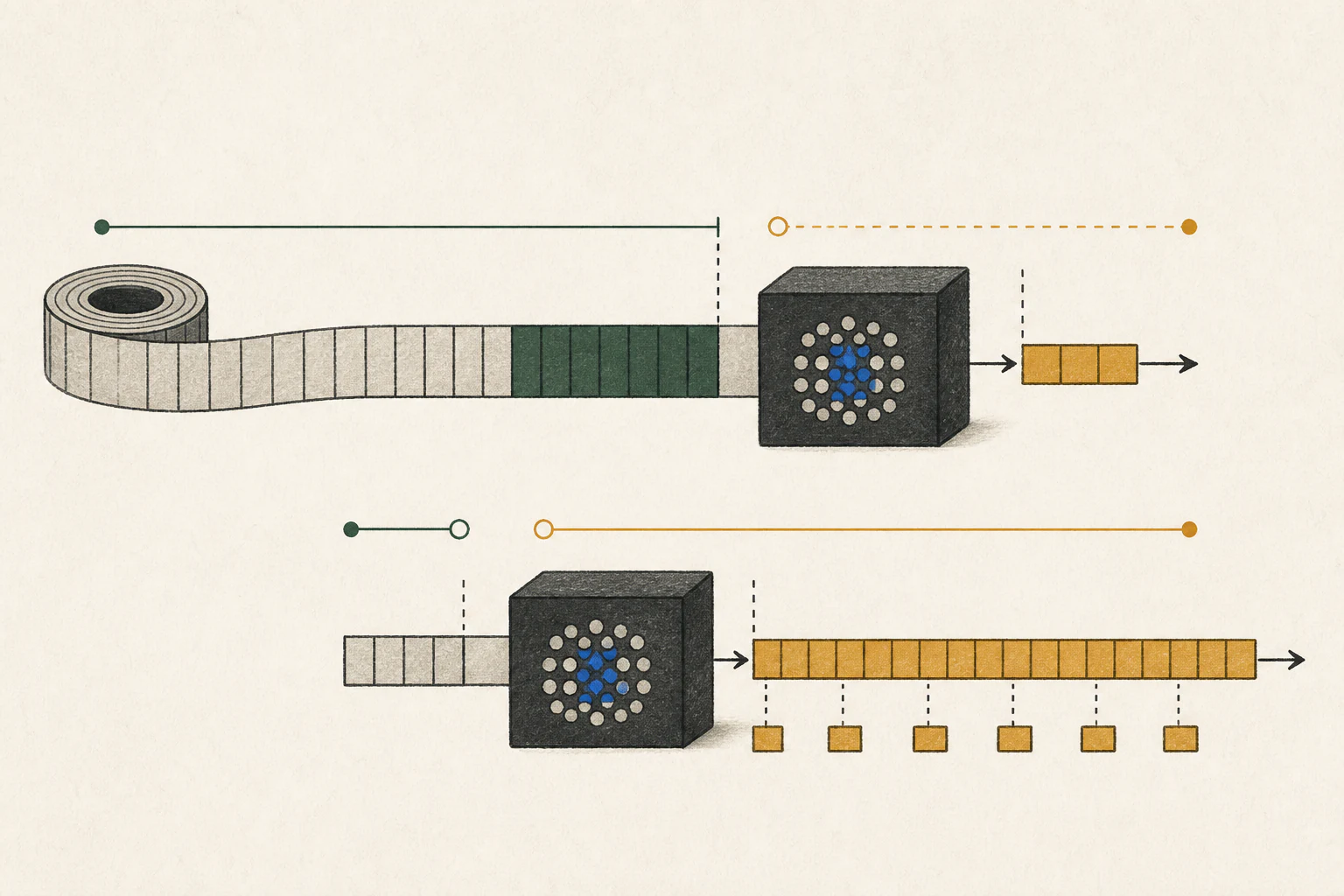
Calculate the time from first response to completion
For example, if TTFT is 8 seconds, the answer is 500 tokens, and decode runs at 50 tok/s, generation takes 500÷50=10 seconds. Adding the wait for the first token gives about 18 seconds to completion. If prefill improvement reduces TTFT to 4 seconds, the estimate is about 14 seconds; at 100 tok/s decode it is about 13 seconds. Actual completion time combines pre-token latency with the remaining answer generation. These figures simplify the calculation and are not hardware measurements.
Scroll sideways to compare all columns.
| Scenario | TTFT | Decode speed | Time to completion |
|---|---|---|---|
| Criterion | 8 sec | 50 tok/s | About 18 sec (8+500÷50) |
| Prefill improvement | 4 seconds | 50 tok/s | About 14 sec (4+500÷50) |
| Decode improvement | 8 sec | 100 tok/s | About 13 sec (8+500÷100) |
Repeated input and new input are handled differently
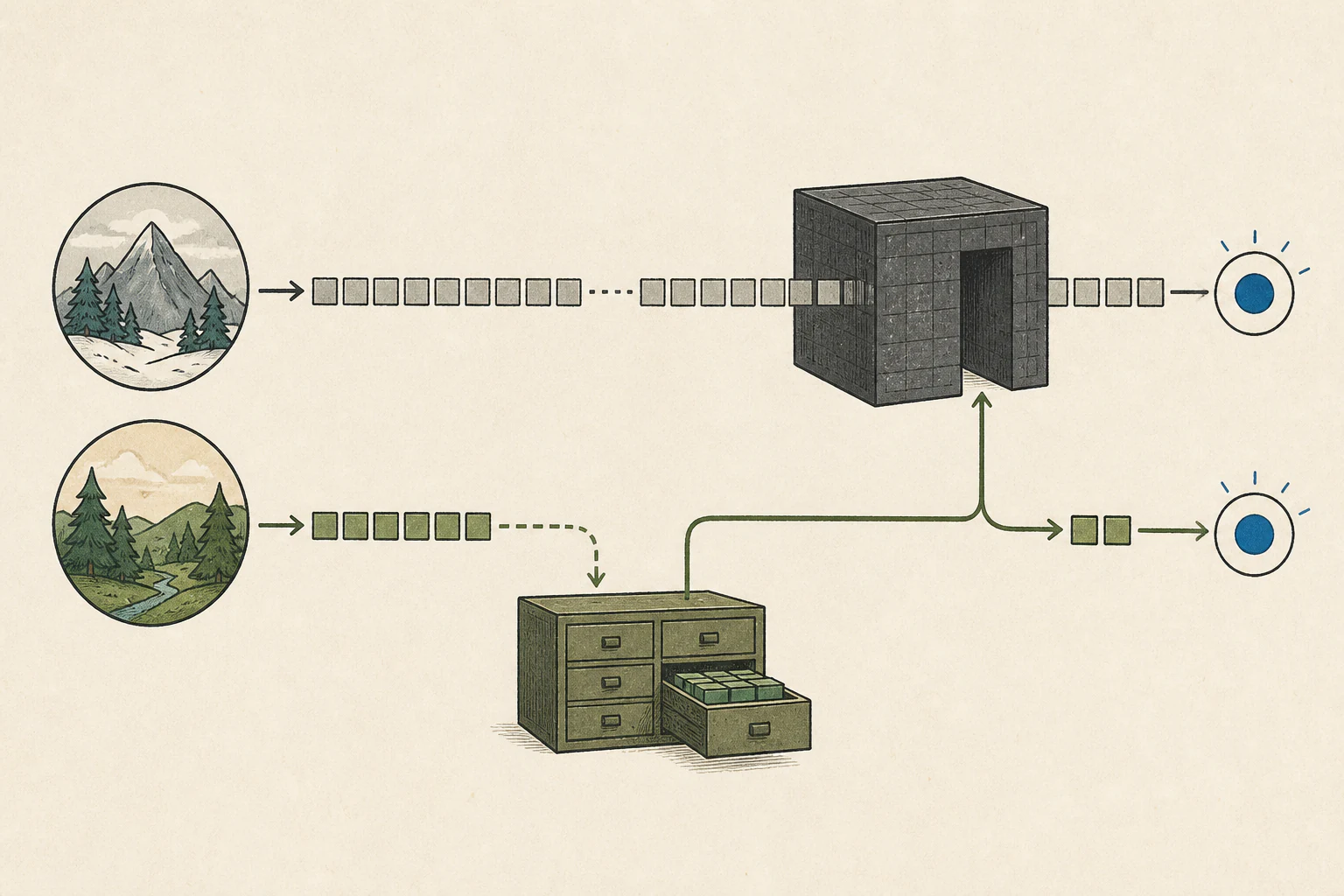
When continuing the same code review, a prompt8 cache can reuse computed state for a repeated prefix and reduce TTFT. This is different from loading model files again from an SSD9. Reuse depends on whether the cache remains available and how much of the question prefix matches.
SpecPrefill10 aims to reduce the amount the main model computes by selecting tokens to process from a long new input. A prompt cache reuses common input from an earlier request; SpecPrefill selects parts of new input to process. In code review, a skipped part could contain the cause of an error, so compare the answer with the original code to ensure necessary evidence remains.
A follow-up may include different document passages or more of the earlier conversation, so total input does not necessarily get shorter. Newly retrieved passages still need processing, while the cache may reuse a shared prefix. Record the document, question, document-processing method, model, and app version to make the result easier to reproduce.
Compare the waiting stages in your own work
Keeping code and question fixed lets you distinguish a slow first answer from slow streaming. Run several trials under the same conditions, record TTFT and completion time separately, and mark whether each run is a first request in a new conversation or a follow-up with a warm cache.
In the comparison interface, you can vary input length or choose full mode versus decode-only mode. Full mode combines pre-token latency and answer generation; decode-only mode compares the streaming output rate. Displayed values are estimates for the selected conditions and may differ from running the same code in an actual app.
Terminology notes
Large language model — A model trained on large text datasets to learn language patterns and process or generate text in context.
Back to the textPrefill — The stage where an LLM reads the input prompt and computes representations for its tokens. Longer prompts contain more tokens to process.
Back to the textToken — A unit into which a model divides input or output for processing.
Back to the textToken decoding — The stage that generates successive output tokens using the input and the response produced so far.
Back to the textTime to First Token — The time from sending a request until its first output token arrives.
Back to the textRuntime — The software environment that provides facilities needed while a program runs. In local AI, it can also refer to a model execution engine.
Back to the textThroughput — The amount of work processed or generated over time. Comparisons need the unit, such as tokens per second or requests per second.
Back to the textPrompt — The input text sent to a model. For generative models it describes the desired result and strongly shapes the output.
Back to the textSSD — A data storage device that uses flash memory and retains data without power.
Back to the textSpecPrefill — A technique that uses a lightweight model to score input tokens and passes selected tokens to the main model to reduce prefill work. Since the main model does not read omitted context, token selection changes which information can shape the answer.
Back to the text
Frequently asked questions
- What should you check first in this article?
- When you send code and an error description, an LLM first reads the input and then produces a review. The input-processing stage is prefill; the stage that generates answer tokens one by one is decode. The first answer appears after prefill, and the rest streams during decode.