
read first
Last updated
Granite 4.2 at home: choose between 3B, 8B and 30B
Start with Granite 4.2 3B and choose a size from real answers
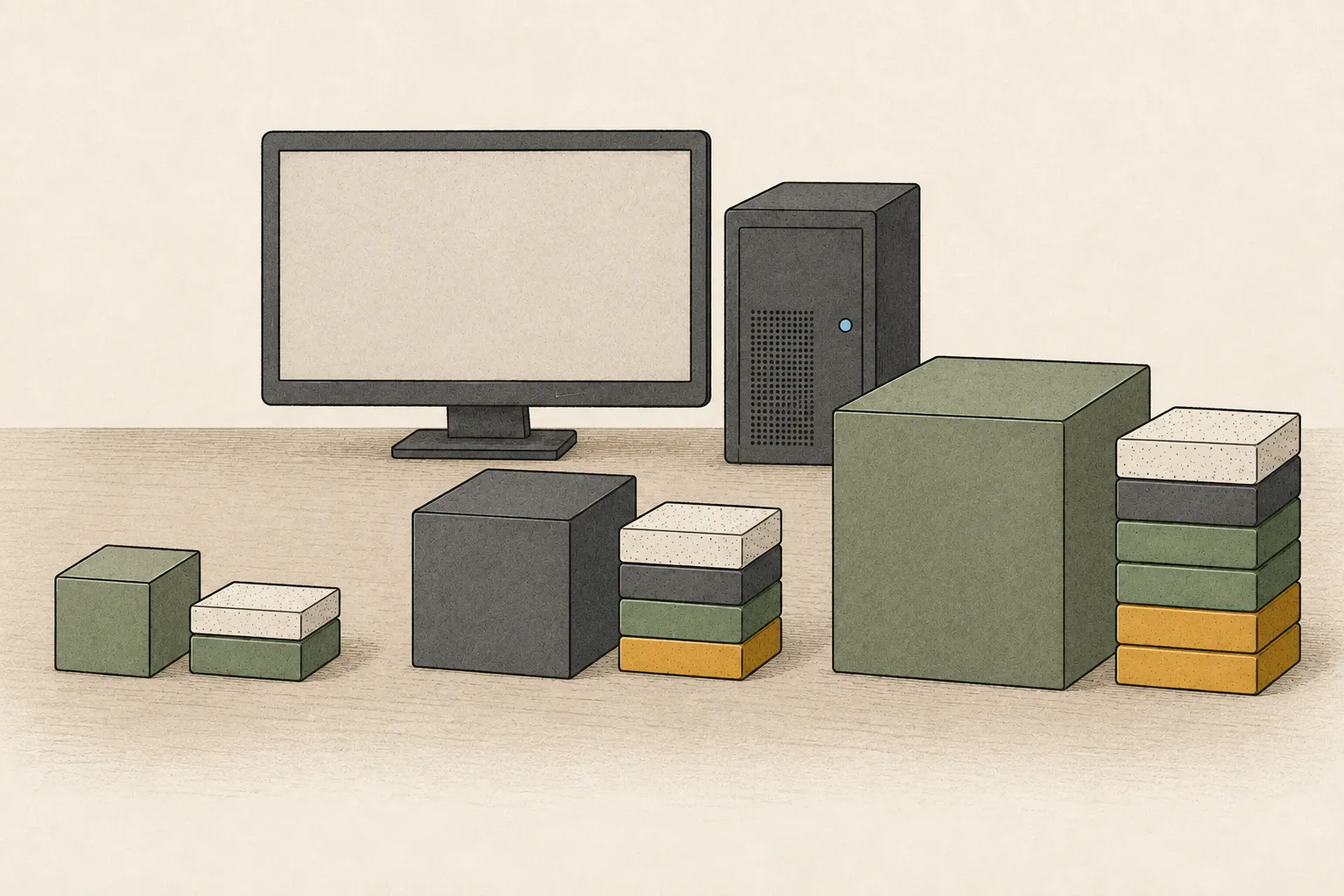
IBM Granite 4.2's 3B, 8B, and 30B are dense reasoning models that take questions and produce text answers. Rather than choose a configuration from the size number alone, start with 3B on a familiar task such as return inquiries, check for missed conditions, and compare memory and hardware only if a larger model actually reduces errors.
Customer support answers need the return deadline and conditions about opening and included parts. Send the same inquiries to all three sizes and compare omissions. Keep the original questions and policy text when trying a larger model.
All three sizes are dense reasoning models
IBM's Granite 4.2 reasoning models come in 3B, 8B, and 30B sizes, and all use a dense architecture. They do not select only a subset of experts per input as an MoE1 model does; they use the dense parameter path. All three support thinking modes and tool calling and are released under the Apache 2.0 license. Shared feature support does not mean memory needs or suitability for your inquiries are identical, so test each model.
For an initial comparison, ask each model to find the return deadline, opened-item status, and accessory condition and answer in one or two sentences. Give the same source and questions to 3B, 8B, and 30B; record whether each required condition is omitted or unsupported details are added. Keeping this small task fixed reveals differences that matter to the work rather than differences in model names or response speed.
- Context length, RoPE and sliding-window attention
- MoE vs dense: why low active parameters still need memory
- GGUF vs MLX: which model format should you download?
- Hardware for Local AI Agents: Choose by Workload, Context, and Uptime
- DeepSeek Harness: the agent harness that runs 1017
- LFM3-1.7B: a 1.1 GB agent model on a Mac
Test 3B first with questions your team actually asks
Ask the model to find return deadlines and conditions in a short policy, and prepare ten questions reflecting the wording your team actually uses. For each answer, mark whether a required condition is missing or an unsupported claim was made. Korean is among the languages listed as tested in IBM's model card, but this does not verify your internal product names, abbreviations, or legacy policy wording.
If the model interprets an internal phrase such as “accessory set” as a different item, include the phrase in several questions and see whether the mistake repeats. A support agent should compare the cited evidence directly with the policy source. If 3B consistently captures required conditions with little correction, there may be no need to move to a larger model. Save the questions and reference answers to reuse with the next candidate if results are unclear.
Check the model and runtime together for tool-using workflows
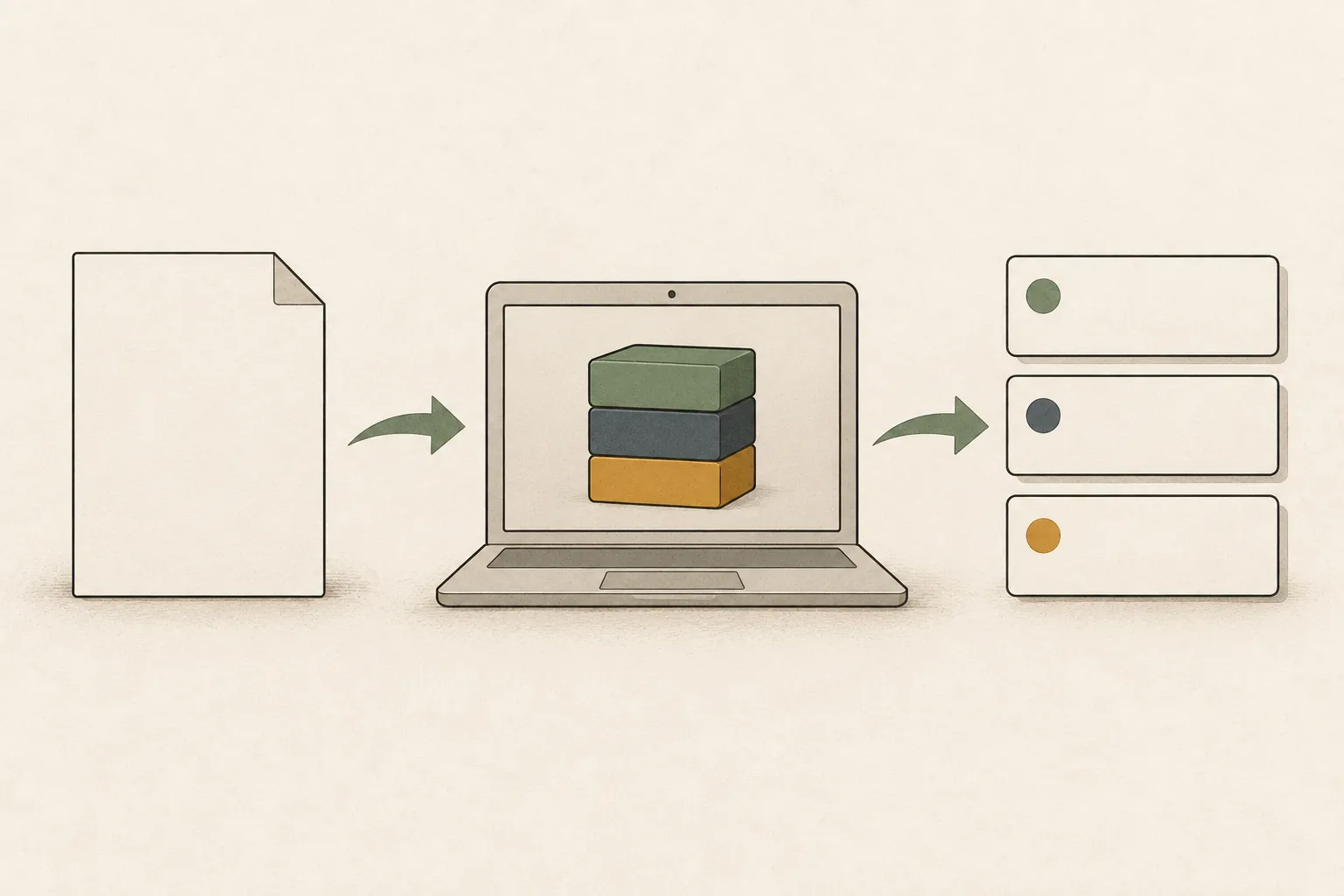
IBM describes additional agent-task training for 8B and 30B, including tool use for code editing, terminal commands, and search. For a returns inquiry, first identify whether the flow breaks while finding evidence, summarizing key points, or drafting a response. Tool-use training does not automatically connect a model to a customer-support application, so inspect each stage's input and output.
The runtime2 must support the model's chat template and tool-call format, and it needs separate permission to access search or ticket-writing tools. Give the same inquiry to 8B and 30B; check that calls use a format the runtime understands and that the resulting evidence appears in the answer. A model proposing tool use and a runtime actually performing a search are distinct stages.
For 30B, account for runtime memory beyond the weights
At two bytes per BF163 weight, 30 billion weights require 30,000,000,000×2=60,000,000,000 bytes, about 60 GB. A simple four-bit calculation gives about 15 GB. Both figures are theoretical lower bounds for weights alone, not the total runtime memory required by the model.
Runtime use also includes format metadata, buffers, a KV cache4 that grows with context, the operating system, and other apps. Therefore, the fact that a four-bit file can be opened on a 24 GB device does not show that long inquiry documents will fit comfortably. Choose the actual model file, runtime, and inquiry length, then test the full path from retrieval to completed answer with your usual apps open. CPU5 offloading6 may allow a run to finish while making it slow, so also inspect memory use, logs, time to first token7, and completion time.
128K and 512K inputs need more memory and processing
IBM lists a default 128K context and extension to 512K. Long inputs require supported extension settings and memory headroom. A short return policy can be supplied in full; long files mixing multiple policies also process irrelevant text, potentially delaying the first answer.
Longer input means more tokens8 to process before the first answer and affects KV-cache use. If you need to find opening, accessory, and time-limit conditions across pages, compare sending the full document with retrieving only relevant passages. Retrieval can reduce context but may miss an exception, so confirm that selected passages contain the evidence a support agent needs. Keep questions and reference passages fixed, and record time to first token separately from answer generation to guide changes to input scope and runtime settings.

Compare models, quantization, and modes on the same inquiries
Granite 4.2 offers thinking, non-thinking, and low-effort modes that think briefly. Finding a condition in one policy sentence differs from handling an inquiry with several exceptions. Keep the model and questions fixed while changing only the mode, and compare both whether the answer preserves key conditions and how long it takes.
A BF16 original and a four-bit conversion do not have identical memory or quality characteristics. Converted files can differ by publisher and quantization9 method, so do not infer answer quality or a speed multiplier from the filename. Record model ID, file format, runtime, context length10, thinking mode, and the same ten inquiries so you know which condition changed. Then you can investigate whether quality or time changed because of quantization, mode, or runtime settings.
Compare hardware when it reduces recurring work errors
If 3B handles short inquiries but repeatedly misses combined conditions, use the same questions to check whether 8B reduces those errors. If a real tool-using workflow stops at 8B and 30B improves evidence and results, then evaluate the memory configuration that model needs. If differences among the three models do not change the outcome of support work, the case for larger hardware is not clear.
In the final comparison, record model ID, file format, runtime, context length, mode, question set, and answers that needed correction. If you identify whether the gap is Korean terminology, tool calling, or long context, revising policy wording or retrieval may be better than replacing hardware. Do not treat general device-speed charts as Granite 4.2-specific measurements; choose hardware after verifying that a larger model reduces a recurring failure in your actual work.
Terminology notes
MoE — A model architecture that selects some of several expert subnetworks for each input. Total parameters can differ from the number activated for one token.
Back to the textRuntime — The software environment that provides facilities needed while a program runs. In local AI, it can also refer to a model execution engine.
Back to the textBF16 — A 16-bit floating-point format for model values. Its exponent has the same width as FP32, giving it a similarly wide value range.
Back to the textKV cache — Memory that stores attention keys and values from earlier tokens for reuse during later token generation. Its size depends on context length and batch size.
Back to the textCPU — The central processor that runs the operating system and general-purpose instructions; in AI workloads it also handles tasks such as preprocessing and data movement.
Back to the textOffloading — Moving some model data from GPU memory to system RAM or storage when capacity is limited. This adds data transfer.
Back to the textTime to First Token — The time from sending a request until its first output token arrives.
Back to the textToken — A unit into which a model divides input or output for processing.
Back to the textQuantization — A way to represent model weights or values with fewer bits, reducing storage and memory use. The coarser representation can also affect accuracy.
Back to the textContext window — The token span of input and generated content a model can handle in one request. The supported limit and memory use depend on the model and runtime settings.
Back to the text
Frequently asked questions
- What should you check first in this article?
- IBM Granite 4.2's 3B, 8B, and 30B are dense reasoning models that take questions and produce text answers. Rather than choose a configuration from the size number alone, start with 3B on a familiar task such as return inquiries, check for missed conditions, and compare memory and hardware only if a larger model actually reduces errors.
- How much memory does it need?
- IBM's Granite 4.2 reasoning models come in 3B, 8B, and 30B sizes, and all use a dense architecture. They do not select only a subset of experts per input as an MoE model does; they use the dense parameter path. All three support thinking modes and tool calling and are released under the Apache 2.0 license. Shared feature support does not mean memory needs or suitability for your inquiries are identical, so test each model.
- Where can you check the conditions and sources?
- IBM's Granite 4.2 reasoning models come in 3B, 8B, and 30B sizes, and all use a dense architecture. They do not select only a subset of experts per input as an MoE model does; they use the dense parameter path. All three support thinking modes and tool calling and are released under the Apache 2.0 license. Shared feature support does not mean memory needs or suitability for your inquiries are identical, so test each model.