
read first
Last updated
DeepSeek Harness: the agent harness that runs 1017
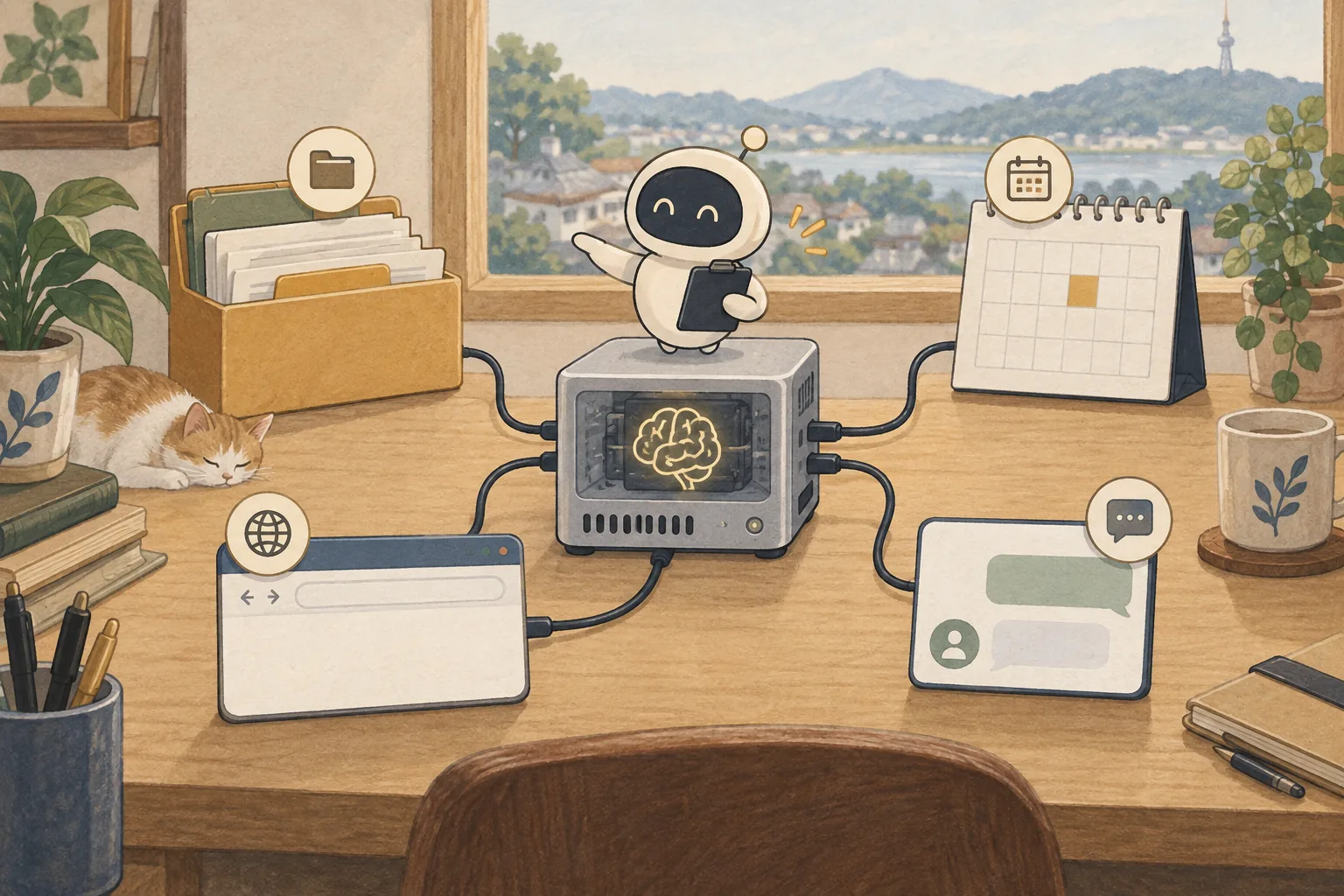
A harness does not change the model; it gives the model tools and sessions to work with.
DeepSeek Harness (dsh) is an agent harness released by DeepSeek AI under the MIT license. It is not the model: it wraps file access, shell execution, search and plugins so a model can carry a task through. Start the local Web UI with npx @deepseek-ai/dsh web, then connect a DeepSeek key or a custom API1 in settings. It is a developer preview, so pin the version you use.
The harness and the model do different jobs
DeepSeek Harness (dsh) is an agent harness released by DeepSeek AI under the MIT license. It is not the model: it wraps conversation sessions, file access, shell execution, search and plugins so a model can carry a task through. Its everything-is-a-plugin design lets you enable only the parts you need.
It is in developer preview, and compatibility-breaking changes are expected. For work use, pin a version and read the release notes before updating.

Install and first run take one command
You need Node.js 22.19 or later, or 24 and later. Running npx @deepseek-ai/dsh web starts the Web UI at http://127.0.0.1:3080 and opens the browser for a local launch. Add --no-open to run the server alone.
To run from source, clone the repository and run pnpm install, pnpm run build, then pnpm dsh web. Settings and credentials live under $DSH_HOME after the first run, so base backups and deletions on that folder.
npx @deepseek-ai/dsh webConnect models in settings
Under Settings → Models, enter an API key in the DeepSeek card to use deepseek-flash. The key cannot be read back; it is stored in $DSH_HOME/.credentials.yaml and settings keep only a reference.
Add other providers or an internal gateway2 through Custom model API under Add model provider. Supply a provider ID, base URL, one API protocol (OpenAI Chat Completions, OpenAI Responses or Anthropic Messages) and at least one model ID; Fetch available models can list them. The provider ID cannot be renamed later, so choose it carefully.
Match three values when you attach a local server
A local server that exposes an OpenAI-compatible API, such as vLLM or llama.cpp's server, can also be added as a Custom model API. Set the base URL, model ID, context window3 and maximum output tokens4 to match the server. If the harness exceeds the real limit while compacting a long conversation or inserting tool output, the request fails.
Tool-calling reliability on a local model varies with the model and runtime5. A small model may break the tool schema or repeat a call, so narrow file and shell permissions and start with a short task. Attaching 1017 locally needs a server path such as vLLM; mainline llama.cpp still does not read this architecture.
1017 and the search tools arrive with 0.2.1-rc
DeepSeek says 1017 is tuned for dsh 0.2.1-rc.1 or later. Version 0.2.1-rc.2 adds a switch for the Search and Fetch APIs in web search settings. Those tools are free until November 1, 2026, and billed per successful request after that.
Note that a session keeps the model recorded in its own log. A session that has already sent a request does not switch to a new default, so open a new session to compare.
What to check before updating
A preview release can change the settings file and plugin API. Back up $DSH_HOME/profiles/web/cordis.patch.yml, record the plugins and model settings you use, then update. Pinning a tag reproduces better than automatic updates.
Do not leave shell and file permissions at their defaults; narrow the working folder and allowed commands. A harness may take broad permissions for convenience, so check the sandbox6 and approval flow first on important repositories.

Terminology notes
API — A defined interface that lets other code call a program’s functions.
Back to the textGateway — A program that receives requests across clients, channels, models, or tools and routes them to the appropriate path.
Back to the textContext window — The token span of input and generated content a model can handle in one request. The supported limit and memory use depend on the model and runtime settings.
Back to the textToken — A unit into which a model divides input or output for processing.
Back to the textRuntime — The software environment that provides facilities needed while a program runs. In local AI, it can also refer to a model execution engine.
Back to the textSandbox — An isolated environment that restricts a program’s access to files, networks, and host capabilities. Its protection depends on mount, network, and execution-permission settings.
Back to the text
Frequently asked questions
- What should you check first in this article?
- DeepSeek Harness (`dsh`) is an agent harness released by DeepSeek AI under the MIT license. It is not the model: it wraps file access, shell execution, search and plugins so a model can carry a task through. Start the local Web UI with `npx @deepseek-ai/dsh web`, then connect a DeepSeek key or a custom API in settings. It is a developer preview, so pin the version you use.