
Model setup recipes
Last updated
A task-harness design example for a local coding agent
Define the file to edit and the test that must pass before starting.
A harness combines a coding agent's instructions, tools, tests, and approval steps. This guide connects an edit request to verification using a small function that mishandles empty names.
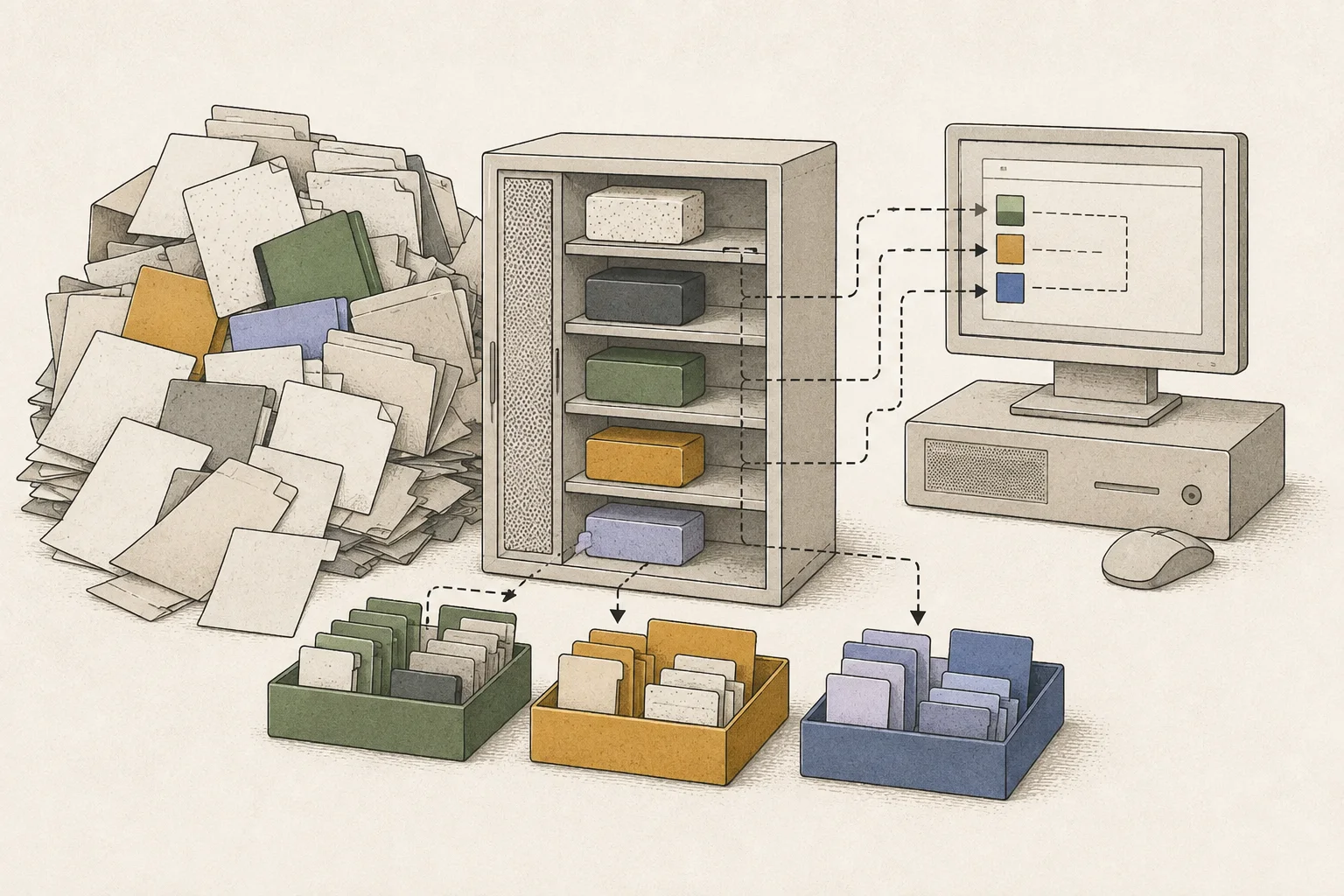
A coding agent changes code and runs commands in response to an edit request. The surrounding environment that manages file access, tests, approval, and retries is called a harness. It connects the edit to checks of whether the code meets the requirement.
If an agent reintroduces bugs or edits unrelated files, clarify scope and completion criteria before switching models. The example concerns one function. Start in a practice directory separate from your work repository so its changes are easy to inspect.
Prepare the code and its failing test together
In a practice directory with Node.js installed, create src/label.mjs and test/label.test.mjs. The function trims whitespace but returns an empty string for whitespace-only input. The requirement is to use Untitled for an empty name.
export function normalizeLabel(text) {
  return text.trim();
}import test from 'node:test';
import assert from 'node:assert/strict';
import { normalizeLabel } from '../src/label.mjs';
test('trims ordinary names', () => {
assert.equal(normalizeLabel(' Project '), 'Project');
});
test('replaces an empty name', () => {
assert.equal(normalizeLabel(' '), 'Untitled');
});Run the test first: the ordinary string passes and the empty name fails. Give the agent this failure and the required return value. This defines completion more clearly than a broad request to improve the code.
node --test test/label.test.mjs
Put scope and completion criteria in project instructions
Write the allowed files and test command in project instructions. The example is for an agent that reads AGENTS.md. If your product reads a different file, put the same content there and ask it to identify the instructions and target file before editing.
Edit target: src/label.mjs
Requirement: return Untitled if the trimmed result is empty
Verification: node --test test/label.test.mjs
Do not edit tests
No network, deployment, or secret-file access
Report changed files, tests and results, and remaining issues
Align the agent's execution permissions with the instructions. This exercise needs file reading, editing the function, and a terminal for the test command. Network and deployment tools are unnecessary, so leave them off the allowlist1.

Read the final diff even when tests pass
Ask the agent to pass the empty-name test by editing only src/label.mjs, then rerun the same tests. Returning Untitled only when the trimmed value is empty passes both checks in this example.
export function normalizeLabel(text) {
  const label = text.trim();
  return label || 'Untitled';
}
Read the function and tests together at the end. Confirm the agent fixed the return value rather than the expected test value, and changed no unrelated files. If failure continues, inspect the failing input and this function's diff before requesting a broad rewrite.
In a real repository, keep the reproducing input, relevant files and tests, and final review in the same order. Approve deletion, deployment, and external transmission separately when needed, and roll back only this task's edits while preserving other contributors' changes.
Terminology notes
Allowlist — A policy that permits only pre-approved targets, such as tools, commands, users, or network destinations.
Back to the text
Frequently asked questions
- What should you check first in this article?
- A harness combines a coding agent's instructions, tools, tests, and approval steps. This guide connects an edit request to verification using a small function that mishandles empty names.
- When is it better not to choose this?
- Align the agent's execution permissions with the instructions. This exercise needs file reading, editing the function, and a terminal for the test command. Network and deployment tools are unnecessary, so leave them off the allowlist.