
Executable programs and extensions
Last updated
GGUF vs MLX: which model format should you download?
GGUF and MLX differ in both files and execution paths
GGUF1 is a file format containing model weights and configuration; MLX2 is a framework for running models on Apple Silicon. An 'MLX model' on a download page means weights and configuration converted for that framework. Choosing your app first makes it easier to select the right distribution.
When downloading a model to find a renewal date and auto-renewal exceptions in a contract PDF, you may see both a GGUF file and an MLX folder under the same model name. A runtime3 must understand the model architecture and tokenization as well as the weights, so check whether your application supports the specific distribution before choosing a file.
Distinguish the GGUF container from the MLX distribution path
GGUF is a container in the GGML/llama.cpp ecosystem that can hold weights and metadata. A .gguf extension does not mean every new architecture is automatically supported; the runtime must understand the internal structure and required components. If loading fails, check model-specific support in that runtime version, not just the file extension.
An MLX distribution packages model files and settings for the MLX ecosystem on Apple Silicon. This is not a comparison of two equivalent file extensions, but of distributions for different runtime ecosystems. Renaming a folder or changing an extension does not convert a model.
- Run local AI on a Mac with oMLX: what is new in 0.7.1rc1?
- LM Studio guide: download a model and start chatting
- Which local LLM app or serving engine should you start with?
- When OpenRouter Is Unavailable, How Do You Switch Your App to a Local LLM?
- How to Back Up and Restore a Local LLM You Already Use
- Can you run the 74B Nemotron 3.5 Bolt model in 24 GB?
- How to run Nemotron Bolt on an RTX 3090 or 5090
- Nemotron Bolt vs Qwen3.8-27B: which is faster for agent work?
Check the application and file bundle before downloading
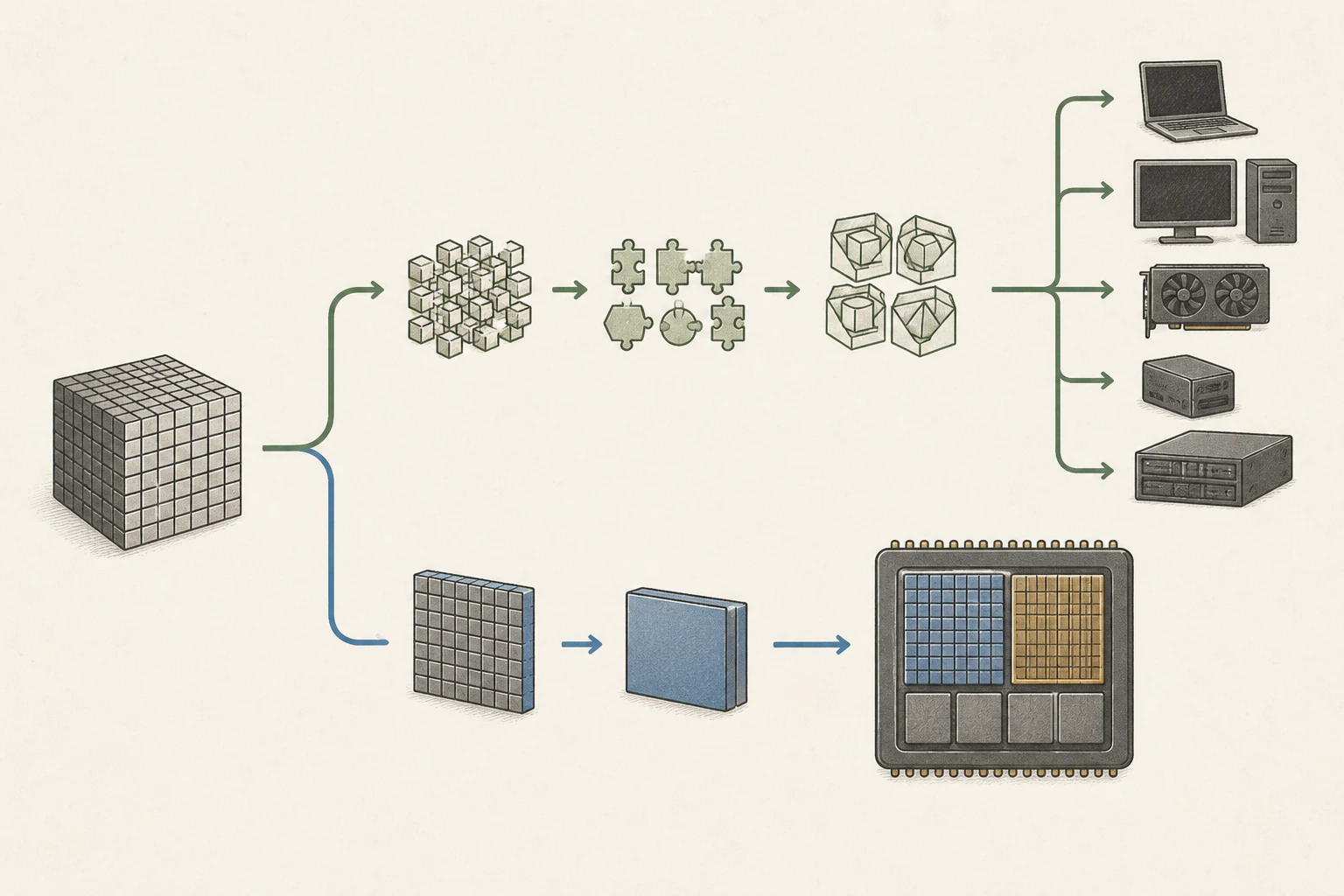
First check the runtime in the settings or model-import screen of the application you intend to use. GGUF is a natural option for a llama.cpp application on Windows or Linux; for an MLX-based Mac app, check its recommended MLX distribution. GGUF can also be used on Mac, so do not decide from the operating system alone.
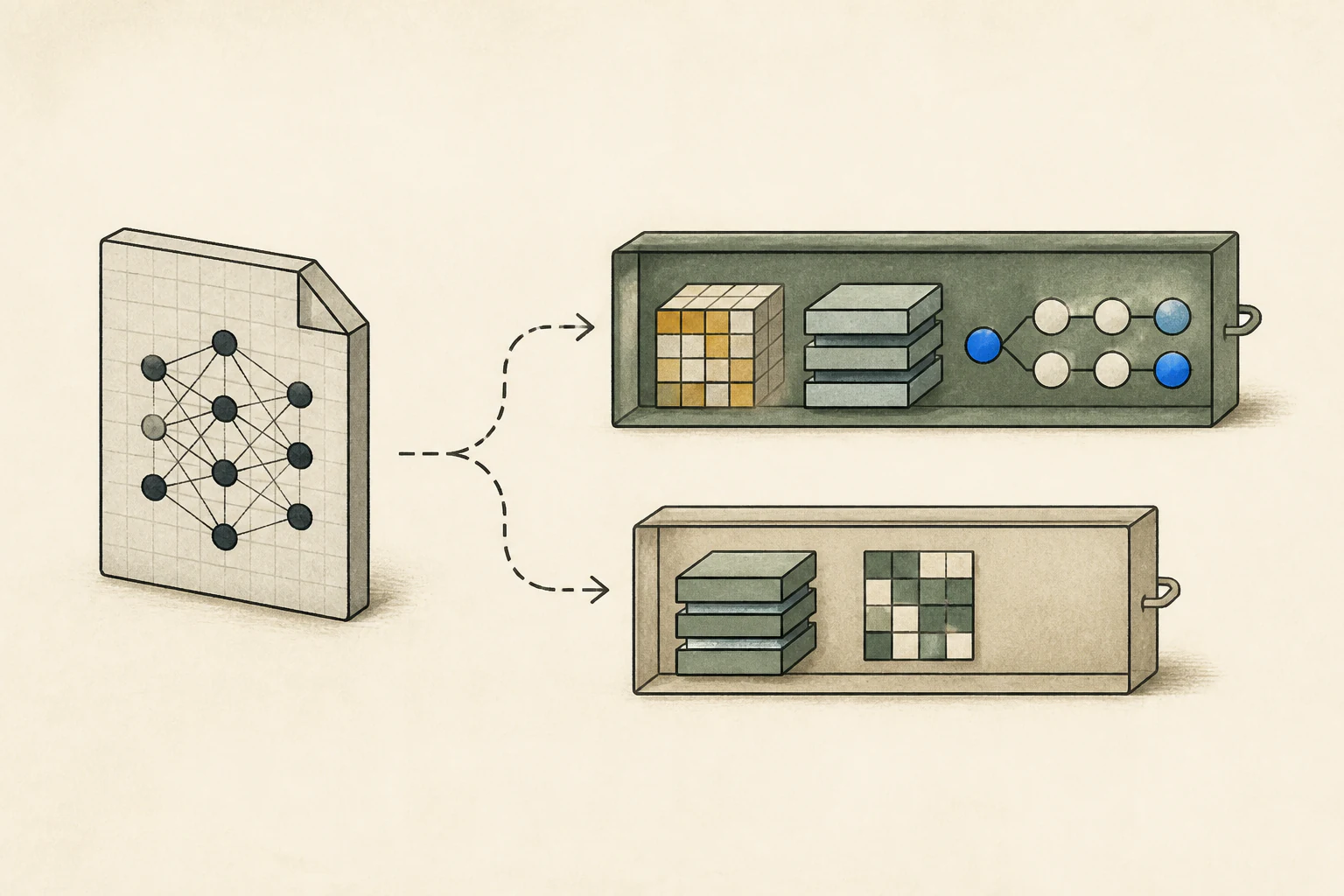
If GGUF is split into multiple parts, download every required shard. For an MLX folder, check that configuration, tokenizer, and weights are present. Verify downloads completed and no shard is missing. Compare checksums when supplied and match listed downloads to local filenames to avoid mixing similarly named quantizations.
After registering the model in the application, test a simple text question and then the contract input. Record the filename, application/runtime version, and selected path to help isolate failures.
Compare quantization labels separately from runtime format
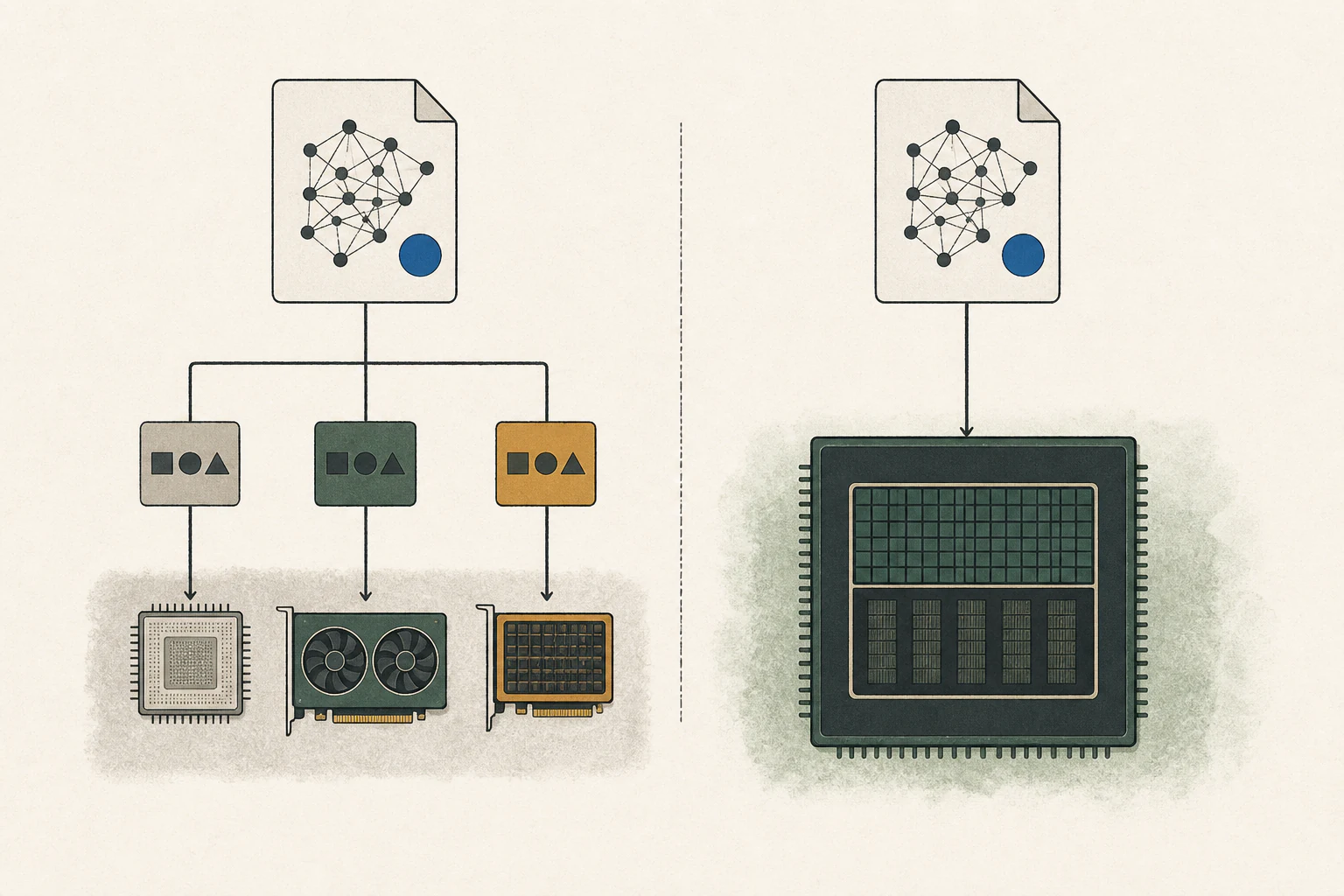
Both GGUF and MLX distributions may come in multiple precisions. Q4 or 4-bit describes quantization4, not file format. Even at the same bit width, quantization methods can differ, so file size, quality, and speed should not be assumed equal.
Where possible, use the same base model and similar precision, then compare with the same contract, question, and application input. Record time to first token5, generation time, memory, and evidence accuracy. Comparing only model names and tok/s makes it hard to identify whether first-response latency, generation, or quantization caused a difference.
Chat templates affect how roles and instructions are represented in model input. If the distributions apply different templates, identical text in the prompt6 box may produce different model inputs. Check templates when comparing runtimes and record differences that cannot be matched. File loading, architecture handling, kernel selection, and memory placement are all part of the execution path, so results cannot be attributed to file format alone.
Test required features after confirming text output
An answer to 'When is the renewal date?' does not verify PDF handling or every runtime feature. Test separately whether the application extracts PDF text and sends it to the model, and whether additional capabilities such as image input, tool calls7, or MTP8 work. Relevant weights can be present while the runtime still lacks support for the architecture or feature.
First verify that the model loads and answers a plain text question, then add each required feature separately. If text works but a PDF table does not, document extraction or input format may be responsible. If even a plain question fails, inspect architecture support and file completeness first. Check the failing stage and logs, including whether all weight shards or a required encoder are present, before redownloading files that may be fine.
Choose based on the evidence needed from the contract
There is no universally better format between GGUF and MLX. First verify that your actual application opens it reliably and supports the features needed for the contract PDF. Then compare quality, time to first token, generation time, and memory with the same document and question. Record the runtime selected in the interface or logs.
If one path is slightly slower but finds dates and exceptions accurately while another misses evidence, the path that completes the task better fits the current goal. You can improve document extraction and retest the faster path later. If both find evidence accurately, decide based on latency, memory, and application usability.
Once you find a working combination, record file and application/runtime versions so you can compare the same question after updates. The decision is not just about extension or file size; it is whether the model opens and handles the document accurately with the features you need.
Terminology notes
GGUF — A file format for model data, widely used by llama.cpp-based tools.
Back to the textMLX — Apple’s machine-learning framework, which runs models using memory shared by the CPU and GPU on Apple Silicon.
Back to the textRuntime — The software environment that provides facilities needed while a program runs. In local AI, it can also refer to a model execution engine.
Back to the textQuantization — A way to represent model weights or values with fewer bits, reducing storage and memory use. The coarser representation can also affect accuracy.
Back to the textTime to First Token — The time from sending a request until its first output token arrives.
Back to the textPrompt — The input text sent to a model. For generative models it describes the desired result and strongly shapes the output.
Back to the textTool call — A structured request from a model for an external function such as reading a file, searching, or running a command. The agent runtime and its permission settings decide whether the request is actually executed.
Back to the textMTP — A training objective or model component for predicting multiple future tokens at once. In speculative decoding, those predictions can be proposed as candidate tokens.
Back to the text
Frequently asked questions
- What should you check first in this article?
- GGUF is a file format containing model weights and configuration; MLX is a framework for running models on Apple Silicon. An 'MLX model' on a download page means weights and configuration converted for that framework. Choosing your app first makes it easier to select the right distribution.
- How much memory does it need?
- Where possible, use the same base model and similar precision, then compare with the same contract, question, and application input. Record time to first token, generation time, memory, and evidence accuracy. Comparing only model names and tok/s makes it hard to identify whether first-response latency, generation, or quantization caused a difference.