
Model setup recipes
Last updated
How to run Nemotron Bolt on an RTX 3090 or 5090
Test starting configurations for the 3090 and 5090 while recording memory used by the main GGUF, KV cache, and runtime buffers.
NVIDIA's official GGUF1 recipes use different context and batch settings for discrete GPUs with 32 GB+ and 48 GB+ memory. This guide explains which starting point to use on RTX 3090/5090 and what to measure.
An RTX 3090 has 24 GB of GDDR6X; the RTX 5090 has 32 GB of GDDR7. During inference2, GGUF weights, KV cache3, and CUDA4 buffers all use memory, so track GPU5 and system RAM6 after loading. NVIDIA's published Bolt speed test used a 128 GB Surface Laptop Ultra with RTX Spark. RTX 3090 specifications · Bolt test conditions
This guide gives starting settings and a memory log sequence for RTX 3090/5090 desktops. Check model file sizes and llama.cpp support, run a short-context test, then record load time, first response, VRAM7, and system RAM to plan the next context or GPU-layer adjustment.
Weights and context both use runtime memory
The RTX 3090 has 24 GB of dedicated VRAM. During inference, model weights share it with the context KV cache, compute buffers, display output, and driver. After launching, check VRAM in Task Manager and find a stable configuration starting with a short -c 4096 context.
The RTX 5090's 32 GB VRAM fits NVIDIA's 32 GB+ dGPU profile. Confirm that your current llama.cpp build supports the Mamba and Transformer8 operations and IQ2_XXS, load the model, then adjust context length9 and concurrent requests one at a time while recording memory use.
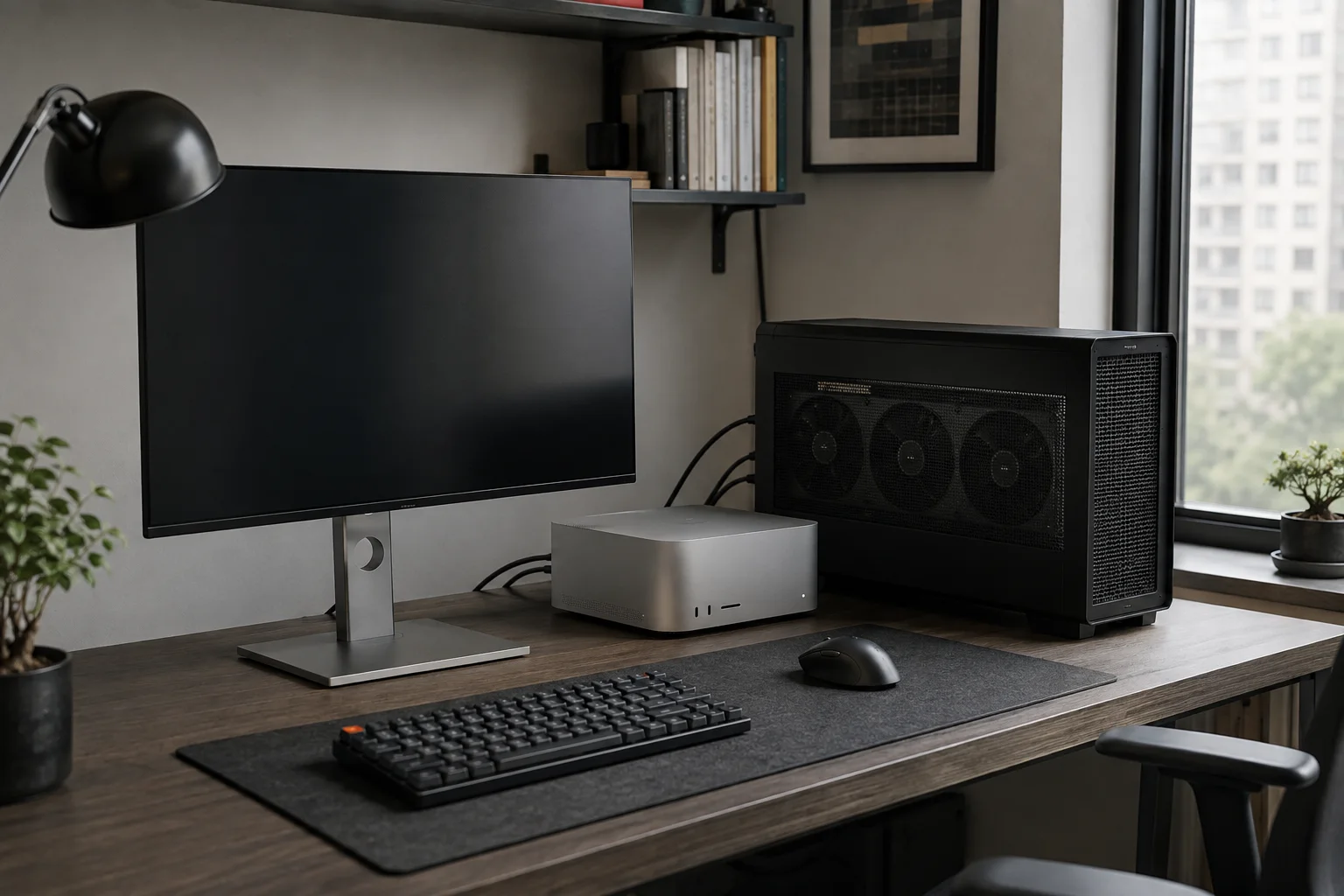
Use the official profile on a 5090; start on CPU with a 3090
The RTX 5090's 32 GB meets NVIDIA's official 28 GB discrete-GPU recipe tier. Download the main GGUF, mmproj, and separate LiLiCorr drafter; set their paths in PowerShell environment variables, then run the model-card command as written. It starts the server with a 65,536 context, one sequence, up to six DFlash draft tokens10, and Q8_0 KV cache. Keep the mmproj file required by the recipe even when your first test is text-only.
For a CPU-first test on an RTX 3090, download the roughly 22 GB main GGUF from the official model card and place it in models\nemotron-bolt. Reserve additional system RAM for the OS and runtime11 buffers. As an experimental first diagnostic, run -c 4096 -ngl 0 and record the response and RAM use. If it responds, choose the -ngl 8 and 16 commands below one at a time and compare VRAM and output.
Run only one server at a time. Record its response and memory use, then press Ctrl+C in that terminal before moving to the next setting.
python -m pip install --upgrade huggingface_hub
$env:MODEL_DIR = Join-Path $PWD.Path "models\nemotron-bolt"
hf download nvidia/NVIDIA-Nemotron-3.5-Bolt-74B-A9B-24GB-GGUF `
  NVIDIA-Nemotron-3.5-Bolt-74B-A9B-24GB.gguf `
  mmproj-NVIDIA-Nemotron-3.5-Bolt-74B-A9B-24GB.gguf `
  --local-dir "$env:MODEL_DIR"
hf download nvidia/NVIDIA-Nemotron-3.5-Bolt-74B-A9B-24GB-LiLiCorr-GGUF `
  NVIDIA-Nemotron-3.5-Bolt-74B-A9B-24GB-LiLiCorr.gguf `
  --local-dir "$env:MODEL_DIR"
$env:MODEL = Join-Path $env:MODEL_DIR "NVIDIA-Nemotron-3.5-Bolt-74B-A9B-24GB.gguf"
$env:MMPROJ = Join-Path $env:MODEL_DIR "mmproj-NVIDIA-Nemotron-3.5-Bolt-74B-A9B-24GB.gguf"
$env:SPEC_DRAFT = Join-Path $env:MODEL_DIR "NVIDIA-Nemotron-3.5-Bolt-74B-A9B-24GB-LiLiCorr.gguf"$env:MODEL_DIR = Join-Path $PWD.Path "models\nemotron-bolt"
$env:MODEL = Join-Path $env:MODEL_DIR "NVIDIA-Nemotron-3.5-Bolt-74B-A9B-24GB.gguf"
$env:MMPROJ = Join-Path $env:MODEL_DIR "mmproj-NVIDIA-Nemotron-3.5-Bolt-74B-A9B-24GB.gguf"
$env:SPEC_DRAFT = Join-Path $env:MODEL_DIR "NVIDIA-Nemotron-3.5-Bolt-74B-A9B-24GB-LiLiCorr.gguf"
llama-server.exe `
--model "$env:MODEL" `
--mmproj "$env:MMPROJ" `
--batch-size 2048 `
--ubatch-size 512 `
--ctx-size 65536 `
--parallel 1 `
-ngl 999 `
--spec-type draft-dflash `
--spec-draft-n-max 6 `
--spec-draft-model "$env:SPEC_DRAFT" `
--spec-draft-ngl 999 `
--cache-type-k q8_0 `
--cache-type-v q8_0 `
--temp 1.0 `
--top-p 0.95 `
--flash-attn on `
--jinja `
--host 127.0.0.1 `
--port 8080$env:MODEL_DIR = Join-Path $PWD.Path "models\nemotron-bolt"
$env:MODEL = Join-Path $env:MODEL_DIR "NVIDIA-Nemotron-3.5-Bolt-74B-A9B-24GB.gguf"
llama-server.exe --model "$env:MODEL" --ctx-size 4096 --parallel 1 -ngl 0 --host 127.0.0.1 --port 8080$env:MODEL_DIR = Join-Path $PWD.Path "models\nemotron-bolt"
$env:MODEL = Join-Path $env:MODEL_DIR "NVIDIA-Nemotron-3.5-Bolt-74B-A9B-24GB.gguf"
llama-server.exe --model "$env:MODEL" --ctx-size 4096 --parallel 1 -ngl 8 --host 127.0.0.1 --port 8080$env:MODEL_DIR = Join-Path $PWD.Path "models\nemotron-bolt"
$env:MODEL = Join-Path $env:MODEL_DIR "NVIDIA-Nemotron-3.5-Bolt-74B-A9B-24GB.gguf"
llama-server.exe --model "$env:MODEL" --ctx-size 4096 --parallel 1 -ngl 16 --host 127.0.0.1 --port 8080What to record when comparing the 3090 and 5090
To compare the cards, hold the PC, driver, llama.cpp build, model files, context, and prompt12 constant. Record initial load time, time to first token13, generation token/s, VRAM use, and answer accuracy separately. TPS on a short-prompt benchmark can differ from completion time on a real document, so measure both if both matter to you. Use the same number of runs and compare medians alongside averages to reduce the influence of one background task.
NVIDIA's published test used the RTX Spark in a 128 GB Surface Laptop Ultra. Its results cannot be scaled to desktop RTX 3090 or 5090 by GPU generation alone. VRAM, memory bandwidth14, CPU/GPU offloading15, and runtime kernels differ, so test each card separately with the same model, context, and prompt.
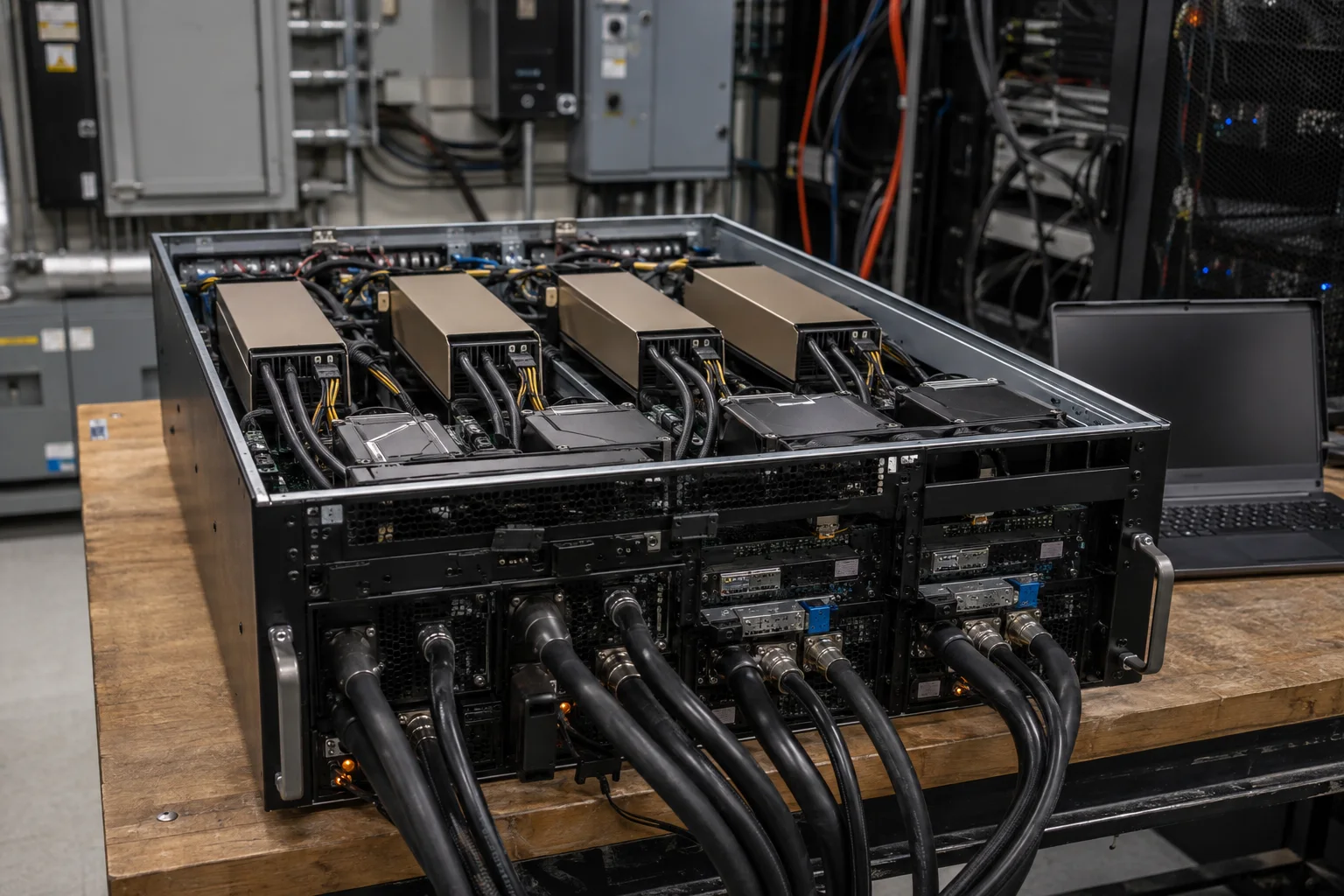
Scale up from a short test to your real workload
After the first response arrives, test a short coding or web-research task as a single prompt and check answer quality. Then enable tool calls16 and run the same request in a sandbox17; inspect changed files and sources. Record total task time, including time spent reviewing tool results.
If CPU/RAM execution fails, check the model path, llama.cpp support for the format, available system RAM, and error log. If a memory error appears after adding GPU layers, return to the last -ngl setting that answered. Increase context length in steps after confirming a normal response.
Terminology notes
GGUF — A file format for model data, widely used by llama.cpp-based tools.
Back to the textInference — The process of using a trained model to compute an output for an input. Here, local inference means running the model on the user’s device.
Back to the textKV cache — Memory that stores attention keys and values from earlier tokens for reuse during later token generation. Its size depends on context length and batch size.
Back to the textCUDA — A software platform for general-purpose computing on NVIDIA GPUs.
Back to the textGPU — A processor designed to handle many calculations in parallel. It performs model computations during AI inference.
Back to the textSystem RAM — System memory that temporarily holds data while programs run.
Back to the textVRAM — Memory used by a graphics card’s GPU to store model weights and intermediate values.
Back to the textTransformer — A neural-network architecture centered on attention, which computes relationships within an input. It is used in language as well as image, audio, and video models.
Back to the textContext window — The token span of input and generated content a model can handle in one request. The supported limit and memory use depend on the model and runtime settings.
Back to the textToken — A unit into which a model divides input or output for processing.
Back to the textRuntime — The software environment that provides facilities needed while a program runs. In local AI, it can also refer to a model execution engine.
Back to the textPrompt — The input text sent to a model. For generative models it describes the desired result and strongly shapes the output.
Back to the textTime to First Token — The time from sending a request until its first output token arrives.
Back to the textMemory bandwidth — The amount of data transferable between memory and a processor per unit time, usually expressed in bytes per second (B/s).
Back to the textOffloading — Moving some model data from GPU memory to system RAM or storage when capacity is limited. This adds data transfer.
Back to the textTool call — A structured request from a model for an external function such as reading a file, searching, or running a command. The agent runtime and its permission settings decide whether the request is actually executed.
Back to the textSandbox — An isolated environment that restricts a program’s access to files, networks, and host capabilities. Its protection depends on mount, network, and execution-permission settings.
Back to the text
Frequently asked questions
- What should you check first in this article?
- NVIDIA's official GGUF recipes use different context and batch settings for discrete GPUs with 32 GB+ and 48 GB+ memory. This guide explains which starting point to use on RTX 3090/5090 and what to measure.
- How much memory does it need?
- The RTX 3090 has 24 GB of dedicated VRAM. During inference, model weights share it with the context KV cache, compute buffers, display output, and driver. After launching, check VRAM in Task Manager and find a stable configuration starting with a short `-c 4096` context.
- Where can you check the conditions and sources?
- For a CPU-first test on an RTX 3090, download the roughly 22 GB main GGUF from the [official model card](https://huggingface.co/nvidia/NVIDIA-Nemotron-3.5-Bolt-74B-A9B-24GB-GGUF) and place it in `models\nemotron-bolt`. Reserve additional system RAM for the OS and runtime buffers. As an experimental first diagnostic, run `-c 4096 -ngl 0` and record the response and RAM use. If it responds, choose the -ngl 8 and 16 commands below one at a time and compare VRAM and output.