read first
Hardware for Local AI Agents: Choose by Workload, Context, and Uptime
Even a light agent runtime inherits the hardware demands of its model and context.
Do not choose an agent computer from model-file size alone. Even meeting-note summarization spans the runtime1, model server, file access, search, and generation, so the runtime and model can live on different machines. If one computer handles everything, account for apps, heat, noise, idle power, and recovery as well as the model and context.
A model that loads is not automatically ready for agent work
Suppose you ask an agent to read one meeting-notes file and summarize it. In ordinary chat, you may only need to send the file contents and wait for a reply. An agent may locate the file, choose a reading tool, pass the result back to the model, and then use search or another tool before composing an answer. The resources needed to start a model overlap with, but are not identical to, those needed for the whole workflow.
Programs such as OpenClaw and Hermes Agent are not model weights. They are runtimes that coordinate conversations, sessions, tool calls2, channels, or automation. The model that generates text may run on a local server on the same computer, on another machine on your LAN, or through a hosted API3. Choosing hardware from a single label like ‘OpenClaw requirements’ leaves out what you will actually run.
Separate three questions first. Which computer will host the agent runtime and keep it available? Where will the model server run? Which tools—files, browser, search, or shell—will one request use, and how many times? You can put only the runtime on a small computer and connect it to a GPU4 server elsewhere. If one machine does everything, you must also leave room for memory headroom, heat, noise, and idle power.
A model-loaded status is only the first gate. The same model needs different memory for a short question than for an agent request containing conversation history, tool definitions, and file excerpts. A successful chat response also does not prove that tool-call formatting works or that the requested task can be completed. We will keep one task—reading and summarizing meeting notes—and add memory and waiting-time conditions one at a time.
Download size and runtime memory are different
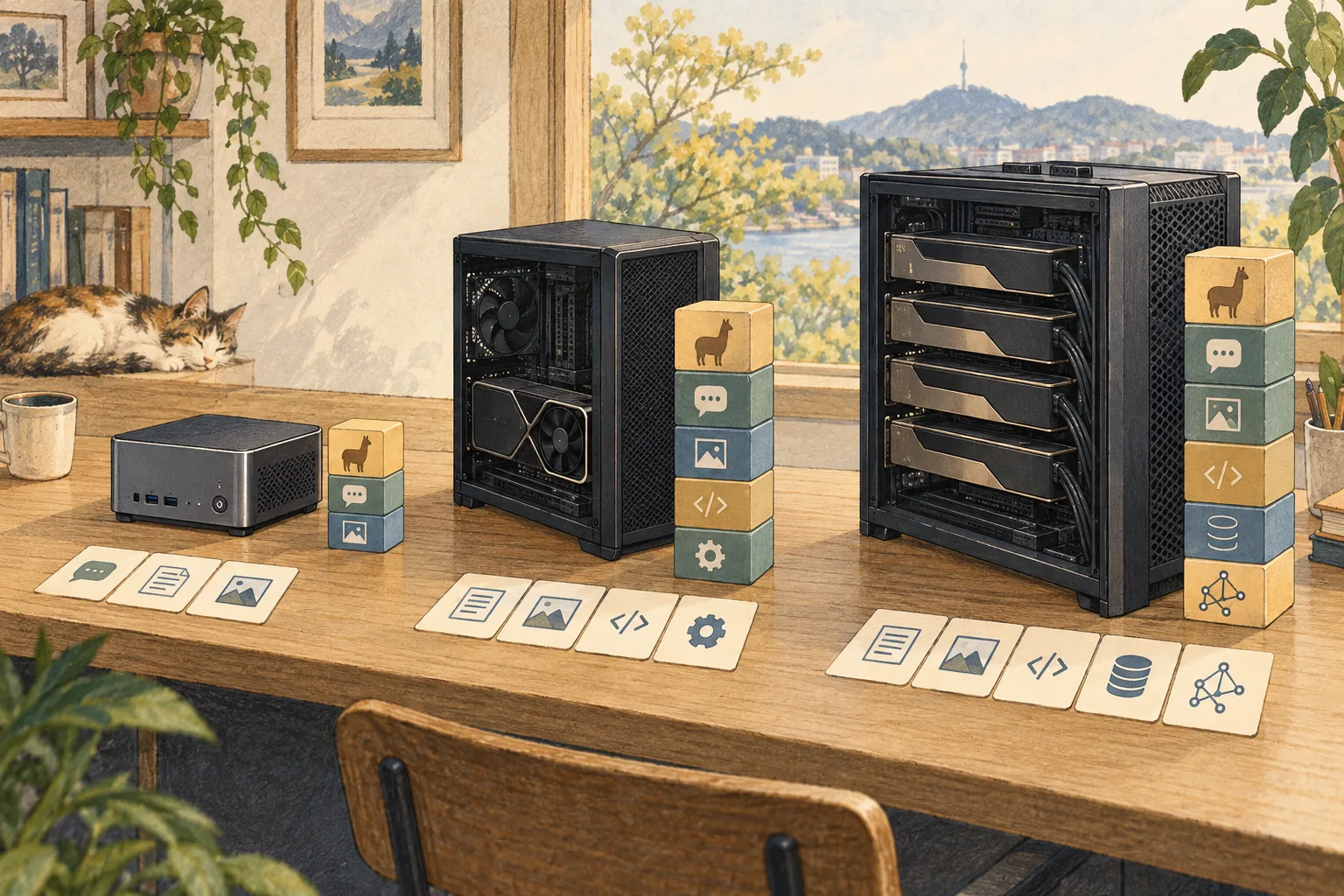
Model file size is a useful starting point when choosing a candidate. It does not mean that the computer only needs that much memory. Model weights occupy memory, the context cache for inputs and conversation state adds more, and the inference5 engine, operating system, and other apps also use memory. Whether some layers can sit on the GPU while the rest stays in system RAM6 depends on the engine, model format, and machine.
OpenClaw’s official local-model guidance likewise says requirements vary with weights, context size, runtime, and other work on the host. That is why setup checks available RAM, supported GPU memory, and disk space. A memory floor listed for a particular managed model recipe describes the conditions considered for that recipe; it is not a universal minimum or speed guarantee for every model, engine, and tool setup.
The context window7 is also separate from model-file size. A model card’s maximum context is closer to a token8 limit for what can be processed at once; using more of that limit can increase cache memory. An agent may also send system instructions, skill descriptions, tool names and argument formats, prior conversation, and excerpts from files. A model advertised with a long context still needs a server that permits that length and enough memory to allocate it.
To compare candidates on the same task, record the input that actually reaches the model, not just the meeting-notes file. Hold constant the system prompt, tool descriptions, conversation history, file length, answer length, and whether search results are included. Then observe system and GPU memory with the model loaded, remaining headroom, request failures, and memory reclamation. Measurements depend on the OS and runtime instrumentation, so do not treat figures from another machine as directly equivalent.

Model generation and tool waiting are separate costs
Even while a loaded model generates a meeting summary, total completion time is not determined by model speed alone. Time can accumulate as the model reads the input (prefill9), generates its answer, a file tool reads from disk, a search service responds, and the agent interprets the result again. The number of model calls in one task matters too.
A simple calculation can separate the pieces. In an illustrative assumption, suppose model input processing takes 12 seconds, answer generation 18 seconds, the file tool 2 seconds, and an external search round trip 8 seconds. The total is 40 seconds. These are not measurements or a prediction for any machine. If a GPU halves only input processing while other intervals stay the same, the total becomes 34 seconds. Only the 12-second interval changed; network waiting and file reads did not become faster by the same proportion.
If the task does not use external search, remove that waiting interval from the calculation. If a browser opens a page, reads it, and searches another page, it may make several tool round trips instead. The actual time must be measured for the task and network in use. That is why model tokens per second alone cannot establish that an agent task will finish in a particular number of seconds.
For an actual comparison, hold constant the model file and quantization10, engine version, GPU placement, context setting, and input and output lengths. After a warm-up run, repeat the same task and record the median. Keep a cold start, when the model is first loaded, separate from a warm run11 with the model already loaded. Record start and end times and success for each tool stage so you can tell whether to change the model or fix the search connection. Do not use figures you have not measured.
Always-on operation is about headroom and recovery
A messaging bot or scheduled report needs the agent runtime to remain available around the clock. Whether the model process also stays in memory is a separate setting. If the model server unloads while idle, the next request includes time to read and initialize it again. Keeping the model loaded can reduce some waiting, but it leaves less RAM or VRAM12 for other apps and continues to use power and produce heat.
Before considering more memory, list the apps normally left open and how many requests may arrive at once. One person manually starting a meeting summary may be fine with sequential processing. If several messaging channels, scheduled jobs, or two users overlap, decide whether one shared model should queue requests or multiple models/instances should run simultaneously. The number of bot profiles matters less to peak memory than the inference servers and contexts active at the same time.
Also check how the agent and model server recover after a host reboot. Does the service need to start before login? Are model files available on disk? If the network drops, should local work continue? How will you learn that a messaging channel is unreachable? For an always-on machine, recoverable configuration, cooling, noise, and dependable storage can matter as much as peak speed. Measure power on the actual machine under idle and load conditions.
Hermes managed local models and OpenClaw’s managed llama.cpp path are features for particular runtimes and releases supported by each project. Current official pages describe platform support, build channels, and memory behavior by version. Do not extend those claims to every setup that you run directly with Ollama or LM Studio. Check managed options, self-run servers, and remote servers in your own environment.
Decide whether to start, change the setup, or change the budget
If you only summarize meeting notes occasionally and use read-only tools, you can first test a small candidate model on the computer you already have. Define ‘small’ through the actual file, quantization, context limit, and engine support—not the model name. Check in order: model load, short chat, meeting-notes input, one read tool, and the complete summary task. Record where it fails so you can distinguish memory pressure from tool incompatibility.
For long notes or several files, include the real input length and other apps normally open. Reducing context can reduce memory demand, but it also reduces how much material the model can see. You can split documents into summaries or retrieve only relevant passages to control tokens sent to the model. This does not guarantee the same result as supplying the entire original at once, so a person should check for omissions.
If memory pressure appears only when several users or scheduled jobs overlap, consider queueing requests or unloading the model while idle before buying a new GPU. If waiting repeatedly interrupts work and measurements show model inference is the bottleneck, more GPU or unified memory13—or a different server placement—may help. Changing the GPU will not fix incorrect tool calls or slow search.
Finally, ask why the system must always be on. If there are no scheduled tasks, starting the Gateway14 and model on a desktop when needed may be simpler. If you need incoming messages, scheduled reports, or remote access, plan power, network, restart behavior, and access controls as part of the operating setup. The purchase decision comes after testing the target task, real context, tool round trips, concurrent requests, and idle operation together—not from model-file size alone.
Terminology notes
Runtime — The software environment that provides facilities needed while a program runs. In local AI it can also refer to a model execution engine; a GPU runtime library and a complete serving app are different components.
Back to the textTool call — A structured request from a model for an external function such as reading a file, searching, or running a command. The agent runtime and its permission settings decide whether the request is actually executed.
Back to the textAPI — A defined interface that lets other code call a program’s functions. The term API alone does not imply sending data to an external server.
Back to the textGPU — A processor designed to handle many calculations in parallel. It performs model computations during AI inference.
Back to the textInference — The process of using a trained model to compute an output for an input. Here, local inference means running the model on the user’s device.
Back to the textSystem RAM — System memory that temporarily holds data while programs run. It differs from storage and from a discrete GPU’s VRAM.
Back to the textContext window — The token span of input and generated content a model can handle in one request. The supported limit and memory use depend on the model and runtime settings.
Back to the textToken — A unit into which a model divides input or output for processing. One token does not equal one character or a fixed duration.
Back to the textPrefill — The stage where an LLM reads the input prompt and computes representations for its tokens. Longer prompts contain more tokens to process.
Back to the textQuantization — Representing model values with fewer bits. Memory use, accuracy, or execution speed may change; the effects depend on the format and implementation.
Back to the textWarm run — A measurement made after model loading and initialization. It may exclude the loading wait from the first run.
Back to the textVRAM — Memory used by a graphics card’s GPU for model weights and intermediate values. It is distinct from system RAM.
Back to the textUnified memory — An architecture where the CPU and GPU share one physical memory pool. It does not increase total memory capacity; available capacity depends on the system.
Back to the textGateway — A program that receives requests across clients, channels, models, or tools and routes them to the appropriate path. It is not necessarily the server that runs the model itself.
Back to the text