Executable programs and extensions
OpenClaw, Hermes Agent, and NemoClaw Compared: Which Fits Your Tasks and Operating Style?
The three names do not occupy the same layer, so compare operating structure before feature counts.
For messaging, consider OpenClaw; for CLI1 and memory management, Hermes Agent; and for adding isolation policy in an organization’s NVIDIA environment, NemoClaw. Do not choose by name alone: test the same model and read-only task to compare the actual workflow and operational responsibility.
Decide what you need to do before comparing names
Which agent should you start with to find and fix a configuration error in a project folder? OpenClaw connects channels, models, and tools through a Gateway2; Hermes Agent manages models, memory, and tools from a CLI or desktop app.
NemoClaw is an NVIDIA stack that adds policy and isolated execution to an OpenClaw deployment. It is not a model or a separate general-purpose agent that replaces OpenClaw; compare it at the deployment layer.
First decide whether you need to read and edit files, operate a messaging bot, or deploy in an organization’s NVIDIA environment. That choice determines which products and constraints to compare.
Consider whether you need a Gateway that stays active across messaging channels
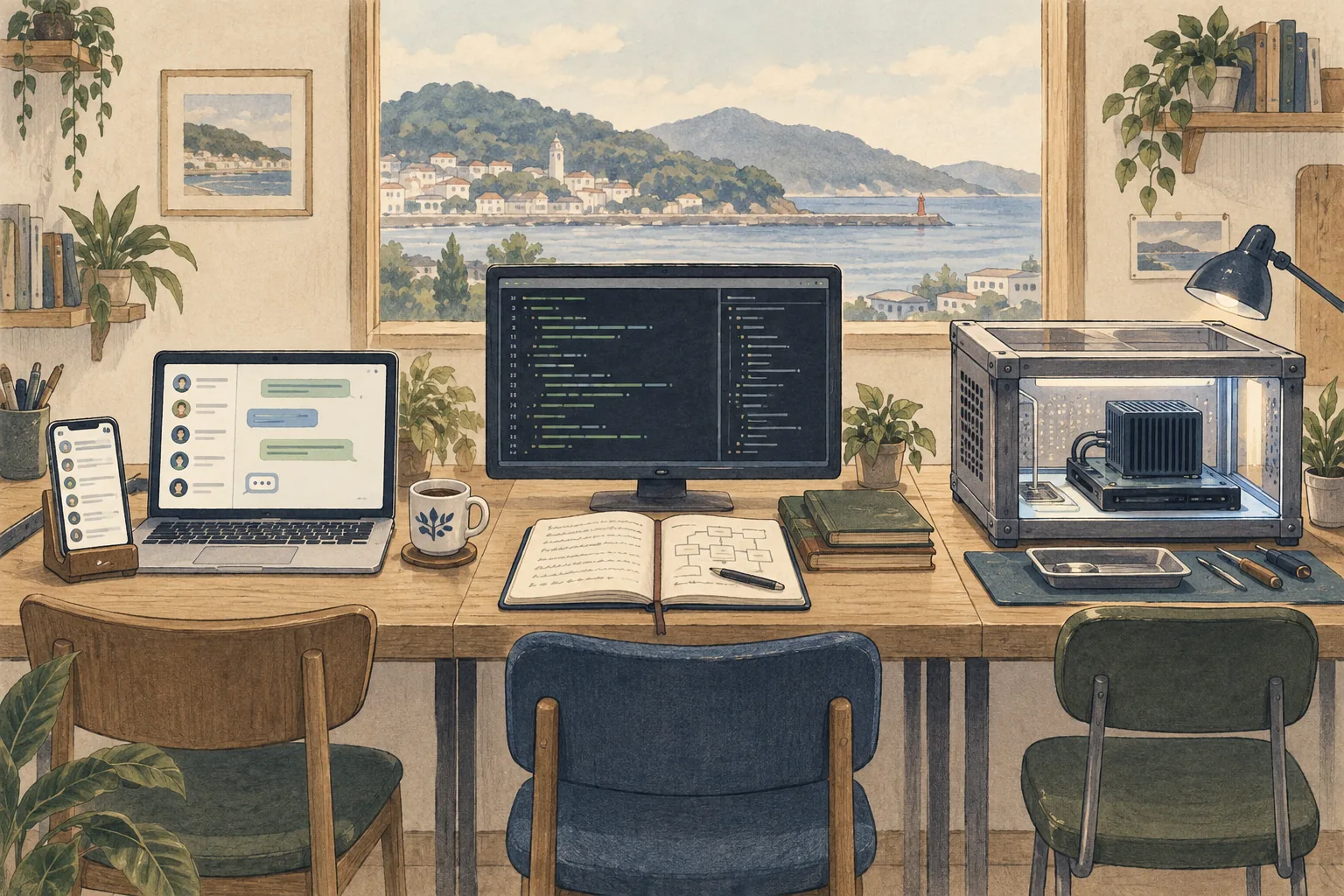
If you want a bot that sends Telegram or Discord messages to a model and runs tools, compare channel support and routing. OpenClaw manages sessions and routing across channels through its Gateway. Hermes Agent also offers messaging integrations, a Gateway, and scheduled execution, so compare the platforms you need, user-authorization methods, and per-bot tool permissions.
Decide whether the bot will run on a personal computer or an always-on server. If the computer sleeps or the server restarts, it may not answer incoming messages. If several people can message the bot, use pairing or an allowlist3 to limit who can use it, and define which tools each user may run.
Test model connections and tool calls under the same conditions
Each program can connect to different model servers, but installing an Agent does not guarantee tool-call compatibility. Hermes Agent documents OpenAI-compatible APIs and Ollama, vLLM, and llama.cpp. OpenClaw supports managed local models, Ollama, LM Studio, and custom OpenAI-compatible servers. A model may answer ordinary chats but fail to handle agent tool formats or longer prompts.
For a fair comparison, keep the computer, model file and quantization4, and context length5 the same. Try a short chat, then call a read-only tool. Installation, model loading, tool calls6, and task completion are separate outcomes. Record the server version, model ID, tool settings, and any failed stage when sharing results. The NemoClaw stack does not guarantee a model’s quality or speed.
Compare memory and personal workflows, including how information is stored
If you want daily preferences or project context to carry into future sessions, compare how each product stores memory. Hermes Agent documents curated file-based persistent memory, skills, and session search. OpenClaw provides per-agent workspaces, sessions, tool settings, and memory features. Similar names do not mean the products use the same storage format, search method, prompt-inclusion point, or external services.
For example, check whether a new session follows the rule ‘run formatting checks before tests in this repository.’ Consider whether sensitive information needs to be stored, who can read the Agent home, and whether multiple processes could edit the same files. NemoClaw focuses more on OpenClaw deployment policy and execution boundaries than on memory features.
Before enabling memory, check how to back it up and delete it, and what data an external memory service receives. This tells you what to remove if you switch tools or stop the deployment.
If security is a priority, inspect the actual isolation path and defaults
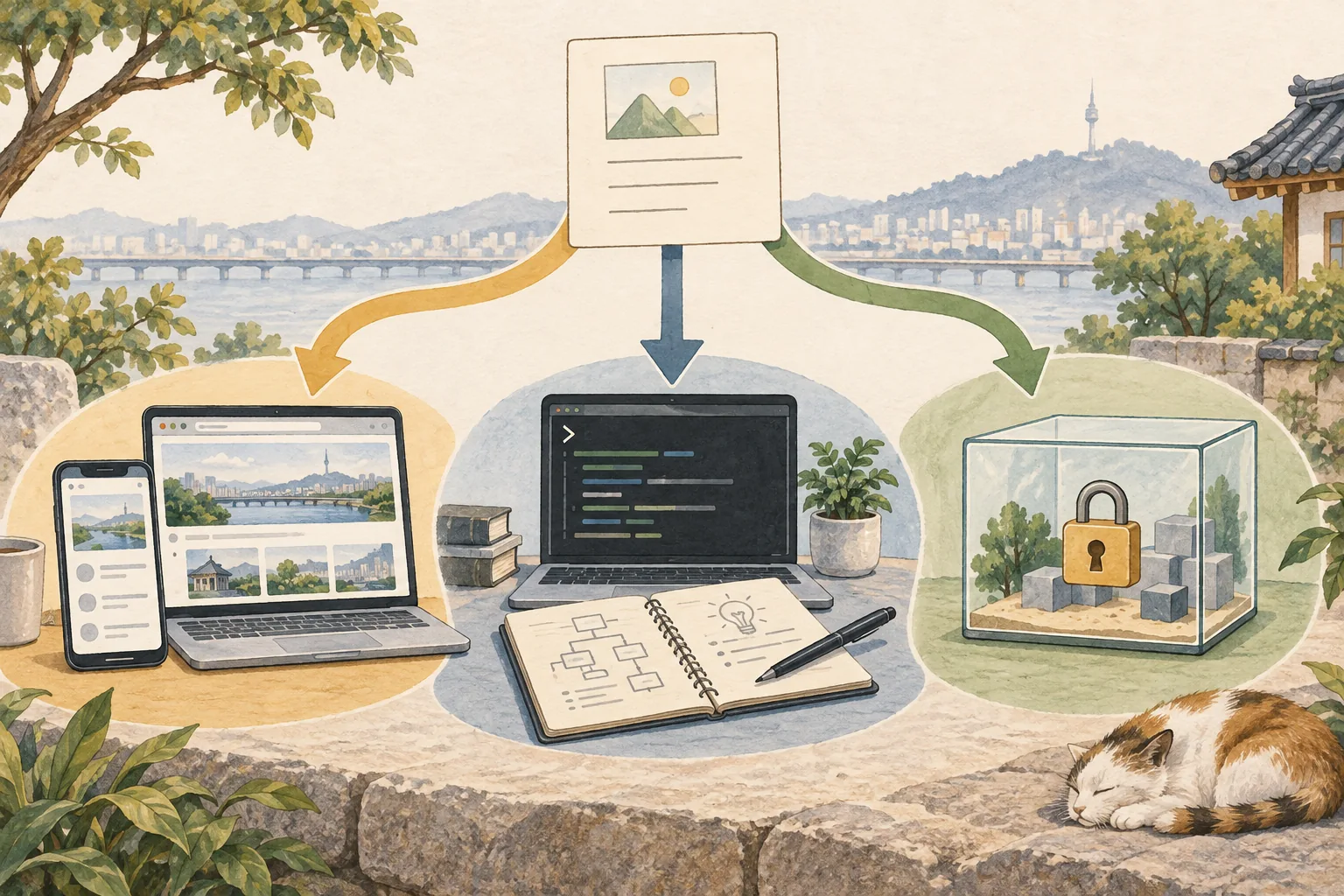
An agent that reads web pages or messages and can run commands needs clear permission boundaries. OpenClaw supports sandboxing7, but it is off by default and is not a complete security boundary. Hermes also says local terminal access and approval rules are different from OS-level isolation.
NemoClaw adds policy and isolated execution to an OpenClaw deployment. Check the official requirements and execution locations, and distinguish where the Gateway and tools run. The presence of a sandbox alone is not enough to establish its scope.
Separate file reading, writing, deletion, and external sending, and require approval for high-impact actions. After changing isolation settings, use a test file to check that access outside the permitted folder is blocked.
Narrow candidates by your conditions and verify with a small task
For a messaging bot, compare OpenClaw and Hermes Agent for channel support and access controls. For project-folder work, test local tools and permission settings. If your organization needs policy and isolated execution in an NVIDIA environment, first check NemoClaw’s supported environments and deployment requirements.
After choosing a candidate, use the same model and read-only folder to check a short reply, a real tool call, and whether settings persist after restart. A speed or security comparison requires evaluation with matching versions and settings. Without that evidence, choose based on support for the features your task needs rather than declaring a winner.
Fix the install, version, and model path so the comparison can be repeated
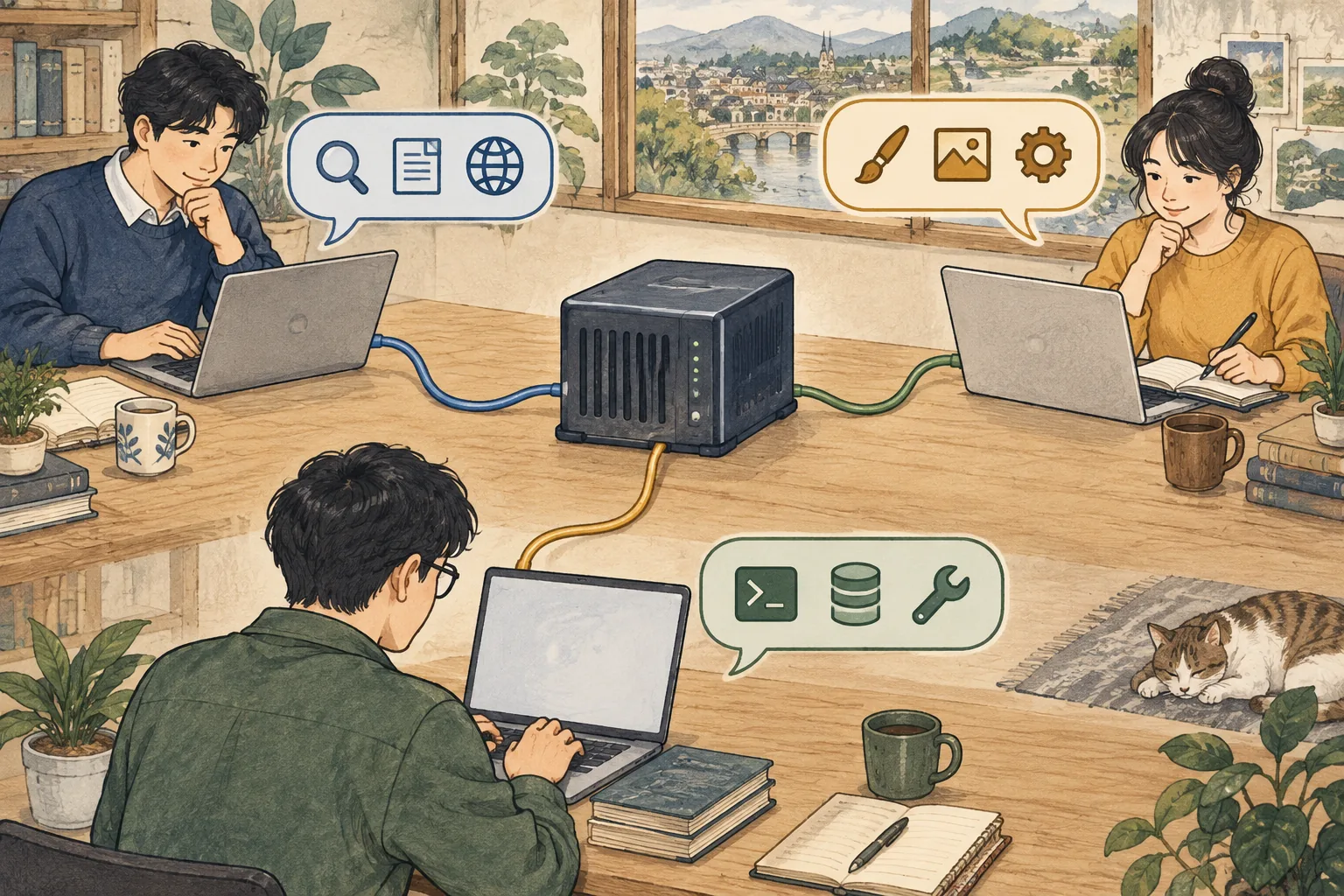
For a direct comparison, record each project’s version, execution location, model ID, task, and permissions—not only its name. Hermes desktop and CLI, the OpenClaw Gateway, and NemoClaw’s OpenShell isolation run at different layers, so they are not identical setups. NemoClaw’s supported features can vary with the host environment and isolation method. Whether a local model server runs on the host or inside the isolated environment also changes data and permission paths. If you test different versions or configurations, interpret the differences only within those conditions.
Terminology notes
CLI — Short for Command-Line Interface: operating a program by entering commands in a terminal.
Back to the textGateway — A program that receives requests across clients, channels, models, or tools and routes them to the appropriate path. It is not necessarily the server that runs the model itself.
Back to the textAllowlist — A policy that permits only pre-approved targets. It can apply to tools, commands, users, or network destinations, but it does not prevent misuse within an allowed item.
Back to the textQuantization — Representing model values with fewer bits. Memory use, accuracy, or execution speed may change; the effects depend on the format and implementation.
Back to the textContext window — The token span of input and generated content a model can handle in one request. The supported limit and memory use depend on the model and runtime settings.
Back to the textTool call — A structured request from a model for an external function such as reading a file, searching, or running a command. The agent runtime and its permission settings decide whether the request is actually executed.
Back to the textSandbox — An isolated environment that restricts a program’s access to files, networks, and host capabilities. Its protection depends on mount, network, and execution-permission settings.
Back to the text