
Image and video generation
Last updated
ComfyUI requirements: choosing 8, 12, 16 or 24GB VRAM
How much VRAM do you need for local image and video generation?
VRAM1 is the GPU2 memory that holds models and image or video data during computation. Intermediate data needs space alongside the model weights. Save one image in ComfyUI, then increase resolution and image count separately to find what your hardware can handle and where memory runs short.
When you open a ComfyUI workflow to make a landscape image for a desktop, the model and text encoder load, sampling runs, and the VAE3 converts the latent representation4 into pixels. Each stage needs different working space, so a model-ready indicator does not ensure enough memory for image computation or the final decode5.
Use file size as a guide to storage needs, but for the actual workflow track which stage completes and the GPU-memory peak. The sections below show how to start small and change resolution, batch, and offloading6 one at a time.
Separate model-file size from memory during generation
For Qwen-Image 2.1, the Unsloth Q4_K_M generation model is about 4.2 GB, the Q4 text encoder about 5.15 GB, and the dedicated VAE about 0.68 GB. These are disk sizes; storing all three files takes about 10 GB. Generation also needs intermediate buffers and memory for other apps. Depending on the distribution, the runtime7 may load components together or switch them by stage.
If sampling buffers do not fit, generation can stop while computing the image; the VAE may also lack room to reconstruct it after sampling. Check the log to see whether failure occurred during loading, sampling, or decode. That helps decide whether to change model quantization8 or reduce image size or concurrent work.
- Review the Qwen-Image 2.1 file setup
- GGUF vs MLX: which model format should you download?
- How much VRAM or unified memory does a local LLM need?
- Wan 2.2 and MiniMax: choosing a local video workflow
- Local video generation: workflows and PC requirements
- Hardware for Local AI Agents: Choose by Workload, Context, and Uptime
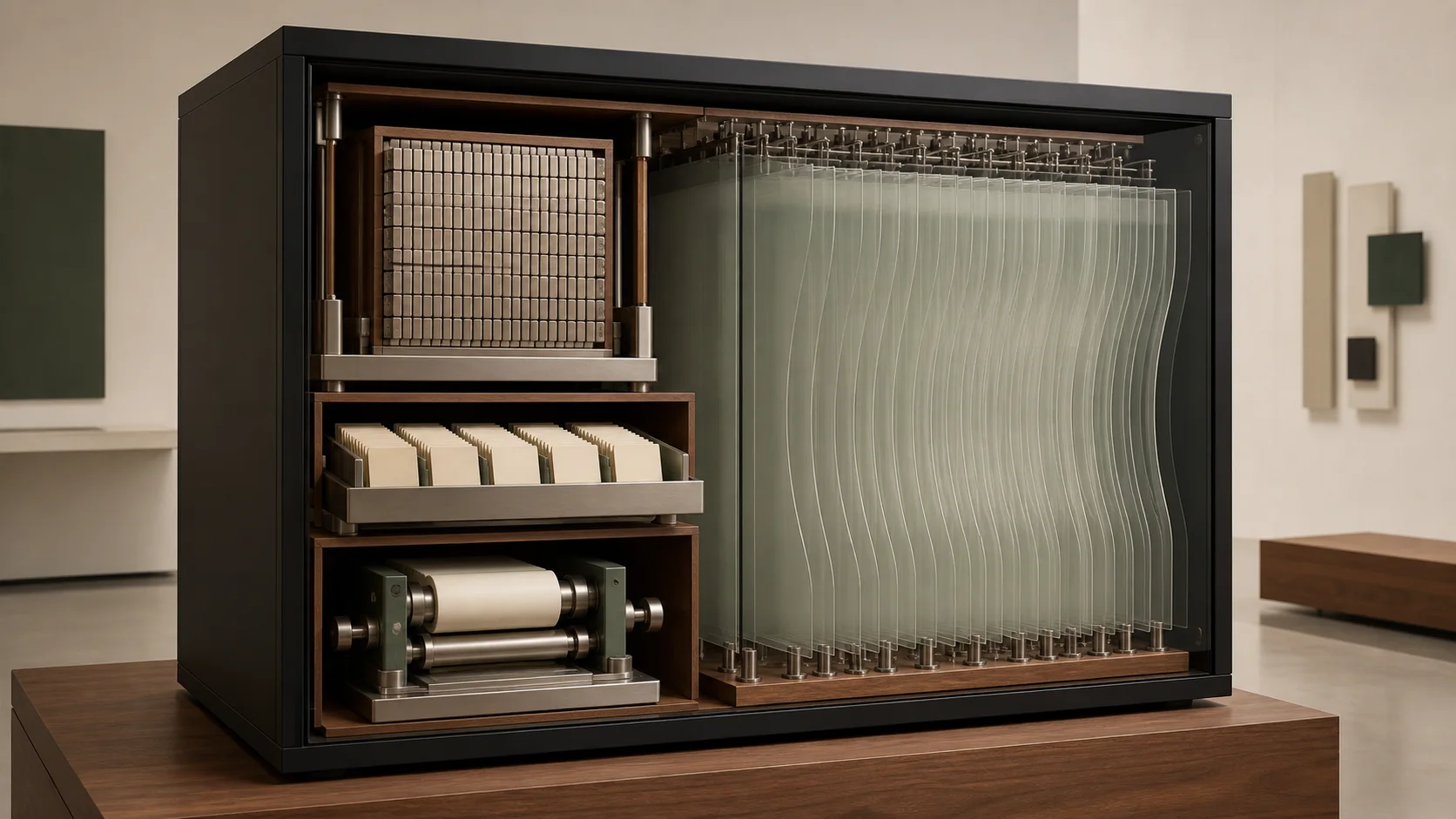
Test resolution and batch size separately
Doubling both width and height makes pixel area four times larger, but peak memory and generation time do not necessarily quadruple. The model's internal representation, attention9 implementation, tiling, upscaling, and decode method all affect the increase.
If a landscape saves at low resolution but sampling fails at the target desktop size, rerun the same workflow at the smaller size. If the small image succeeds and only the larger one stops, resolution-dependent workspace may be the bottleneck. Keep the model files and other settings unchanged to isolate the cause.
If one image at the target size works but a four-image batch fails, reduce the batch to one first. Keeping several candidates at once can require a higher peak than generating four images one by one. Treat completing one image and producing four candidates at once as different memory requirements.
Image batches and video frames create different memory demands
An image batch keeps intermediate data for several candidates at once. Video also computes temporal relationships between frames10, so frame count, temporal compression, and resolution affect workspace. Multiplying the memory for one image by the number of video frames can miss how the model processes frames in groups.
For video, first choose a runtime and supported frame conditions for the target model, then begin with one short, low-resolution job. Change frame count or size one at a time and record model loading, peak memory during generation, successful saving, and playback. This guide follows a single-image example, so assess video memory from separate run records for the model.
Offloading saves VRAM at the cost of data-transfer time
Some runtimes support offloading components that exceed GPU memory to host RAM11 and transferring them when needed. This can make a larger model configuration possible, but it also uses RAM and CPU-GPU transfer. CPU12 computation and keeping weights in RAM before sending them to the GPU are different paths; check the setting description and logs to see what is actually moved.
A PC's system RAM is separate from dedicated VRAM; a 12 GB GPU plus 64 GB RAM is not a 76 GB GPU. On a Mac, unified memory13 is one physical pool shared by CPU and GPU, but the operating system and editing apps use it too. Test separately whether the workload fits and whether it can be repeated at an acceptable speed.
If waiting increases after offloading, distinguish model loading, repeated transfers during sampling, and disk swapping caused by low system RAM. Change only one setting while keeping the same landscape and prompt14 to tell whether the path merely runs or remains practical to use.
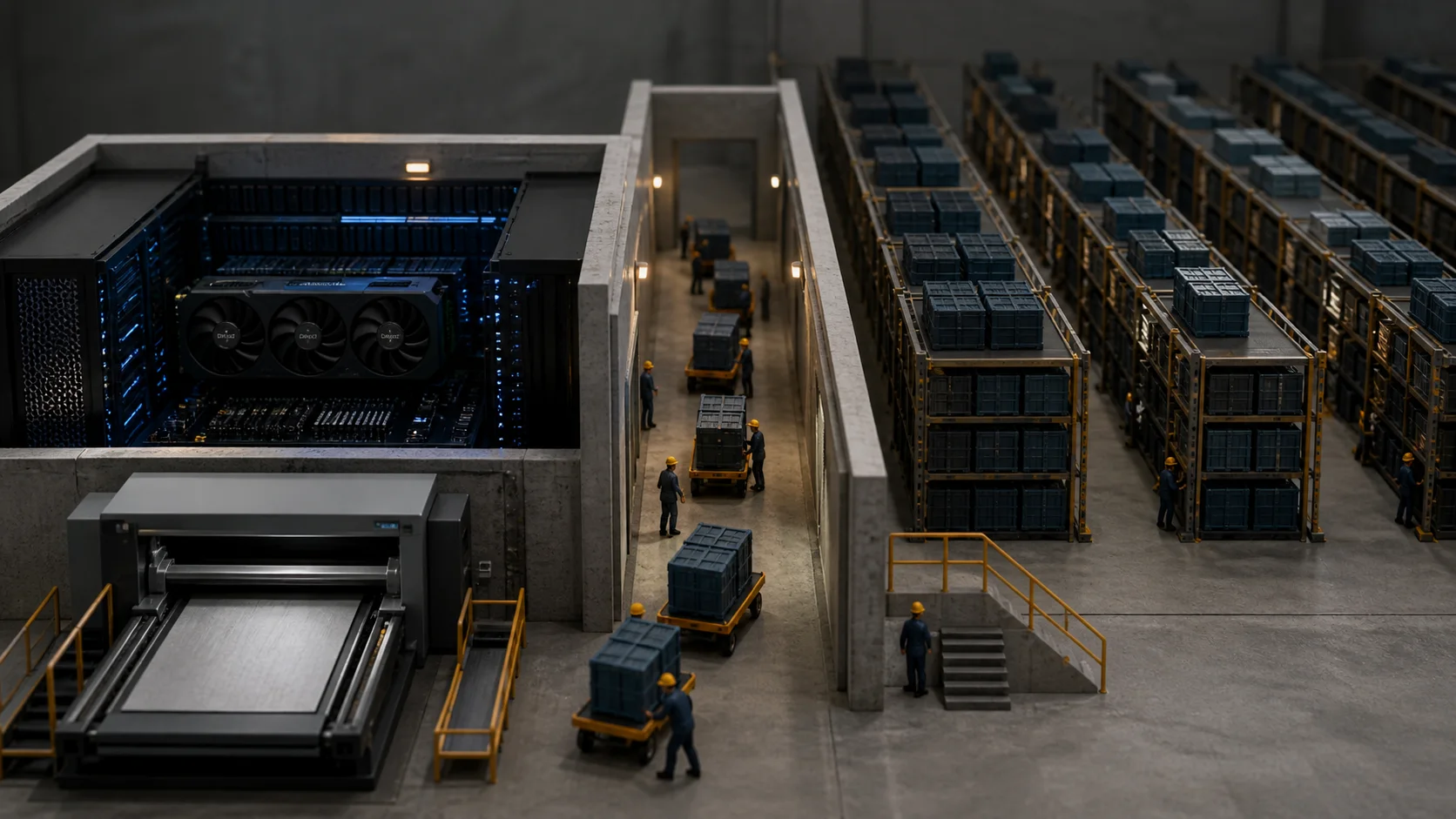
Use 8, 12, 16, and 24 GB as tiers for choosing the next test
VRAM capacity alone cannot guarantee that a particular model will run. Peak memory also depends on model files, precision, text encoder and VAE, resolution, image count, frame count, and runtime. The table below is not a speed or peak-usage benchmark; it suggests a starting workload for each capacity tier.
With 8 GB, test loading and generating separately using a small image model, low resolution, and one image. At 12 GB, try repeated generation or light editing and record remaining memory after adding image input or custom nodes. At 16 GB, explore a wider model range but start with one image; assess full loading of large models and video separately.
At 24 GB, you can test more memory-efficient paths for larger image models and video candidates, while checking support for the required duration and frames. Even with 64 GB or more, do not simply add GPU memory and RAM; check runtime partitioning, offloading, and host-memory needs. Choose the next step based on which stage repeatedly fails in your workflow, not the table number alone.
| Dedicated VRAM | Start with | Check before scaling up |
|---|---|---|
| 8GB | Small image models, lower resolution, one image | Check quantization and offload support for larger models |
| 12GB | Repeated generation with small models and light editing | Memory headroom after image input and extra nodes |
| 16GB | Try a wider range of models, starting with one image | Large-model residency and video need separate checks |
| 24GB | Memory-saving large-image paths and video candidates | Video duration, frame count, and host RAM |
Terminology notes
VRAM — Memory used by a graphics card’s GPU to store model weights and intermediate values.
Back to the textGPU — A processor designed to handle many calculations in parallel. It performs model computations during AI inference.
Back to the textVAE — Short for Variational Autoencoder. It can encode input into a compact latent representation or decode that representation into an output.
Back to the textLatent representation — An intermediate representation in which a model encodes input information compactly. A decoder is usually needed to reconstruct an image, audio, or other output.
Back to the textToken decoding — The stage that generates successive output tokens using the input and the response produced so far.
Back to the textOffloading — Moving some model data from GPU memory to system RAM or storage when capacity is limited. This adds data transfer.
Back to the textRuntime — The software environment that provides facilities needed while a program runs. In local AI, it can also refer to a model execution engine.
Back to the textQuantization — A way to represent model weights or values with fewer bits, reducing storage and memory use. The coarser representation can also affect accuracy.
Back to the textAttention — A neural-network operation that calculates relationships between input tokens and combines information from each position into the current representation.
Back to the textFrame — A single image that makes up part of a video.
Back to the textSystem RAM — System memory that temporarily holds data while programs run.
Back to the textCPU — The central processor that runs the operating system and general-purpose instructions; in AI workloads it also handles tasks such as preprocessing and data movement.
Back to the textUnified memory — An architecture where the CPU and GPU share one physical memory pool.
Back to the textPrompt — The input text sent to a model. For generative models it describes the desired result and strongly shapes the output.
Back to the text
Frequently asked questions
- What should you check first in this article?
- VRAM is the GPU memory that holds models and image or video data during computation. Intermediate data needs space alongside the model weights. Save one image in ComfyUI, then increase resolution and image count separately to find what your hardware can handle and where memory runs short.
- How much memory does it need?
- For Qwen-Image 2.1, the Unsloth Q4_K_M generation model is about 4.2 GB, the Q4 text encoder about 5.15 GB, and the dedicated VAE about 0.68 GB. These are disk sizes; storing all three files takes about 10 GB. Generation also needs intermediate buffers and memory for other apps. Depending on the distribution, the runtime may load components together or switch them by stage.