
Image and video generation
Last updated
Generate an image locally with Z-Image-Turbo
The 9-step setting runs 8 model forwards; keep guidance at 0.
Z-Image-Turbo is a 6B image-generation model distilled for eight model evaluations. The official Diffusers example generates at 1024×1024 with num_inference_steps=9 and guidance_scale=0.0, then saves example.png.
What does Z-Image-Turbo produce?
Z-Image-Turbo is a 6B-parameter model that generates images from text. It is a Turbo variant distilled from the Z-Image foundation model for eight NFEs (number of function evaluations), and the official example does not use additional guidance. The same family includes Z-Image, a 50-step generation model, and Z-Image-Edit for editing, so distinguish Turbo from those variants when selecting files. Official Z-Image repository
Match the GPU and Python environment before running
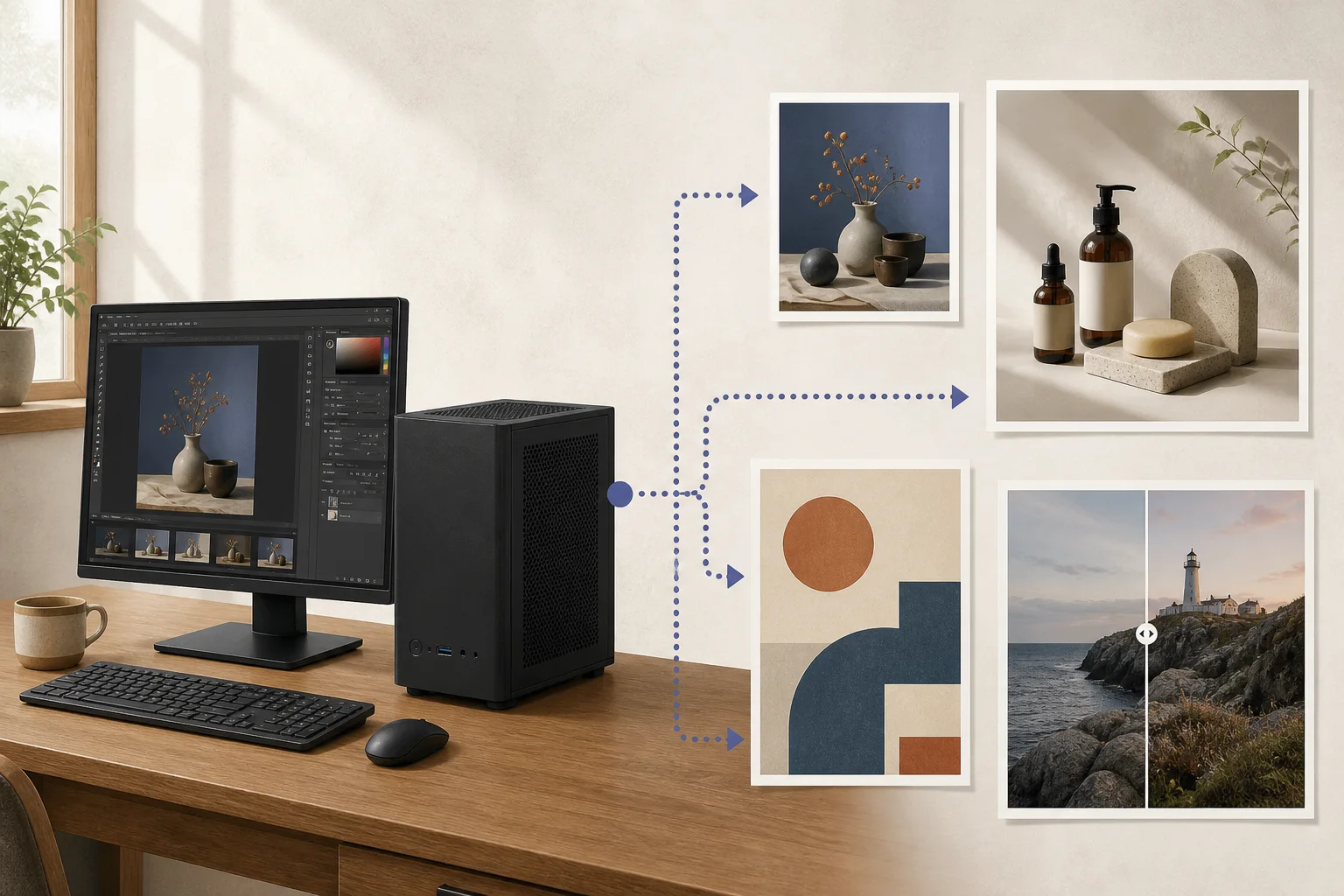
The official model card says it fits within 16 GB VRAM1 on consumer GPUs and separately reports sub-second inference2 on an H800. Do not read the H800 result as timing for a consumer RTX card; first install a PyTorch3 and CUDA4 combination supported by your GPU5. This path shows the Diffusers pipeline6 on a CUDA GPU. Hugging Face model card
The repository specifies a Diffusers installation for its latest features. Activate a virtual environment7, install Diffusers from the official source command, then install transformers and accelerate. If PyTorch is not installed, choose its CUDA package to match your GPU and driver first. Diffusers installation guide
python -m venv .venv
source .venv/bin/activate
# Install the CUDA-enabled PyTorch command that matches your driver: https://pytorch.org/get-started/locally/
python -m pip install git+https://github.com/huggingface/diffusers.git
python -m pip install transformers accelerate
Save the first image with the official pipeline
The official model-card example loads Tongyi-MAI/Z-Image-Turbo with ZImagePipeline. Save the Python code below as generate.py and run python generate.py; it writes example.png to the current working directory. Settings are 1024×1024, num_inference_steps=9, guidance_scale=0.0, and CUDA seed 42. The official repository explains that this setting performs eight DiT8 forwards. Official quick start
import torch
from diffusers import ZImagePipeline

pipe = ZImagePipeline.from_pretrained(
    "Tongyi-MAI/Z-Image-Turbo",
    torch_dtype=torch.bfloat16,
    low_cpu_mem_usage=False,
)
pipe.to("cuda")

prompt = "A ceramic teacup on a wooden table beside a rain-streaked window, soft morning light, still-life photograph."
image = pipe(
    prompt=prompt,
    height=1024,
    width=1024,
    num_inference_steps=9,
    guidance_scale=0.0,
    generator=torch.Generator("cuda").manual_seed(42),
).images[0]
image.save("example.png")
Check the output file and prompt
When the command finishes, open example.png in the working directory and confirm that it is 1024×1024 and contains the cup and window scene. The first run includes model download and loading. Keep the same prompt9 and resolution when comparing later runs. Seed 42 aids reproducibility, but different libraries or hardware may not produce identical pixels.
Even when the image looks right, check the English or Chinese text separately. The model card highlights rendering in these languages, but zoom into the PNG and proofread spelling and line breaks before using event or product copy. If you run out of system or GPU memory, check the pipeline’s CPU-offload option and change one optimization at a time. Official hardware notes
Check license terms and Mac support separately
Z-Image-Turbo weights use the Apache-2.0 license. If you plan to include the model in a product or service, check the current repository license and the terms of the application you use. For Diffusers on a Mac, do not run the model-card example’s cuda device unchanged; verify MPS support for the version and the memory needs of your hardware. The example in this guide uses CUDA. Z-Image-Turbo model card

Terminology notes
VRAM — Memory used by a graphics card’s GPU to store model weights and intermediate values.
Back to the textInference — The process of using a trained model to compute an output for an input. Here, local inference means running the model on the user’s device.
Back to the textPyTorch — A software framework for building and running AI models. Check the compatible PyTorch version and hardware support along with the model.
Back to the textCUDA — A software platform for general-purpose computing on NVIDIA GPUs.
Back to the textGPU — A processor designed to handle many calculations in parallel. It performs model computations during AI inference.
Back to the textPipeline — A sequence of processing stages from input to output. Different models or tools may be used at each stage.
Back to the textPython virtual environment — An isolated space for installing Python packages per project, helping reduce package-version conflicts.
Back to the textDiT — Short for Diffusion Transformer: a model architecture that uses a transformer to refine noisy representations across diffusion steps.
Back to the textPrompt — The input text sent to a model. For generative models it describes the desired result and strongly shapes the output.
Back to the text
Frequently asked questions
- What should you check first in this article?
- Z-Image-Turbo is a 6B image-generation model distilled for eight model evaluations. The official Diffusers example generates at 1024×1024 with `num_inference_steps=9` and `guidance_scale=0.0`, then saves `example.png`.
- How much memory does it need?
- The official model card says it fits within 16 GB VRAM on consumer GPUs and separately reports sub-second inference on an H800. Do not read the H800 result as timing for a consumer RTX card; first install a PyTorch and CUDA combination supported by your GPU. This path shows the Diffusers pipeline on a CUDA GPU. [Hugging Face model card](https://huggingface.co/Tongyi-MAI/Z-Image-Turbo)
- Where can you check the conditions and sources?
- The official model card says it fits within 16 GB VRAM on consumer GPUs and separately reports sub-second inference on an H800. Do not read the H800 result as timing for a consumer RTX card; first install a PyTorch and CUDA combination supported by your GPU. This path shows the Diffusers pipeline on a CUDA GPU. [Hugging Face model card](https://huggingface.co/Tongyi-MAI/Z-Image-Turbo)