
Image and video generation
Last updated
FLUX or Qwen Image: choose a model for the job
Choose an image model by separating poster backgrounds, photo edits, and text
FLUX and Qwen image models take text prompts1 to create images, and some runtime2 paths can use reference images to produce edits. For a café poster, treat background concepts, preserving the shop photo, and exact event wording as separate tasks, and check that the app and model file support the required inputs.
The needed features and selection criteria change depending on whether you want several quick background ideas, to preserve the composition of an original photo, or to place exact event wording. Define what counts as success, compare results with the same input, and proofread text in an editor before publishing.
Decide what to create and what to preserve in the poster
For example, you might make a poster that keeps the café's window and tables while adding an evening-event mood. Creating a blank background, editing a scene with the original photo as a reference, and placing exact event wording each have different success criteria.
If preserving the photo's structure matters, first check whether the chosen model distribution and app really support image input and editing. If you only need a new background, compare the concept's look and the wait. If wording must be exact, also consider entering it directly in a design tool rather than using generated text as the final copy.
FLUX.2 variants and the Qwen-Image family may differ in file format and size, input requirements, and app support. Check the exact distribution, required text encoder and VAE3, and editing-workflow support so you can tell why an output may fail.
- RTX 5090 32GB memory, speed and price
- Wan 2.2 and MiniMax: choosing a local video workflow
- Local image generation: software, hardware and your first image
- Make your first image locally with FLUX.3 Klein
- Edit reference photos and guide layout with FLUX.3 Klein
- Edit Reference Images with FLUX.2 Klein on Mac
- ComfyUI first image: install, load a model and fix common errors

Creating the background and wording separately makes review easier
For the first concept, create the evening light by the café window and leave space for text. Once the background is chosen, enter the event date and menu name in a design tool so you can correct a digit or spelling without regenerating the background.
If the model rendered the wording too, inspect letter shapes, placement, and spacing at the actual poster size. A wrong character or digit can make event information unusable, so proofread the final text and check legibility on a small screen or at print size. When comparing, record not only generation time but also retries needed for a usable concept and post-processing time.
Inspect the workflow alongside its output
These are Qwen-Image 2.1 examples published by Comfy Org, not outputs or timing measurements produced by this site.
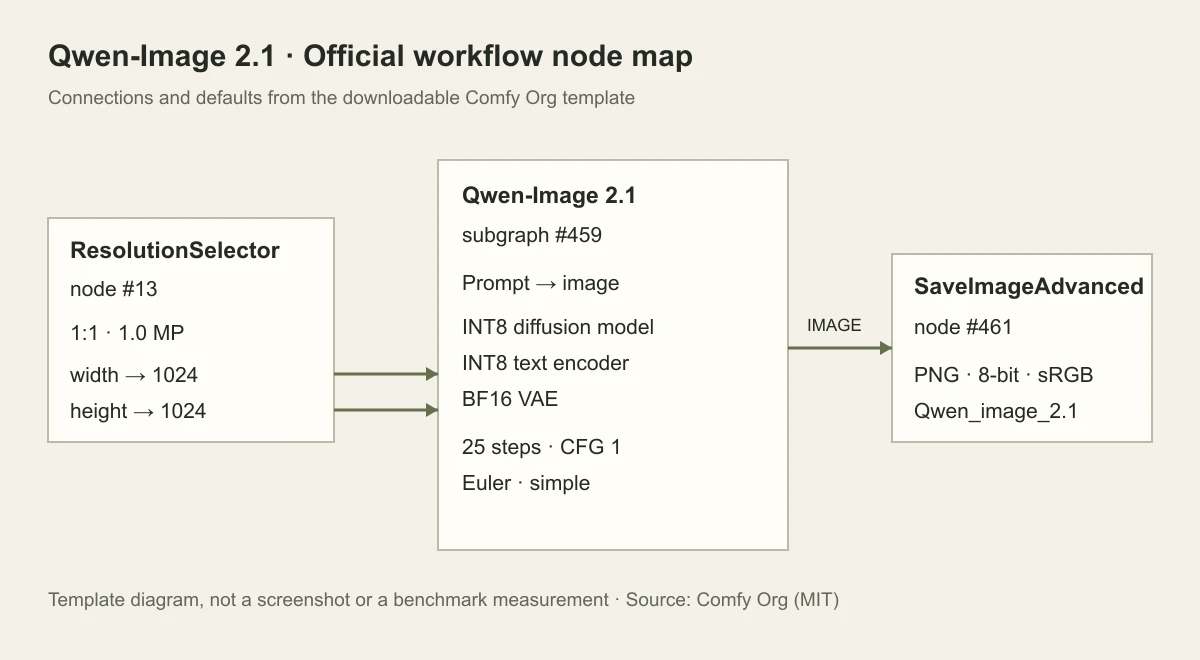
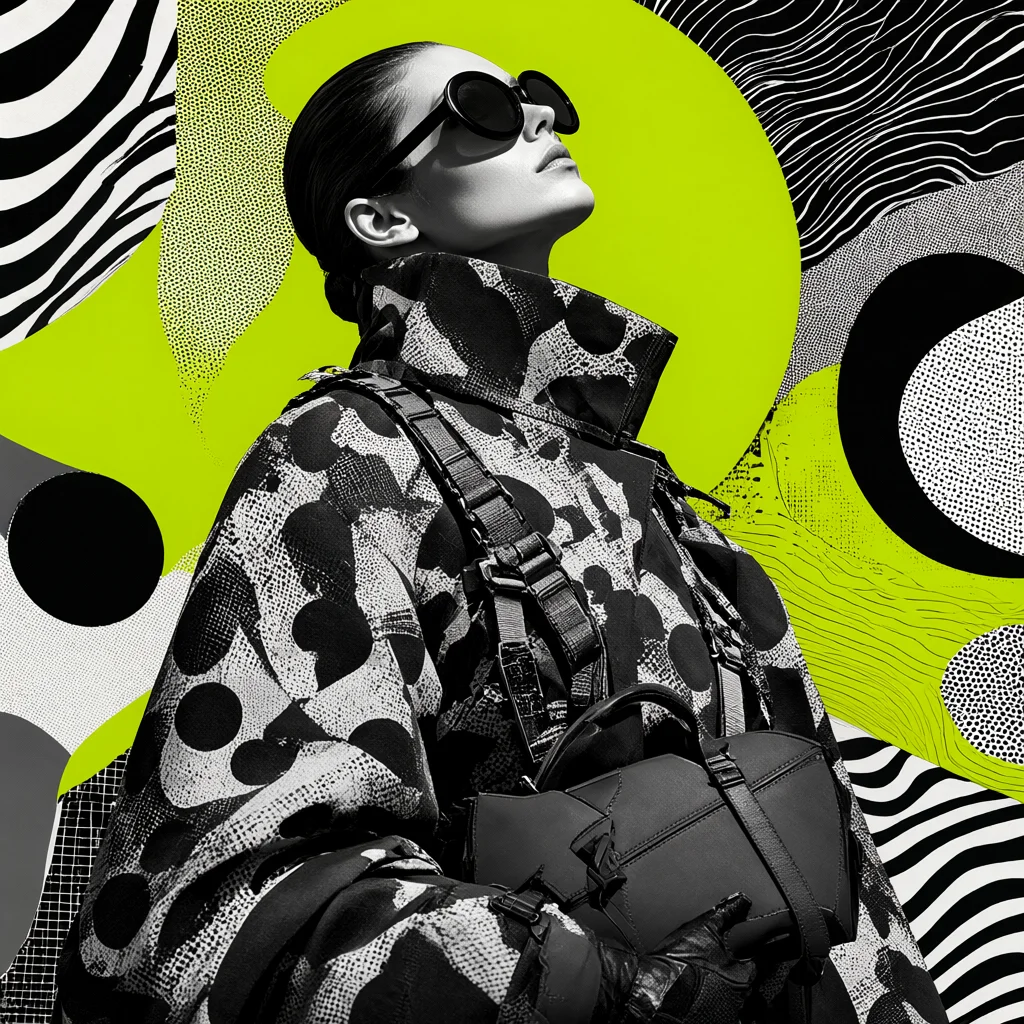
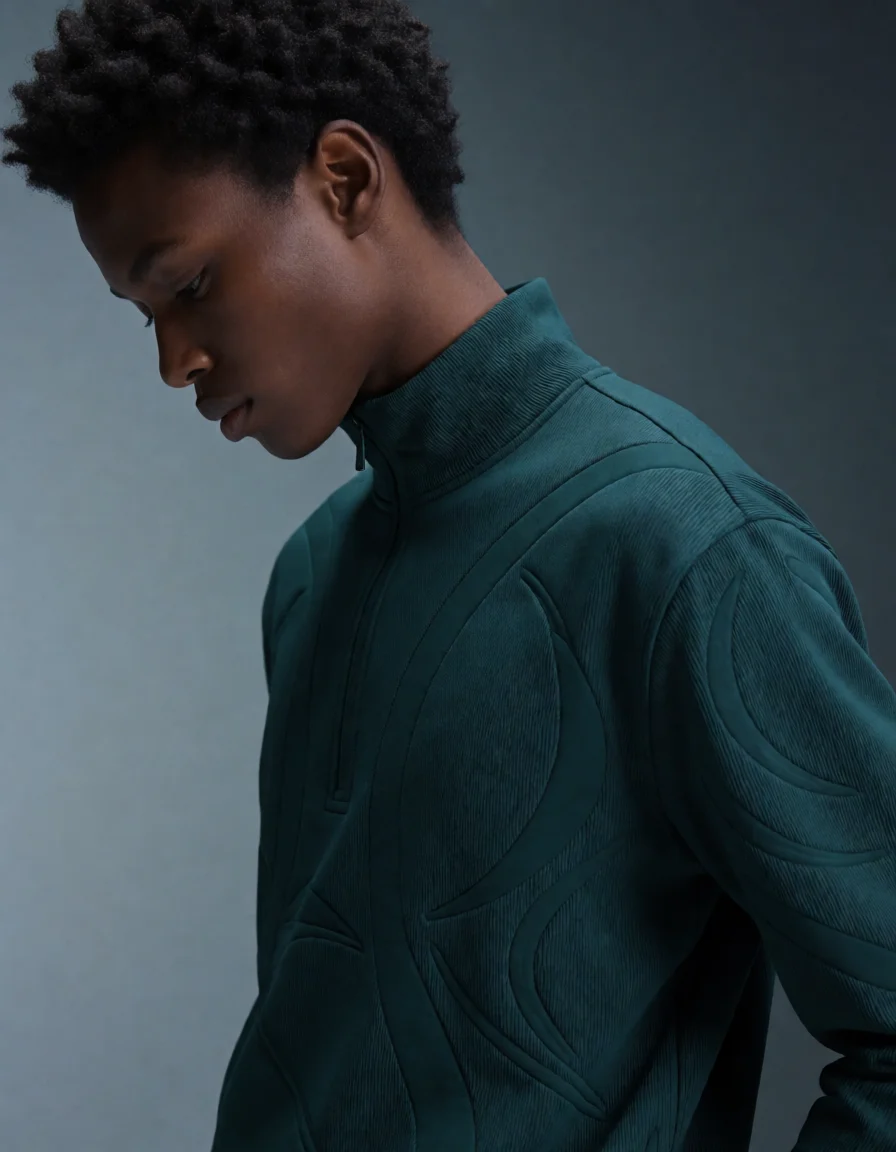
Before
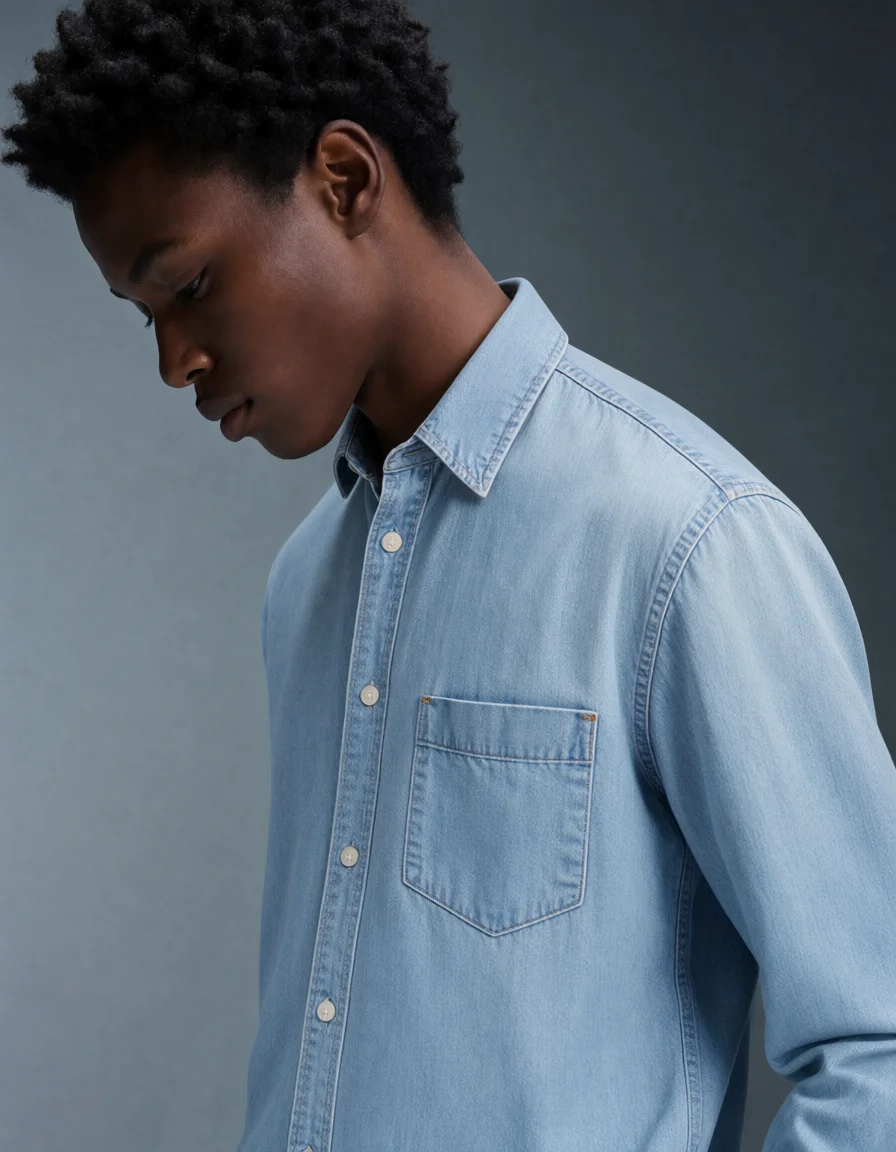
After
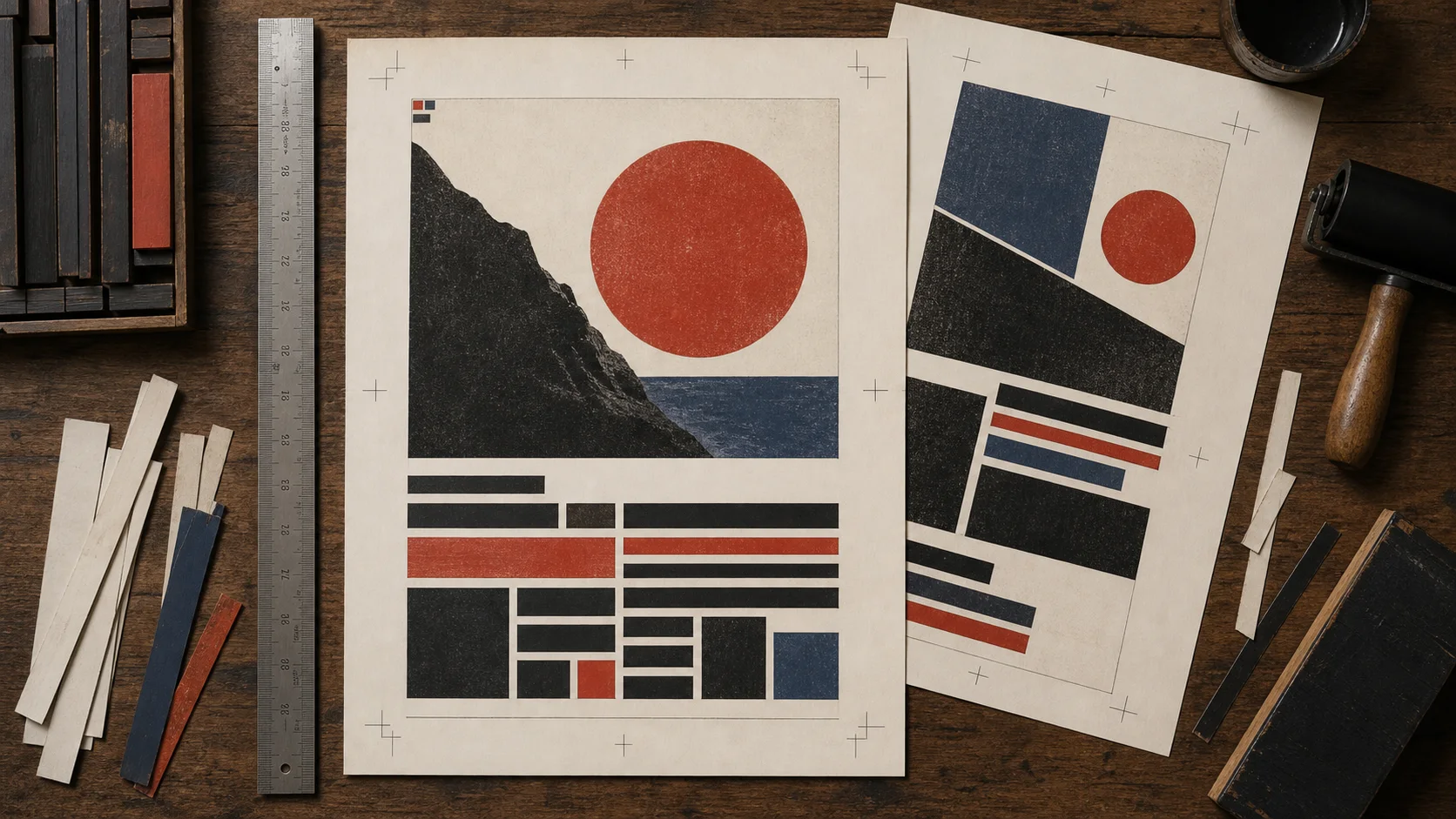
Set preservation criteria before comparing reference-photo edits
When using a café-window photo as a reference, decide which lighting and decorations may change and which signs and furniture must stay. Place the result beside the original at the same size and inspect table edges, window frames4, and logo placement to distinguish a similar mood from preserved details.
Editing with a reference image is a different input task from creating an empty scene from text. Check whether the model file and app support image input or masked editing. If they do not, consider using the generated result as a background and placing the original logo and wording again in an editor.
Compare the original and generated image and note whether only the background lighting changed or the table and window structure changed too. Rather than relying on a longer prompt to preserve shapes, check whether editing inputs such as reference strength or masks are actually supported by the app.
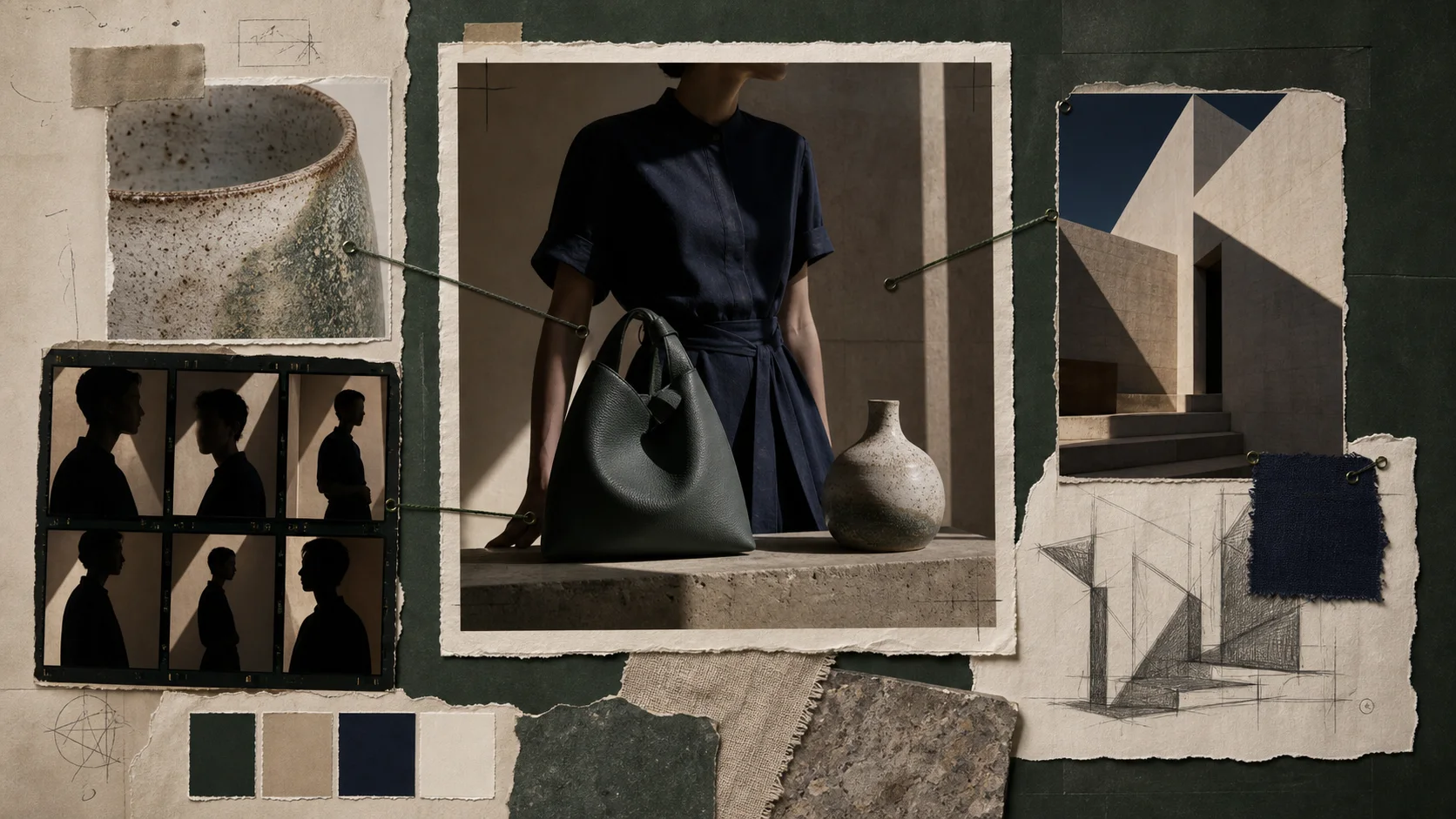
Compare FLUX and Qwen by the inputs and results you need
FLUX.2 Klein is a candidate to examine for quick concepts or relatively light editing. Compare FLUX.2 Dev after checking whether its file size and runtime requirements fit. Qwen-Image-2512 is a candidate for evaluating text and scene rendering, but do not assume event wording will always be exact; proofread before publishing.
Qwen-Image 2.1 integrates editing and RGBA workflows but is under a research license. Do not assume it uses the same files or structure as Qwen-Image-2512; check its dedicated VAE and encoder combination, app support, and whether the planned use complies with the license.
A change of concept model does not ensure the same composition and colors, so include the time needed to regenerate and select a new candidate. Frequent switching can repeat model-loading waits, but if you choose a background first and then move to an editor, you can load only the needed models in sequence.
Check the time to finish a poster and the rights for its use
Match the café photo, wording, output size, and one-image generation conditions. Record whether you reload the model each time or keep it open, then note time to the first candidate, revisions needed to find a usable composition, and time to place and proofread the wording. This separates one generation's speed from the time to finish a poster.
The site's time comparison is an estimated wait under its listed runtime conditions, not a calculation of the chance that your photo and prompt will produce a usable result. If a background concept is enough, use a lighter candidate; if photo preservation matters, verify an actual path that supports image input. Before publishing, read the exact variant's license and terms in its model repository and separately check rights for people, logos, and works in reference photos. Local execution does not grant commercial-use rights.
Choose newer models by task and runtime
Start with the job, not the model name. For a first image in ComfyUI, use the FLUX.3 Klein distilled template. For an eight-step image workflow, follow the official Z-Image-Turbo Diffusers path. For reference editing, verify that the app exposes editing support for that model. Base and distilled variants can use different step counts and resources, so do not combine them in one speed table.
Keep published timings tied to their runtime
The published FLUX.3 Klein GPU5 chart lists about 4 seconds on an RTX 5090 and under 9 seconds on an RTX 4070 for one 1024×1024 distilled image at 16 steps. ComfyUI’s template defaults to 15 steps and has a separate prompt-upscaler setting, so do not copy the chart as a template runtime. API6 response time is a separate measure. Published FLUX.3 Klein timings
Terminology notes
Prompt — The input text sent to a model. For generative models it describes the desired result and strongly shapes the output.
Back to the textRuntime — The software environment that provides facilities needed while a program runs. In local AI, it can also refer to a model execution engine.
Back to the textVAE — Short for Variational Autoencoder. It can encode input into a compact latent representation or decode that representation into an output.
Back to the textFrame — A single image that makes up part of a video.
Back to the textGPU — A processor designed to handle many calculations in parallel. It performs model computations during AI inference.
Back to the textAPI — A defined interface that lets other code call a program’s functions.
Back to the text
Frequently asked questions
- What should you check first in this article?
- FLUX and Qwen image models take text prompts to create images, and some runtime paths can use reference images to produce edits. For a café poster, treat background concepts, preserving the shop photo, and exact event wording as separate tasks, and check that the app and model file support the required inputs.
- Where can you check the conditions and sources?
- Qwen-Image 2.1 integrates editing and RGBA workflows but is under a research license. Do not assume it uses the same files or structure as Qwen-Image-2512; check its dedicated VAE and encoder combination, app support, and whether the planned use complies with the license.