Image and video generation
Edit Reference Images with FLUX.2 Klein on Mac
Creating a new image and editing an existing one start with different inputs.
To change one part of a photo while keeping the rest, use image-conditioned editing by providing reference images with the text prompt. MFLUX on Mac supports editing with FLUX.2 Klein 4B and 9B, but it is a community MLX1 runtime2 separate from BFL's original model release. Fix the model variant and input files, run one edit, and inspect the saved image.
Choose the mug to edit and its reference images
Suppose you want to change only the mug's color in a photo while keeping its shadow and the leaves in the background. Unlike text-to-image, which describes a new scene, an edit requires the original image as input. A prompt alone cannot tell the model which parts of the existing image to preserve.
Place a front photo of the mug (`mug-front.png`), a side photo of the same mug (`mug-side.png`), and the desired dark-blue swatch (`blue-swatch.png`) in the example folder. State in the prompt that these images serve as the edit target, shape reference, and color reference. Separating the color to change from the handle, table, and shadow to preserve makes it easier to see which instruction the result missed.
MFLUX is a community project that uses MLX on Apple Silicon Macs. The current MLX Metal3 support requirement is macOS 14 or later, so do not assume the same setup works on Intel Macs or older macOS releases. BFL's official FLUX.2 repository is the source for model-family and license information; `mflux-generate-flux2-edit` below is a CLI4 provided by MFLUX. They are separate projects, not one distribution.

Choose the model size and usage terms first
MFLUX's FLUX.2 documentation lists Klein 4B and 9B for editing, plus a 9B-KV variant designed for reference-image editing. The 4B is the easier starting point based on download size alone, but model-file size is not the total memory needed during generation. Open apps on the Mac, the number and resolution of input images, and runtime workspace also consume resources. Check unified memory5 and free disk space before downloading if either is limited.
Do not treat all models alike just because their names include Klein. BFL's official repository distinguishes the Apache-2.0 Klein 4B from the non-commercial terms for the 9B family. For commercial work, review the license on the exact model repository and BFL's current usage terms. Technical compatibility and permission for your intended use are separate checks.
The example starts with `flux2-klein-4b`. If you test 9B or 9B-KV, change only the model option and keep the same source images and edit instruction. The 9B-KV cache6 feature applies to the editing path when reference images are supplied; do not describe it as applying to ordinary text-only generation.
Install MFLUX and run the edit command
MFLUX's official README documents tool installation in an environment with `uv`. On an Apple Silicon Mac with Homebrew, run `brew install uv`, then verify with `uv --version`. If you do not use Homebrew, choose the macOS method in uv's official installation guide. Install MFLUX with `uv tool install --upgrade mflux`, then check the tool and edit options with `uv tool list` and `mflux-generate-flux2-edit --help`. The model downloads automatically on first run, so ensure you have network access and disk space. Place the three image files below in the directory from which you run the command.
After the command finishes, check the terminal for the output path or confirm that an image was saved, then compare the mug and its shadow with the source in Preview. A generated result does not mean every detail was preserved, so separately inspect the rim and handle position. The tool does not guarantee pixel-preserving edits to a real photograph.
brew install uv
uv --version
uv tool install --upgrade mflux
uv tool list
mflux-generate-flux2-edit --helpmflux-generate-flux2-edit --model flux2-klein-4b --image-paths mug-front.png mug-side.png blue-swatch.png --prompt 'Change only the mug color to match blue-swatch.png. Preserve the mug shape, handle, table, cast shadow, and nearby leaves.' --steps 4 --seed 42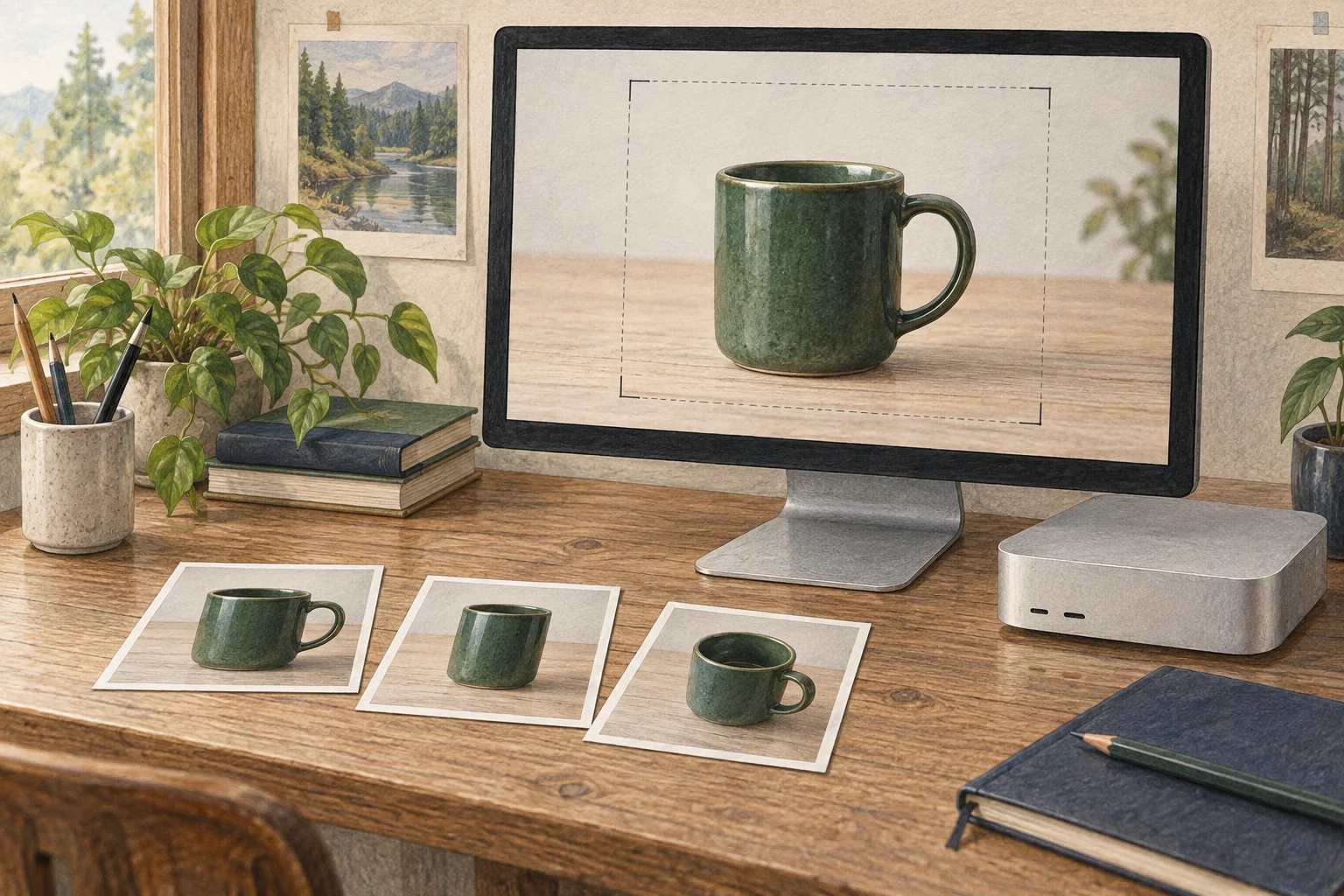
Review the result and adjust one condition at a time
If only the mug did not change, first check that the input paths and prompt were recognized. If the shadow or leaves changed too, describe the elements to preserve more specifically and rerun with the same seed and source images. Changing steps, model size, seed, and reference count all at once makes it impossible to isolate what affected the result.
Save a result from the same sources and seed with a narrower edit instruction, then consider the 9B model if needed. A larger model file requires more storage and memory and does not guarantee better results for every input. If a small mug pattern or exact lettering matters, do not use the output without separately comparing it with the source or editing it.
Apple Silicon support does not mean the workflow will run with every Mac memory configuration. If the process exits or runs out of memory, close other image-generation apps and browsers first, then retry with the same 4B settings. If it still fails, check current macOS, Python, and model requirements in the MFLUX installation docs and review the error log. Switching to 9B is not the first fix for low memory.
Compare files when preserving details matters
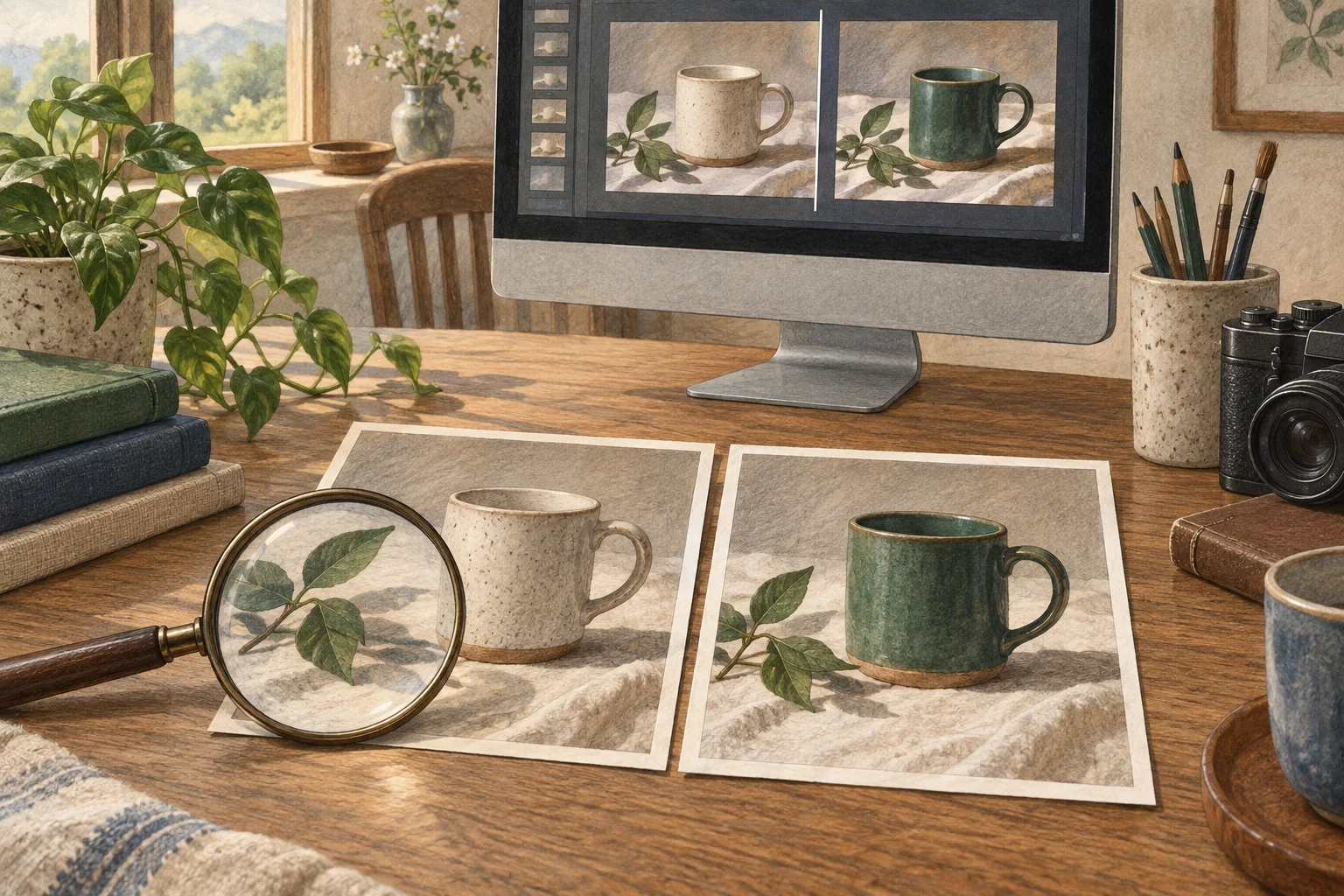
Returning to the mug photo, an attractive blue color is not the only criterion. Place the source and result side by side and check whether the outline, handle, shadow, and leaves remain intact. Editing from a source photo does not guarantee pixel-level preservation, so work requiring exact product color may need output review and separate design adjustments.
To measure repeated edits, record the same Mac, MFLUX version, model revision, source files, resolution, and prompt, then time several generations after a warm-up. Image-generation time is a different metric from a text LLM7's token8 rate. This guide did not measure generation time and does not reuse benchmark figures from an official blog or another Mac.
If the 4B file fits your memory and license needs, begin by testing edits with that setup. Compare a larger model or KV variant only if repeated attempts with the same mug photo fail to preserve the required details and your Mac has room to load it. Choose the model and input path based on the distinction between creating a new image and changing one element in a supplied photo.
Official implementation references
Installation and support details were checked against the official sources below. Record the model and runtime versions used when reproducing the setup.
Terminology notes
MLX — A machine-learning framework developed by Apple. On Apple silicon it uses unified memory and Metal; separate Linux backends are also available. Model and feature support depends on the MLX-based tool.
Back to the textRuntime — The software environment that provides facilities needed while a program runs. In local AI it can also refer to a model execution engine; a GPU runtime library and a complete serving app are different components.
Back to the textMetal — Apple’s low-level technology for graphics and parallel GPU computation. It is not itself a model-selection or chat app.
Back to the textCLI — Short for Command-Line Interface: operating a program by entering commands in a terminal.
Back to the textUnified memory — An architecture where the CPU and GPU share one physical memory pool. It does not increase total memory capacity; available capacity depends on the system.
Back to the textKV cache — Memory that stores attention keys and values from earlier tokens for reuse during later token generation. Its size depends on context length and batch size.
Back to the textLarge language model — A language model trained on large text datasets to process and generate text. Capabilities and supported inputs vary by model.
Back to the textToken — A unit into which a model divides input or output for processing. One token does not equal one character or a fixed duration.
Back to the text