
Image and video generation
Last updated
Local image generation: software, hardware and your first image
Create poster-background candidates with local image generation
Local AI image generation turns a written scene into an image on your computer. Connect an image model to ComfyUI to create thumbnails and poster backgrounds. Start with GPU1 requirements, then work through setup and your first image.
To make a thumbnail or poster background, start with the computer you already own. Choose the app and model files for that hardware, save one image successfully, then increase the resolution or image count.
Choose a starting path for your PC
On Windows, check the GPU name and dedicated GPU memory in Task Manager. On an Apple Silicon Mac, check the chip and unified memory2 in About This Mac. Then choose an installation path below. Model files and intermediate generation data both use memory, so start with one image.
| Your hardware | First run | Next check |
|---|---|---|
| NVIDIA · VRAM 8GB | Small checkpoint · 512×512 · one image | Save a basic image, then check model files and memory |
| NVIDIA · VRAM 12~16GB | ComfyUI · model-specific quantization and offload | Qwen-Image GGUF model, encoder and VAE files |
| NVIDIA · VRAM 24~32GB | ComfyUI · the chosen model's basic workflow | Generation time at a fixed resolution and step count |
| Apple Silicon Mac | ComfyUI's Metal path or a Mac GGUF runtime | Free unified memory and the model's Mac instructions |
| AMD Radeon · Intel Arc | An installation matching ComfyUI's support table | OS, GPU and PyTorch combination; custom-node support |
With 8 GB VRAM3, start with a small checkpoint4 and a basic workflow that generates one 512×512 image. Once it saves successfully, check the file set and memory requirements of the model you want to try next. The standard FLUX.2 [klein] 4B configuration lists about 13 GB VRAM; an 8 GB card needs a separate path supporting quantization5 or CPU6 offload7.
- Follow ComfyUI setup through saving an image
- Choose models and workloads by VRAM capacity
- Qwen-Image 2.1 GGUF files and execution steps
- Estimated time to make one image on your hardware
- GGUF vs MLX: which model format should you download?
- How much VRAM or unified memory does a local LLM need?
- FLUX or Qwen Image: choose a model for the job
- Before buying a GPU for ComfyUI, decide on one image you need to make
Distinguish the app, model, and workflow
ComfyUI loads image models and connects generation steps. Model files contain the weights used to compute an image; a workflow connects loading, the prompt8, generation and saving. Start by completing one basic workflow supported by your installation.
Open the workflow in the first-image guide and select the checkpoint. Describe the scene in the prompt and run one image. When the result appears and a file is saved in the output folder, the first run is complete. Change the model or output size one at a time before adding custom nodes.
If a node turns red, check whether its named custom node is installed. If the model selector is empty, check the file folder against the workflow's loader. For an out-of-memory error, return to one image, lower the resolution and rerun.
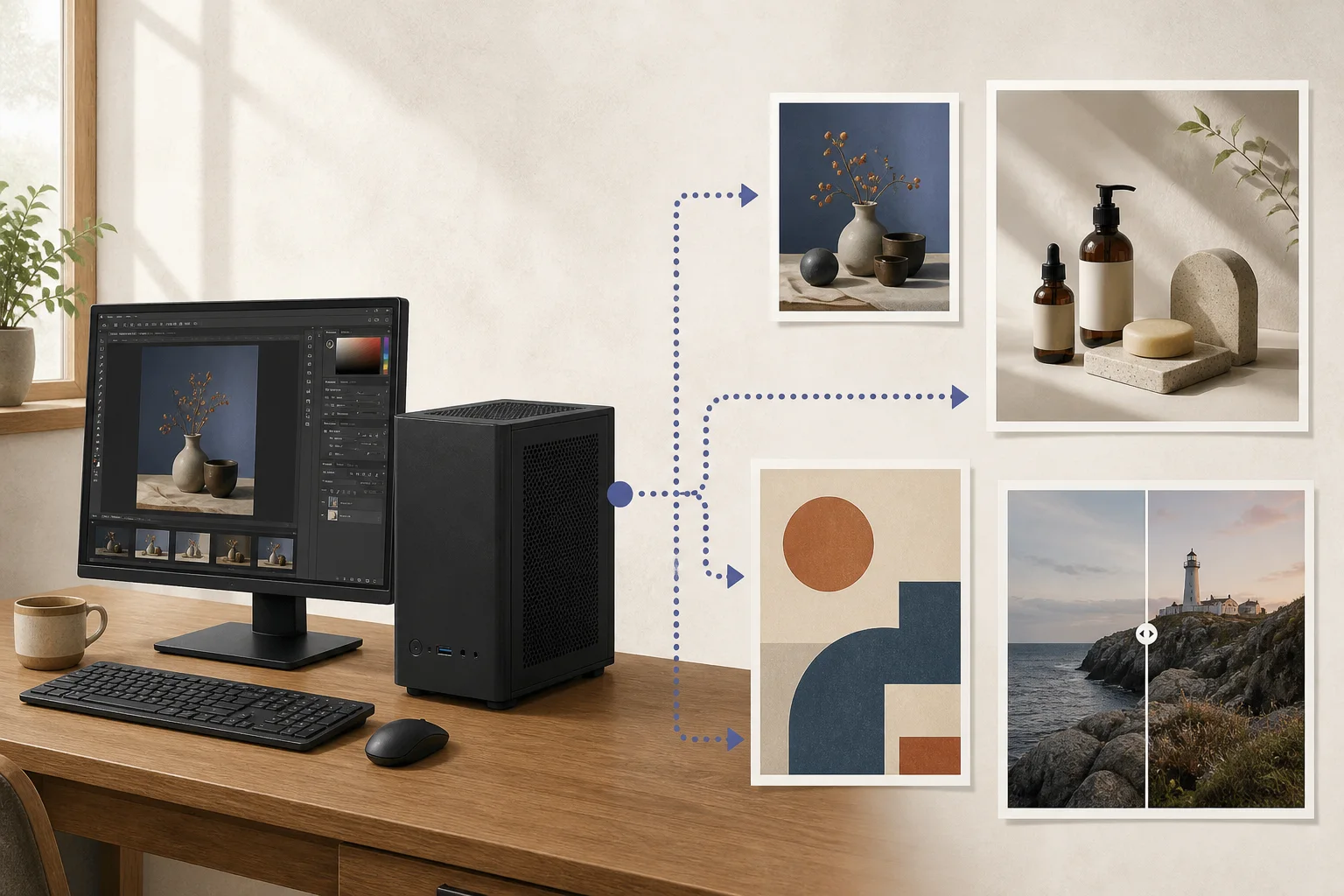
Qwen-Image 2.1 has a dedicated file configuration
Qwen-Image 2.1 was released in September 2026 and does not share the execution-file configuration of Qwen-Image-2512. Generation and reference-image editing use a dedicated VAE9 and Qwen3-VL encoder, so follow the file and support requirements in the installation guide for this variant. This version is under a research license. Keep the unpublished festival draft as practice; check terms before publishing for an actual event.
Set the composition on a small draft, then check final size
Once the app, model, and workflow are ready and saving works, generate a small background draft. Open the saved image and check the cinema entrance, warm windows, and empty title area on the right. If decoration fills the space, revise one condition—for example, “entrance on the left, leave the right side empty.” Do not assume a composition that works at low resolution will remain at larger output; check the publication size too.
Inpainting can change a selected area, but it is not available in the same way for every model and app combination. To revise a sign or window, check whether the workflow accepts an image input or mask. If not, adding the title or removing a small flaw in an editor may be simpler than regenerating the whole image. Keep the model name, image dimensions, and changed settings with each candidate file.
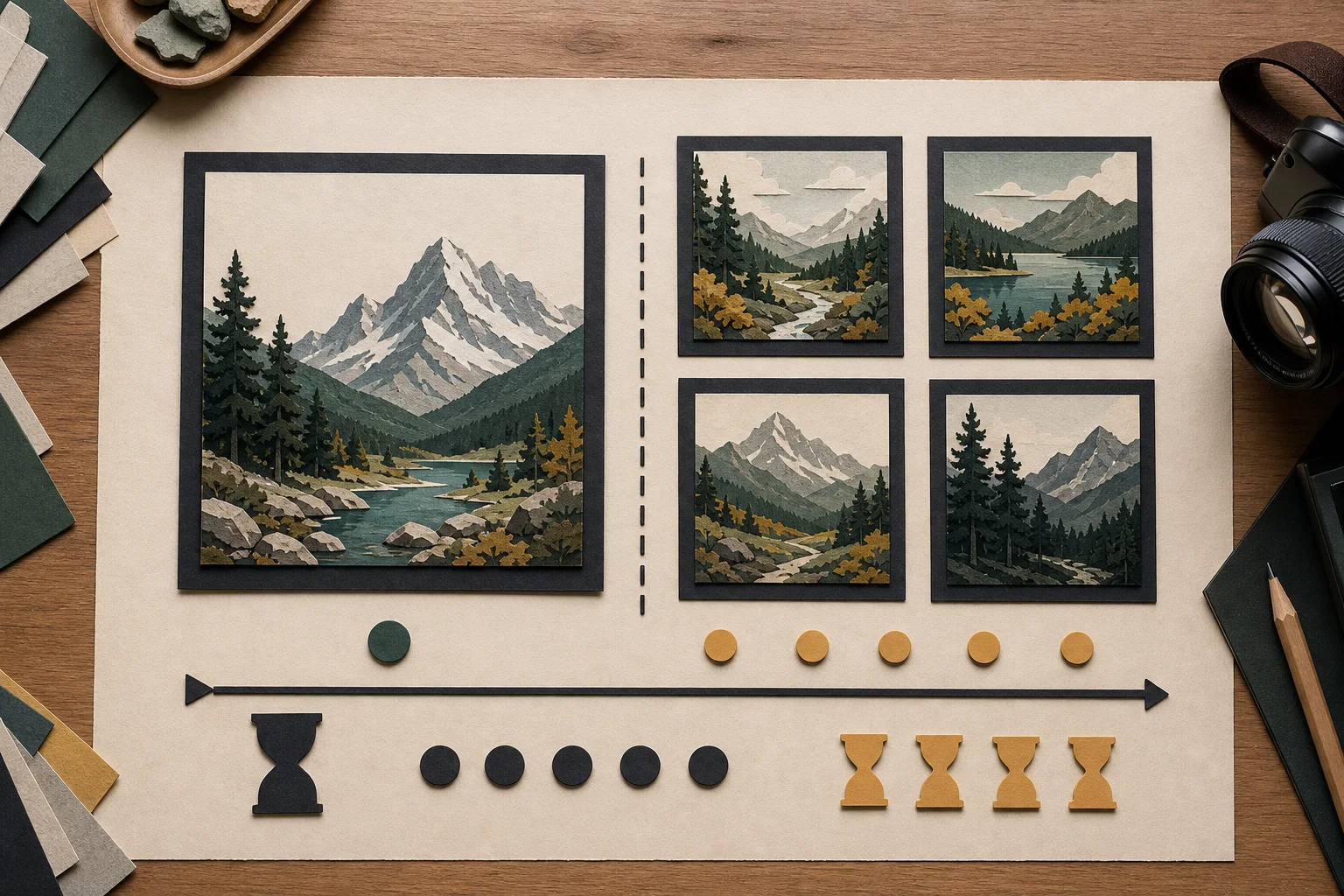
Test batch size and resolution in the actual workflow
Generating several images at once can raise peak memory because the system keeps more intermediate data. If a four-image batch runs out of memory, check the memory needed for one image and the supported resolution. When producing several candidates, compare the total completion time.
Occasionally generating one image and producing many candidates every week have different memory and waiting costs. Include whether you must close your browser or editor during generation as part of the real workflow. Record peak memory, failures, and total wait as you raise resolution or batch size10 to decide whether hardware changes are needed.
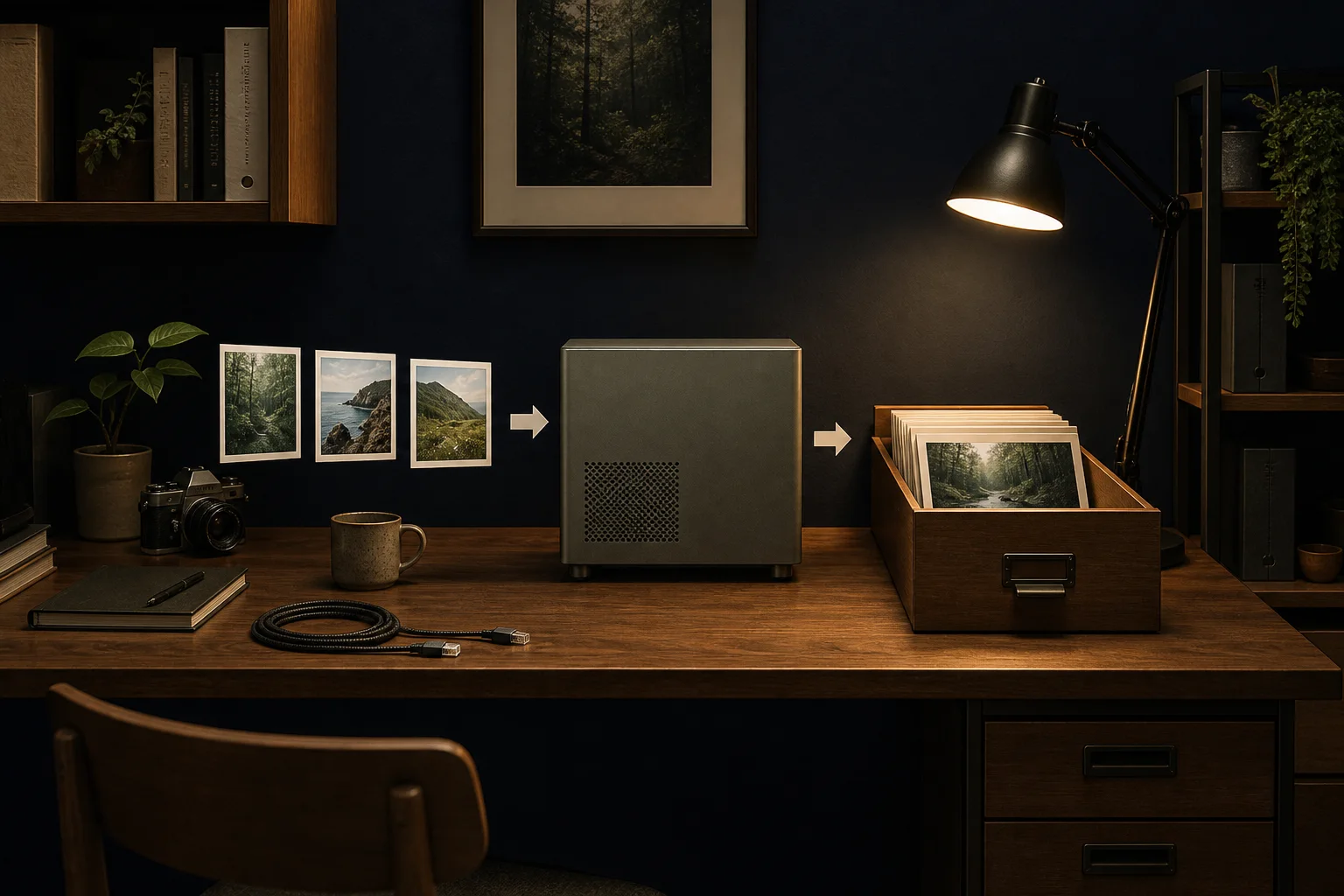
Review saved files and publication conditions
When the run completes, open the saved file at full size and inspect edge artifacts, patterns in the title area, and unintended text. Enter the event name and time in an editor rather than relying on model output, then check legibility on mobile. Before publishing, review model license, reference-photo rights, faces and trademarks, and platform policy; also check whether extensions send images externally and whether the work folder syncs automatically.
The generation demo estimates wait time from registered models and task conditions. It does not generate a new image on your device. To measure your actual workflow, record model loading, image generation, and time spent retrying failed candidates separately.
If one image saves reliably and the wait for candidates is acceptable, you can start with your current setup. If repeated generation stalls, check memory; if memory is available but generation is slow, consider an upgrade based on the supported execution path and measured bottleneck.
Terminology notes
GPU — A processor designed to handle many calculations in parallel. It performs model computations during AI inference.
Back to the textUnified memory — An architecture where the CPU and GPU share one physical memory pool.
Back to the textVRAM — Memory used by a graphics card’s GPU to store model weights and intermediate values.
Back to the textCheckpoint — A file containing saved model weights and related state. Versions or tasks in one model family may use different checkpoints.
Back to the textQuantization — A way to represent model weights or values with fewer bits, reducing storage and memory use. The coarser representation can also affect accuracy.
Back to the textCPU — The central processor that runs the operating system and general-purpose instructions; in AI workloads it also handles tasks such as preprocessing and data movement.
Back to the textOffloading — Moving some model data from GPU memory to system RAM or storage when capacity is limited. This adds data transfer.
Back to the textPrompt — The input text sent to a model. For generative models it describes the desired result and strongly shapes the output.
Back to the textVAE — Short for Variational Autoencoder. It can encode input into a compact latent representation or decode that representation into an output.
Back to the textBatch size — The number of inputs or requests processed together in one batch.
Back to the text
Frequently asked questions
- What should you check first in this article?
- Local AI image generation turns a written scene into an image on your computer. Connect an image model to ComfyUI to create thumbnails and poster backgrounds. Start with GPU requirements, then work through setup and your first image.
- How much memory does it need?
- On Windows, check the GPU name and dedicated GPU memory in Task Manager. On an Apple Silicon Mac, check the chip and unified memory in About This Mac. Then choose an installation path below. Model files and intermediate generation data both use memory, so start with one image.
- Where can you check the conditions and sources?
- Qwen-Image 2.1 was released in September 2026 and does not share the execution-file configuration of Qwen-Image-2512. Generation and reference-image editing use a dedicated VAE and Qwen3-VL encoder, so follow the file and support requirements in the installation guide for this variant. This version is under a research license. Keep the unpublished festival draft as practice; check terms before publishing for an actual event.