
Image and video generation
Last updated
Before buying a GPU for ComfyUI, decide on one image you need to make
Finish the workflow through saving before changing GPUs
ComfyUI is an image-generation program that connects a model, sampler, and image-saving functions through nodes. Enter a prompt1 and the connected workflow generates an image, which you can then edit or enlarge. Before replacing a GPU2, save the workflow you actually need and compare the time taken to finish the final file.
Suppose you want an image of a desk lamp on the right with room for a title on the left. First see whether basic generation gives you the composition; once the result is usable, add only the needed edits or upscaling. Starting with inpainting, control models, and batches all at once makes it hard to tell whether a change came from the workflow or the hardware.
Basic generation and product-photo editing are different workflows
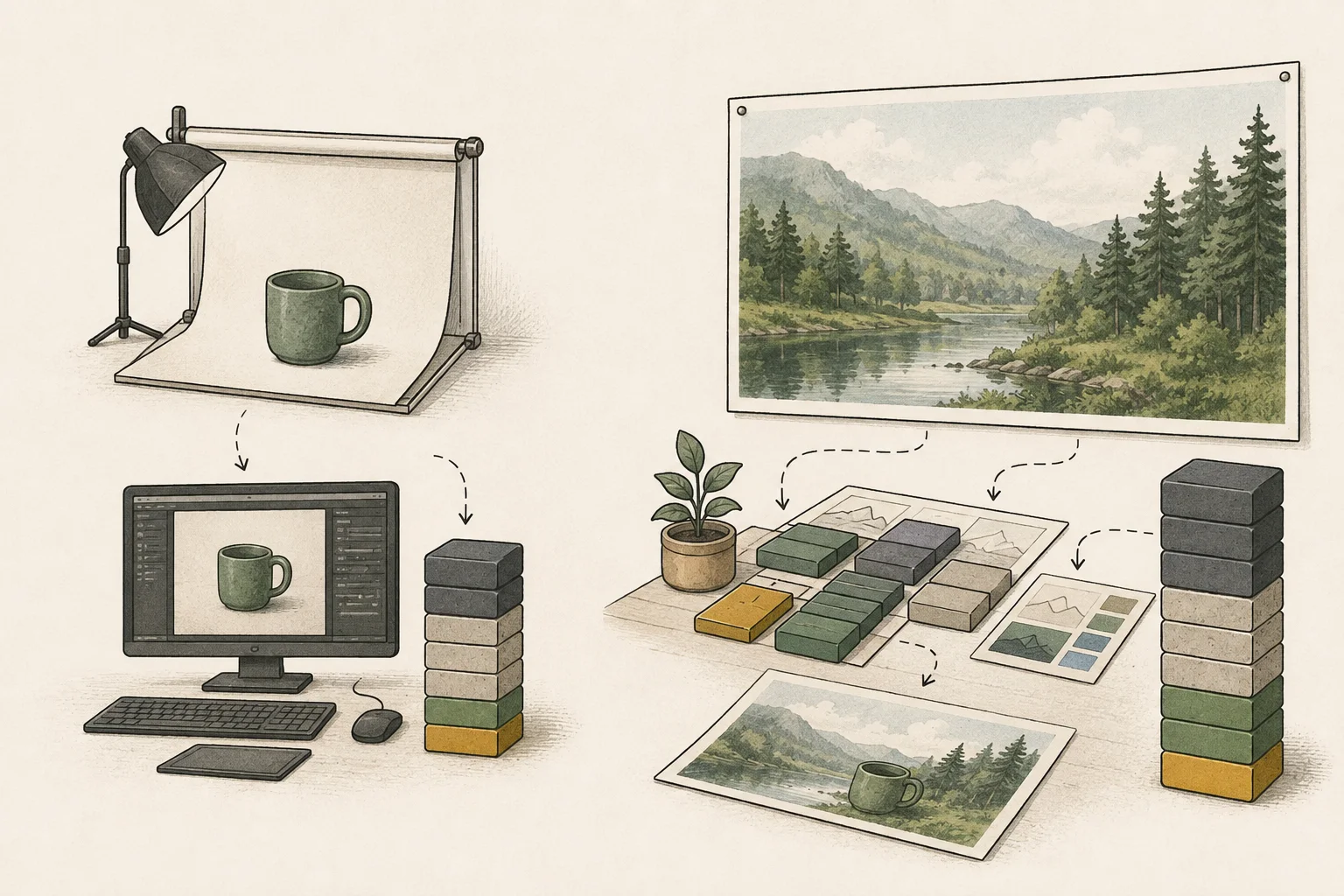
First decide whether you are generating a new background or editing part of an existing product photo. The same product task needs different components if you must preserve people or details from a photo, such as inpainting or added controls. A single goal for the first test makes it easier to verify the model, encoder, decoder, and custom nodes are connected correctly.
If the composition is wrong, review the prompt and model choice. If the graph stops or cannot find a file or node, check the setup. An unwanted image and a workflow that fails to run need different fixes.
Change resolution and batch size one at a time
Once the base graph works, decide whether composition or detail needs improvement. If title space is too narrow, adjust aspect ratio or layout; if composition is right but surface detail is lacking, test resolution. Raising output size alone will not create negative space, so save the working graph and change only one setting while keeping batch size3 and controls fixed.
Not every model produces good results at arbitrary lower resolutions. Stay within the workflow's documented range and inspect changes to composition and detail. If an error occurs, revert the last setting and see whether the graph works again. If only that option fails, investigate compatibility before assuming the GPU is insufficient.
Upscale to final size after choosing a candidate
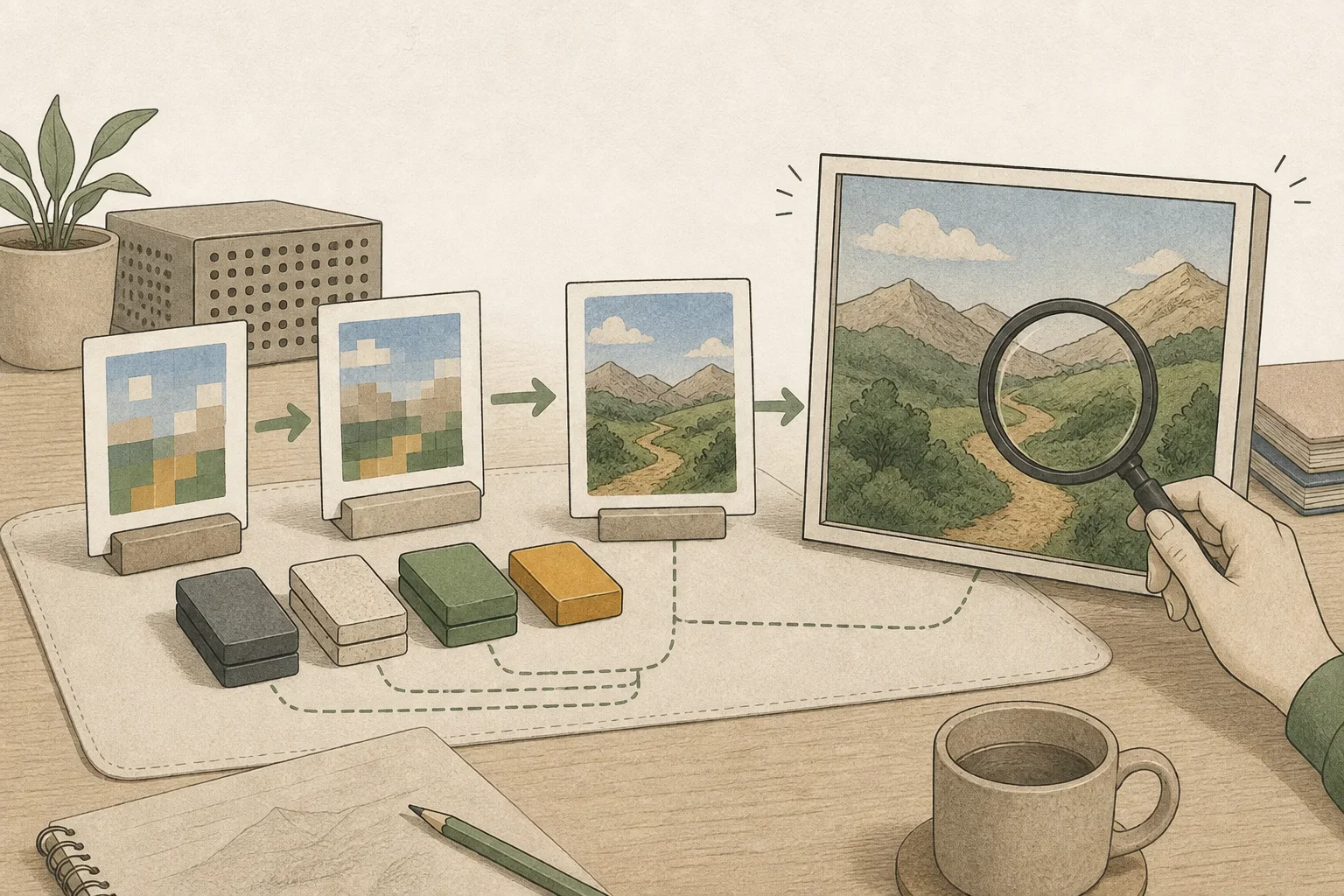
Choose a candidate with the right composition and product position, then upscale it to the required output size. Selecting from smaller drafts can avoid repeatedly generating large images you will reject, but an upscaler or tiled processing adds time and memory.
After enlarging the image, check the product's outline and surface details and the space left for the title. Save the final file and view it at the size you will use on the page; this reveals any editing or enlargement that needs another pass.
Time the complete edit-and-save workflow under matched conditions
When comparing hardware, use the same model files, node graph, prompt, resolution, and batch size. Record basic generation, retries, partial editing, upscaling, and saving separately to identify where waiting accumulates. Errors, OOMs, and long waits have different causes; note the node that stopped and the last setting added.
If you decide after each image, latency until you can inspect and revise the next candidate may matter most. For queued batches, throughput4 may matter more. Custom nodes execute code, so verify their source and version; do not confuse missing-node or model-file issues with a GPU comparison.
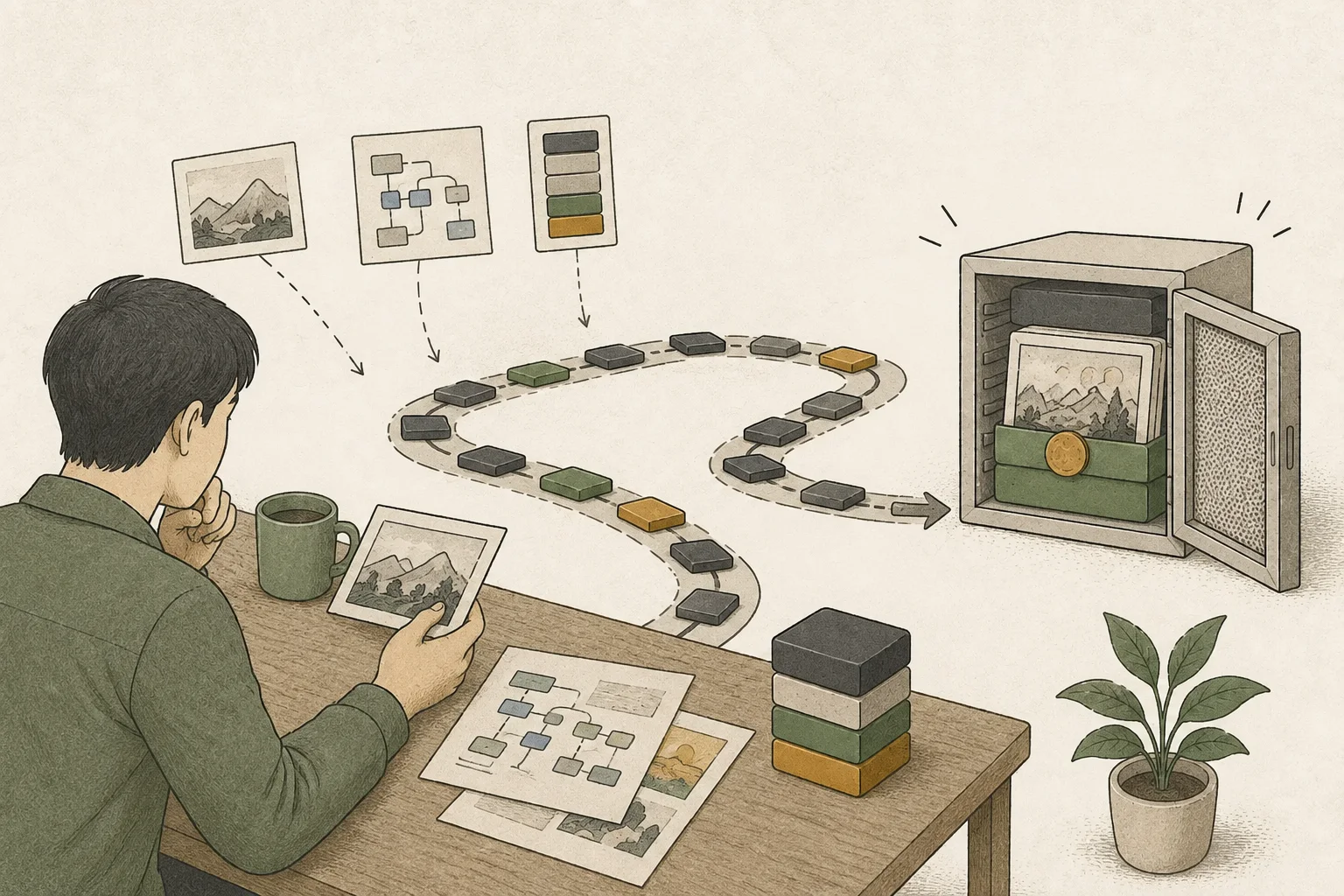
Save the workflow and the model files and custom-node sources and versions, then complete a page-ready output from start to finish. Consider an upgrade when repeated waits interrupt editing or a required feature cannot run because of memory. Reproduce the saved graph on candidate hardware through editing, upscaling, and saving before comparing.
Check the full model stack before upgrading hardware
The FLUX.3 Klein distilled template needs a diffusion model5, text encoder, and VAE6. Its optional prompt upsampler loads a separate Qwen3.5 9B file. The stated 8 GB RTX path is for INT8. If memory is tight, first try disabling the upsampler node and writing the subject, setting, composition, and lighting directly in the prompt. ComfyUI FLUX.3 Klein guide
Record first and repeat runs separately
Time the first Queue run and a second run with the exact same prompt, canvas size, and batch setting separately. Record first-run elapsed, second-run elapsed, and the settings as distinct entries. After the second run finishes, open ComfyUI/output/ and confirm the PNG was saved. Before replacing the GPU, adjust output size, batch count, or upsampler one at a time and note which change resolves the memory error.
Terminology notes
Prompt — The input text sent to a model. For generative models it describes the desired result and strongly shapes the output.
Back to the textGPU — A processor designed to handle many calculations in parallel. It performs model computations during AI inference.
Back to the textBatch size — The number of inputs or requests processed together in one batch.
Back to the textThroughput — The amount of work processed or generated over time. Comparisons need the unit, such as tokens per second or requests per second.
Back to the textDiffusion model — A model family trained to add noise to data and reverse that process, then generate data from noise. It is used for image, audio, and video generation.
Back to the textVAE — Short for Variational Autoencoder. It can encode input into a compact latent representation or decode that representation into an output.
Back to the text
Frequently asked questions
- What should you check first in this article?
- ComfyUI is an image-generation program that connects a model, sampler, and image-saving functions through nodes. Enter a prompt and the connected workflow generates an image, which you can then edit or enlarge. Before replacing a GPU, save the workflow you actually need and compare the time taken to finish the final file.
- How much memory does it need?
- Choose a candidate with the right composition and product position, then upscale it to the required output size. Selecting from smaller drafts can avoid repeatedly generating large images you will reject, but an upscaler or tiled processing adds time and memory.