
Image and video generation
Last updated
Make and edit images locally with LLaDA-Image: choosing Base or Turbo
Compare LLaDA-Image Base and Turbo on the same generation and editing tasks
LLaDA-Image is a model family that creates new images from prompts1 or edits reference photos using an editing request. Official examples sample Base in 50 steps and Turbo in 4. Run both on the same request to compare composition, details, and the time taken to finish the final image.
A cafe post introducing a seasonal drink needs two different results: an atmospheric illustration and an edited menu photo that preserves the logo and drink color. Test the illustration through text-to-image and the photo through reference editing separately, then check composition and preservation on each.
Test new-image generation and photo editing separately
For a new illustration, check whether the subject reads clearly and leaves room for a title. For product-photo editing, focus on details that must not change, such as the cup logo and drink color. Do not judge both outputs with one generic ‘looks good’ score; define what each task must preserve.
For an illustration, check that there is room for a title rather than asking the image to render exact lettering. For editing, specify what to change and preserve in one instruction, then compare against the original for changes to logo text, cup rim, or fingers.
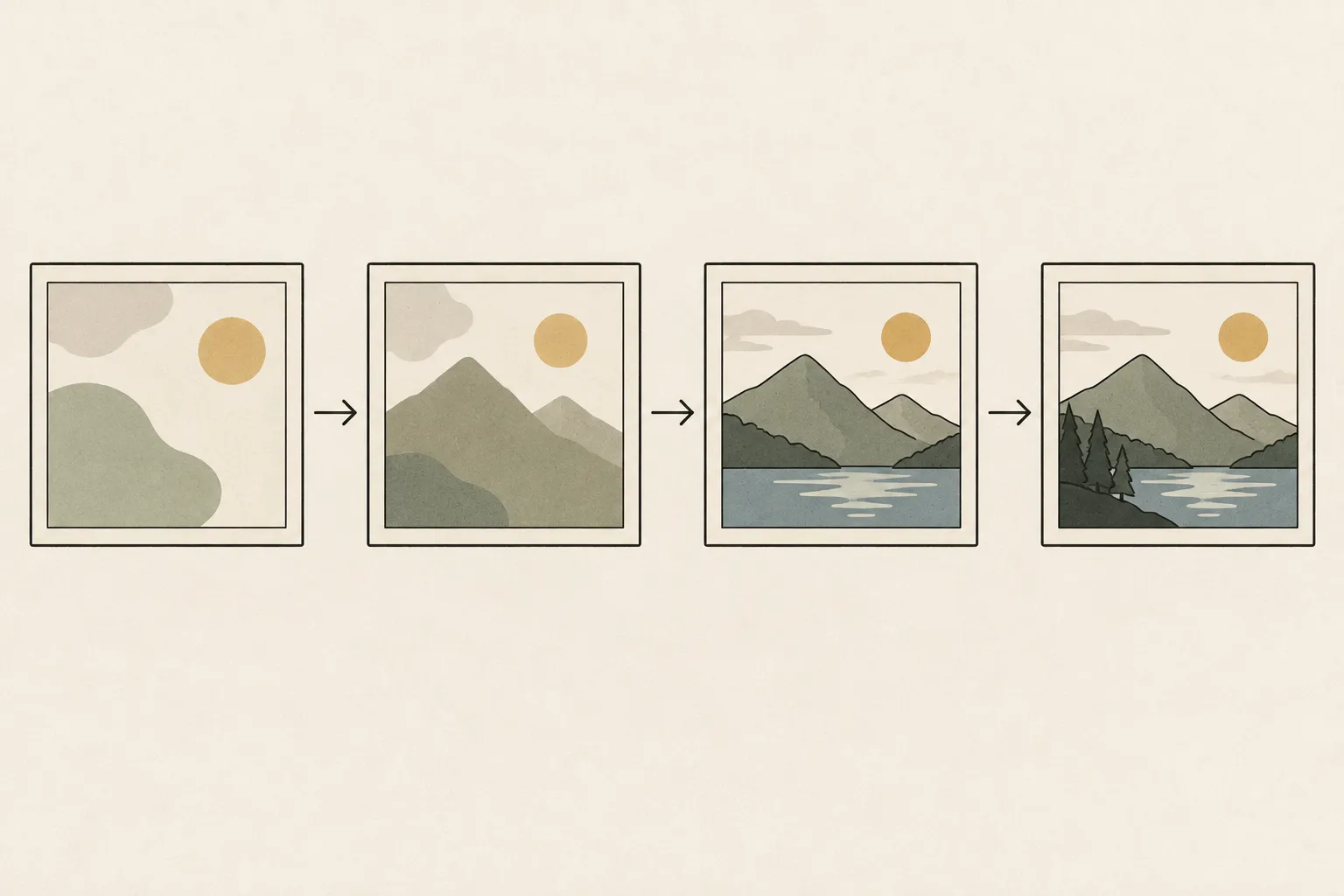
Draft with Turbo and check Base when needed
The official examples use 50 steps for Base and 4 for distilled Turbo. Use Turbo drafts to explore color and layout, then submit a preferred prompt to Base as well to compare composition and detail.
Total time also includes model loading, text processing, resolution-dependent computation, and file saving. Record both sampling time and end-to-end time. Compare whether composition, color, and shadows meet your needs, changing one condition at a time when adjusting the result.
Check preserved details and size requirements in editing
For reference-photo editing, state both what should change and what should remain. For example, request a bright indoor background while keeping the cup logo and drink color. Change only the background first, then add another element such as a shadow if needed; this makes changes easier to trace.
The official pipeline2's editing mode takes an input image and output size; each dimension must be a multiple of 32. For a size error, check that requirement. If the size is accepted but the logo changes, inspect the instruction and content preservation separately. Passing the size check and preserving source details are different tests.
Verify the runtime path and memory placement together
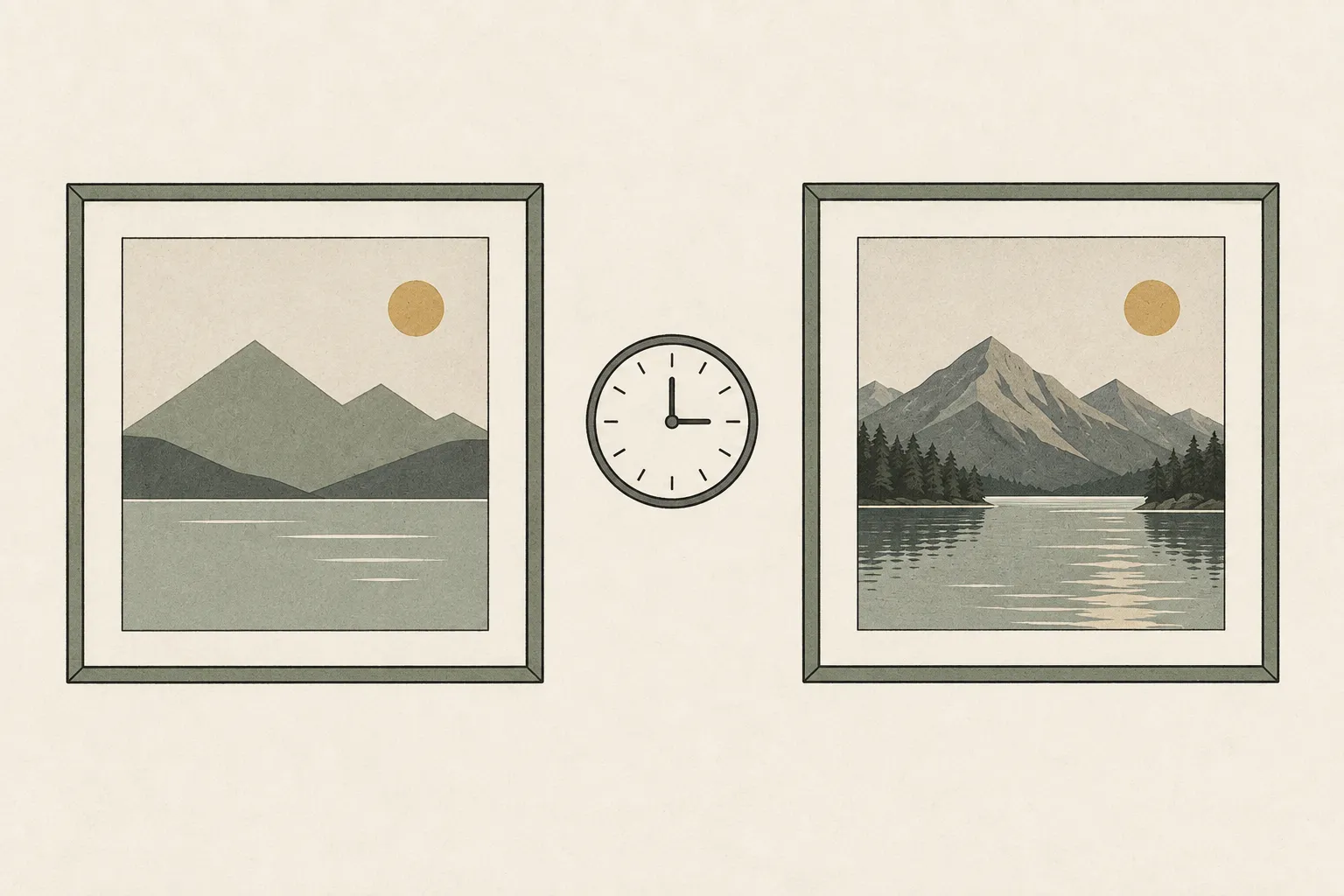
The official repository provides a Diffusers pipeline and Base and Turbo checkpoints3. Its example environment uses PyTorch4 with Python 3.11 and CUDA5. Select text mode for new-image generation and editing mode for reference edits; record checkpoint, precision, size, and step count.
A ComfyUI workflow may differ from simply translating official commands into a graph. Check required nodes, filenames, and application versions, and save the first working graph as a baseline. Weights fitting on disk does not establish enough memory for the text encoder, image generator, intermediate data, and resolution. Test repeated generation and editing with your usual apps open.
Compare until one publishable image is complete
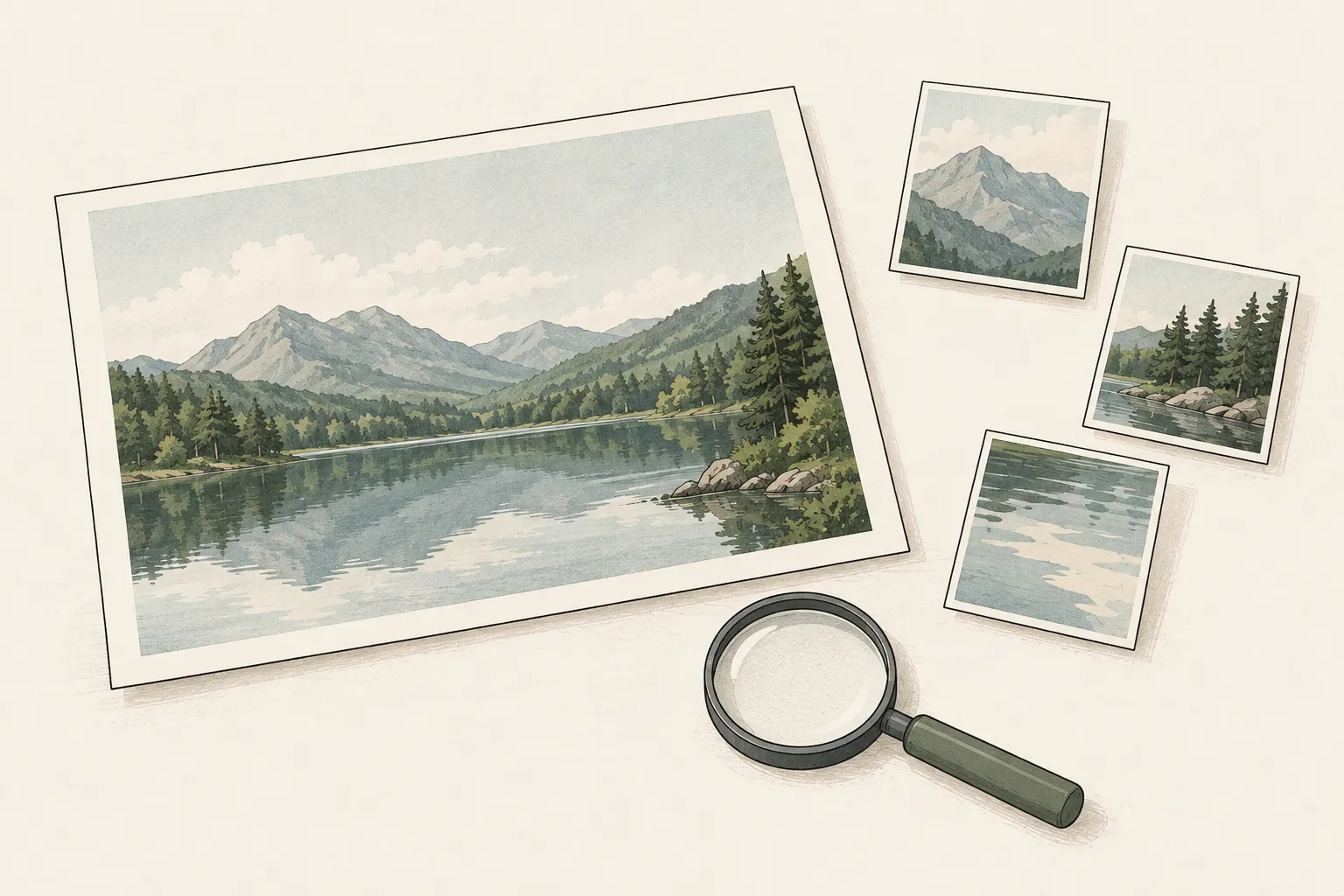
Run the same request three times, separating initial loading from subsequent generation and editing. Compare the middle result to reduce the influence of a single temporary delay. Judge illustrations by the Turbo draft's composition and mood, and compare product photos with the original to check the logo and drink color.
Custom nodes execute code, so verify their source and version. The site's wait-time experience simulates results by device; it is not a speed or quality measurement of LLaDA-Image. If the required generation and editing run reliably alongside your usual apps, an immediate upgrade may not be necessary. Compare candidate hardware under the saved graph's conditions when repeated waiting or memory limits actually block work.
Terminology notes
Prompt — The input text sent to a model. For generative models it describes the desired result and strongly shapes the output.
Back to the textPipeline — A sequence of processing stages from input to output. Different models or tools may be used at each stage.
Back to the textCheckpoint — A file containing saved model weights and related state. Versions or tasks in one model family may use different checkpoints.
Back to the textPyTorch — A software framework for building and running AI models. Check the compatible PyTorch version and hardware support along with the model.
Back to the textCUDA — A software platform for general-purpose computing on NVIDIA GPUs.
Back to the text
Frequently asked questions
- What should you check first in this article?
- LLaDA-Image is a model family that creates new images from prompts or edits reference photos using an editing request. Official examples sample Base in 50 steps and Turbo in 4. Run both on the same request to compare composition, details, and the time taken to finish the final image.
- How much memory does it need?
- A ComfyUI workflow may differ from simply translating official commands into a graph. Check required nodes, filenames, and application versions, and save the first working graph as a baseline. Weights fitting on disk does not establish enough memory for the text encoder, image generator, intermediate data, and resolution. Test repeated generation and editing with your usual apps open.