
Image and video generation
Last updated
Wan 2.2 and MiniMax: choosing a local video workflow
Choose a Wan or MiniMax path for video, audio, and image input
Wan 2.2 TI2V-5B starts video from an image, T2V-14B creates a new scene from text, and MiniMax H3-Base outputs video with stereo audio. Decide which inputs and sound your result needs, then test a short clip within each model's resolution, memory, and runtime1 requirements.
Suppose you want a short product clip that preserves the shape in a reference photo, with sound that fits the scene if needed. Turning the photo into moving video calls for an image-conditioned TI2V path; creating a new scene from text fits a T2V path. If video and sound must be generated together, consider a model such as H3-Base that supports joint output.
These paths accept different inputs and use different computation, so model names or parameter counts alone are not enough for comparison. This guide first narrows the options by the desired output, then explains how to interpret LightX2V's H3 Turbo configurations and the memory and resolution requirements of Wan models.
Decide whether you need video alone or sound within the scene
If you want a five-second promotional clip that animates a product photo, first decide whether to generate sound as well. MiniMax H3-Base outputs video and stereo audio together. For a silent clip, a Wan video workflow can be followed by adding effects or music in an editor.
Joint output follows a different computation path from making silent video and adding music later. Check that the model's output fits your editing workflow; if video and audio are saved together, play them back to review timing and whether the sound fits the scene.
- RTX 5090 32GB memory, speed and price
- Local video generation: workflows and PC requirements
- FLUX or Qwen Image: choose a model for the job
- Local image generation: software, hardware and your first image
- LTX Retake and Dub-It guide: choose interval editing or dialogue changes
- Generate an action-controlled clip with Hunyuan-GameCraft on a 24 GB GPU
- Animate a photo locally with Wan-Animate-2: what to check first
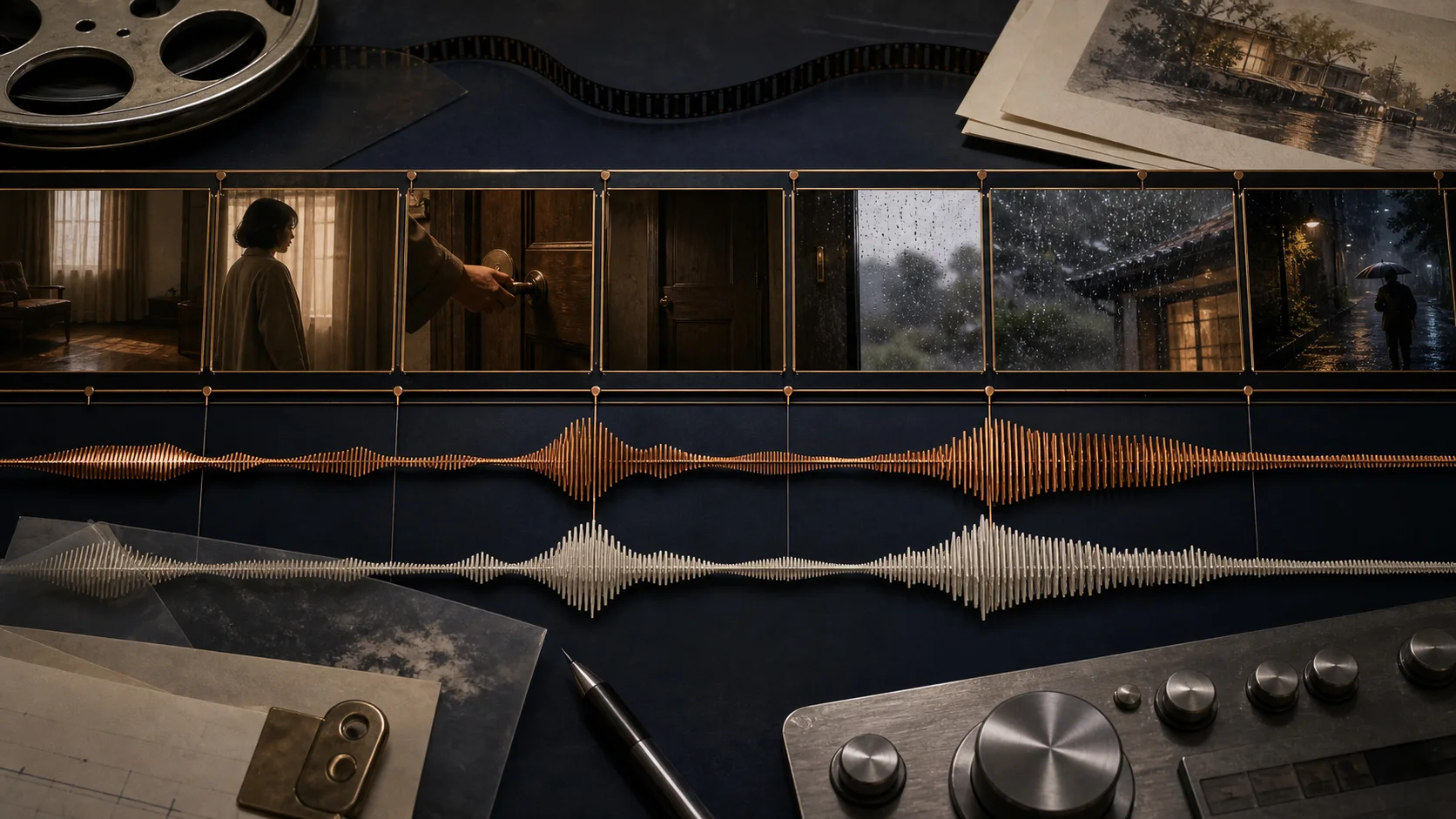
Check whether the path accepts images and first/last frames
To preserve the shape in an existing bottle photo, choose a model and runtime that accept image input. Adding an image option to a text-only checkpoint2 does not make it image-conditioned; check what inputs the actual model files and workflow accept.
The model and tool must both support specifying first and last frames3. Fixing those endpoints does not determine the motion between them, so if both opening and closing scenes matter, review a short draft to see whether the transition is natural.
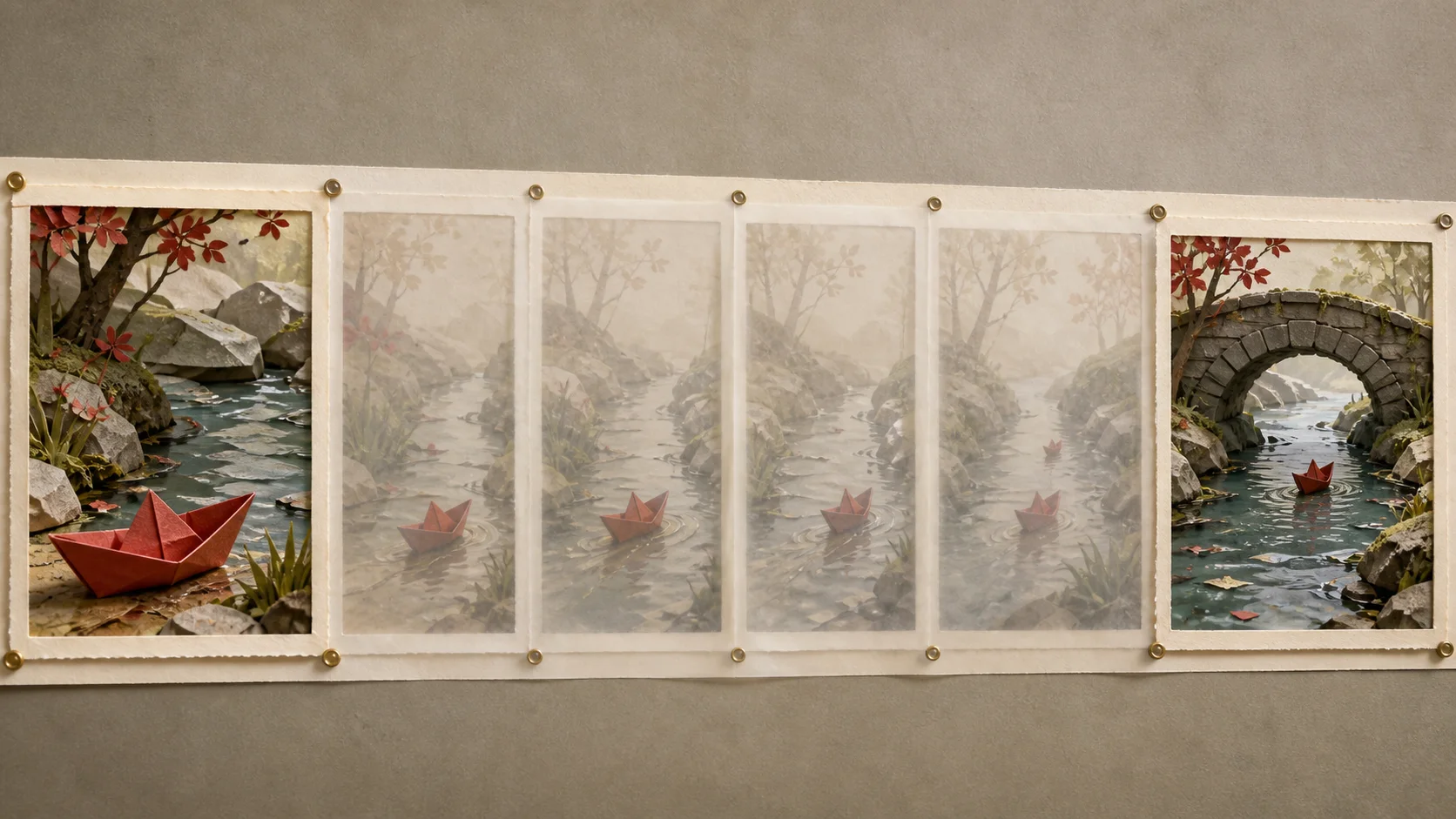
Consider output requirements and memory placement, not model size alone
In addition to weights, the input image, intermediate video-frame data, and resolution use working memory. Offloading4 moves some data to host memory and can make a smaller-VRAM setup possible, but it also needs system RAM5 and transfer time. Multi-GPU setups require model and runtime support for partitioning, so memory capacities cannot simply be added as if they provided the same execution path.
The official Wan 2.2 TI2V-5B repository covers a 720p path at 1280×704 using a 24 GB GPU6 with offloading. Even when starting with a smaller-weight configuration, play the full clip to check whether the required movement and product outline remain. Resolution and frame rules differ by model, so do not transfer one model's settings unchanged to another.
LTX-2.5 requires width and height to be multiples of 32 and frame count to follow 8n+1. This site's HunyuanVideo 1.5 timing comparison covers a 480p image-to-video distillation path. These examples describe each model's own input conditions; do not use them as Wan settings. First save a short result within the target model's documented requirements.
T2V-14B is an option for creating a new scene from text
Wan 2.2 T2V-14B is a text-to-video path, so its goal differs from TI2V-5B, which starts from a bottle photo. It is an option when you want a new scene from text without a reference image; check how the requested camera movement and product-like shape appear in the result.
A larger model changes not only storage needs but also loading and generation memory. Keep the prompt7 and scene goal fixed when comparing results, then decide whether improved appearance or motion justifies the extra memory and wait.
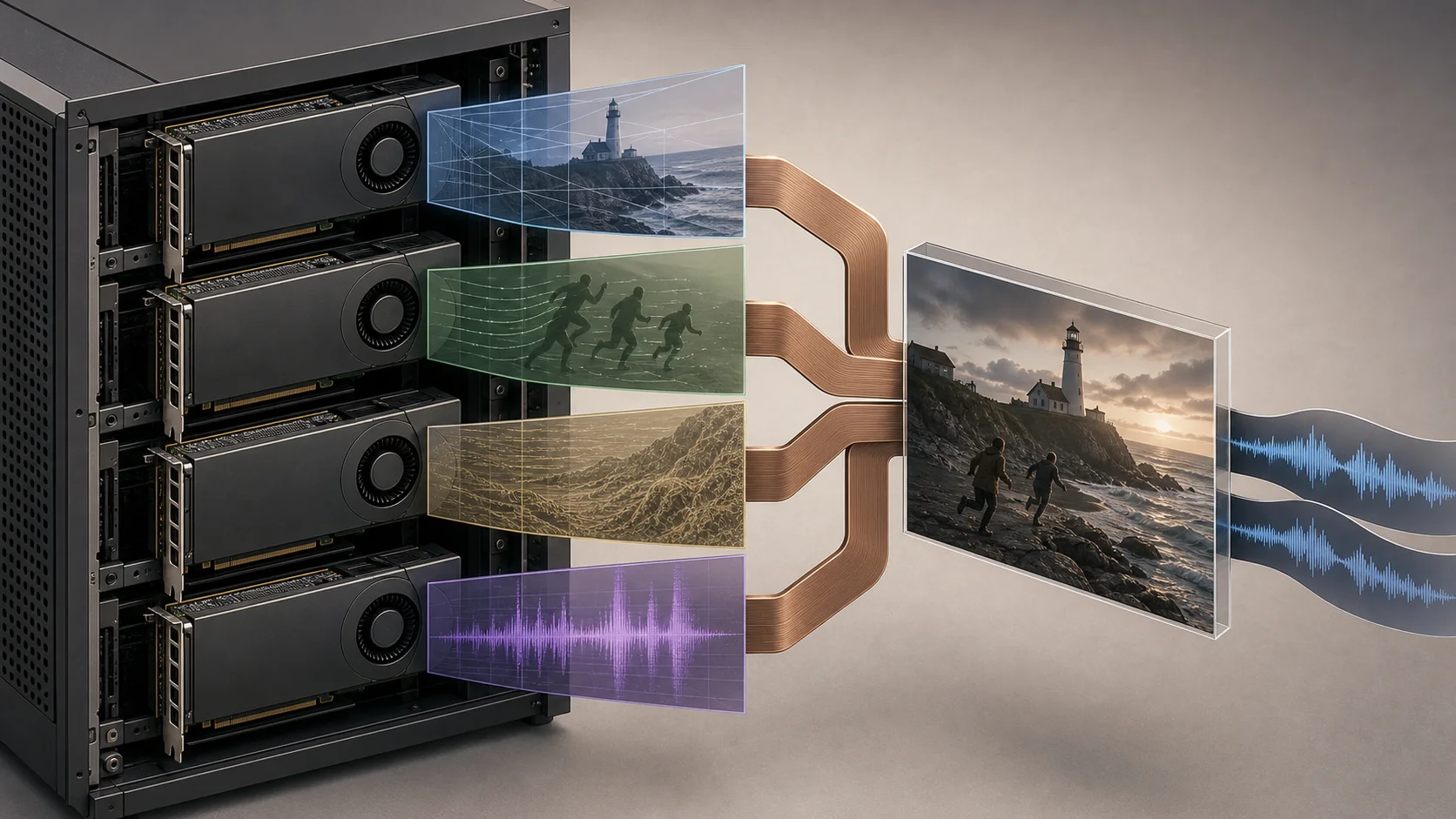
Read H3 Turbo step counts together with parallelism
LightX2V's MiniMax-H3 guide separates Turbo 4-step and 8-step settings by precision and GPU parallelism. The 4-step BF168 path uses dmd/minimax_h3_bf16_4step.json and a single-GPU script; 4-step FP8/INT8 uses SP4, while 8-step FP8/INT8 uses SP8. The FP89 4-step entry marked for 5090 is also an SP8 configuration, not a one-GPU run.
For a first setup, prepare the model directory according to the repository's model paths and kernel requirements. The documented Diffusers layout includes transformer10, text_encoder, tokenizer, processor, vae11, and audio_vae components, so downloading only the original FL2VA/ checkpoint directory is not enough. Use the command below to check output from the baseline BF16 path.
bash scripts/minimax_h3/run_minimax_h3_t2av.shCompare Turbo with the same input and measure the full wait
After confirming that the baseline output file opens, copy dmd/minimax_h3_bf16_4step.json for the experiment. Check that the LoRA12 path points to a real file and that alpha=128, video_flow_shift=6, audio_flow_shift=3, and infer_steps=4 match the published 4-step adapter.
The default is 362 frames at 768×1344, so for the first comparison reduce num_frames and size in the JSON to 124 frames at 544×960. Choose either dynamic LoRA application or merging into BF16 weights.
Keep prompt, seed, resolution, and frame count fixed, and save the baseline and Turbo outputs separately. Record first-run time including model loading and warm-up, repeat generation after setup, and time through file saving; these describe the wait in an actual workflow. The README has no consumer-GPU FPS13 comparison of the two presets under matched conditions, so do not infer a speed multiplier from four steps.
If the image is black or audio is missing, check the requested task, the --model-variant fl2av setting at startup, the model-component directories, and the LoRA path. VAE and encoder errors in the logs help distinguish an output-path problem from a model-loading problem.
H3-Base timing is reported for a specific server setup
LightX2V's H3-Base timing uses the SGLang FL2VA BF16/FP32 TP2 offloading path, two RTX 5090 cards, and 384 GB of host RAM. Matching only the two GPUs does not reproduce the same timing; offloading and host memory are part of the setup.
The measured scene is a 768p, five-second output with audio. The reported runs use five and 50 steps; the 20-step time mentioned as a standard setting is interpolated between those measurements. It is not a separate measurement and should not be extrapolated to other clip lengths or RAM configurations.
The published timing excludes prompt interpretation and the 2K regeneration stage. Use it when deciding whether joint video-and-audio output is useful or whether you would rather add a track to a silent clip in an editor. Review visual quality and audio fit by playing the result.
Choose a supported runtime for the shot you need
If the bottle photo must be preserved, compare an image-conditioned TI2V path; for a new scene from text, consider T2V-14B; if video and sound must be created together, consider H3-Base joint output. This is a choice about matching input and desired result, not a size ranking.
Videos shown on the site are prepared samples that illustrate estimated wait-time differences by hardware, not outputs generated by the actual models. Check whether the runtime you plan to install supports the model, image input, and required duration and resolution; save a short clip and play it from beginning to end. For frequent revisions, include first-run time, memory headroom, and editing time as well as generation wait.
If the target clip plays through on your current hardware, includes the audio you need, and repeat waits are manageable, you can start with that setup. When considering new hardware, compare run reports that specify model, precision, resolution, duration, and offloading. Treat reports under different conditions as context, not as estimates for your workload.
Terminology notes
Runtime — The software environment that provides facilities needed while a program runs. In local AI, it can also refer to a model execution engine.
Back to the textCheckpoint — A file containing saved model weights and related state. Versions or tasks in one model family may use different checkpoints.
Back to the textFrame — A single image that makes up part of a video.
Back to the textOffloading — Moving some model data from GPU memory to system RAM or storage when capacity is limited. This adds data transfer.
Back to the textSystem RAM — System memory that temporarily holds data while programs run.
Back to the textGPU — A processor designed to handle many calculations in parallel. It performs model computations during AI inference.
Back to the textPrompt — The input text sent to a model. For generative models it describes the desired result and strongly shapes the output.
Back to the textBF16 — A 16-bit floating-point format for model values. Its exponent has the same width as FP32, giving it a similarly wide value range.
Back to the textFP8 — A floating-point format that represents each value with 8 bits.
Back to the textTransformer — A neural-network architecture centered on attention, which computes relationships within an input. It is used in language as well as image, audio, and video models.
Back to the textVAE — Short for Variational Autoencoder. It can encode input into a compact latent representation or decode that representation into an output.
Back to the textLoRA — A method that learns and applies small additional weights to adapt a base model. The adapter is used with the base model for purposes such as style adaptation or few-step generation.
Back to the textFPS — Frames per second.
Back to the text
Frequently asked questions
- What should you check first in this article?
- Wan 2.2 TI2V-5B starts video from an image, T2V-14B creates a new scene from text, and MiniMax H3-Base outputs video with stereo audio. Decide which inputs and sound your result needs, then test a short clip within each model's resolution, memory, and runtime requirements.
- How much memory does it need?
- In addition to weights, the input image, intermediate video-frame data, and resolution use working memory. Offloading moves some data to host memory and can make a smaller-VRAM setup possible, but it also needs system RAM and transfer time. Multi-GPU setups require model and runtime support for partitioning, so memory capacities cannot simply be added as if they provided the same execution path.