
Image and video generation
Last updated
Animate a photo locally with Wan-Animate-2: what to check first
Transfer motion from a video to a character in a reference image
Wan-Animate-2 takes a character reference image and a video containing motion, then applies that motion to the appearance in the image to create a new clip. Save the result, play it to check continuity in face, clothing, and movement, and extend duration only after a short segment works.
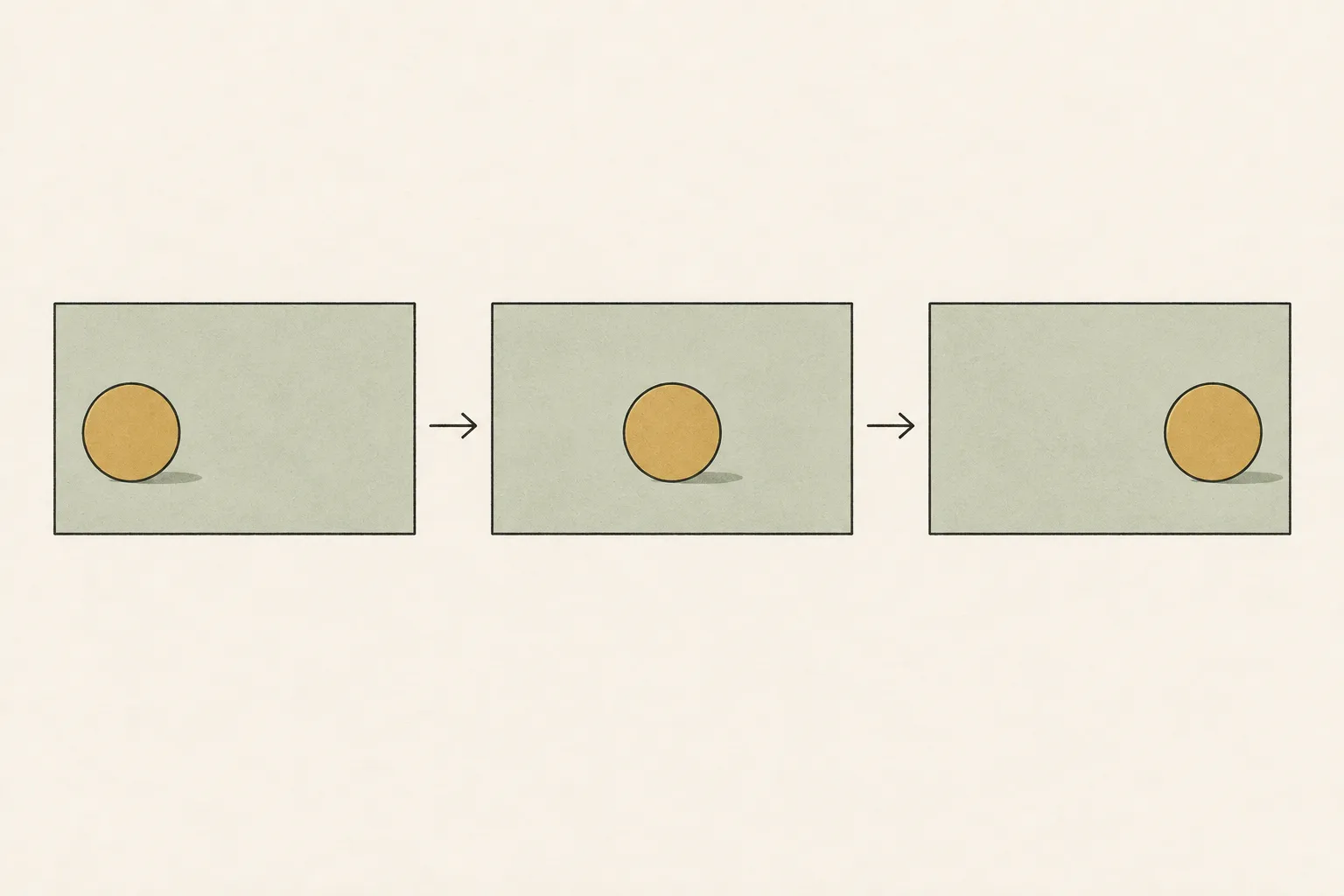
Suppose you want a hand-drawn character to wave in a product video. The character image provides the appearance to preserve; a short motion video provides the movement to transfer. As in the official examples, you can add a sentence describing face, clothing, and background, but text does not replace the roles of the reference image and motion video.
Choose one clear motion from the source video
To transfer a wave into a product clip, choose a short source segment where the motion is clear. Avoid cuts and occlusion, and make sure the relevant hand and expression are visible. Start with a clearly visible wave rather than a full-body dance with several movements at once.
If person size or camera angle differs greatly between reference image and motion video, or the body is often cropped, the input mismatch can affect the result. Decide in advance which features to preserve—face, clothing, background—and which motion to transfer, such as a wave. Then review both appearance and movement, not just whether the character moved.
Start with either the official repository or ComfyUI template
The official Wan-Animate-2 repository provides an inference1 script, checkpoint-download instructions, and examples specifying reference-image and motion-video paths. Its download example uses the model identifier Wan-AI/Wan2.2-Animate-2-14B. If you use the repository path, follow its instructions and verify that a short input completes.
ComfyUI has a separate template connecting the image, motion video, description, and save nodes. It is not simply the official repository commands displayed as a graph, so align the ComfyUI version, custom nodes, and model files separately. Verify one path from input to saved output before comparing another runtime2; this keeps setup, input, and saving problems distinct.
Understand the scope of the 14B model and published hardware figures
The 14B parameter count alone does not determine VRAM3 needs. Reference images, video frames4, intermediate data, output size, and runtime batching use memory in addition to weights. The repository says its default 720p setup was configured on eight A800 GPUs and 480p was tested on two A800 GPUs. Do not treat these server examples as guarantees for one consumer GPU5.
Even if the ComfyUI template allows precision or cache changes, verify quality, speed, and memory with those settings. Simply adding memory capacities across GPUs or offloading6 does not imply the same runtime path or processing time. Look for a completed run on your hardware; without evidence, first test shorter motion and lower resolution rather than upgrading.
Save a short result and review appearance and motion together
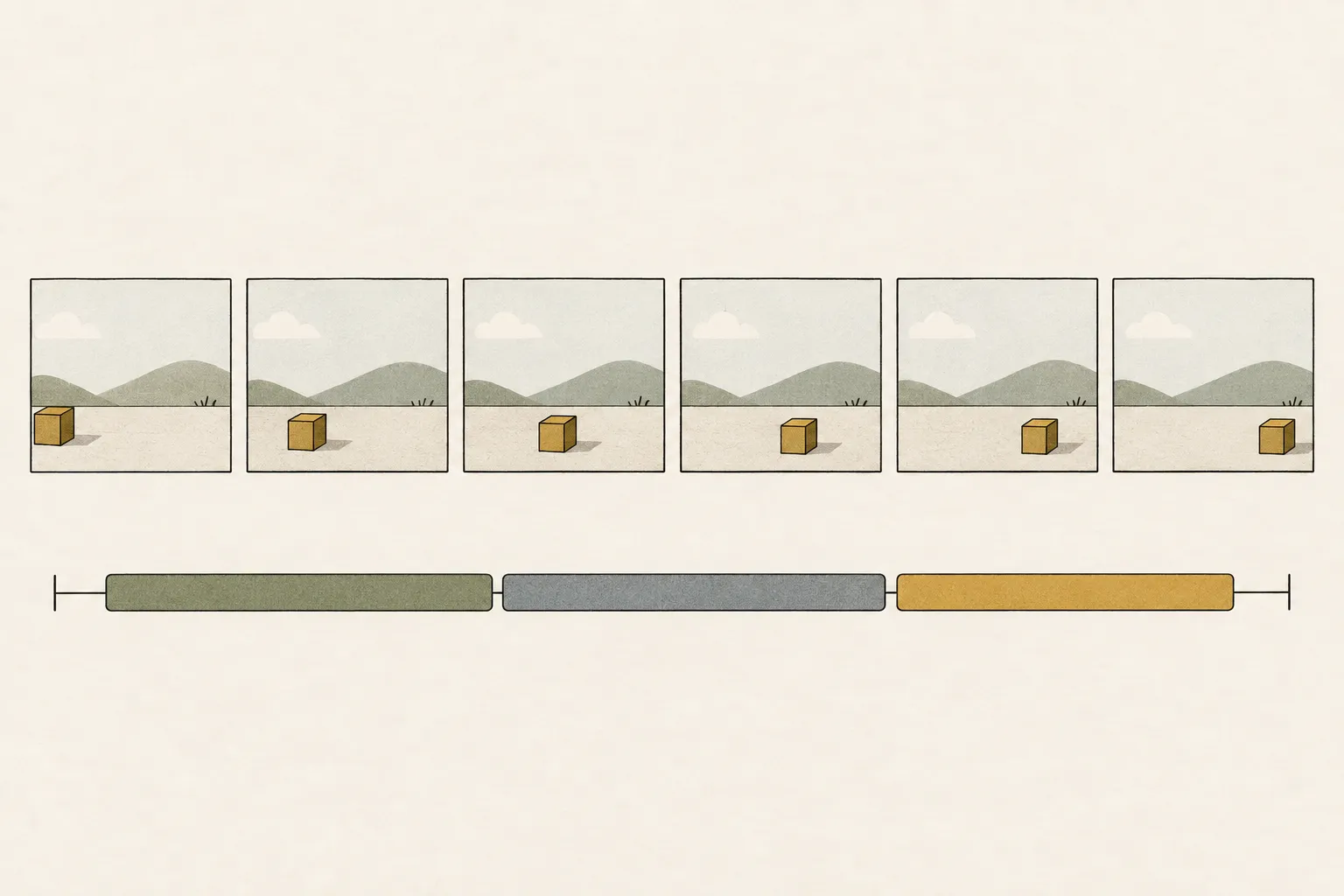
For the first test, run a short segment, save the final video file, and play it. Seeing an intermediate preview does not verify the saved file. Check whether face and clothing remain consistent with the reference, whether the wave follows the source motion, and whether the opening and ending cut off abruptly.
The ComfyUI template can also join 81-frame motion-transfer blocks into a longer video. A successful block does not establish continuity across the full sequence. If a join looks awkward, save and compare the blocks around the point where it changes instead of extending the whole sequence; adjust the reference image or description for appearance issues and the relevant segment for continuity issues.
Evaluate the workflow including generation, saving, and review
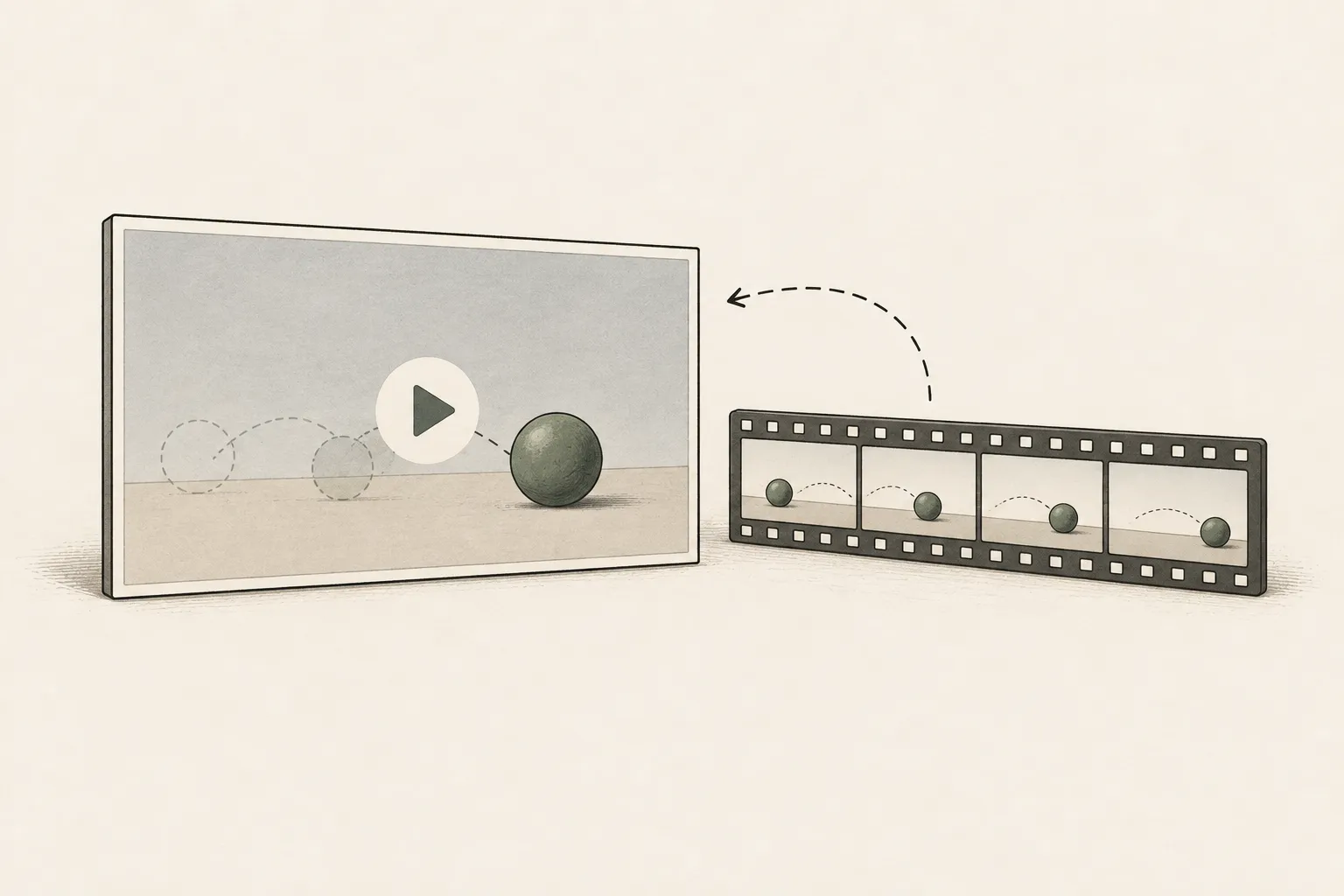
For frequent revisions of short clips, check whether repeated runs reach a saved output; for a long sequence, account for joining blocks. Do not choose hardware from the time for one generation alone—include input selection, playback review, revisions and regeneration, and file saving.
The site’s video interface simulates differences in hardware waiting time; it is not a measured speed or quality evaluation of Wan-Animate-2. Do not compare results from another text-to-video model as if they were this model’s results. Increase resolution and duration one at a time on a supported path. Without a verified hardware example, do not buy based only on server-class A800 figures; test a shorter, lower-resolution path first.
Terminology notes
Inference — The process of using a trained model to compute an output for an input. Here, local inference means running the model on the user’s device.
Back to the textRuntime — The software environment that provides facilities needed while a program runs. In local AI, it can also refer to a model execution engine.
Back to the textVRAM — Memory used by a graphics card’s GPU to store model weights and intermediate values.
Back to the textFrame — A single image that makes up part of a video.
Back to the textGPU — A processor designed to handle many calculations in parallel. It performs model computations during AI inference.
Back to the textOffloading — Moving some model data from GPU memory to system RAM or storage when capacity is limited. This adds data transfer.
Back to the text
Frequently asked questions
- What should you check first in this article?
- Wan-Animate-2 takes a character reference image and a video containing motion, then applies that motion to the appearance in the image to create a new clip. Save the result, play it to check continuity in face, clothing, and movement, and extend duration only after a short segment works.
- How much memory does it need?
- The 14B parameter count alone does not determine VRAM needs. Reference images, video frames, intermediate data, output size, and runtime batching use memory in addition to weights. The repository says its default 720p setup was configured on eight A800 GPUs and 480p was tested on two A800 GPUs. Do not treat these server examples as guarantees for one consumer GPU.