
Image and video generation
Last updated
What Is a World Model? How AI Generates the Next Scene Locally
A world model uses the current scene and an action to produce a predicted next image or state.
A world model takes a current scene and an action such as a key press or camera movement, then predicts the next frame1 or environment state. Implementations differ: Matrix-Game combines an engine with a neural renderer, DIAMOND models Atari environments, and Oasis generates video from a supplied action file.
A world model predicts the next state from the current scene
A world model takes an environment’s current state and an action, then predicts the next state. When it works with game imagery, it can use a frame showing a character and a movement key to produce the next frame. Some models return frames or short clips; other systems connect to a game engine to render the next view. Start by checking whether the output is a video file or an interactive game session.
Action inputs vary by project: they may be keyboard buttons, a camera path, or a file of recorded controls. The model needs the current scene and its corresponding action to predict a continuation. Matrix-Game 4.0 handles game input and physics in its engine, while a neural video model renders the low-poly RGB view.
- RTX 5090 32GB memory, speed and price
- Run Oasis 500M Locally: Generate Game Video from an Image and Action File
- Run the Matrix-Game 4.0 Local Browser Demo on an RTX 5090
- Local image generation: software, hardware and your first image
- Run DIAMOND on a Mac: Play the CSGO world model with MPS
- Run LingBot-World V2 on a Mac: Turn an Image and Camera Path into Video
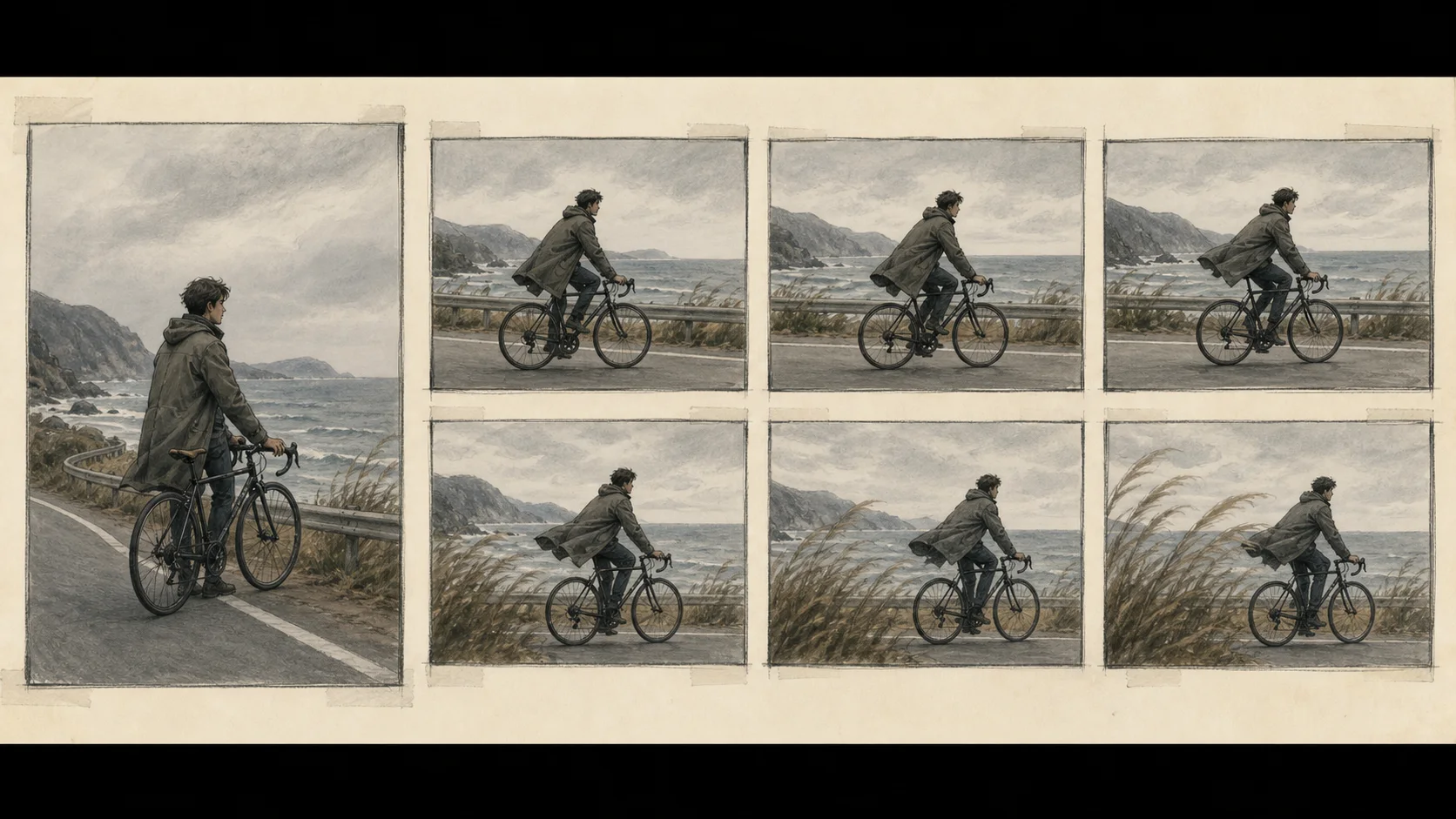
Six different input paths sit under the same label
Inputs and outputs vary by project. Choose the task you want, such as a keyboard-controlled game, an Atari simulator, video frames linked by camera conditions, a robot physics and action model, or a clip rendered from recorded controls. Then check the OS and model-file requirements in that project's repository.
Matrix-Game 4.0 uses a game engine for rules, physics, and input, then a video model renders the low-poly view as a stream. Its RTX 5090 preset supports a local browser demo on Linux.
The DIAMOND CSGO path runs a diffusion world model trained on Counter-Strike: Global Offensive scenes. Check out the repository’s csgo branch to start play; its README documents PYTORCH_ENABLE_MPS_FALLBACK=1 for sending unsupported MPS operations to the CPU2 on Apple Silicon.
The Apple Silicon fork of LingBot-World V2 runs the 1.3B causal-fast model on a single MPS device. It is closer to extending video frames under camera conditioning than to a tool that creates a single still image.
NVIDIA Cosmos3-Edge provides video and image generation plus dynamics and policy paths for physical AI. Its 4B model card separates generator and reasoner tasks, so first decide whether you want to continue a game view or work with actions and states in a robotics environment.
Hunyuan-GameCraft generates game-like video from a reference image and keyboard-style camera actions. Its official Linux CUDA3 path lists 24 GB as the minimum single-GPU memory for the documented case and describes that configuration as very slow.
Oasis 500M is an offline example that takes an opening image or video and an action-sequence file, generates following frames, and saves video.mp4. The model card describes the website’s live demo as a larger version.
A game engine and a neural renderer do different jobs
In Matrix-Game 4.0, the engine calculates collisions, rules, and game state from keyboard input, while a neural video model renders a clean view of that state. The HUD and sound are synchronized outside the model-generated RGB frames.
Oasis generate.py takes a prepared control recording and creates a video file. It does not provide a UI for controlling a live game with key presses. If you need an interactive game session, look at a project such as Matrix-Game, which connects an engine, transport, and browser UI. Compare the Matrix-Game architecture with the Oasis inference code to see how their execution paths differ.
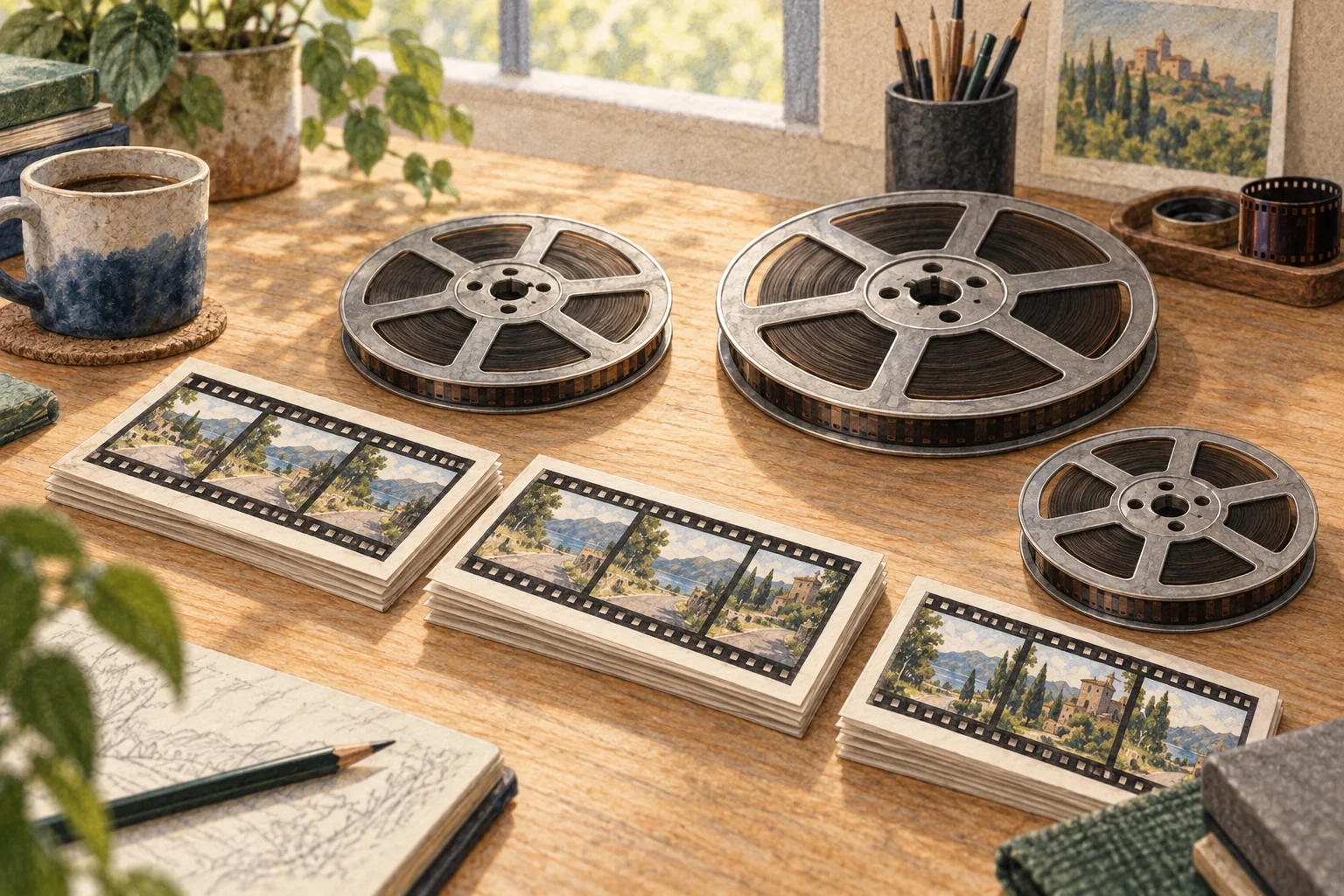
The input and hardware determine the local path
For a Linux NVIDIA PC and browser-based control, see Matrix-Game’s RTX 5090 path. For single-device video generation on Apple Silicon, the LingBot-World MPS fork is a different option. If you want to pass an opening image and action trace to a Python script and inspect a saved clip, Oasis 500M is the more direct example.
Check each repository's terms before downloading model files. The Oasis checkpoint4 requires a Hugging Face login and review of its access conditions. The LingBot MPS fork lists CC BY-NC-SA 4.0, and the DIAMOND Atari path also has ROM licensing conditions. Download availability alone does not grant usage rights, so review the terms for the project, model, and ROM separately.
Choose the output file or interaction you want first
Your first path depends on whether you want to save a short clip, control a game in a browser, or work with states and actions in a robotics environment. For a first video file, follow the Oasis route that takes an opening image and action file. For an interactive game view, choose Matrix-Game’s engine and browser demo. Do not infer the local runtime5 from a model name or a website demo alone.
Next, use the Matrix-Game 4.0 RTX 5090 guide to prepare a local browser game, or the Oasis 500M guide to make video.mp4 from an image and action file. Each page documents the runtime required by that project.
Terminology notes
Frame — A single image that makes up part of a video.
Back to the textCPU — The central processor that runs the operating system and general-purpose instructions; in AI workloads it also handles tasks such as preprocessing and data movement.
Back to the textCUDA — A software platform for general-purpose computing on NVIDIA GPUs.
Back to the textCheckpoint — A file containing saved model weights and related state. Versions or tasks in one model family may use different checkpoints.
Back to the textRuntime — The software environment that provides facilities needed while a program runs. In local AI, it can also refer to a model execution engine.
Back to the text
Frequently asked questions
- What should you check first in this article?
- A world model takes a current scene and an action such as a key press or camera movement, then predicts the next frame or environment state. Implementations differ: Matrix-Game combines an engine with a neural renderer, DIAMOND models Atari environments, and Oasis generates video from a supplied action file.
- How much memory does it need?
- [Hunyuan-GameCraft](https://github.com/Tencent-Hunyuan/Hunyuan-GameCraft-1.0) generates game-like video from a reference image and keyboard-style camera actions. Its official Linux CUDA path lists 24 GB as the minimum single-GPU memory for the documented case and describes that configuration as very slow.
- When is it better not to choose this?
- Your first path depends on whether you want to save a short clip, control a game in a browser, or work with states and actions in a robotics environment. For a first video file, follow the Oasis route that takes an opening image and action file. For an interactive game view, choose Matrix-Game’s engine and browser demo. Do not infer the local runtime from a model name or a website demo alone.
- Where can you check the conditions and sources?
- [NVIDIA Cosmos3-Edge](https://huggingface.co/nvidia/Cosmos3-Edge) provides video and image generation plus dynamics and policy paths for physical AI. Its 4B model card separates generator and reasoner tasks, so first decide whether you want to continue a game view or work with actions and states in a robotics environment.