
Image and video generation
Last updated
Run DIAMOND on a Mac: Play the CSGO world model with MPS
Move and change your view while AI generates the next game frame.
DIAMOND takes player actions and generates subsequent game frames1 with a diffusion world model. This guide uses the csgo branch of the original eloialonso/diamond repository and enables MPS CPU2 fallback to open the interactive view on Apple Silicon.
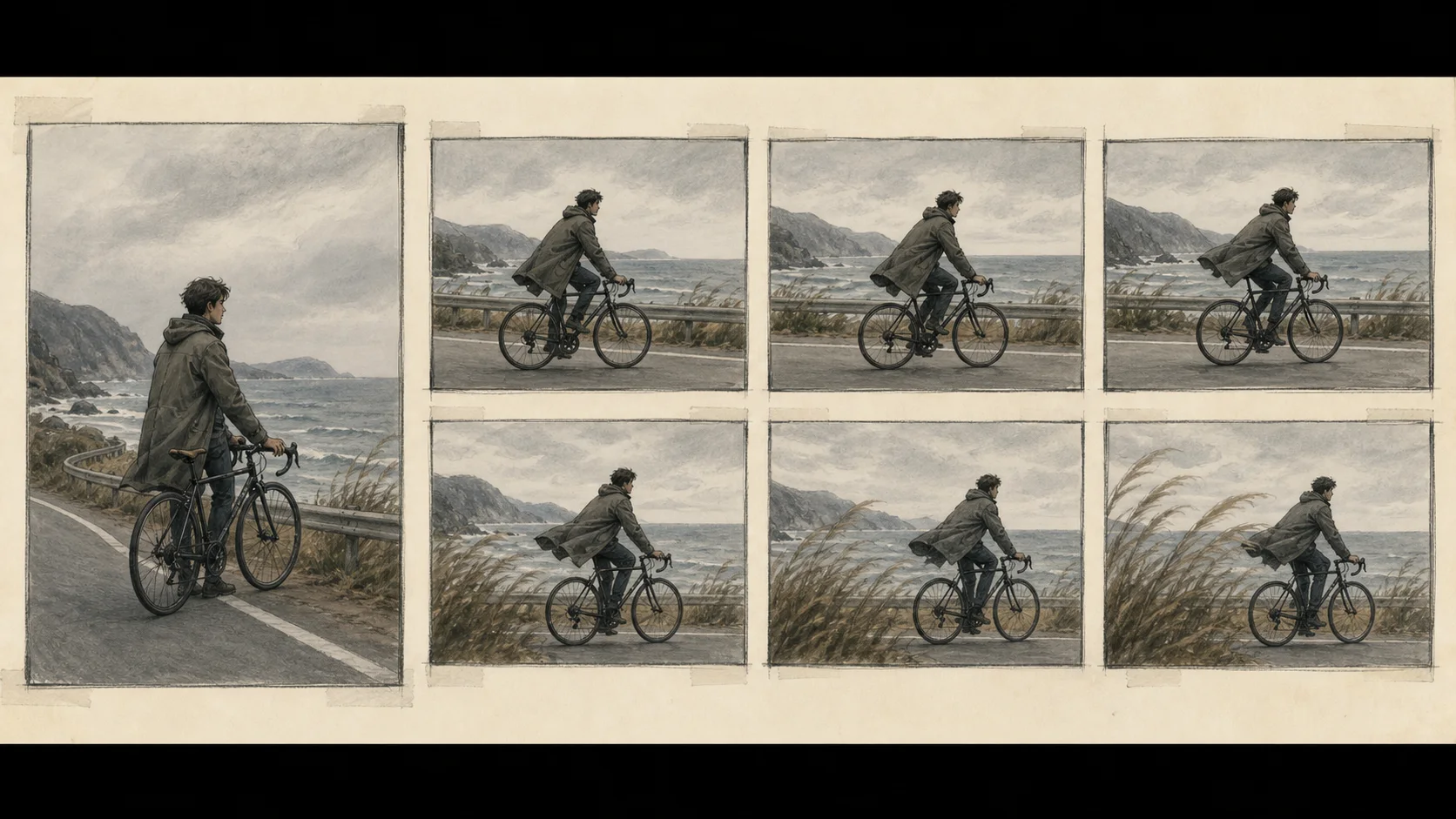
The model takes an action and generates the next game view
DIAMOND is a diffusion world model that generates the next game frame from the current view and a player action. In its research CSGO branch, you provide an action and the model repeatedly generates the next frame to continue the scene. The steps below use this interactive CSGO path on a Mac.
On a Mac, use the csgo branch of the original eloialonso/diamond repository. Enable CPU fallback for operations unsupported by MPS, then move and change your view inside the model-generated scene.
Prepare the original CSGO branch
You need an Apple Silicon Mac and conda. The project specifies Python 3.10, and the CSGO play path downloads model weights plus spawn-point and player-action data from Hugging Face on first run. The published weight size is 1.5 GB. This path does not include Atari ROMs.
git clone https://github.com/eloialonso/diamond.git
cd diamond
git switch csgo
conda create -n diamond python=3.10 -y
conda activate diamond
python -m pip install -r requirements.txtEnable MPS fallback and open the interactive window
Set the environment variable so PyTorch3 can route operations that MPS cannot handle to the CPU on Apple Silicon. The setting below applies only to this command. The first run downloads model files, so you need an internet connection and enough disk space.
PYTORCH_ENABLE_MPS_FALLBACK=1 python src/play.pyThe generated game view appears in an interactive window. If startup stops, inspect the first traceback in the terminal, confirm that you are inside the repository, and check that git branch --show-current returns csgo.
Check ROM rights before using the Atari example
To try the Atari example, use the pretrained model on the default branch. This route downloads Atari ROMs with its dependencies, so first confirm that you have a license to use those ROMs. Continue with the commands below only after confirming your rights.
git switch main
conda create -n diamond-atari python=3.10 -y
conda activate diamond-atari
python -m pip install -r requirements.txt
python src/play.py --pretrained
Check the first-run error and display state
For No module named ..., check that the diamond conda environment is active and verify the requirements installation in that environment. If model download stops, check the connection and available disk space for the Hugging Face file named in the error, then rerun the command. For an MPS operation error, confirm that PYTORCH_ENABLE_MPS_FALLBACK=1 appears before the command.
If the startup log reports mps, it is using the Mac GPU4. If it selects cpu, frame updates will be slower; check whether your PyTorch installation supports MPS first.
Explore other world models
After trying DIAMOND's interactive view, compare how other models accept input. The world-model introduction explains the uses of six projects. To combine a game engine with AI rendering on an RTX 5090, continue with the Matrix-Game 4.0 guide.
Terminology notes
Frame — A single image that makes up part of a video.
Back to the textCPU — The central processor that runs the operating system and general-purpose instructions; in AI workloads it also handles tasks such as preprocessing and data movement.
Back to the textPyTorch — A software framework for building and running AI models. Check the compatible PyTorch version and hardware support along with the model.
Back to the textGPU — A processor designed to handle many calculations in parallel. It performs model computations during AI inference.
Back to the text
Frequently asked questions
- What should you check first in this article?
- DIAMOND takes player actions and generates subsequent game frames with a diffusion world model. This guide uses the csgo branch of the original eloialonso/diamond repository and enables MPS CPU fallback to open the interactive view on Apple Silicon.
- Where can you check the conditions and sources?
- To try the Atari example, use the pretrained model on the default branch. This route downloads Atari ROMs with its dependencies, so first confirm that you have a license to use those ROMs. Continue with the commands below only after confirming your rights.