
Image and video generation
Last updated
Run LingBot-World V2 on a Mac: Turn an Image and Camera Path into Video
Use the community 1.3B Mac port to generate an MP4 with camera motion.
LingBot-World V2 takes a starting image, camera-action path, and text prompt1 to generate a continuing video. The Apple Silicon instructions use PandacatAI's community PyTorch MPS2 fork, with the 1.3B DiT3 plus shared encoder and VAE4 files, and save an MP4.
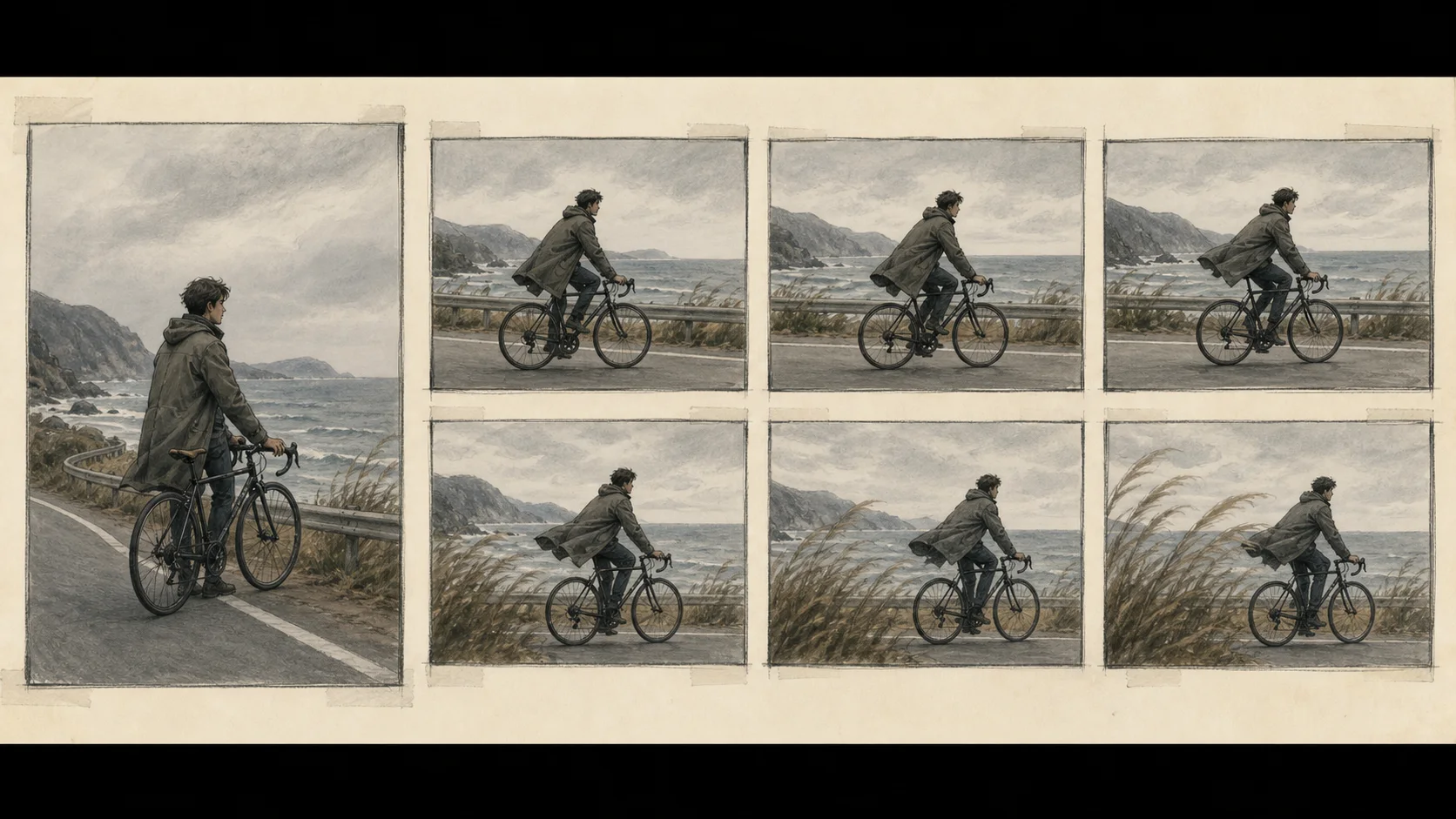
Generate a continuing video from a starting image and action path
LingBot-World V2 takes a starting image, an action path containing camera movement, and a scene prompt, then generates subsequent frames5. On the Mac route, PyTorch MPS on Apple Silicon runs the 1.3B causal-fast DiT and saves the result as an MP4. This guide uses PandacatAI's Apple Silicon fork rather than the upstream CUDA6 multi-GPU path.
Changing any of the three inputs can change the generated scene. Start with the image and camera path in examples/03 and use the supplied prompt so you can first confirm that the files and command are connected correctly.
Install the Mac fork and dependencies
Prepare an Apple Silicon Mac and a Python environment. These steps download the MPS fork's code and configuration from Hugging Face, then install the dependencies listed in requirements.txt except the CUDA-only flash_attn line. Do not install that package on macOS.
python3 -m venv .venv
source .venv/bin/activate
python -m pip install -U pip huggingface_hub
hf download PandacatAI/lingbot-world-v2-mps --local-dir lingbot-world-v2-mps
cd lingbot-world-v2-mps
grep -v '^flash_attn$' requirements.txt > requirements-mps.txt
python -m pip install -r requirements-mps.txtrequirements-mps.txt is the local install list with the CUDA package removed. If you see hf: command not found, run python -m pip install -U huggingface_hub in the active .venv, then restart the download.
Assemble the 1.3B DiT and shared encoder/VAE files
The 1.3B checkpoint7 contains the video-generating DiT weights. Also place the prompt-processing T5 encoder, the video VAE, and tokenizer files under ckpt. The commands below download both the original encoder and the optional MLX8 8-bit encoder, so leave plenty of disk space. The video model and VAE run with PyTorch MPS.
python -m pip install -U huggingface_hub
hf download robbyant/lingbot-world-v2-1.3b-causal-fast --local-dir ckpt/transformers
hf download Wan-AI/Wan2.1-T2V-14B Wan2.1_VAE.pth --local-dir ckpt
hf download google/umt5-xxl --local-dir ckpt/google/umt5-xxl
python -m pip install mlx
hf download PandacatAI/umt5-xxl-enc-mlx-q8 --local-dir ckpt/umt5-xxl-enc-mlx-q8After downloading, confirm that the 1.3B DiT is under ckpt/transformers and Wan2.1_VAE.pth is at the ckpt root. T5 and tokenizer files belong in ckpt/google/umt5-xxl. If you installed the 8-bit encoder, ckpt/umt5-xxl-enc-mlx-q8 must exist for automatic selection. Add --t5_backend torch to the generation command to use the original bf169 encoder.
Generate an MP4 from the fixed example inputs
Start with the example image and camera-action path unchanged. --frame_num 121 sets the requested frame count; the published run with these inputs wrote 109 frames. --size '480*832' sets the output size, and --local_attn_size 18 with --sink_size 6 configures causal context. Set the output path with --save_file.
mkdir -p output
python generate.py --task i2v-1.3B --size '480*832' --ckpt_dir ckpt --image examples/03/image.jpg --action_path examples/03 --frame_num 121 --local_attn_size 18 --sink_size 6 --prompt 'A serene lakeside scene with a lone tree standing in calm water, surrounded by distant snow-capped mountains under a bright blue sky with drifting white clouds, gentle ripples reflect the tree and sky, creating a tranquil, meditative atmosphere.' --save_file output/lingbot-mps-demo.mp4The completion message prints the save path and the specified MP4 should appear. If it does not, check that ckpt_dir and the image/action paths are valid relative to lingbot-world-v2-mps, then inspect ckpt/transformers and the shared T5/VAE directories.
Read the published Mac record with its conditions
The Mac fork's published example takes several minutes even for a short clip. Start with its output size and frame count to check the wait and memory use before attempting a longer video.
| Aspect | Result |
|---|---|
| Output | 480×832 · 109 frames · 16 fps |
| Full generation time | 14.4 minutes |
| Peak process footprint | 16.1GB |
M4 Pro 48 GB · PyTorch MPS · 1.3B causal-fast · MLX 8-bit text encoder · prompt-cache hit · 121 requested/109 written frames · measured before the conditioning-encode optimization.
A later optimization reduced the conditioning-encode stage for the input image. In a same-process comparison for a 361-frame request, that stage fell from 1,048.6 to 349.6 seconds. The table below reports full generation before that change. With the current version, time the interval from the end of download and initialization until the MP4 is saved.
Check the input paths and license before wrapping up
If Python does not detect MPS, run python -c 'import torch; print(torch.backends.mps.is_available())' in the active environment. If it does not print True, check the Apple Silicon PyTorch10 installation first. For checkpoint-path errors, inspect ckpt/transformers, ckpt/Wan2.1_VAE.pth, and ckpt/google/umt5-xxl. If the MP4 will not play, check the completion message and the file size of output/lingbot-mps-demo.mp4.
The upstream LingBot-World V2 and the Apple Silicon fork use CC BY-NC-SA 4.0. The license requires noncommercial use, attribution, and share-alike terms for adaptations. If you plan to redistribute or make derivatives, read the full license and check the terms for each model and dataset. For NVIDIA execution conditions, see the Cosmos 3 Edge guide.
Terminology notes
Prompt — The input text sent to a model. For generative models it describes the desired result and strongly shapes the output.
Back to the textPyTorch MPS — The PyTorch backend for computation on Apple GPUs. Required operations and models must be supported on MPS.
Back to the textDiT — Short for Diffusion Transformer: a model architecture that uses a transformer to refine noisy representations across diffusion steps.
Back to the textVAE — Short for Variational Autoencoder. It can encode input into a compact latent representation or decode that representation into an output.
Back to the textFrame — A single image that makes up part of a video.
Back to the textCUDA — A software platform for general-purpose computing on NVIDIA GPUs.
Back to the textCheckpoint — A file containing saved model weights and related state. Versions or tasks in one model family may use different checkpoints.
Back to the textMLX — Apple’s machine-learning framework, which runs models using memory shared by the CPU and GPU on Apple Silicon.
Back to the textBF16 — A 16-bit floating-point format for model values. Its exponent has the same width as FP32, giving it a similarly wide value range.
Back to the textPyTorch — A software framework for building and running AI models. Check the compatible PyTorch version and hardware support along with the model.
Back to the text
Frequently asked questions
- What should you check first in this article?
- LingBot-World V2 takes a starting image, camera-action path, and text prompt to generate a continuing video. The Apple Silicon instructions use PandacatAI's community PyTorch MPS fork, with the 1.3B DiT plus shared encoder and VAE files, and save an MP4.
- How much memory does it need?
- The Mac fork's published example takes several minutes even for a short clip. Start with its output size and frame count to check the wait and memory use before attempting a longer video.
- Where can you check the conditions and sources?
- The upstream LingBot-World V2 and the Apple Silicon fork use CC BY-NC-SA 4.0. The license requires noncommercial use, attribution, and share-alike terms for adaptations. If you plan to redistribute or make derivatives, read the [full license](https://github.com/robbyant/lingbot-world-v2/blob/main/LICENSE.txt) and check the terms for each model and dataset. For NVIDIA execution conditions, see the [Cosmos 3 Edge guide](/guides/cosmos-3-edge-local-world-model-guide).