
Image and video generation
Last updated
Add sound effects to a video with MMAudio
Start with an eight-second clip and a sound prompt.
MMAudio uses video and text conditioning to generate audio synchronized with the frames1. Its official CLI2 accepts a video and prompt3, then saves FLAC audio and an MP4 under output/. Start near the eight-second default and listen to check that the sound fits the video.
Start with a short video and a sound description
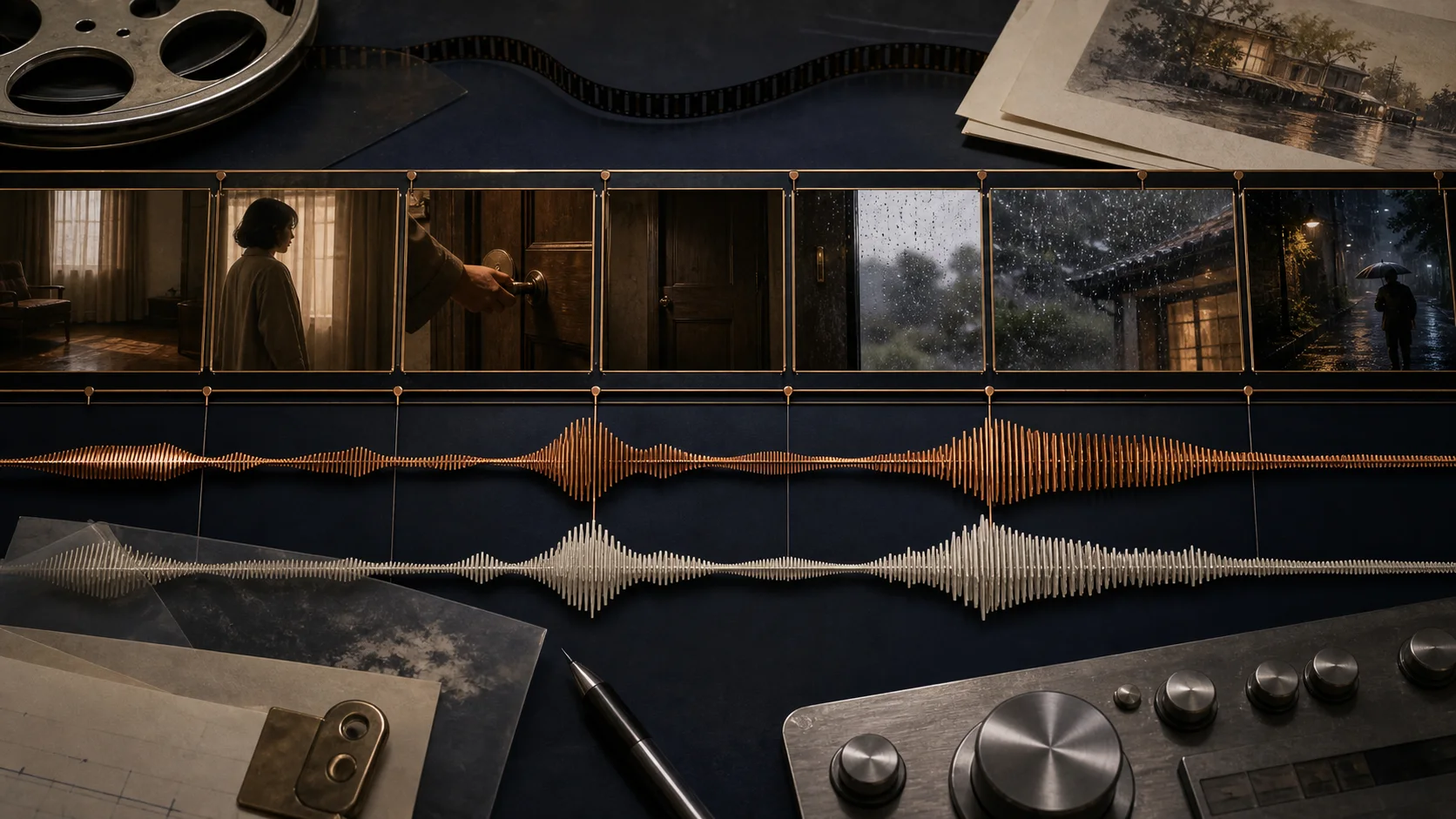
MMAudio is a research tool that generates synchronized audio from video and/or text. If the clip shows a door opening, describe what should be heard and when, for example: A wooden door creaks open, quiet indoor room tone. The official demo defaults to eight seconds and accepts both a video and prompt. Official MMAudio repository
Install a matching CUDA PyTorch build first
The repository requires Python 3.9+, PyTorch4 2.5.1+, and matching torchvision/torchaudio. Activate the .venv created inside the repository, install the PyTorch build for a CUDA5 version supported by your driver, then install the package in editable mode. The authors say they tested on Ubuntu only. Choose a driver-compatible command on the official PyTorch page
git clone https://github.com/hkchengrex/MMAudio.git
cd MMAudio
python -m venv .venv
source .venv/bin/activate
# In MMAudio/.venv, run the PyTorch install command selected at https://pytorch.org/get-started/locally/
python -m pip install -e .
cp /path/to/scene.mp4 ./scene.mp4
Listen to the saved audio with the video
Replace /path/to/scene.mp4 with the actual file path during setup, then copy the file to MMAudio/scene.mp4 at the repository root. In the same shell where MMAudio/.venv is active, move to the repository root and run the CLI below.
When processing finishes, open the FLAC and MP4 in output/ and check whether the sound begins with the on-screen action. The FAQ says that increasing input resolution does not improve audio quality and may add encoding and decoding6 time. Frames are resized and cropped for the encoder, so start by testing sounds from the center of the scene.
cd /path/to/MMAudio
source .venv/bin/activate
python demo.py --duration=8 --video=scene.mp4 --prompt "A wooden door creaks open, quiet indoor room tone"
Check memory and usage terms
The repository author lists about 6 GB of GPU7 memory for 16-bit inference8 with the default large_44k_v2 model. If memory runs short or output stops, keep --duration=8 and check that the input file decodes correctly.
The checkpoint9 is distributed under CC-BY-NC 4.0. For product work, check the license and the conditions on training data sources.
Terminology notes
Frame — A single image that makes up part of a video.
Back to the textCLI — Short for Command-Line Interface: operating a program by entering commands in a terminal.
Back to the textPrompt — The input text sent to a model. For generative models it describes the desired result and strongly shapes the output.
Back to the textPyTorch — A software framework for building and running AI models. Check the compatible PyTorch version and hardware support along with the model.
Back to the textCUDA — A software platform for general-purpose computing on NVIDIA GPUs.
Back to the textToken decoding — The stage that generates successive output tokens using the input and the response produced so far.
Back to the textGPU — A processor designed to handle many calculations in parallel. It performs model computations during AI inference.
Back to the textInference — The process of using a trained model to compute an output for an input. Here, local inference means running the model on the user’s device.
Back to the textCheckpoint — A file containing saved model weights and related state. Versions or tasks in one model family may use different checkpoints.
Back to the text
Frequently asked questions
- What should you check first in this article?
- MMAudio uses video and text conditioning to generate audio synchronized with the frames. Its official CLI accepts a video and prompt, then saves FLAC audio and an MP4 under `output/`. Start near the eight-second default and listen to check that the sound fits the video.
- How much memory does it need?
- The repository author lists about 6 GB of GPU memory for 16-bit inference with the default `large_44k_v2` model. If memory runs short or output stops, keep `--duration=8` and check that the input file decodes correctly.
- Where can you check the conditions and sources?
- The checkpoint is distributed under CC-BY-NC 4.0. For product work, check the license and the conditions on training data sources.