
Image and video generation
Last updated
LTX Retake and Dub-It guide: choose interval editing or dialogue changes
Retake regenerates a region; Dub-It changes speech and voice.
Retake regenerates a selected video segment, while Dub-It changes dialogue or voice. This guide distinguishes their inputs and model versions, and explains how to review the results.
Decide whether the edit is visual or vocal
Use Retake to regenerate the background or motion in one part of a video. For changed dialogue or voice, use the Dub-It path. The two features have different inputs and model versions, so prepare each according to its pipeline1. Lightricks LTX pipeline docs
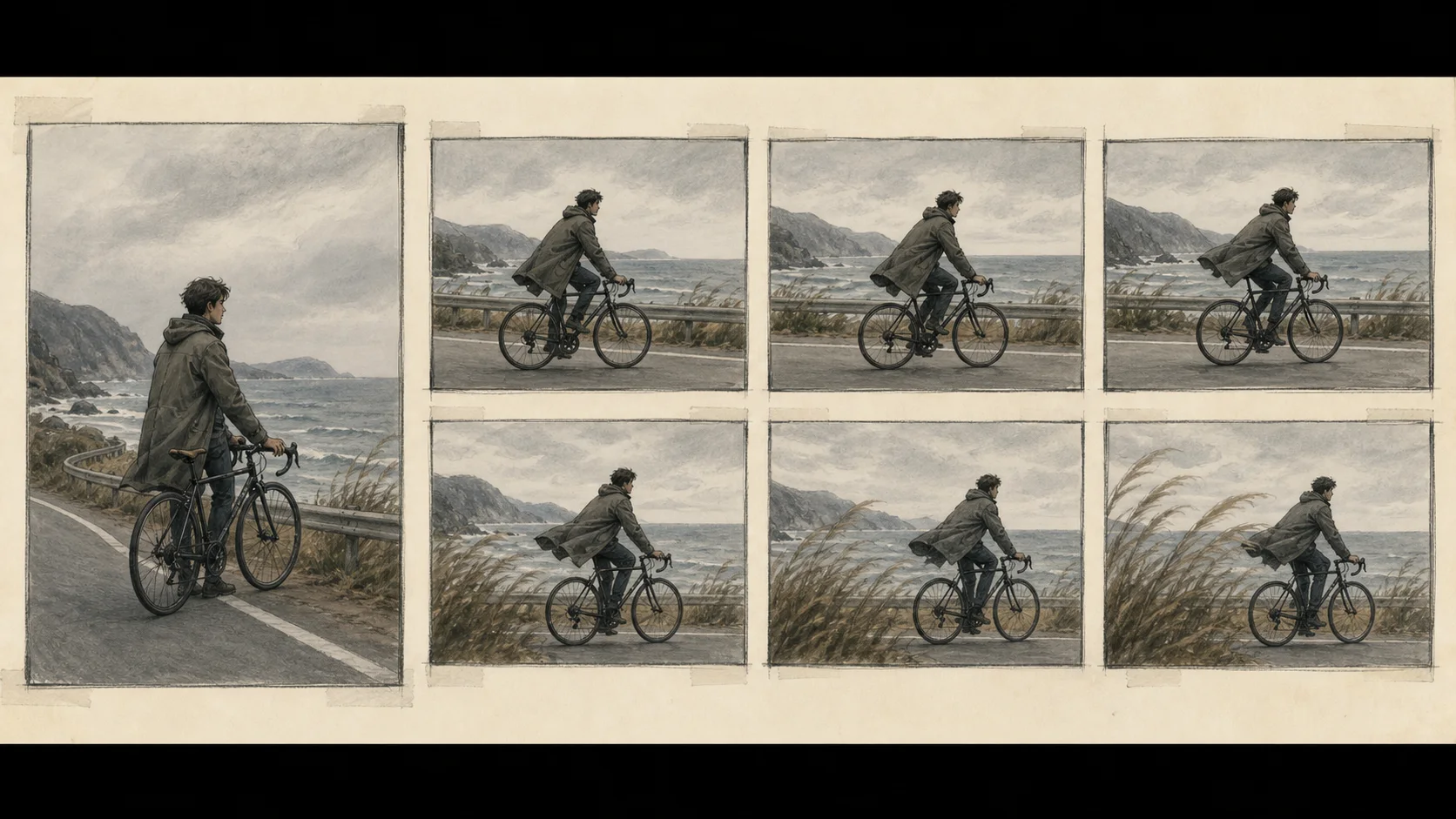
Choose the time interval for Retake
Retake edits part of the source video through the pipeline for the installed LTX-2 version. Duplicate the original as a working copy, then use ffprobe to check its frame2 count and dimensions. The input must have 8k+1 frames, and each dimension must be a multiple of 32. Set the edit range with --video-path, --start-time, and --end-time; the rest of the video remains unchanged.
Check the installed version's Retake CLI docs for whether to regenerate video or audio and for the other required arguments. This guide explains the input conditions and feature differences; follow those docs for installation and checkpoint3 setup.
cp input.mp4 working_copy.mp4
ffprobe -v error -select_streams v:0 -count_frames -show_entries stream=width,height,nb_read_frames -of default=noprint_wrappers=1 working_copy.mp4
Match Dub-It to its LTX-2.3 requirements
The official Dub-It example requires the Lightricks/LTX-2.3-22b-IC-LoRA-DubIt LoRA4, an LTX-2.3 distilled checkpoint, and the --reference-video input. Check the Dub-It pipeline docs for installation, weights, and all required arguments for your version. Dub-It uses an LTX-2.3 LoRA and checkpoint, so installing LTX-2.5 alone does not prepare it.

Play the full video and check its audio
For Retake, check whether the people, lighting, and background connect naturally to the surrounding frames at the start and end of the regenerated segment. For Dub-It, listen for lip-sync and whether background audio masks the dialogue. If an error occurs, inspect the first traceback and missing file path, then check that the model, LoRA, and pipeline versions match.
LTX GPU5 requirements vary by execution environment and settings. Check the official documentation for the requirements of your model and installation path.
Terminology notes
Pipeline — A sequence of processing stages from input to output. Different models or tools may be used at each stage.
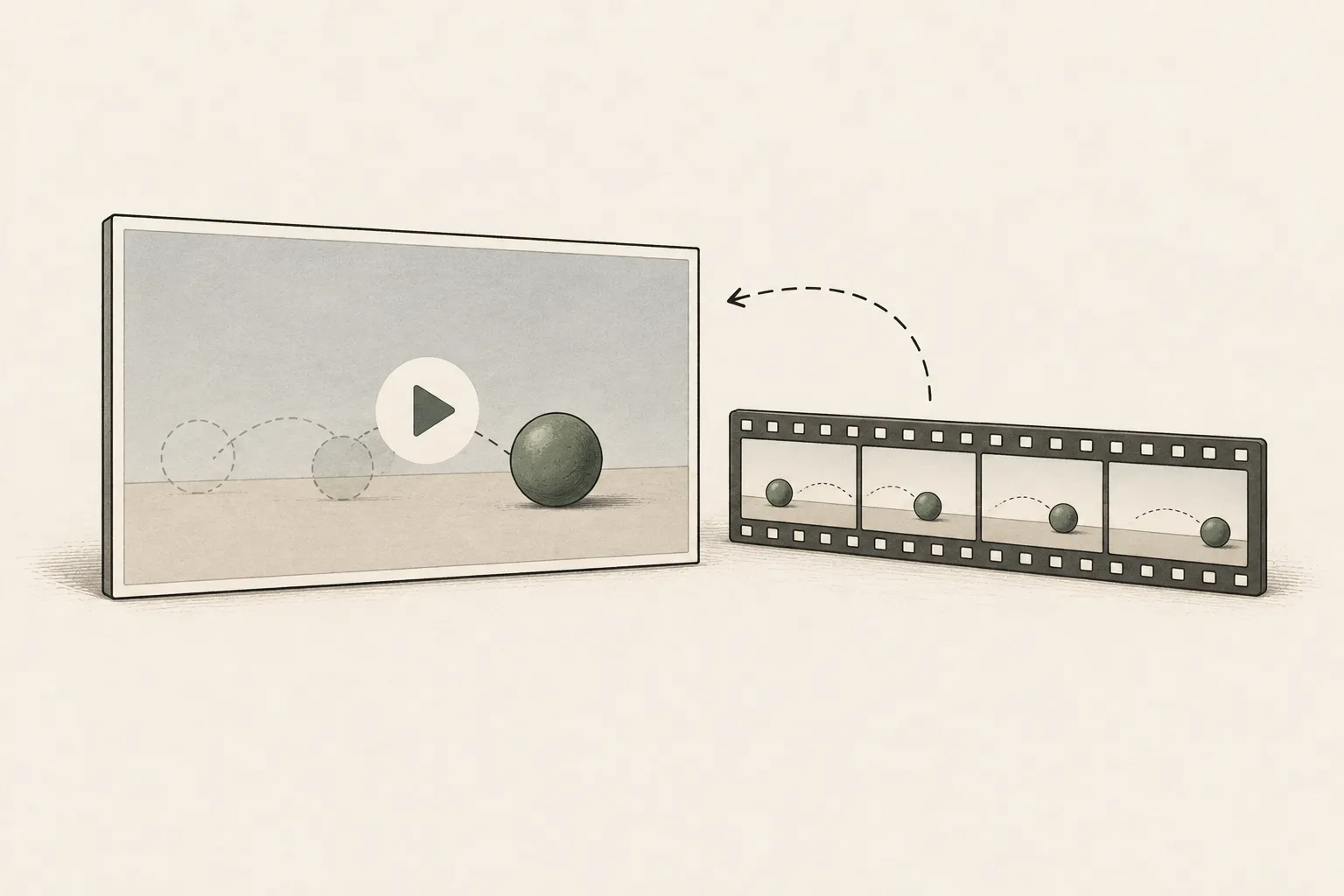
Back to the textFrame — A single image that makes up part of a video.
Back to the textCheckpoint — A file containing saved model weights and related state. Versions or tasks in one model family may use different checkpoints.
Back to the textLoRA — A method that learns and applies small additional weights to adapt a base model. The adapter is used with the base model for purposes such as style adaptation or few-step generation.
Back to the textGPU — A processor designed to handle many calculations in parallel. It performs model computations during AI inference.
Back to the text
Frequently asked questions
- What should you check first in this article?
- Retake regenerates a selected video segment, while Dub-It changes dialogue or voice. This guide distinguishes their inputs and model versions, and explains how to review the results.