
read first
Last updated
Transcribe Korean recordings on your own computer with whisper.cpp
Transcribe a Korean recording locally with whisper.cpp
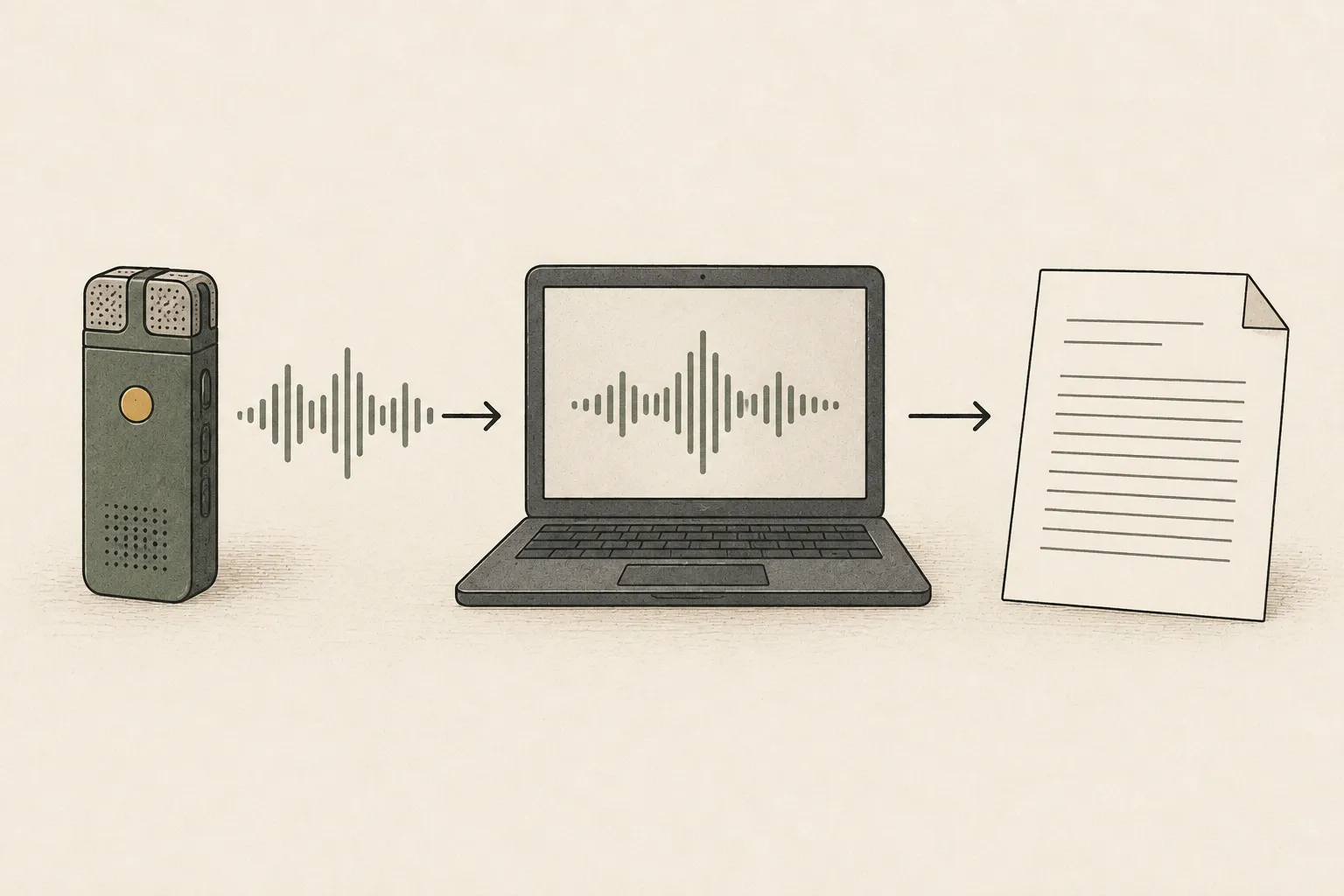
whisper.cpp takes an audio recording and converts speech to text1. For Korean, choose a multilingual model rather than an English-only .en model, process it on your computer, and compare the transcript with the recording to verify names, numbers, and dates. Complete one file first, then measure both processing and review time across your recurring work to decide whether new hardware is needed.
Instead of replaying an entire meeting to find a person or date, a transcript lets you search for a word and return to that part of the audio. Treat it as an index for finding where to listen again, not as a summary that replaces the recording. A search for “Friday” may find a misheard weekday, and finding “estimate” does not verify its number or unit; check those in the audio.
For example, imagine searching a weekly Korean meeting for lines such as “Share the Haesol draft by Friday” and “I will recheck the estimate.” This is an illustrative scenario for explaining transcription and review. Record how long file preparation, audio processing, and checking important phrases against the recording take to decide whether the workflow is worthwhile.
Choose a multilingual model for Korean speech
Files with similar names, such as base and base.en, can support different languages. A file with .en is English-only, so use a multilingual model such as base, small, or medium for a meeting that includes Korean. First take a five-minute segment from a typical recording and test it with small. Choose reference terms such as “Haesol,” “Friday,” and the estimate amount to check names and dates as well as ordinary sentences.
This short segment helps screen candidates; it does not guarantee accuracy across a long meeting. If proper names are repeatedly wrong, compare a larger multilingual model such as medium using the same audio and reference phrases. A larger model may need more storage and runtime2 memory, so also determine whether errors are limited to a particular company name and whether a person can review them.
Build the program, prepare a model, and transcribe a first file
With the whisper.cpp repository ready, run these commands in its folder. The first two build the program; the last downloads multilingual small weights and may require internet access. For build errors, check the official repository's tools and executable paths for your OS.
In an environment that prohibits external uploads, prepare the weights first and then verify that the local command works under its network-isolation policy. This guide does not claim to have verified every part of the setup offline. Before using a recording that contains personal information, check whether the audio and transcript are stored in a synchronized folder and whether the app or tools connect externally.
For a first setup, prepare Git, CMake and your OS's C++ build tools. The first two lines below fetch the official repository and enter it. Use Xcode Command Line Tools on macOS, a C++ compiler on Linux, or the repository's Visual Studio and CMake path on Windows. Run the model-download script in a Bash-capable environment when following this shell example.
git clone https://github.com/ggml-org/whisper.cpp.git
cd whisper.cpp
cmake -B build
cmake --build build -j --config Release
sh ./models/download-ggml-model.sh small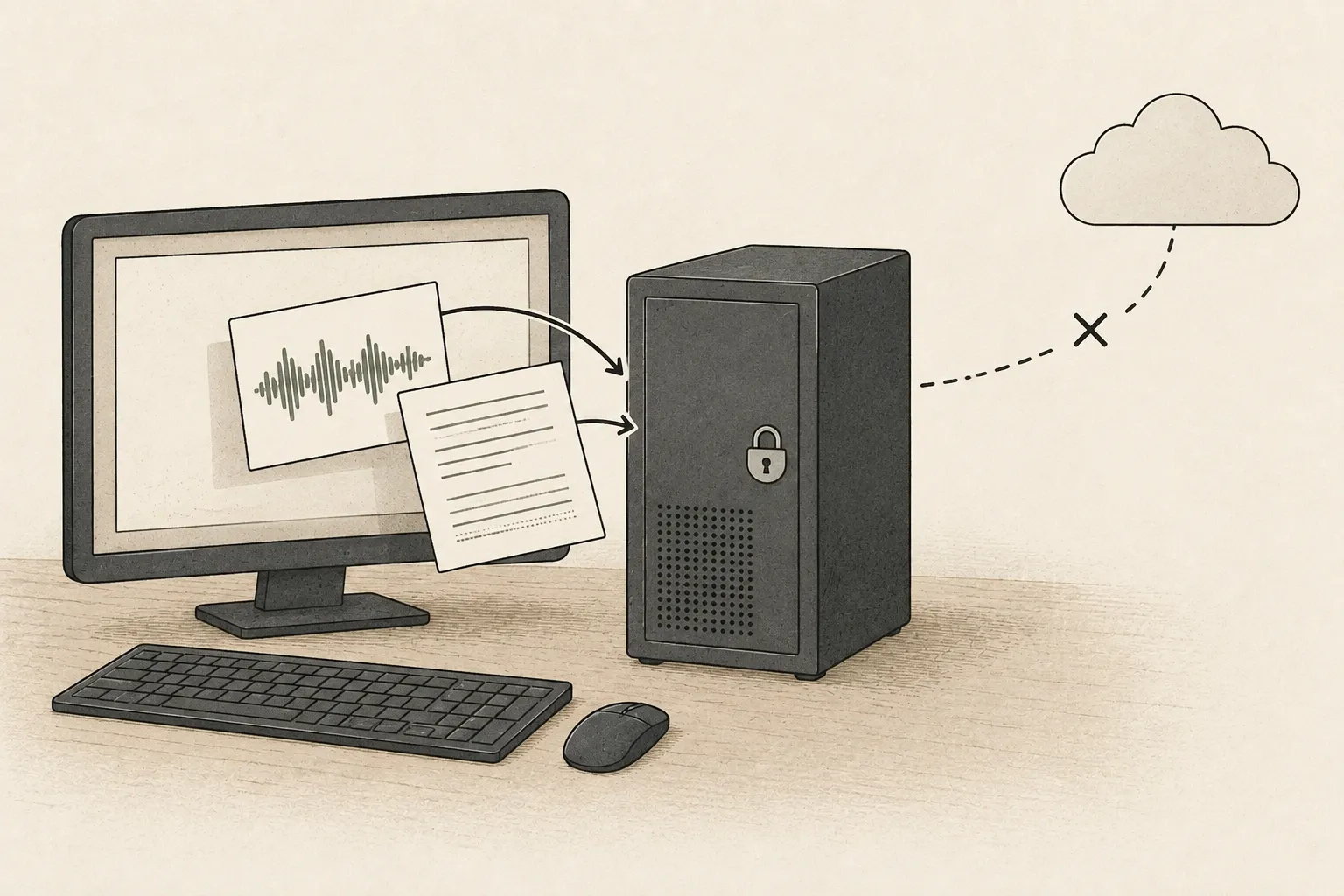
Run on a supported WAV file and inspect the result
The official quick-start example uses 16 kHz, mono, 16-bit WAV audio. Once your recording is in that format, the command below uses -m for the model file, -f for the recording, -l ko for Korean, and -otxt and -of transcript for the text output format and name. When it finishes, compare transcript.txt with the recording and check the important passages.
./build/bin/whisper-cli -m models/ggml-small.bin -f recording.wav -l ko -otxt -of transcriptFor MP3 or phone recordings, listen to the converted file first
A file-opening failure is different from a speech-recognition error. You can convert MP3 to 16 kHz, mono, 16-bit WAV with the example below, then run transcription again. Renaming the extension to .wav does not change the audio format. Play the converted file to check that its duration is preserved and voices are still audible before comparing transcripts.
If a participant's voice is present on only one of two channels, check that it remains after converting to mono. Changing model size will not fix a playback or path error during file preparation. Starting with a representative segment makes it easier to locate whether the issue is the build, file path, or conversion.
ffmpeg -i input.mp3 -ar 16000 -ac 1 -c:a pcm_s16le recording.wavReview names, numbers, and dates against the recording
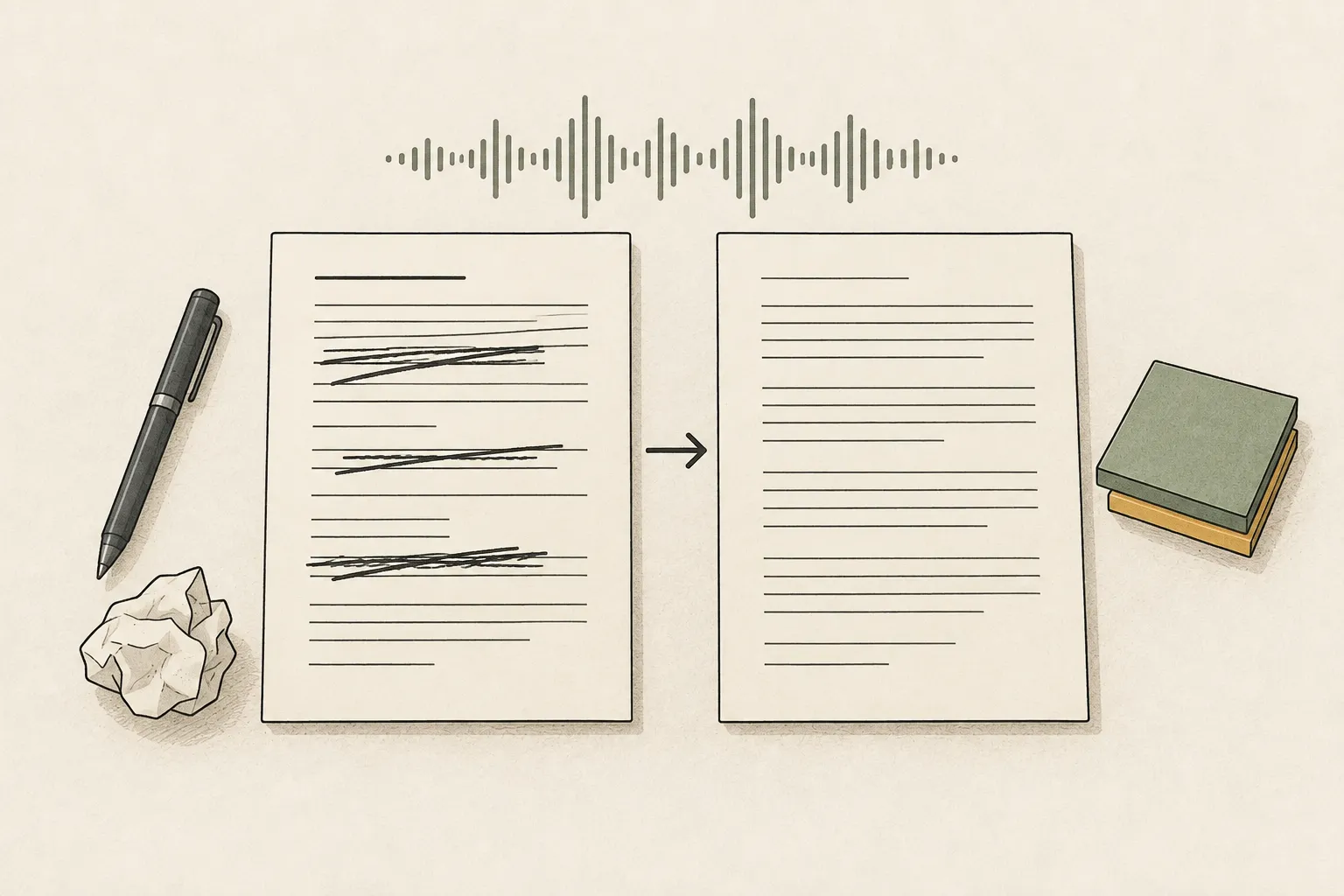
Do not paste a fluent-sounding transcript straight into meeting minutes. First flag company names, numbers, dates, and negations. Find the corresponding audio and listen again to see whether text was added without support or an important phrase was omitted. Long pauses and overlapping speakers can make a plausible sentence difficult to verify. If the speaker is unclear, mark it for review instead of guessing a name.
In a review sheet, place the reference phrase, transcript, and corrections confirmed against the audio side by side. Include human review time to distinguish time saved by transcription from added verification effort. When sharing externally, label whether the text is an unchecked draft or a human-reviewed record. Retain the source recording so passages can be checked again.
Measure processing and review time on your device before buying
On Apple Silicon you can use whisper.cpp's Metal3 path; for NVIDIA GPUs, choose a build with CUDA4 enabled. A GPU5 name alone cannot predict processing time for an hour-long recording. Model size, actual speech duration and silence, and runtime settings all matter. Run the same five-minute audio repeatedly with small, separate the first-run time from later runs, and record time spent correcting names and numbers. This is an observation for that recording and setup, not a performance guarantee for a full meeting or another device.
Record audio preparation, model execution, error review, and time until the transcript is ready to share as separate stages. LLM6 token-generation speed is not a proxy for speech-recognition throughput7. If your current computer handles weekly files and leaves time for review, an LLM speed chart alone is not a reason to buy a GPU for audio. Compare hardware after confirming that waiting delays recurring work or that a larger model actually reduces important corrections on the same recording.
Terminology notes
Speech-to-Text — The task or system that converts spoken audio into text. The term is often used interchangeably with Automatic Speech Recognition (ASR).
Back to the textRuntime — The software environment that provides facilities needed while a program runs. In local AI, it can also refer to a model execution engine.
Back to the textMetal — Apple’s low-level technology for graphics and parallel GPU computation.
Back to the textCUDA — A software platform for general-purpose computing on NVIDIA GPUs.
Back to the textGPU — A processor designed to handle many calculations in parallel. It performs model computations during AI inference.
Back to the textLarge language model — A model trained on large text datasets to learn language patterns and process or generate text in context.
Back to the textThroughput — The amount of work processed or generated over time. Comparisons need the unit, such as tokens per second or requests per second.
Back to the text
Frequently asked questions
- What should you check first in this article?
- whisper.cpp takes an audio recording and converts speech to text. For Korean, choose a multilingual model rather than an English-only .en model, process it on your computer, and compare the transcript with the recording to verify names, numbers, and dates. Complete one file first, then measure both processing and review time across your recurring work to decide whether new hardware is needed.
- How much memory does it need?
- This short segment helps screen candidates; it does not guarantee accuracy across a long meeting. If proper names are repeatedly wrong, compare a larger multilingual model such as medium using the same audio and reference phrases. A larger model may need more storage and runtime memory, so also determine whether errors are limited to a particular company name and whether a person can review them.