
Executable programs and extensions
Backburner: Accelerate Mac LLM Prefill with an iPhone
A USB-C-connected iPhone shares long-input processing and context storage with your Mac.
Backburner is an experimental llama.cpp fork that connects an iPhone to a Mac running Qwen3.8-27B over USB-C. It can read long inputs faster and keep part of context beyond 64K in phone memory. Its published October 1, 2026 results cover one M4 Pro 24 GB and iPhone 17 Pro Max setup. This guide separates prefill1 from decode2 results, explains the iPhone's role beyond 64K, and walks through setup.
Backburner is a local LLM server that splits work between a Mac and iPhone
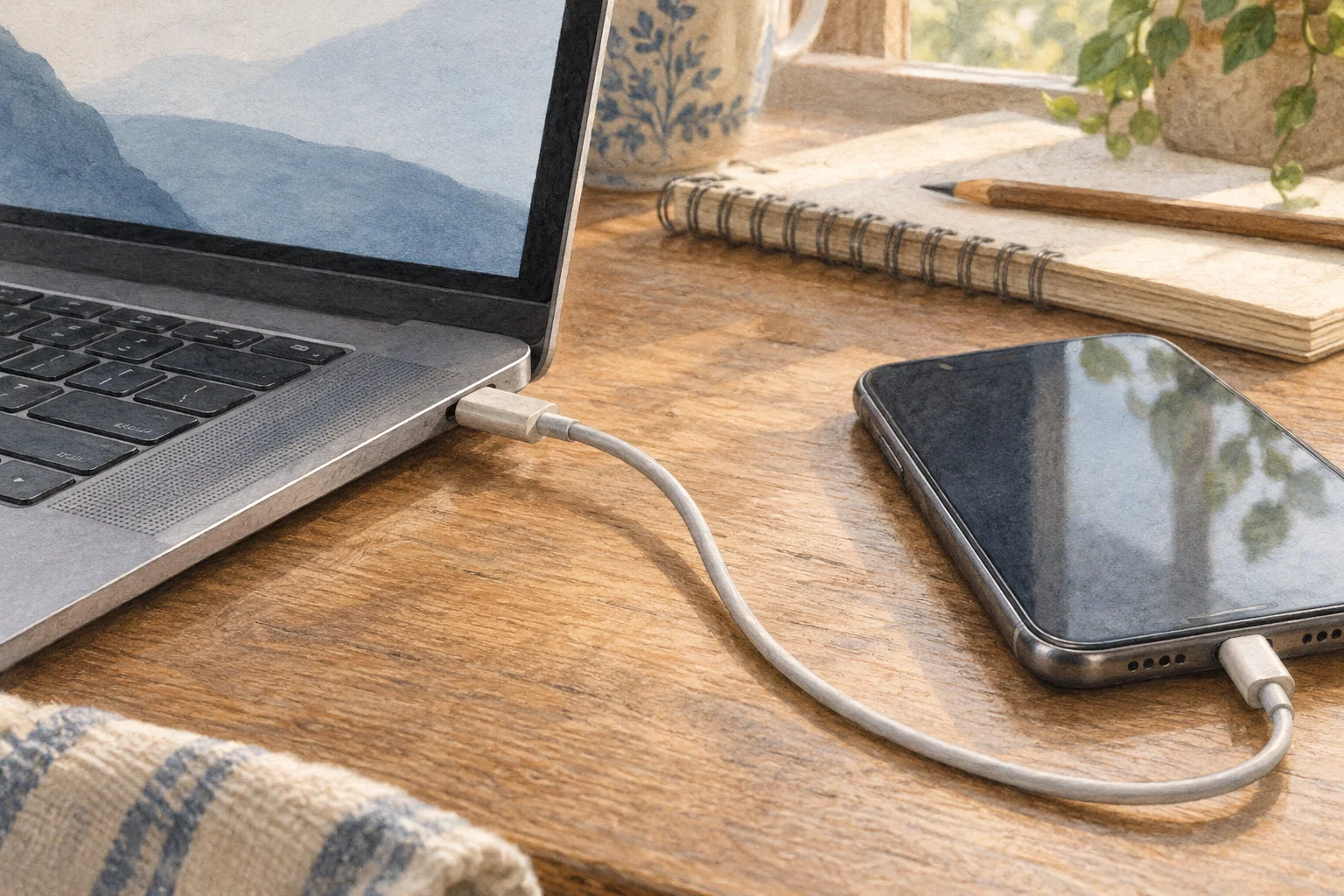
Backburner runs Qwen3.8-27B on a Mac and assigns some computation to an iPhone connected over USB-C and kept open in the foreground. During prefill, which reads a long prompt, the devices split the model layers. Beyond 64K context, the iPhone holds part of the older context's KV cache3 and helps compute attention4. The result comes from an OpenAI-compatible server on the Mac, which can connect to compatible client apps.
While the Mac computes the earlier layers, the iPhone computes the later ones, using both devices' GPUs. The Mac engine also includes a DFlash2 draft model and kernel optimizations. The default configuration processes one request at a time.

The difference appears when reading long inputs
Prefill reads the prompt, document, or tool result sent to the model and prepares it to answer. In tests that added a 2,000-token5 file or tool result to a saved agent session, the Mac-plus-iPhone setup processed more tokens per second and waited less than the Mac alone as the existing context grew. These results were recorded on October 1, 2026, with a 24 GB M4 Pro, iPhone 17 Pro Max, and Qwen3.8-27B IQ4_XS; each depth was read twice.
| Existing context | Mac alone | Mac + iPhone | Less time waiting |
|---|---|---|---|
| 16K | 109 tok/s · 18.8 s | 157 tok/s · 13.1 s | 31% |
| 32K | 101 tok/s · 20.3 s | 130 tok/s · 15.8 s | 22% |
| 48K | 87 tok/s · 23.5 s | 113 tok/s · 18.1 s | 23% |
Prefill throughput and waiting time when adding 2,000 tokens to a saved session.
16K
- Mac alone
- 109 tok/s · 18.8 s
- Mac + iPhone
- 157 tok/s · 13.1 s
- Less time waiting
- 31%
32K
- Mac alone
- 101 tok/s · 20.3 s
- Mac + iPhone
- 130 tok/s · 15.8 s
- Less time waiting
- 22%
48K
- Mac alone
- 87 tok/s · 23.5 s
- Mac + iPhone
- 113 tok/s · 18.1 s
- Less time waiting
- 23%
Existing context is what was already in the conversation before the new input. At 16K, reading approximately the same 2,000 tokens took 13.1 seconds instead of 18.8—about 5.7 seconds less waiting per read. This matters when a coding agent repeatedly reads files or tool results. New inputs shorter than roughly 512 tokens stay on the Mac.
Beyond 64K, iPhone memory holds older context
In the default setup up to 64K, the Mac computes layers 1–40 and the iPhone 17 Pro Max computes layers 41–64. Once context exceeds the Mac's 64K cells, the Mac computes all 64 layers, while the iPhone stores older KV pages and calculates attention over them. The iPhone GPU6 and Neural Engine participate in this older-context computation.
The Mac-only long-context configuration uses 4-bit KV. Connecting an iPhone can retain 8-bit KV while storing longer context. Published end-to-end tests reached 128K with 8-bit KV and 140K with 4-bit KV. The 196K–229K capacity shown at startup is calculated from the iPhone's free memory.
| Configuration | Context | Evidence |
|---|---|---|
| M4 Pro 24 GB, Mac alone | 8-bit 64K | Measured · 128K uses a 4-bit configuration |
| M4 Pro 24GB + iPhone 17 Pro Max | 8-bit 196K–229K | Capacity calculated from free memory at startup |
| M4 Pro 24GB + iPhone 17 Pro Max | 8-bit 128K | End-to-end tested |
| M4 Pro 24GB + iPhone 17 Pro Max | 4-bit 140K | End-to-end tested |
Compare KV precision alongside the context lengths actually tested.
M4 Pro 24 GB, Mac alone
- Context
- 8-bit 64K
- Evidence
- Measured · 128K uses a 4-bit configuration
M4 Pro 24GB + iPhone 17 Pro Max
- Context
- 8-bit 196K–229K
- Evidence
- Capacity calculated from free memory at startup
M4 Pro 24GB + iPhone 17 Pro Max
- Context
- 8-bit 128K
- Evidence
- End-to-end tested
M4 Pro 24GB + iPhone 17 Pro Max
- Context
- 4-bit 140K
- Evidence
- End-to-end tested
Decode speed was almost unchanged below 64K
Decode generates reply tokens in sequence and mainly benefits from the Mac engine's optimizations. In the published 27K–33K comparison, stock llama.cpp recorded 11.3 tok/s, the Backburner fork on Mac alone 25.0 tok/s, and the fork with iPhone 25.1 tok/s. Within the same fork, adding the iPhone barely changed generation speed. Faster input processing and faster answer generation are separate benefits.
| Runtime setup | Decode |
|---|---|
| stock llama.cpp (Homebrew), Mac | 11.3 tok/s |
| Backburner fork, Mac alone | 25.0 tok/s |
| Backburner fork, Mac + iPhone | 25.1 tok/s |
Published decode throughput at the same 27K–33K context.
stock llama.cpp (Homebrew), Mac
- Decode
- 11.3 tok/s
Backburner fork, Mac alone
- Decode
- 25.0 tok/s
Backburner fork, Mac + iPhone
- Decode
- 25.1 tok/s
The fork includes optimized Mac kernels and a DFlash2 draft model. Beyond 64K, the iPhone also shares attention over older context; the project recorded 12.6 tok/s at 128K. That long-context result has no Mac-only comparison measured on the same day.
Check the devices and cable before installing
The normal installer targets Apple-silicon Macs with macOS 14 or later and at least 24 GB of unified memory7. The phone app supports iPhone 15 Pro or later and M-series iPads; the main published speed tables use an M4 Pro with 24 GB and iPhone 17 Pro Max. iPad performance remains untested. For prefill acceleration, use a USB-C cable rated for 10 Gb/s data transfer rather than the included USB 2 cable.
The Mac downloads about 24 GB of files including the main and draft models. A fresh install can download or create about 28 GB including tools and files for the phone. The installer checks for at least 24 GB of Mac memory and recommends 30 GB of free space on the home disk. The main model file is about 15.5 GB and the draft model about 1.3 GB.
A separate split-decode mode can distribute model layers for an 8 GB Mac. The project tested Qwen3.8-27B IQ2_XS on a MacBook Neo with 8 GB and an iPhone Air at roughly 4 tok/s. This is a different experiment with USB 2 and device-temperature conditions, separate from the 24 GB Mac setup below.

Review the installer, then start the server
The Mac installer prepares the latest engine, Qwen3.8-27B IQ4_XS, the DFlash2 draft model, the model-layer file for the phone, and a `backburner` command. Download the script as a file and review it before running it instead of piping it directly from the internet into a shell. The path below fetches the current main-branch script from the official repository.
Install the iPhone app either through AltStore with a free Apple ID or through Xcode. The AltStore instructions say free accounts must refresh app signing every seven days and recommend AltStore 2.2 or later for Backburner's memory entitlement. Open the app and keep it in front, then copy the phone-side model file from the Mac once. Running `backburner` starts the server at `http://127.0.0.1:8080/v1`; by default, the port is accessible only from the Mac itself.
The commands below use the default layer-40 split for the iPhone 17 Pro family. For an A18 Pro iPhone 16 Pro, change the install command to `TAIL_L=52 bash "$backburner_setup/install.sh"` to reduce the layers assigned to the phone. The installer does not automatically choose this device-specific split.
backburner_setup="$(mktemp -d)"
curl -fsSL https://raw.githubusercontent.com/StayLameBro/backburner/main/install.sh -o "$backburner_setup/install.sh"
less "$backburner_setup/install.sh"
bash "$backburner_setup/install.sh"

# Connect the phone with Backburner installed and open.
"$HOME/.local/bin/backburner" phone
"$HOME/.local/bin/backburner"Test a first response and check connection issues
Set a compatible client app's server URL to `http://127.0.0.1:8080/v1`. Sending a simple request in Terminal first makes it easier to separate client configuration problems from model-response problems. The server accepts an arbitrary model name, so you can use `backburner-local` as shown.
Leave the server terminal running and send the request below from another terminal. Successful startup shows `split prefill on`, `remote KV on`, and `ANE pages on`. The first run may spend about a minute transferring Neural Engine files and reopening the app. Check for HTTP 200 with `curl -i http://127.0.0.1:8080/health`, then send a chat request.
If the connection drops, reopen Backburner in the iPhone foreground and check the cable. Above 64K, the iPhone holds older KV; locking it or switching apps can stop the server after 15 seconds without a response. Reopen the app and restart the Mac server. Guided Access can help prevent accidental locking during a run.
If the iPhone 17 Pro Max reports an `app budget` near 3,000 MiB instead of approximately 6,000 MiB, check its memory entitlement. Run `scripts/phone-up.sh` from the repository folder to display the value. The official guide recommends AltStore 2.2 or later, while the developers are still verifying entitlement preservation through this path. If the smaller budget remains, review the Xcode route and memory-entitlement settings.
After a Mac reboot, the `backburner` command can request an administrator password to reset the GPU wired-memory limit. This pins memory for the model, so leave headroom for other apps. Use the command below only if running the repository's `scripts/serve.sh` directly fails with a wired-limit error. The 20,480 MiB value is for this guide's 24 GB Mac configuration.
curl http://127.0.0.1:8080/v1/chat/completions \
  -H 'Content-Type: application/json' \
-d '{"model":"backburner-local","messages":[{"role":"user","content":"로컬 모델이 준비됐는지 한 문장으로 알려줘."}],"max_tokens":64}'sudo sysctl iogpu.wired_limit_mb=20480Know the pre-release limits and test on your devices
Backburner is pre-release software under the MIT license. The iPhone app must stay open in the foreground to use its GPU. Below 64K, the Mac can resume the work if the connection drops; beyond that, the Mac does not hold the older KV pages kept on the phone. The default single-request setup is also not designed for several simultaneous users.
The Mac server and prompt-cache proxy bind only to `127.0.0.1`. Connect the iPhone with USB-C; Wi-Fi requires pairing over the cable first. Use app 0.0.3 or later, which includes these connection protections.
For an initial test, read the same familiar document at 16K, 32K, and 48K. Record first-input processing time, answer-generation speed, and connection status separately with the Mac alone and the iPhone attached. This shows which wait Backburner reduces in your workflow. Use beyond-64K context only when your work needs it, and account for the phone's memory budget and the time its app must remain in front.
The SSD8 prompt cache helps reuse system prompts already processed. Saving a beyond-64K session with KV held on the phone requires app 0.0.4 or later. That save path has only been tested with a Mac loopback substitute, not a real iPhone. Start by comparing reads and connectivity within 64K.
Terminology notes
Prefill — The stage where an LLM reads the input prompt and computes representations for its tokens. Longer prompts contain more tokens to process.
Back to the textDecode — For an LLM, this is the stage that generates output tokens after input processing. For a VAE or audio codec, decoding can mean reconstructing the original form from a compressed representation or encoded data.
Back to the textKV cache — Memory that stores attention keys and values from earlier tokens for reuse during later token generation. Its size depends on context length and batch size.
Back to the textAttention — A computation that compares positions in an input so a model can select information relevant to its current step. Details and cost depend on the architecture.
Back to the textToken — A unit into which a model divides input or output for processing.
Back to the textGPU — A processor designed to handle many calculations in parallel. It performs model computations during AI inference.
Back to the textUnified memory — An architecture where the CPU and GPU share one physical memory pool.
Back to the textSSD — A data storage device that uses flash memory and retains data without power.
Back to the text