
Model setup recipes
Last updated
DeepSeek-V4-Flash: distributed serving for a 304B model
Serve DeepSeek-V4-Flash on a 4×GB300 server
DeepSeek-V4-Flash-0731 is a mixture-of-experts model that takes questions and code and generates text answers and code. The official vLLM example runs the full 304B checkpoint1 with expert parallelism on a single node containing four GB300 GPUs. This guide explains how to start a team code-review server and send it requests.
This recipe uses an internal tool that receives a changed function, its callers, and related tests from a team repository, then reports impact and files to inspect. First prepare the official server environment and checkpoint, verify one request at a 16K context, and then check local API2 streaming and an actual test-related answer.
Separate what 13B active and 304B total describe
DeepSeek-V4-Flash-0731 is a mixture-of-experts model, so selected expert paths take part in each token3's computation. About 13B active describes the scale used per token, while the full official checkpoint is about 304B. The runtime4 needs access to the full set of weights that a request may select, so server loading requirements cannot be calculated from 13B alone.
The official vLLM example uses one 4×GB300 node and expert parallelism. Replacing its accelerators with four other cards does not reproduce the same environment. Check per-device memory and interconnect, required kernels, and runtime support against the example.
Prepare the official server environment and start with 16K context
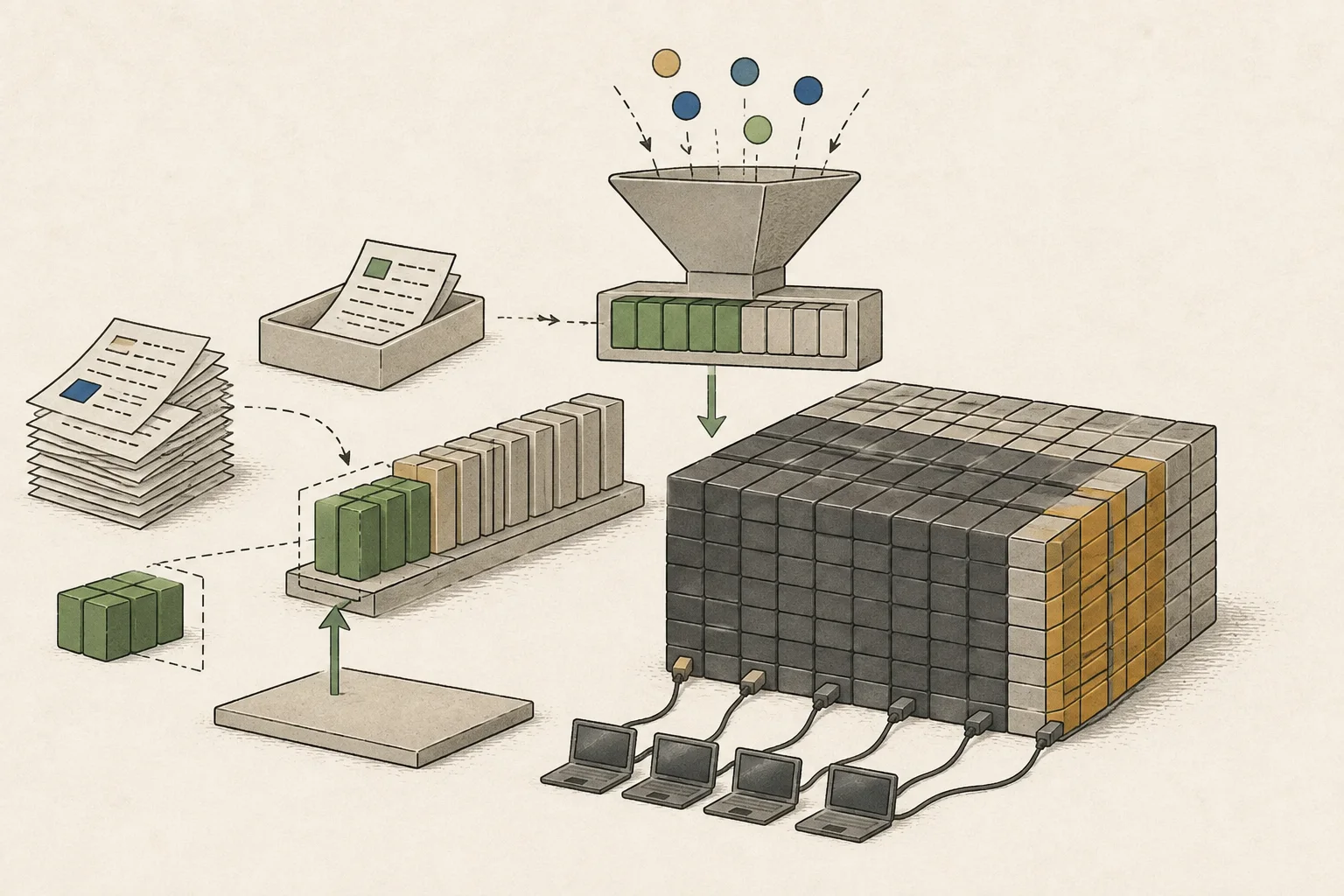
The command sets data parallel size 4, expert parallelism, and DSpark speculative decoding5. Data parallelism creates request-processing groups, while expert parallelism distributes the computation path for expert weights.
This combination does not replicate all weights four times. The options below are an example for this model and supported server software; use settings supported by the relevant engine if you switch runtimes.
Begin by checking a 16K context. After a short connection request succeeds, send the work input; this separates server loading issues from processing a longer input. One option allows code from the model repository to run, so review the repository and version first and confirm that the code path is approved by your organization.
vllm serve deepseek-ai/DeepSeek-V4-Flash-0731 --host 127.0.0.1 --port 8000 --trust-remote-code --data-parallel-size 4 --enable-expert-parallel --kv-cache-dtype fp8 --block-size 256 --moe-backend deep_gemm_mega_moe --attention-config '{"use_fp4_indexer_cache": true}' --speculative-config '{"method":"dspark","num_speculative_tokens":7,"draft_sample_method":"greedy"}' --max-model-len 16384 --gpu-memory-utilization 0.90Check the local API connection and a real code question in sequence
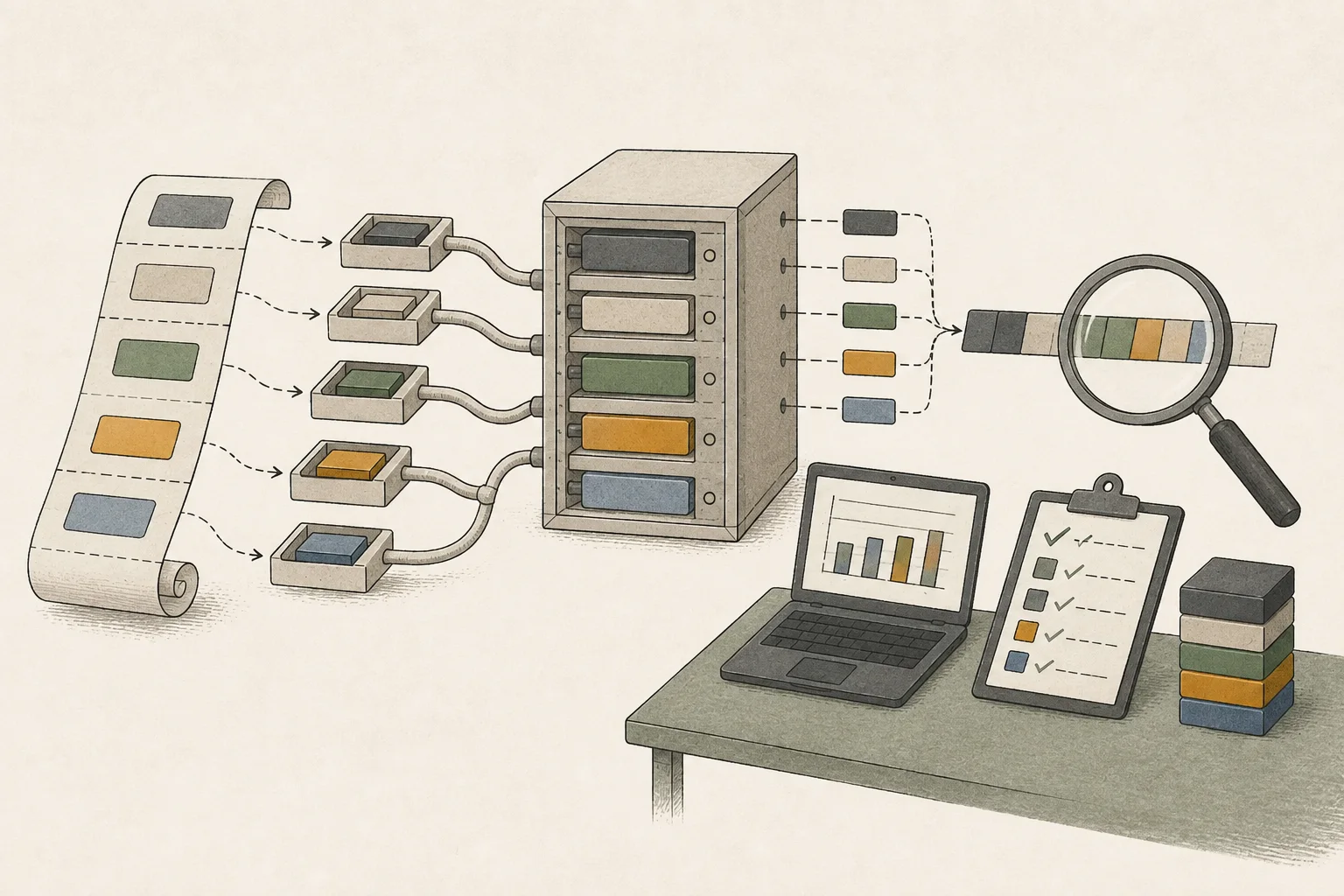
Once the server is ready, send a short streaming request first. Check that response chunks arrive and the request ends normally. The test below requests up to 512 tokens from the chat completion API at 127.0.0.1:8000.
After the connection works, provide the changed function, its callers, and related tests. Ask about the impact and files to check, then see whether the answer names the actual test files.
Record when the first token arrives and when the answer ends, together with the actual output-token count. For three repetitions of the same request, run a warm-up first and distinguish an initial input from one using a reused cache. If the request finishes but omits information, check that the changed function and tests were included and that the paths and file contents named by the model are correct.
With DSpark, compare the tokens that passed verification and appeared in the output, and the completion time, rather than the number of proposed candidates. Keep concurrent-team-request tests separate from single-request records. Overall throughput6 may rise while an individual user's first response or completion wait grows.
curl -N http://127.0.0.1:8000/v1/chat/completions   -H "Content-Type: application/json"   -d '{
    "model": "deepseek-ai/DeepSeek-V4-Flash-0731",
    "messages": [
      {"role": "user", "content": "DeepSeek-V4-Flash 분산 서빙 테스트."}
    ],
    "max_tokens": 512,
    "stream": true
  }'
Change the first check based on where execution fails
If even a short request does not start, check server logs for checkpoint loading, distributed configuration, or kernel-compatibility errors. If short questions work but long inputs fail, record input token count, peak memory, and input length together. Return to 16K context and increase the input gradually to find where execution stops.
Do not rely only on total memory; inspect per-device use and the node with the error at the same point in time. Recording whether another process used an accelerator can help distinguish insufficient loading capacity from runtime contention. Expert-parallel work may be unevenly distributed, or KV cache7 may reach a limit on one node first.
If the request finishes but identifies the wrong test, first check the supplied file scope and evidence instead of changing the GPU8 configuration. If loading stops, return to the last working checkpoint and distributed settings. Change one condition at a time and resend the same reference question to narrow down the cause.
Check the validated accelerators and kernels separately for the NVFP4 path
The official validation target is B200. RTX and Spark require separate compatible kernels, and the DSpark head retains a separate precision. Keep these conditions distinct from the official serving command and check support in the runtime and kernel combination you plan to use for NVFP49.
Decide whether direct operation solves a real need and fits your responsibilities
Look for a reason to deploy in the work your current tools actually fail to handle, not in the model's size. Record results for reference questions that reveal whether a smaller model repeatedly misses change impact or whether concurrent team requests create a queue. If a smaller candidate is enough for one person's work, there is no need to provision a 4×GB300 server.
If you decide to operate the server, record checkpoint and runtime versions, per-GPU use, first-response and completion times for requests, and the configuration to restore after an error. Once functional checks pass, send the same kinds of questions concurrently and measure throughput separately from each user's wait to align hardware scale and maintenance burden with the real operating need.

Terminology notes
Checkpoint — A file containing saved model weights and related state. Versions or tasks in one model family may use different checkpoints.
Back to the textAPI — A defined interface that lets other code call a program’s functions.
Back to the textToken — A unit into which a model divides input or output for processing.
Back to the textRuntime — The software environment that provides facilities needed while a program runs. In local AI, it can also refer to a model execution engine.
Back to the textSpeculative decoding — A generation method in which a draft model, MTP head, or repeated-context lookup proposes output candidates for the main model to verify and accept.
Back to the textThroughput — The amount of work processed or generated over time. Comparisons need the unit, such as tokens per second or requests per second.
Back to the textKV cache — Memory that stores attention keys and values from earlier tokens for reuse during later token generation. Its size depends on context length and batch size.
Back to the textGPU — A processor designed to handle many calculations in parallel. It performs model computations during AI inference.
Back to the textNVFP4 — A 4-bit floating-point data format defined by NVIDIA. Support depends on GPU generation, model, and software implementation.
Back to the text
Frequently asked questions
- What should you check first in this article?
- DeepSeek-V4-Flash-0731 is a mixture-of-experts model that takes questions and code and generates text answers and code. The official vLLM example runs the full 304B checkpoint with expert parallelism on a single node containing four GB300 GPUs. This guide explains how to start a team code-review server and send it requests.
- How much memory does it need?
- The official vLLM example uses one 4×GB300 node and expert parallelism. Replacing its accelerators with four other cards does not reproduce the same environment. Check per-device memory and interconnect, required kernels, and runtime support against the example.
Serving recipe
Settings for your hardware
For one user
Choose your hardware to see the launch command and settings you can adjust.
Apple Mac Studio M5 Ultra (256GB)
Experimental setupRecommended runtime: Compression runtime verification required (Q4 Compression weight (artifact/runtime verification required)) · Experimental setup (needs validation)
Profile context length
4,096 tokens
Estimated decode speed
112.5 ~ 125 tok/s
Estimate for one user
Estimated TTFT
10.8 ~ 18.8 s
Prefill: 218 ~ 378 tok/s
Estimated memory use
About 180.53GB / 236GB
Remaining margin: approx. 55.5GB
Server address
http://127.0.0.1:1234
Local only · 127.0.0.1
Estimates use the calculator’s recommended quantization and acceleration with 4,096tokens. They are not measurements of the configuration above.
Settings in this profile
| Value | Why this setting |
|---|---|
| Quantization and model filesQ4 quantized weights (verify the artifact and runtime) · $MODEL_PATH | A starting point that reduces weight transfers and memory use for single-user decoding. |
| Starting context length4,096 tokens | a value that reserves space for weights, KV cache, and runtime buffer instead of immediately allocating native 1024K |
| Bind address127.0.0.1:1234 | Bind only to loopback to prevent local servers without authentication from being exposed to external networks. |
| GPU offload and splittingSingle integrated memory full load verification | Keep weights in fast memory to avoid CPU/RAM offload bottlenecks. |
| Flash AttentionActivate after checking model compatibility in optional runtime | Reduces attention memory use during prefill and with long contexts. |
| KV cacheSeparate verification of q8_0 after loading with default precision | Reduce memory use, using only precision formats supported by the runtime. |
| Prefill batch and micro-batchCheck runtime settings | Do not use llama.cpp's batch-size and ubatch-size values as substitutes for MLX settings. |
| Number of concurrent requests1 | Prioritize time to first token and decode latency for 1 user over total server throughput. |
Fitting in memory and having runtime support are different. Copyable launch commands are not shown until the compressed model files and runtime compatibility are confirmed.
Things to watch for
- The official vLLM example is a DP=4·EP configuration with 4×GB300 nodes. We do not currently view catalog equipment the same way.
Adjust one item at a time
Speed tuning, step by step
If several values are changed at once, it is difficult to find the cause.
- STEP 1
Save a baseline
Record first-input and cache-reuse runs separately, three times each. Compare prefill, decode and peak memory together.
When to stop: Do not move on if there are errors or less than 2GB of memory headroom.
- STEP 2
Tune prefill chunk size
Increase in steps of 1,024 → 2,048 → 4,096, comparing TTFT and peak memory on long inputs.
When to stop: Revert to the previous value if TTFT does not improve or peak memory rises sharply.
- STEP 3
KV Cache Tuning
Only when you need more context, compare Q8 cache against the F16/BF16 baseline using the same question.
When to stop: Keep the default precision if the output changes or you already have enough context.
- STEP 4
MTP/speculative decoding
Enable it only for supported models. Test code and prose separately, measuring acceptance rates and actual decode tok/s.
When to stop: Turn it off if the median of three runs does not improve on the baseline.
- STEP 5
Context expansion
Double context length at each step until you reach what you need. Check retrieval from the middle of the input and whether swapping occurs.
When to stop: Reduce by one step if retrieval accuracy drops or swapping or memory compression starts.
Submit a measurement from my hardware
Import a JSON file with at least three runs under the same conditions. The file stays in this browser until you submit it.
Include only hardware, model, runtime settings and measurements. Do not include prompts, responses, raw logs or file paths.
If you do not have a measurement file, use the tool with your running local server. It requires Node.js 20 or later and does not upload results automatically.
These are reviewed community submissions, not measurements made by this site.
Change log
These entries record changes to the site's guidance. They do not automatically check your installed engine or model version.
Added saving and reopening hardware profiles
Runnable profiles can now be saved with their hardware selection in this browser, up to five entries, and reopened from the guide directory. A notice prompts you to recheck before running if the published settings have changed or the profile is no longer available.
Added links to runtime explanations
Engine names in the settings now link to the corresponding runtime guide. Paths without an identified engine are not linked to a guessed program.