
Executable programs and extensions
Last updated
What can DiffusionGemma do on a Mac? Documents, images, and voice workflows
Generate text from documents and images; connect speech through a transcript.
DiffusionGemma is Google's model for generating text from text, images, and video frames1. It refines answer blocks through discrete diffusion, and a Mac can use an MLX2 implementation. A speech app can transcribe audio with ASR3 and pass the resulting text to it.
The example uses a 4-bit MLX conversion of the google/diffusiongemma-26B-A4B-it family. Start by extracting owners and deadlines from a short note, then expand to a real transcript. For images, choose a runtime4 with image preprocessing support. Google model
Refining an answer in blocks
Sequential generation appends the next token5 after earlier ones. DiffusionGemma refines the tokens in a block together before creating the next block. The encoder reads the input and the decoder generates answer blocks. Record input-processing and answer-generation time separately when comparing performance.
Programs that display completed blocks may show the answer in chunks. For document summaries, compare time to completion and accuracy. For conversation, also record time to the first output block to measure how long you wait for a reply.
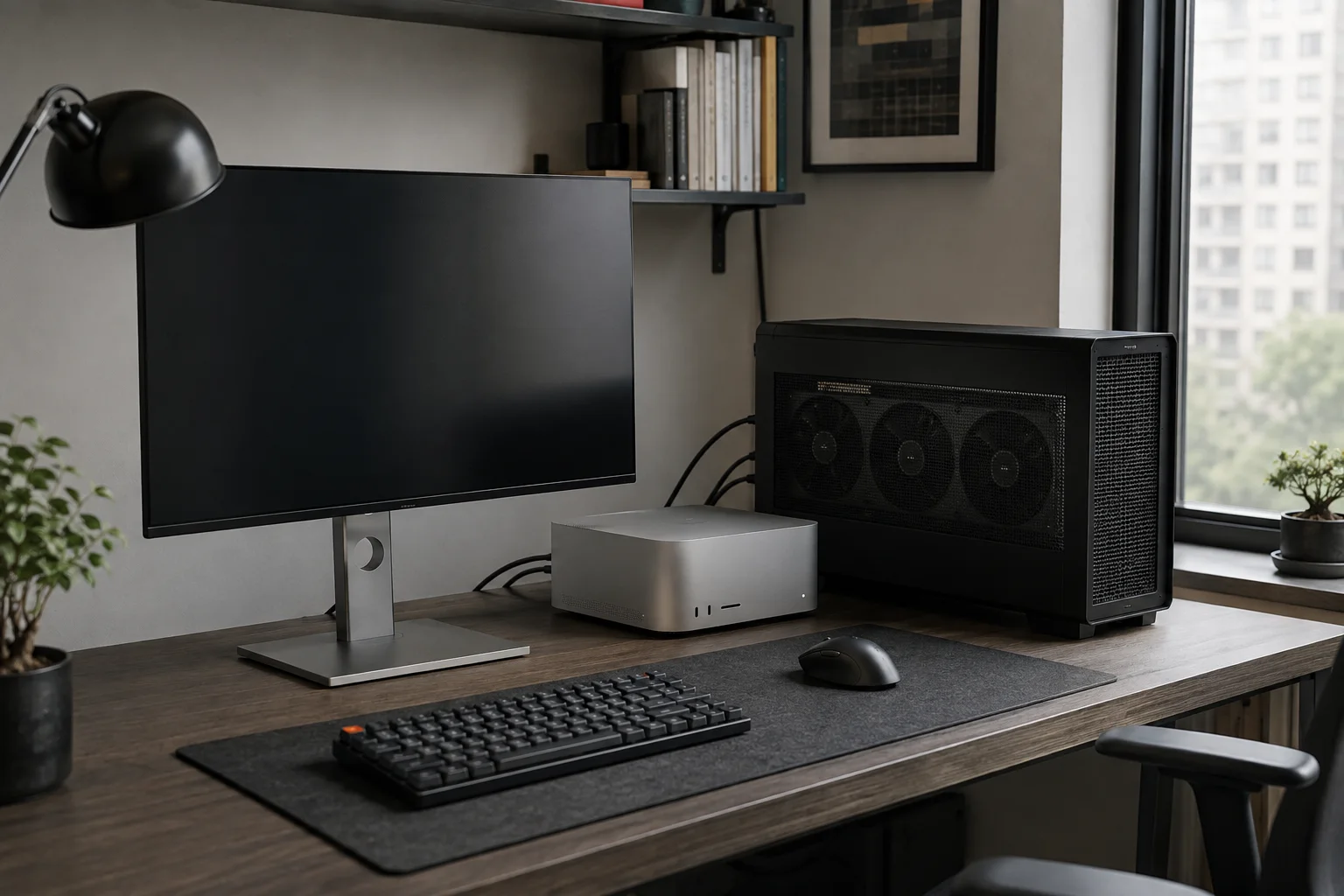
Start with the MLX example on Mac
Prepare an Apple Silicon Mac and uv, then clone the repository into a separate working folder. Use uv sync to prepare the environment and run the 4-bit example below. The first run downloads weights, so allow storage and network access. Fast-dLLM-mlx
git clone --depth 1 https://github.com/MacPaw/Fast-dLLM-mlx.git
cd Fast-dLLM-mlx
uv sync
The command below asks for the decision, owner, and deadline from a short meeting note. Check that the result says Minsu will prepare a new search-screen draft and that the deadline is Friday. After the short note succeeds, try a longer transcript if memory has room.
uv run python -m fast_dllm_mlx.diffusion_gemma \
  --model mlx-community/diffusiongemma-26B-A4B-it-4bit \
  --prompt "Summarize the decision, owner, and deadline: Minsu will prepare a new search-screen draft by Friday." \
  --max-new-tokens 256 --steps 16 --threshold 0.9 \
  --use-compile --no-think --use-self-conditioning --max-canvas-length 64
Connecting documents, images, and speech
Use text directly for document summarization, an image-capable runtime for descriptions or OCR6, and frames for video. The command above is a text example; an image or video app needs an implementation supporting the corresponding multimodal preprocessing.
A speech app transcribes audio with ASR, sends the text to DiffusionGemma, and optionally passes the answer to TTS7. A Korean meeting can use WhisperKit transcription and DiffusionGemma for decision summaries. Correct transcription errors first so names and dates carry through accurately.
| Stage | Input to output | Mac path |
|---|---|---|
| Transcription | Audio to text | WhisperKit·Core ML |
| Decision summary | Text to summary | DiffusionGemma·MLX |
| Read aloud | Summary to speech | TTS for the supported language |
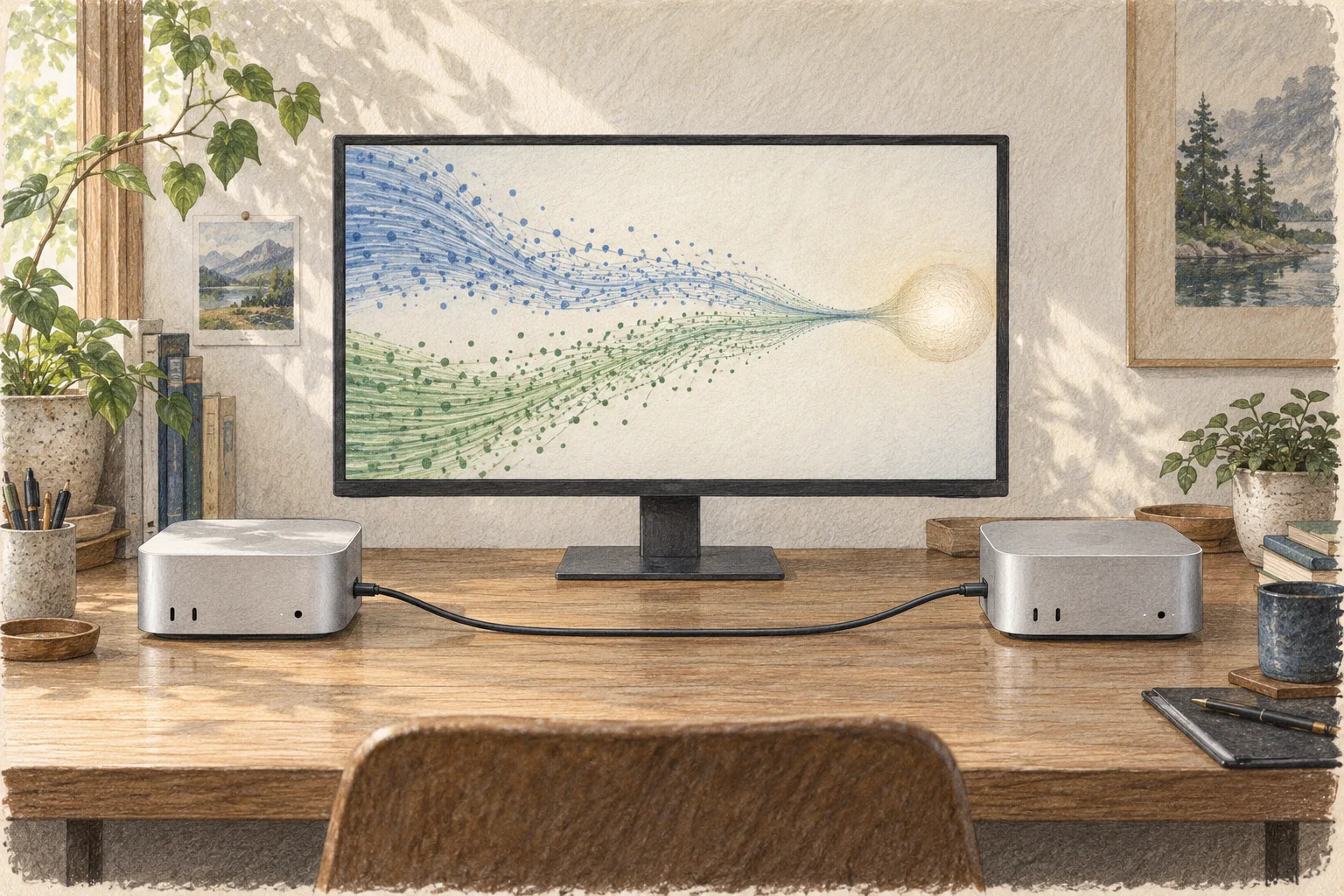
Where DiffusionGemma and DFlash2 fit
DiffusionGemma generates answers from documents or images. DFlash2 proposes draft tokens to help another supported main model generate answers faster. Splash and ANEMLL Forge pair supported main models and execution devices to use this kind of drafting.
To try Neural Engine8 execution, choose the project's ANE-compatible models separately from this MLX example. ANEMLL Forge offers a research bundle pairing Qwen3.8-27B with DFlash2 Core AI packages. Match its M5 or M6 function set and context configuration when downloading files. ANEMLL Forge
Use the same note to compare with your current model
If you already use Qwen3.8, send the same meeting note and output request to both models. Check the owner and deadline and look for decisions absent from the note, then record first-output and completion times. Use the same note when changing diffusion steps or canvas size.
If execution ends with a memory error, reduce the input and output limits and retry a short request. For a missing module, check that you are in the repository where uv sync ran. Once answers work, connect transcription and summarization; add images separately in an implementation supporting them.

Terminology notes
Frame — A single image that makes up part of a video.
Back to the textMLX — Apple’s machine-learning framework, which runs models using memory shared by the CPU and GPU on Apple Silicon.
Back to the textAutomatic Speech Recognition — Technology that recognizes spoken language in audio and converts it to text.
Back to the textRuntime — The software environment that provides facilities needed while a program runs. In local AI, it can also refer to a model execution engine.
Back to the textToken — A unit into which a model divides input or output for processing.
Back to the textOCR — The process of recognizing characters in images or scanned documents and turning them into text. Table layout and reading order still need the original image to verify.
Back to the textText-to-Speech — Technology that converts text into spoken audio with pronunciation and prosody.
Back to the textNeural Engine — Dedicated hardware in Apple Silicon for neural-network computation.
Back to the text
Frequently asked questions
- What should you check first in this article?
- DiffusionGemma is Google's model for generating text from text, images, and video frames. It refines answer blocks through discrete diffusion, and a Mac can use an MLX implementation. A speech app can transcribe audio with ASR and pass the resulting text to it.