
Model setup recipes
Last updated
Search text, photos, video, and audio in one index with Jina v5 Omni
Keep a text index and query it with other modalities.
Jina v5 Omni maps text, images, video, and audio into a shared 1,024-dimensional space aligned with text-small. It uses CC BY-NC 4.0, so review the terms before commercial use.
Keep the text index and add query types
Jina v5 Omni can encode photos, video, and audio as retrieval vectors. This demo embeds meeting notes with text-small and a photo query with aligned omni-small, then ranks them in the shared space. It performs one in-memory search and does not persist or reuse an index.
Run make_meeting_slide.py to create meeting-slide.jpg. Save the search code as jina_search.py and run it; the matching meeting note should rank above the unrelated note.
from PIL import Image
from sentence_transformers import SentenceTransformer

text_model = SentenceTransformer(
    "jinaai/jina-embeddings-v5-text-small",
    revision="dd76d535f5447ca3897a9c893fb1e612ead98192",
    trust_remote_code=True,
    model_kwargs={"default_task": "retrieval"},
)
omni_model = SentenceTransformer(
    "jinaai/jina-embeddings-v5-omni-small",
    revision="950200abde3a3bcf3d5bdfe5d28fb5bb5e7dfbb0",
    trust_remote_code=True,
    model_kwargs={"default_task": "retrieval", "modality": "vision"},
)
minutes = [
    "title: Budget review | text: The team moved the Q4 review to Thursday at 10 a.m.",
    "title: Product launch | text: The launch checklist assigns the demo to Mina.",
]
doc_vectors = text_model.encode_document(minutes, normalize_embeddings=True)
photo = Image.open("meeting-slide.jpg").convert("RGB")
query_vector = omni_model.encode_query(photo, normalize_embeddings=True)
scores = omni_model.similarity(query_vector, doc_vectors)[0]
for index in scores.argsort(descending=True).tolist():
print(f"{float(scores[index]):.4f}\t{minutes[index]}")python -m venv .venv
source .venv/bin/activate
python -m pip install -U 'transformers>=5.1' sentence-transformers pillow torchfrom PIL import Image, ImageDraw
image = Image.new("RGB", (1000, 700), "#f4f1e8")
draw = ImageDraw.Draw(image)
draw.rounded_rectangle((70, 70, 930, 630), radius=24, fill="white", outline="#26354a", width=4)
draw.text((130, 145), "Q4 BUDGET REVIEW", fill="#26354a")
draw.text((130, 235), "Thursday | 10:00 AM", fill="#26354a")
draw.text((130, 335), "Agenda: operating costs and hiring plan", fill="#26354a")
image.save("meeting-slide.jpg", quality=92)
print("saved meeting-slide.jpg")python make_meeting_slide.py
python jina_search.py
Measure the index trade-off on one corpus
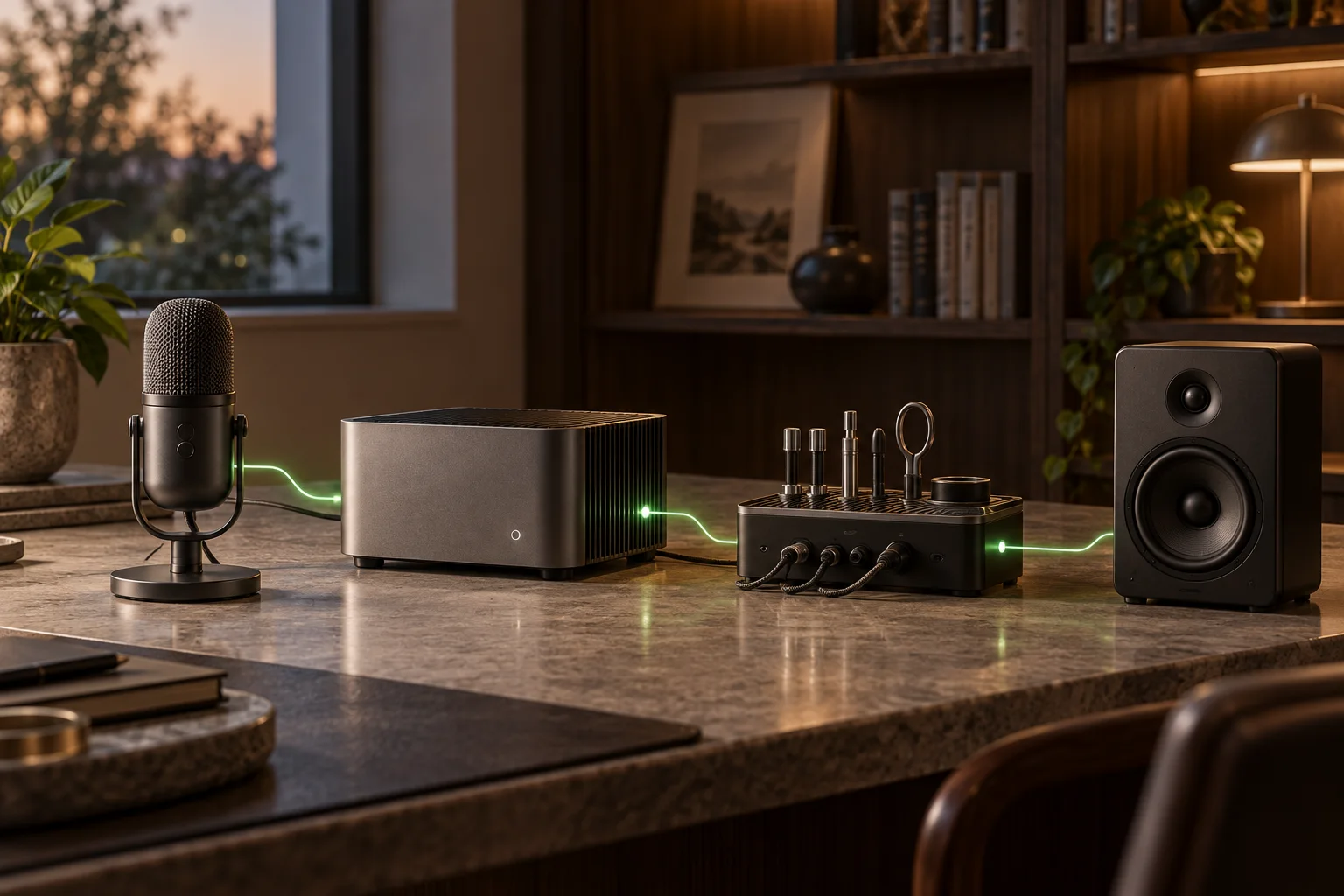
This minimal example loads text-small and omni-small in one process for a single search. For a reusable index, persist document vectors in a file or vector DB and record checkpoint1 revisions and task settings.
The card lists about 1.74B parameters, 1,024 dimensions, and a 32K maximum sequence length. That is an input limit, not unlimited video frames2; record clip duration and sampling settings as well.
Check the retrieval task and license
In Sentence Transformers, load the Omni model with default_task='retrieval', then use encode_query() and encode_document(). Images, video, and audio can also be assigned a query or document role. Apply the same task adapter to the text-small index and omni-small query when comparing them.
The model card applies the CC BY-NC 4.0 license. Check the permitted scope before using the model for organizational work. In the results table, record the file types, index date, model revision, task, and index size.
If you plan to use this in a commercial service, do not pick this model first. The weights carry a non-commercial licence, so features that generate revenue need a model whose terms you have checked.
Terminology notes
Checkpoint — A file containing saved model weights and related state. Versions or tasks in one model family may use different checkpoints.
Back to the textFrame — A single image that makes up part of a video.
Back to the text
Frequently asked questions
- What should you check first in this article?
- Jina v5 Omni maps text, images, video, and audio into a shared 1,024-dimensional space aligned with text-small. It uses CC BY-NC 4.0, so review the terms before commercial use.
- How much memory does it need?
- Jina v5 Omni can encode photos, video, and audio as retrieval vectors. This demo embeds meeting notes with text-small and a photo query with aligned omni-small, then ranks them in the shared space. It performs one in-memory search and does not persist or reuse an index.
- When is it better not to choose this?
- If you plan to use this in a commercial service, do not pick this model first. The weights carry a non-commercial licence, so features that generate revenue need a model whose terms you have checked.
- Where can you check the conditions and sources?
- The model card applies the CC BY-NC 4.0 license. Check the permitted scope before using the model for organizational work. In the results table, record the file types, index date, model revision, task, and index size.