Executable programs and extensions
Will two GPUs make a local LLM twice as fast?
Before adding a second GPU, decide whether you need a larger model or faster answers.
Suppose your model does not fit on one GPU1, or answers take too long, and you are considering a second card. Start by choosing the goal: run a larger model, get one answer sooner, or handle more requests at once. Two cards do not automatically pool their VRAM2; the result depends on how the engine can place the model and on the connection between cards.
Do you need a larger model, faster answers or more requests?
Suppose a model will not fit on one GPU, or you are waiting too long for answers and are considering a second card. Two cards may sound like twice the speed, but first separate the problem you want to solve. Fitting a model, speeding up one answer, and serving requests from more people are different goals. A second GPU may let you load a larger model, but it does not guarantee that one person’s answer will arrive twice as fast.
The right comparison depends on whether you want one document summary sooner, a larger model to fit, or more requests handled at once. For one answer, consider time to the first token3 and the rate of later tokens separately; for multiple users, consider throughput4. The next sections help identify which of these is limiting your work.
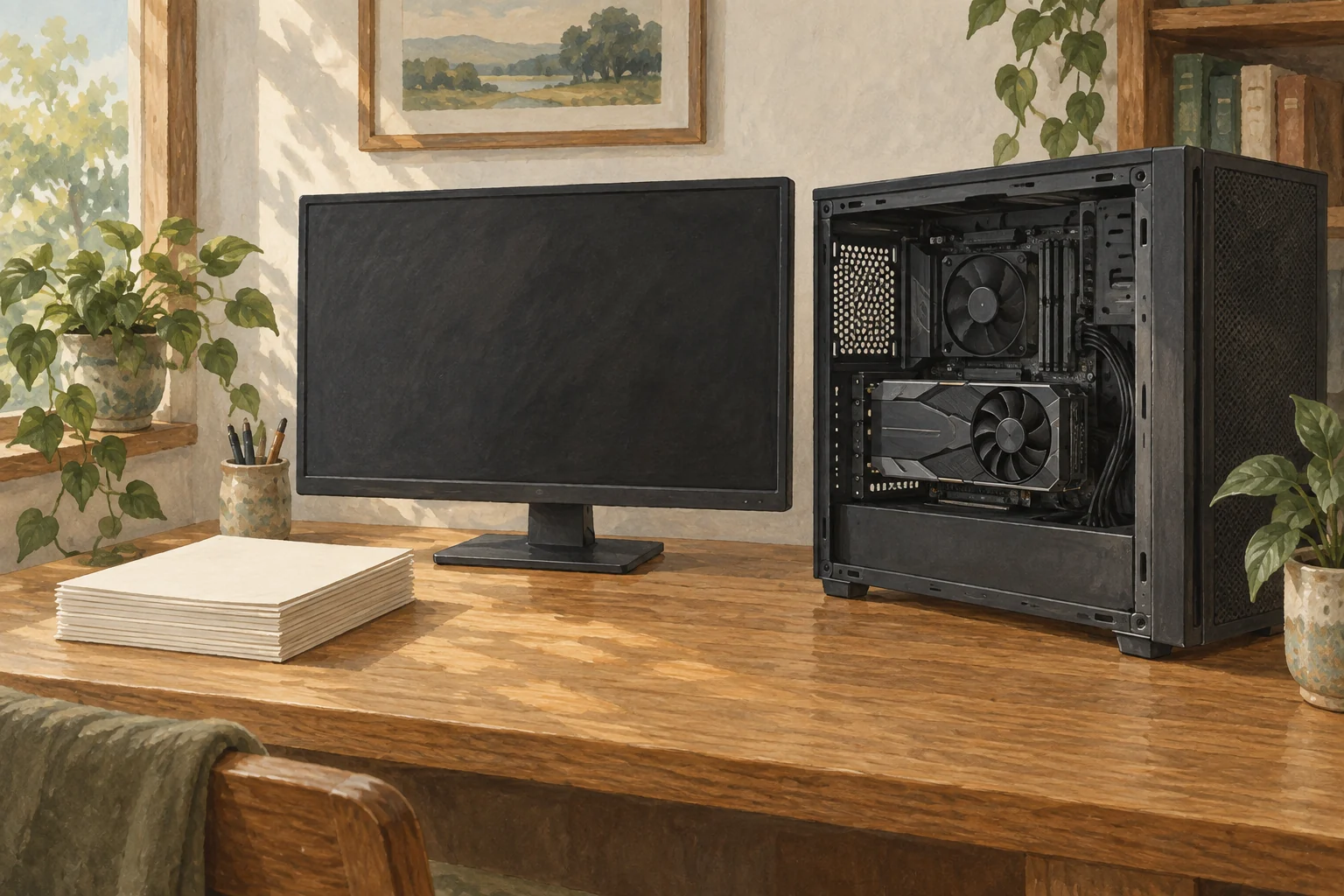
Two cards do not automatically combine their VRAM
You can first check whether both GPUs appear in the operating system or nvidia-smi, but that does not show that the summary app uses both. Each card has its own VRAM; the engine must split the model across them and move data between cards. If the app selects only one GPU or its build lacks multi-GPU support, the second card does no work.
The sum of both VRAM capacities is not the amount available for model weights. Space is also needed for the context KV cache5, temporary buffers, the framework and display output. With cards of different sizes, the placement of layers and buffers also matters. Choose the model format, precision and context length6 for your summary task, then check the model-loading log for memory placement on each GPU and any work left on the CPU7.
Split or replicate the model to match your goal
llama.cpp documents none, layer, row and tensor modes. none uses one card. The default layer mode splits model layers and KV cache across cards. For one document-summary request, the first GPU computes its assigned layers and passes intermediate results to the next GPU, which continues the work. This can fit a larger model across two cards, but the cards do not compute the same layer at the same time for each token. This mode alone therefore does not make one answer faster in proportion to the number of GPUs.
Tensor mode splits work within the same stage so cards can compute in parallel, but they may need to exchange intermediate results frequently. llama.cpp marks row as deprecated and does not recommend it for new setups; tensor is experimental and limited to supported architectures and conditions. vLLM also offers tensor and pipeline parallelism8, subject to GPU, model and batch requirements. Compare the modes with the actual summary request; do not copy one engine’s options into another unchanged.
With one model replica on each GPU, each card can handle a different document-summary request. This can increase total throughput for multiple users, but it does not split one request across the cards, so one person’s token-generation speed does not automatically improve. The server must distribute requests across replicas, and the model must fit in each card’s memory separately.
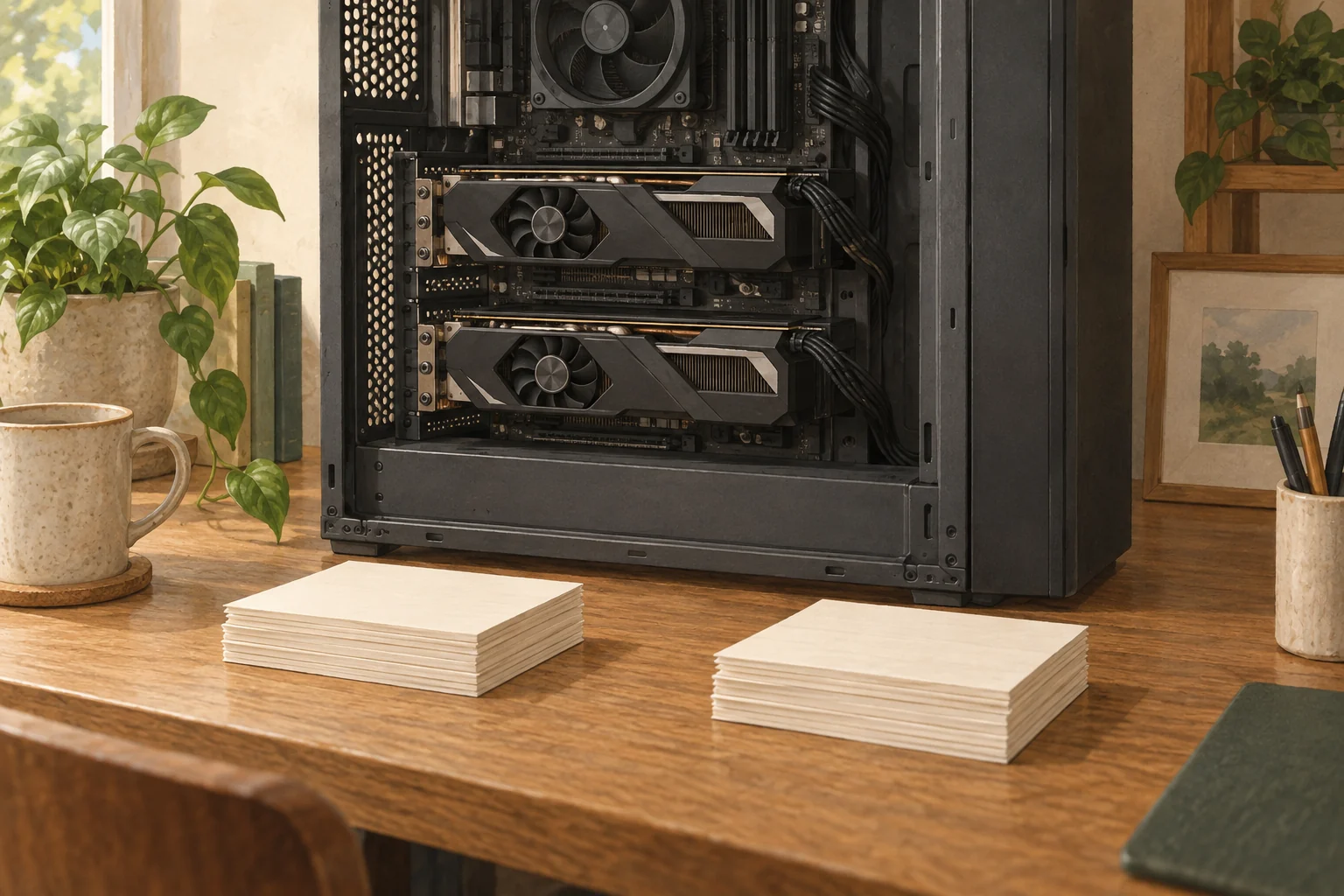
Links between cards also affect response time
Also check the path the cards use to exchange intermediate results. Desktops commonly use PCI Express, but actual bandwidth can depend on slot wiring, CPU/chipset layout, driver and GPU peer-to-peer support. NVLink is a separate high-speed connection available on some supported GPUs and systems; NVSwitch expands connectivity among several GPUs. These are not available on every consumer card, and installing two cards does not create NVLink.
NCCL9 is a collective-communication library that helps GPUs gather and synchronize results. It is not the cable or GPU interconnect itself; the system uses a direct path when available or another transport. With frequent collection of partial results, as in tensor mode, communication can take more time than computation. Data-center training figures do not directly predict inference10 speed on a home PC. The difference depends on the model, split method, batch and card links.
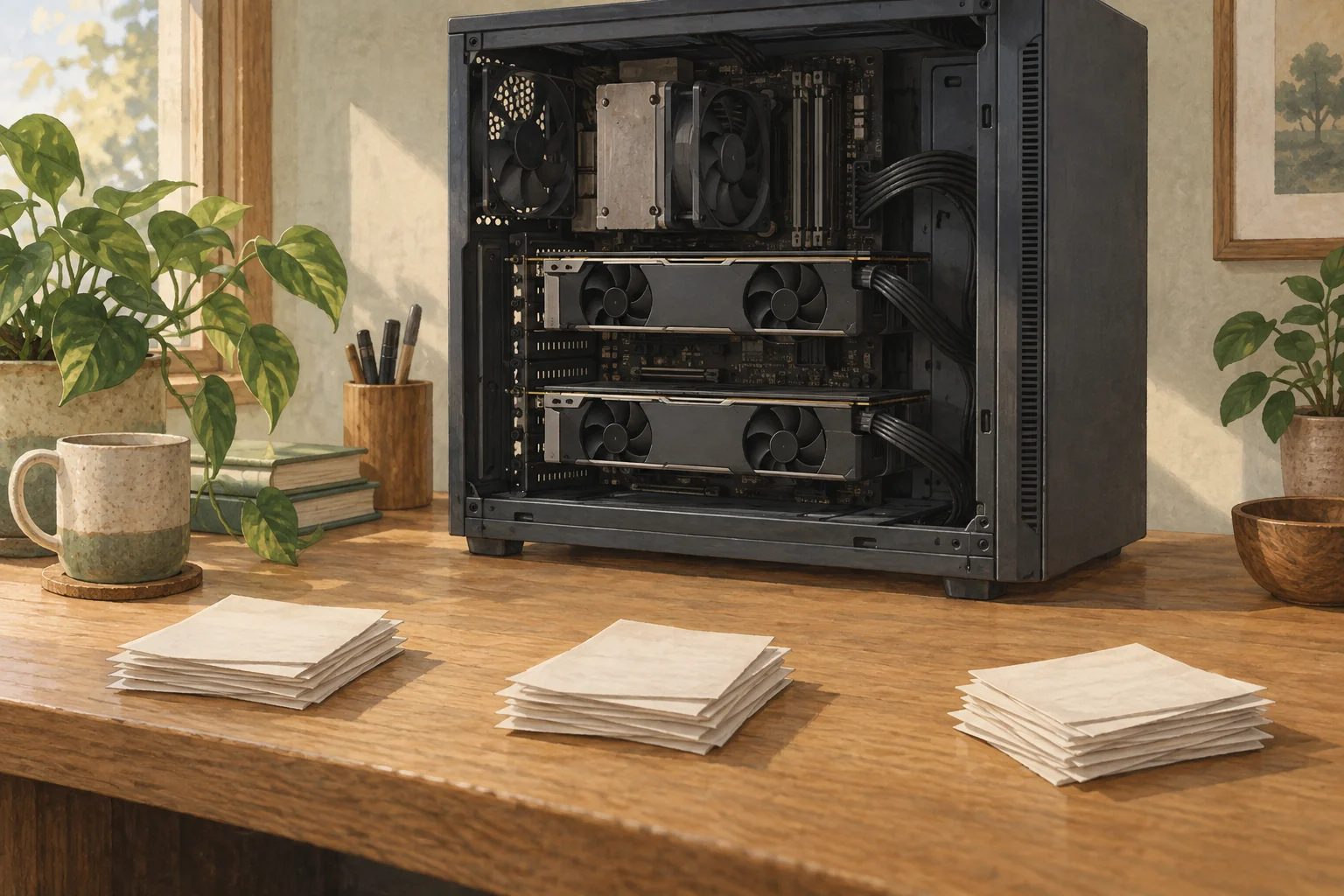
Check what your current system can do before buying another GPU
First run the document-summary model on one GPU. In the app log, check model placement on each GPU, layers left on the CPU and KV-cache memory, then confirm there is room for your intended context length and request count. Before considering two cards, check the engine’s official documentation for support for your model and split mode, including required build options. Finally, verify that the case, power supply and motherboard can accommodate both cards, and check the PCIe links and peer-to-peer support. Slot shape alone does not tell you the bandwidth.
If you need to fit a larger model, first check whether the engine supports layer mode. To shorten one answer, compare the actual request time with a supported tensor or pipeline11 mode for that model. If requests from several users are queuing, consider a replica on each card. Keep the document and prompt, generated-token count, context length, precision, engine version and concurrency the same for each comparison.
Run the same document summary with one GPU and two, then compare answer time, memory per GPU and the engine’s transfer or wait logs. If the model fits reliably on one card and requests are occasional, a second GPU may not be needed. If the model does not fit, test supported layer splitting; if one answer is slow, test a supported parallel mode; if requests are queuing, test replicas. A second card also adds cost, power use and heat, so if the logs show that the goal is still unmet, check other supported modes and hardware links before buying.
Terminology notes
GPU — A processor designed to handle many calculations in parallel. It performs model computations during AI inference.
Back to the textVRAM — Memory used by a graphics card’s GPU for model weights and intermediate values. It is distinct from system RAM.
Back to the textToken — A unit into which a model divides input or output for processing. One token does not equal one character or a fixed duration.
Back to the textThroughput — The amount of work processed or generated over time. Comparisons need the unit, such as tokens per second or requests per second.
Back to the textKV cache — Memory that stores attention keys and values from earlier tokens for reuse during later token generation. Its size depends on context length and batch size.
Back to the textContext window — The token span of input and generated content a model can handle in one request. The supported limit and memory use depend on the model and runtime settings.
Back to the textCPU — The central processor that executes general-purpose program instructions. AI workloads may divide work between it and other processors such as GPUs.
Back to the textPipeline parallelism — Placing groups of model layers on different devices as stages. Later stages may wait for earlier results, so more devices do not imply proportionally faster individual responses.
Back to the textNCCL — A collective-communication library for exchanging and combining data across NVIDIA GPUs. It is software, not a cable or NVLink itself.
Back to the textInference — The process of using a trained model to compute an output for an input. Here, local inference means running the model on the user’s device.
Back to the textPipeline — A sequence of processing stages from input to output. Different models or tools may be used at each stage.
Back to the text