
Executable programs and extensions
Last updated
Ollama: connecting a model on your computer to other apps
Connect an Ollama model from your terminal to an editor
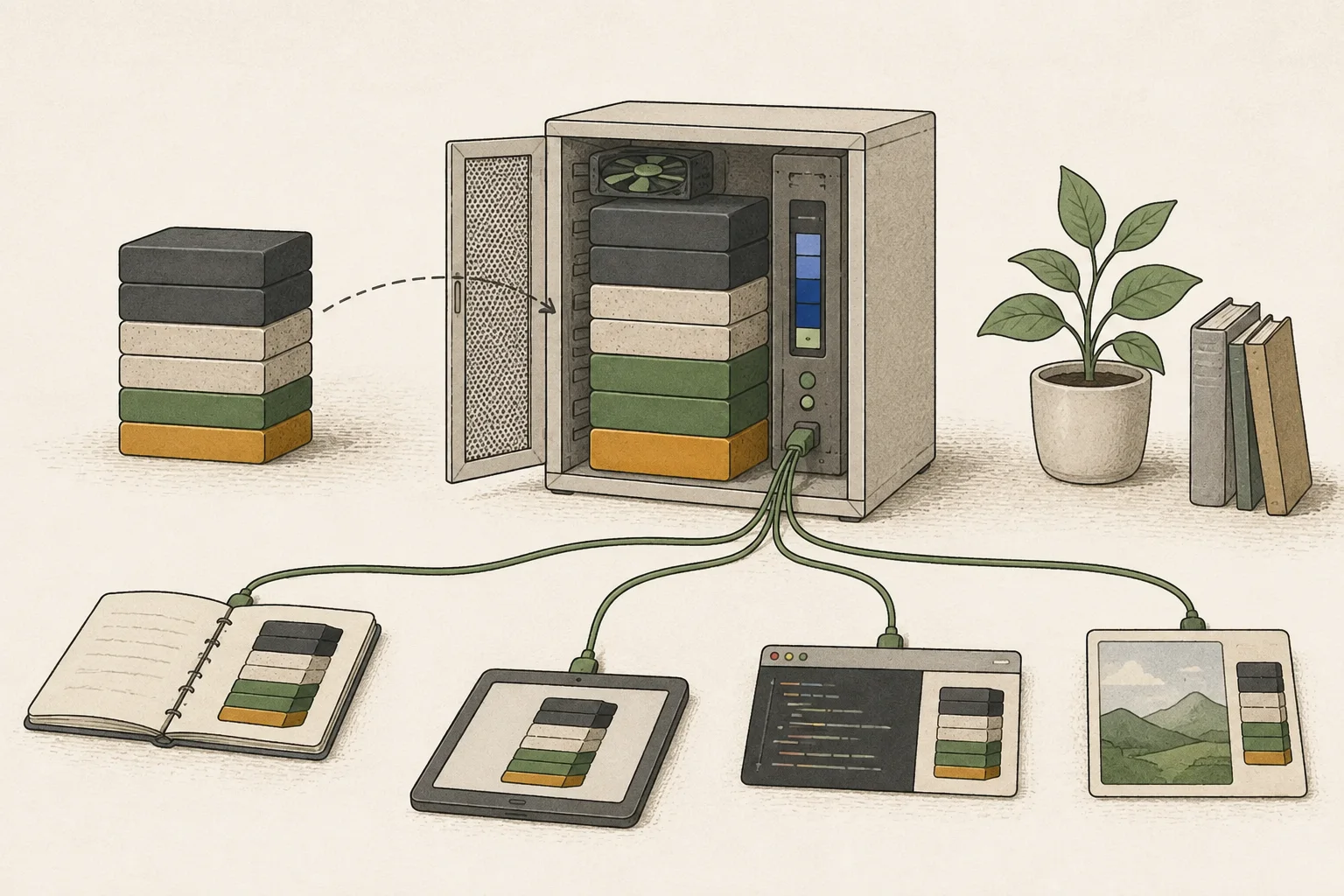
Ollama lets you download a model to chat on your computer or let editors and document apps call it through a local API1. With matching server addresses and model names, multiple apps can use the same model. We will work from a short connection request to an actual task.
If a model answers in the terminal but not in a code editor, first check whether the Ollama server is running and whether the editor's endpoint and model tag match; do not start by downloading the model again. Separating connection problems from runtime-path or speed questions avoids unnecessary reinstalls.
Check the server and model tag with a short request
If Ollama is already running, use that server rather than starting a second one. For a new setup, install the official build and download a small model. Check its exact tag with ollama list; a model in the list is not necessarily loaded in memory.
The example below sends a short request for a JSON response using qwen3.5:0.8b, checking address, port, and model selection. If you use another model, use the tag shown by ollama list in both pull and the request body. A response verifies connectivity, but editor tool calls2, long contexts, and image inputs need separate tests.
ollama --version
ollama pull qwen3.5:0.8b
ollama list
curl -sS http://127.0.0.1:11434/api/chat -H 'Content-Type: application/json' -d '{"model":"qwen3.5:0.8b","messages":[{"role":"user","content":"Reply with one short sentence."}],"stream":false,"options":{"num_ctx":4096,"num_predict":128}}'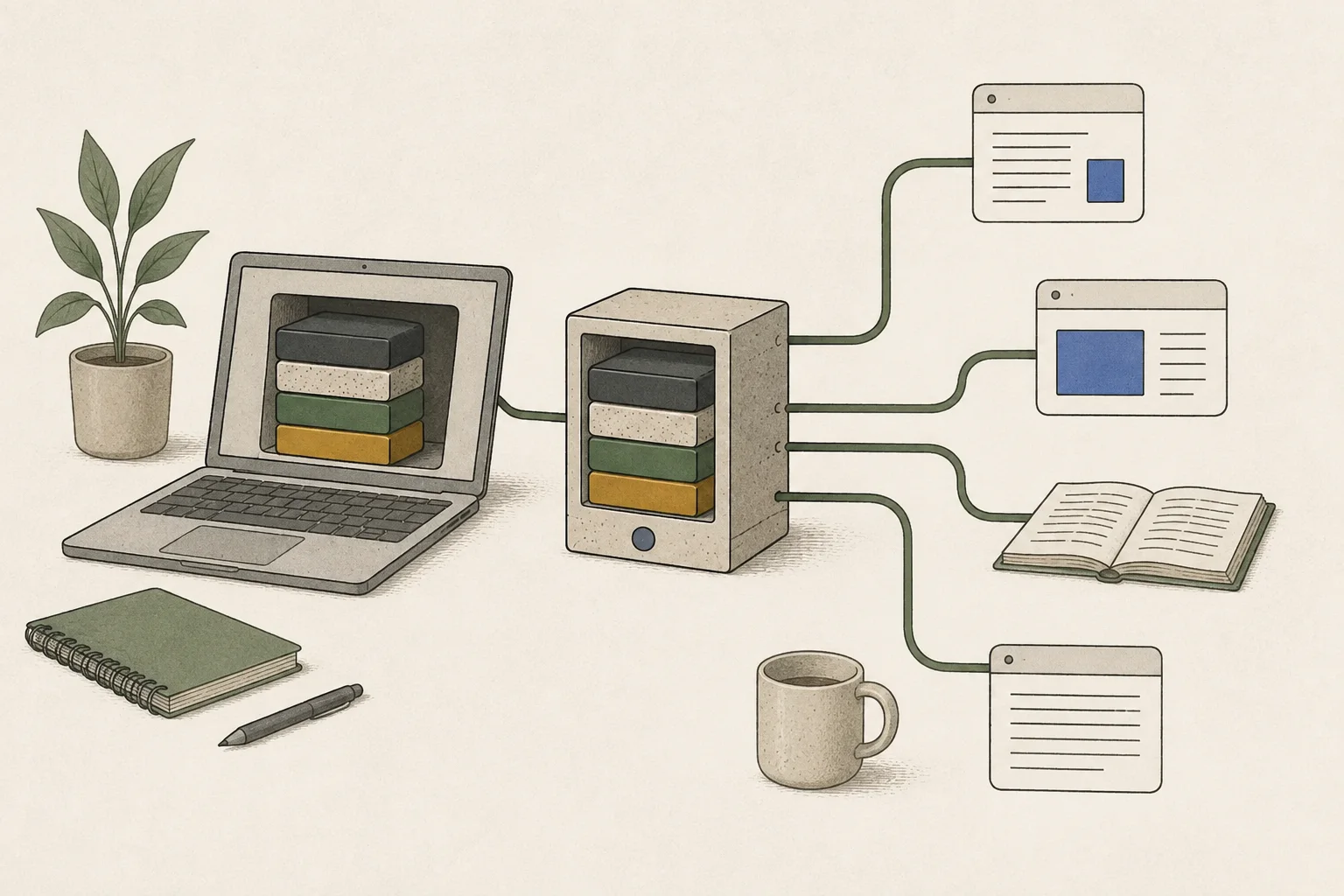
MLX auto-selection on Apple Silicon is an RC preview feature
Ollama v0.40.0-rc0 release notes dated September 25, 2026 say that model architectures supported by the MLX3 runtime4 on Apple Silicon run automatically through MLX. This refers to supported architectures, not every model and tag. The release said additional models would be validated and enabled during the preview, so a model listing alone does not show that the new path was used.
Distinguish this from separate features such as /v1/systemone in stable 0.35.0. After requesting a model on the RC, check whether logs identify the selected runner/backend as MLX. The PROCESSOR field in ollama ps shows model placement across CPU5 and GPU6; it is not an MLX-backend indicator. If logs do not identify the path, do not infer MLX selection from speed alone.
oMLX is another Mac application/server based on MLX. Model downloads, conversions and tags, caching, and server settings may differ from Ollama. Confirm that both runtimes load the same actual conversion; if not, record file and quantization7 differences in the comparison.
Compare stable Ollama, the RC, and oMLX on equal terms
Record the Mac model, macOS version, base-model revision, file, and quantization. If all three runtimes can load the same file, use it; if conversion is necessary, note its source and quantization. Keep prompt8, context length9, and generation limit fixed, and compare stable Ollama, 0.40.0-rc0, and oMLX as separate runs.
Do not mix initial loading with requests to an already loaded model. After a warm-up in each runtime, send the same input at least three times and record time to first token10 separately from generation speed. Single-request latency and multi-request throughput11 are also different metrics. If the RC is faster, check whether backend logs and controlled conditions support the explanation; do not generalize one setup into a universal multiplier.
| Aspect | Condition | Record |
|---|---|---|
| Model file | Base revision, conversion, quantization | Whether the file conditions match |
| Request | Input, context, generation limit | Time to first token and generation |
| Cache state | Initial cold load versus loaded warm | Whether load time recurs |
| Runtime | Stable Ollama, RC, and oMLX logs | Selected runner/backend |
| Repetitions | At least three identical requests after warm-up | Median and output differences |
Locate failures in connection, loading, or runtime selection
If connection fails, check ollama --version, server address 127.0.0.1:11434, and model tag. The app and terminal may point to different servers, or the configured name may be a cloud model. If a short /api/chat request also fails, fix the server and request format before investigating MLX.
If only a particular model fails to load, check its exact tag and the runtime's architecture support. The RC's MLX path is under test, so do not assume a model that works on stable uses the same runner. Record MLX initialization or load errors with the Ollama version. Do not start by deleting downloaded files with ollama rm unless corruption is confirmed.
CPU/GPU placement in ollama ps and backend logs are different evidence. Distinguish a partial CPU placement caused by limited memory from a different runtime path because the architecture is not MLX-supported.

Choose the runtime for your workload and record its version
If the current model and text requests work in your editor, you can stay on stable Ollama. Consider 0.40.0-rc0 when the target model uses an MLX-supported architecture, logs confirm the automatic path, and the same workload shows a meaningful difference. When comparing with oMLX, consider model support, client connection, sustained serving, concurrency, and memory rather than peak speed claims.
Use the official release and API documentation to check install builds, support scope, and current versions. Record the selected runner, cold versus warm state, repeated latency, and answer quality for each runtime so you can compare after updates. Do not generalize a performance multiplier beyond the measured setup.
Update to 0.40.1 if Clef fails to load on Windows
Ollama 0.40.1 fixes a Windows Clef-head read problem beyond the 2 GiB boundary. It also avoids symlinks in Windows model manifests. If Clef stops while loading on Windows, update the app and try again.
After updating, open a new terminal, run ollama --version and check for 0.40.1 or later. As of October 9, 2026, 0.40.2 is a prerelease, so routine installation follows stable 0.40.1. Check the app version and first error message before deleting model files to avoid unnecessary downloads.
Terminology notes
API — A defined interface that lets other code call a program’s functions.
Back to the textTool call — A structured request from a model for an external function such as reading a file, searching, or running a command. The agent runtime and its permission settings decide whether the request is actually executed.
Back to the textMLX — Apple’s machine-learning framework, which runs models using memory shared by the CPU and GPU on Apple Silicon.
Back to the textRuntime — The software environment that provides facilities needed while a program runs. In local AI, it can also refer to a model execution engine.
Back to the textCPU — The central processor that runs the operating system and general-purpose instructions; in AI workloads it also handles tasks such as preprocessing and data movement.
Back to the textGPU — A processor designed to handle many calculations in parallel. It performs model computations during AI inference.
Back to the textQuantization — A way to represent model weights or values with fewer bits, reducing storage and memory use. The coarser representation can also affect accuracy.
Back to the textPrompt — The input text sent to a model. For generative models it describes the desired result and strongly shapes the output.
Back to the textContext window — The token span of input and generated content a model can handle in one request. The supported limit and memory use depend on the model and runtime settings.
Back to the textTime to First Token — The time from sending a request until its first output token arrives.
Back to the textThroughput — The amount of work processed or generated over time. Comparisons need the unit, such as tokens per second or requests per second.
Back to the text
Frequently asked questions
- What should you check first in this article?
- Ollama lets you download a model to chat on your computer or let editors and document apps call it through a local API. With matching server addresses and model names, multiple apps can use the same model. We will work from a short connection request to an actual task.
- How much memory does it need?
- If Ollama is already running, use that server rather than starting a second one. For a new setup, install the official build and download a small model. Check its exact tag with ollama list; a model in the list is not necessarily loaded in memory.
Change log
These entries record changes to the site's guidance. They do not automatically check your installed engine or model version.
Added Ollama local-serving and status-check guidance
Added examples for starting a local-model server and sending a short API request. It covers checking where the model runs and its context settings, and explains why a request's completion time is not a first-token measurement.