
Executable programs and extensions
Last updated
MTPLX: will MTP make answers faster on your Mac?
Use MTP in MTPLX to reduce the time your Mac takes to finish an answer
MTPLX is an app and server for running MLX1 models on Apple silicon. MTP2 proposes and verifies candidate next tokens3 to reduce parts of generation. Check for a compatible MLX checkpoint4 and MTP weights, then compare ordinary generation against the same request to see whether it helps.
If the frustrating wait in a long document review comes after the first token rather than before it, generation acceleration may be worth testing. MTPLX MTP mainly affects the later token-generation stage rather than input processing, so measure the two waits separately.
MTP proposes candidates for the main model to verify
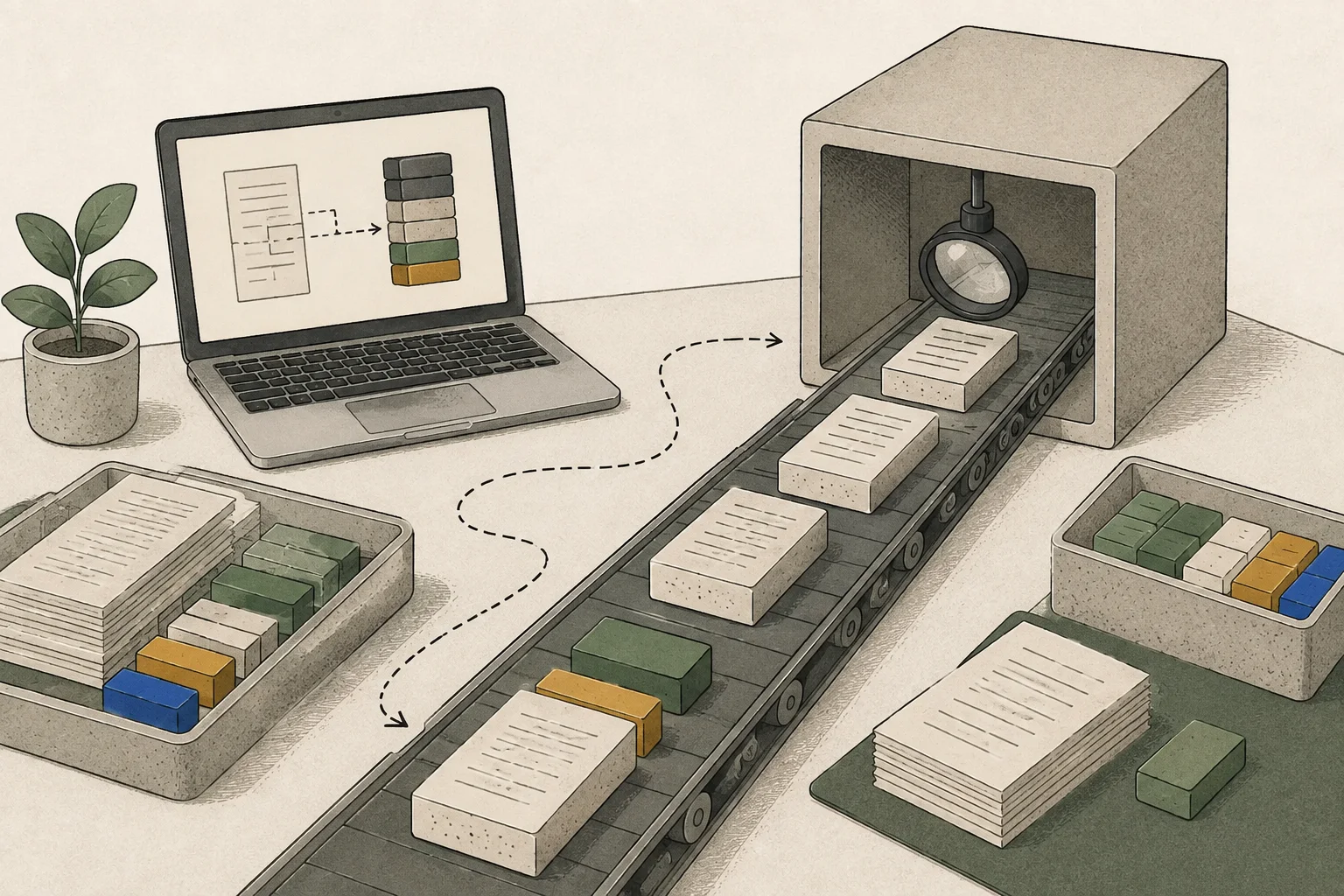
Ordinary generation chooses a token and then computes the next one in sequence. With MTP, prediction heads in the same model propose later candidates in advance, and the main model verifies them from the beginning of the candidate sequence. Accepted consecutive candidates can combine some work; if the first candidate diverges, later candidates are discarded and ordinary generation continues.
MTPLX MTP does not have a separate small draft model write the answer. Candidate generation and verification also consume computation, so speed gains may be small or disappear if too few candidates are accepted. Check whether the same request finishes sooner while preserving its content.
A slow first token may point to input processing or document retrieval. Reading a long contract PDF for the first time differs from generating a review memo after locating a clause. MTP mainly changes the later generation stage.
Check the installation environment and actual model files
MTPLX requires Apple silicon and macOS 14 or later. For the terminal path, also check the Python and MLX runtime5 environment. If a model is missing after installation, inspect installation and the catalog before changing MTP depth.
Do not infer that MTP weights are included from the model-family name alone. Check architecture, base checkpoint, and prediction-weight compatibility in the current catalog. GGUF6 and MLX are different formats. Use the MLX checkpoint and matching MTP file documented by MTPLX rather than combining unrelated files.
brew install youssofal/mtplx/mtplx
mtplx startCompare MTP depth with ordinary generation on the same request
First create a baseline answer with MTP off on the same model. Fix retrieval method, input length, and answer size; record time to first token7 separately from completion time. Check that updated clauses and exceptions remain in the answer.
Then run mtplx tune to compare ordinary generation and MTP depth on the current Mac. Stop other servers that may load the same model and compete for memory, and keep the prompt8 and output length unchanged. Because tuning compares settings, retest with a normal-length request. Return to ordinary generation if greater depth brings no benefit.
If time to first token stays the same but completion time falls, the difference is in generation. If the first token also changes, check whether input preparation or cache state differed. If key details are missing, the two runs did not complete the same task.
mtplx tune --retune
Connect the local API from an editor
Once chat and MTP comparison work, connect the editor through MTPLX's OpenAI-style or Anthropic-style API9. For same-Mac use, check that the server binds only to the local interface. Commands to 127.0.0.1 read health and model listing only; they do not test external network access or measure speed.
A model name in the list confirms the server responds. Separately test an answer from the editor and any required streaming or tool calls10. If connection fails, align API format, server address and port, and model ID before redownloading model files.
curl --fail http://127.0.0.1:8000/health
curl --fail http://127.0.0.1:8000/v1/modelsNarrow down errors by comparing with the baseline
If answers stop midway or memory errors occur, do not increase depth; return to ordinary generation with the same input that worked. If ordinary generation works but MTP fails, disable MTP and check model/runtime compatibility. If both fail, reduce context and concurrency and inspect other apps' memory use and the checkpoint. Use mtplx doctor to inspect status.
If only the first token is slow, inspect prefill11, retrieval, and session cache. Faster follow-up questions about the same PDF may reflect conversation-state reuse. This differs from moving an n-gram12 table to SSD13, so identify which cache is active. Remove prompt text, local file paths, and credentials before sharing logs.
Keep your current setup if oMLX already meets your needs
If the same contract questions finish well and connections are convenient in oMLX or LM Studio, keep using them. Test MTPLX when you want to know whether MTP actually reduces completion time with a compatible checkpoint. Do not change model or quantization14 simultaneously; isolate file changes from the runtime difference.
Hardware-specific recipe figures apply to the model files and runtime stated in that guide. Do not treat them as MTPLX measurements; decide using results from your Mac on the same request.

Terminology notes
MLX — Apple’s machine-learning framework, which runs models using memory shared by the CPU and GPU on Apple Silicon.
Back to the textMTP — A training objective or model component for predicting multiple future tokens at once. In speculative decoding, those predictions can be proposed as candidate tokens.
Back to the textToken — A unit into which a model divides input or output for processing.
Back to the textCheckpoint — A file containing saved model weights and related state. Versions or tasks in one model family may use different checkpoints.
Back to the textRuntime — The software environment that provides facilities needed while a program runs. In local AI, it can also refer to a model execution engine.
Back to the textGGUF — A file format for model data, widely used by llama.cpp-based tools.
Back to the textTime to First Token — The time from sending a request until its first output token arrives.
Back to the textPrompt — The input text sent to a model. For generative models it describes the desired result and strongly shapes the output.
Back to the textAPI — A defined interface that lets other code call a program’s functions.
Back to the textTool call — A structured request from a model for an external function such as reading a file, searching, or running a command. The agent runtime and its permission settings decide whether the request is actually executed.
Back to the textPrefill — The stage where an LLM reads the input prompt and computes representations for its tokens. Longer prompts contain more tokens to process.
Back to the textN-gram — A sequence of n consecutive tokens or items. N-grams may be used for context lookup or speculative generation, and may also form the entries of embedding tables in some models.
Back to the textSSD — A data storage device that uses flash memory and retains data without power.
Back to the textQuantization — A way to represent model weights or values with fewer bits, reducing storage and memory use. The coarser representation can also affect accuracy.
Back to the text
Frequently asked questions
- What should you check first in this article?
- MTPLX is an app and server for running MLX models on Apple silicon. MTP proposes and verifies candidate next tokens to reduce parts of generation. Check for a compatible MLX checkpoint and MTP weights, then compare ordinary generation against the same request to see whether it helps.
- How much memory does it need?
- If answers stop midway or memory errors occur, do not increase depth; return to ordinary generation with the same input that worked. If ordinary generation works but MTP fails, disable MTP and check model/runtime compatibility. If both fail, reduce context and concurrency and inspect other apps' memory use and the checkpoint. Use mtplx doctor to inspect status.
Change log
These entries record changes to the site's guidance. They do not automatically check your installed engine or model version.
Added MTPLX installation, tuning and API guidance
Added a sequence from Homebrew installation and model selection through MTP-depth retuning and local API checks. It explains that MTP weights must match the main model and that existing recipe estimates are not measurements taken in MTPLX.