
Executable programs and extensions
Last updated
Running several coding agents at once on a Mac with Locals
Once several agents run at once, what the Mac has to carry is different
Locals is a local inference1 server for Macs from Generated Computers. It is built not for a single chat message but for what agents send: tool calls2, prompts3 that grow every turn, and many requests running at once. It opens both an OpenAI-compatible and an Ollama-compatible endpoint, so tools such as OpenCode, Cline, Aider and Claude Code connect without changes. The project reports that on an M2 Pro with 16 GB, Qwen3.5-4B went from 87 to 271 tokens4 per second with eight requests at once. With a single request it is about the same as mlx-lm5, and the project was first published on 12 October 2026.
Several agents make a different workload from a chat box
Locals is a server that runs an AI model inside your Mac and answers requests from other programs. One terminal command starts a model that fits the Mac's memory and connects the coding agent you open in that folder. It is not a chat window; the point of the program is that throughput6 holds up when several agents send requests to the same model.
An agent does not behave like a line typed into a chat box. It calls tools to read files and run commands, and each call has to come back in the right format before the next step can start. The longer the conversation, the longer the prompt, and coding assistants start several helper agents at the same time. Inference tools built for the Mac are usually not designed around this, so overlapping requests end up slower than handling them one at a time.
- GGUF vs MLX: which model format should you download?
- Slotstream: running a 125B model on a 16 GB Mac
- Backburner: Accelerate Mac LLM Prefill with an iPhone
- Which local LLM app or serving engine should you start with?
- agent-memory: making a coding agent remember across sessions
- Unsloth Browser Use: hand a browser to your local model
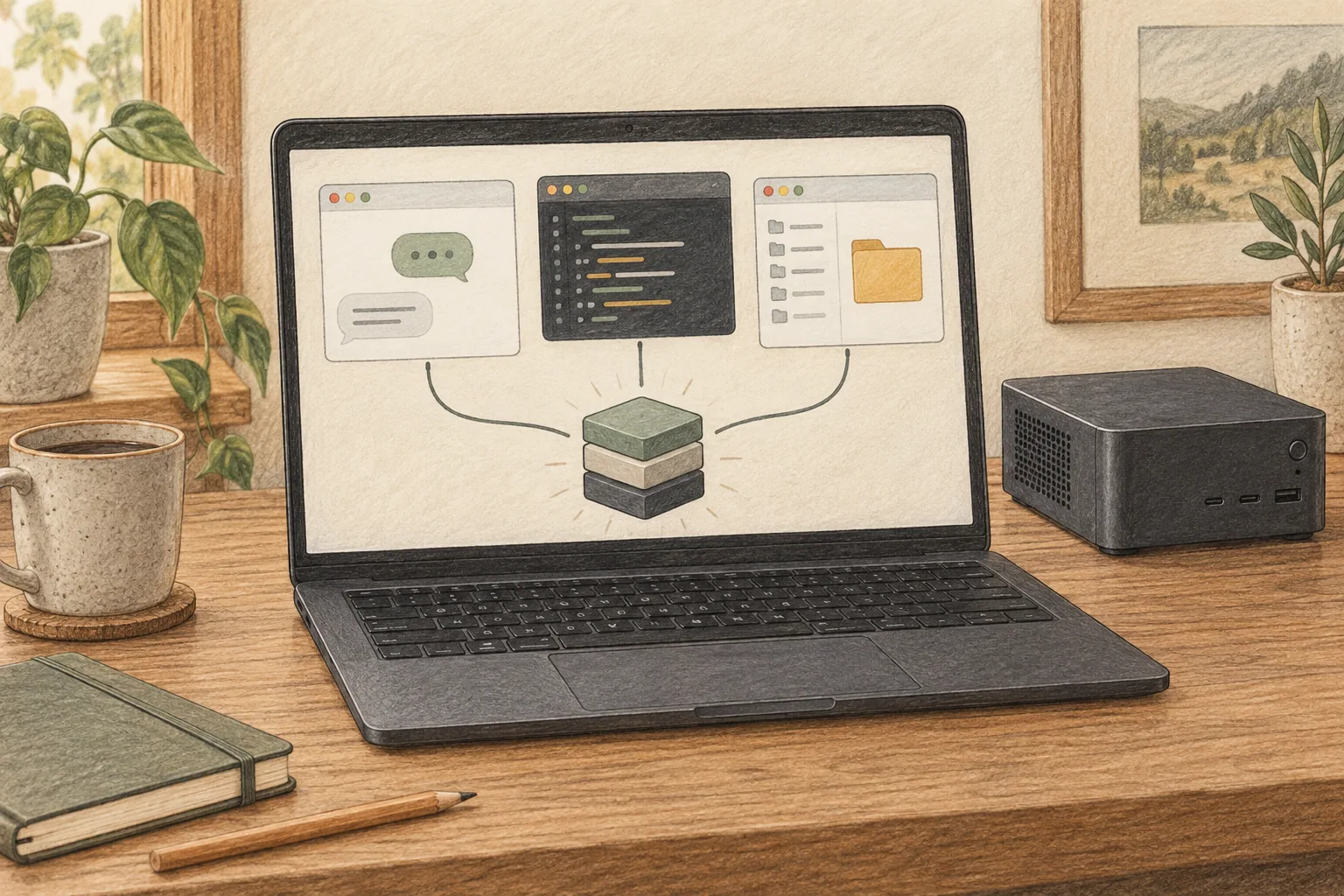
Install it and get the server ready
You need Apple silicon from M1 onward and macOS 14 or newer. With 16 GB the default model fits well; with 8 GB you have to choose a smaller one. Run the install script, or install it from PyPI with uv.
curl -LsSf https://raw.githubusercontent.com/Generated-Computers/Locals/main/install.sh | shuv tool install --python 3.12 localsFirst run inside a project folder
In a new terminal window, point it at a project folder and run it.
locals code ~/my-projectThe first run downloads a model that suits the Mac's memory (about 3 GB), starts it in the background and opens OpenCode in that folder. When the download finishes, open a file in the editor and ask for a small edit to see whether the first answer arrives. Model files and conversation history never leave the Mac.
Connect the agents you already use
After one locals setup, OpenCode lists Locals in its model picker. Tools that accept an OpenAI-compatible provider, such as VS Code extensions, Zed and JetBrains, take the server address directly.
Apps that only speak Ollama connect through locals launch ollama. Apps with Ollama support, such as Open WebUI or Raycast, need no address at all.
| Setting | Value to enter |
|---|---|
| Server address | http://127.0.0.1:8321/v1 |
| API key | any text (for example local) |
| Model name | locals/qwen3.5-4b |
| Context length | the number locals launch editor prints |
Run locals launch editor and it prints the address and model name for whichever model is running.
The server keeps running after you close the terminal window. Check it with locals status and stop it with locals stop. To use the same agent with another server, undo the setting with locals disconnect opencode.
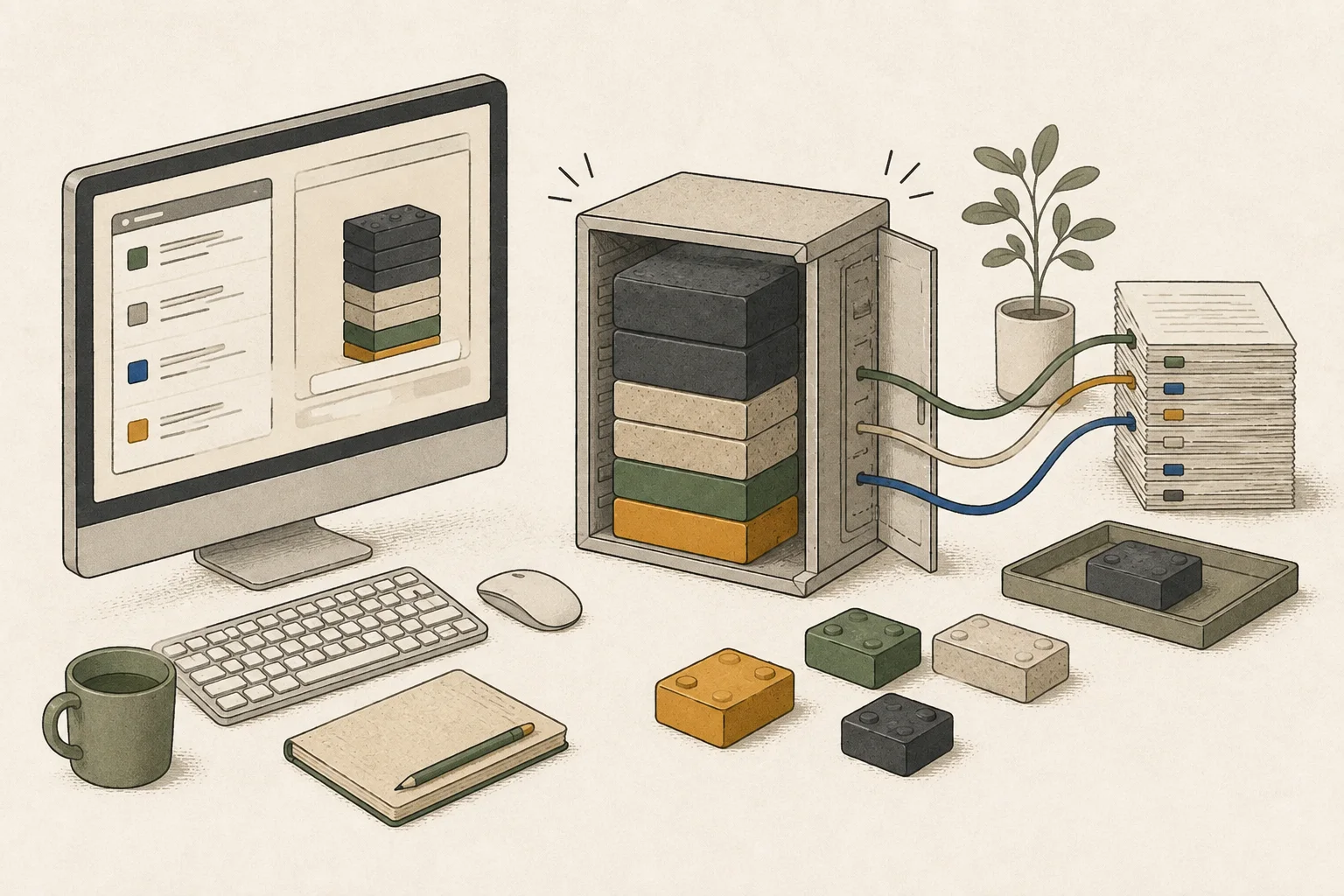
How much faster it gets as requests overlap
This was measured with Qwen3.5-4B in 4-bit on a MacBook Pro with an M2 Pro (19-core GPU7) and 16 GB. With one request it is close to mlx-lm; as the number of simultaneous requests grows, the gap widens.
Scroll sideways to compare all columns.
| Concurrent requests | mlx-lm | Locals | Gain |
|---|---|---|---|
| 1 | 61 | 64 | 1.0x |
| 2 | 82 | 116 | 1.4x |
| 4 | 87 | 160 | 1.8x |
| 8 | 87 | 271 | 3.1x |
| 16 | 157 | 341 | 2.2x |
Conditions: MacBook Pro with M2 Pro 19-core GPU and 16 GB, Qwen3.5-4B in 4-bit, MLX8 0.32, both tools compared in the same process. Counting through the server API9 from the client instead gives 244 tokens per second at eight requests, a 3.2x gain, so the conclusion holds.
The gain comes from not computing requests separately. Requests from several agents go to the GPU as one batch and are handled in a single pass, with kernels built for that batch size10. When the model writes a tool call, the format rules are enforced on the GPU, which cuts down on retries after a malformed reply.
There is a comparison with other servers on the same terms. With 1,000-token prompts and eight requests at once, time to the first token was 1.6 s for Locals, 2.1 s for llama.cpp and 41.8 s for Ollama, at 110, 71 and 34 tokens per second.
The cases where it is not faster
Send one request with nothing to reuse and there is almost no difference: 64 tokens per second against 61 for mlx-lm on the same M2 Pro. It is faster on a single request when the reply rewrites the prompt, such as a whole-file edit, or when the prompt cache hits.
Reading a prompt is bound by the GPU's arithmetic. Eight 8,000-token prompts at once produce only 57 tokens per second, because most of the time goes into reading.
Only the kernels tuned for 4-bit affine quantization11 in groups of 64 are covered. Other formats, such as mxfp4, run at mlx-lm's speed. On the M5, MLX's own kernels already use the neural accelerators, so the gain drops to 1.5x.
Choose a model that fits the memory
One model runs at a time. Switch with a name such as locals start --model lfm, and check which one is running with locals status.
Scroll sideways to compare all columns.
| Model | Start it with | File size | mlx-lm | Locals |
|---|---|---|---|---|
| Qwen3.5-4B (default) | --model qwen | 2.8GB | 87 | 271 |
| LFM2.5-2.6B | --model lfm | 1.5GB | 144 | 404 |
| MiniCPM5-2B | --model minicpm | 1.3GB | 160 | 478 |
| Gemma 4 E4B | --model gemma | 4.8GB | 80 | 224 |
These are the eight-request numbers; the default depends on the Mac's memory. Below 12 GB the default becomes Qwen3.5-2B.
With 24 GB or more you can pick Flint (40B total, 2.5B active per token). The file is 17.8 GB, and on an M4 Pro with 24 GB it measured 115 tokens per second for one request and 264 with eight at once. A 24 GB Mac sometimes gives the GPU only 16 GB, and locals start explains how to raise that.
For long work, set LOCALS_KV_BITS=8 to keep keys and values in 8 bits. For Flint that raises the request length from about 35,800 to 67,584 tokens and slows writing by 4 to 13%.

A young project, so check a few things
The repository was published on 12 October 2026, and the latest version on PyPI as of 25 October is 0.2.1. Command names and default models are still changing quickly, so follow the options that locals --help prints for the version you installed.
The server accepts requests only from this Mac and does not open to the outside. When locals run puts several agents on one task, each gets its own copy of the project, and the original folder changes only after the tests pass.
It detects a model that keeps calling the same tool or repeating itself and stops it, and a memory guard keeps long prompts from ending in an out-of-memory error.
It is released under Apache 2.0, and the computation is described in arXiv 2610.09139.
Terminology notes
Inference — The process of using a trained model to compute an output for an input. Here, local inference means running the model on the user’s device.
Back to the textTool call — A structured request from a model for an external function such as reading a file, searching, or running a command. The agent runtime and its permission settings decide whether the request is actually executed.
Back to the textPrompt — The input text sent to a model. For generative models it describes the desired result and strongly shapes the output.
Back to the textToken — A unit into which a model divides input or output for processing.
Back to the textMLX-LM — A package for loading, running, and fine-tuning language models with MLX.
Back to the textThroughput — The amount of work processed or generated over time. Comparisons need the unit, such as tokens per second or requests per second.
Back to the textGPU — A processor designed to handle many calculations in parallel. It performs model computations during AI inference.
Back to the textMLX — Apple’s machine-learning framework, which runs models using memory shared by the CPU and GPU on Apple Silicon.
Back to the textAPI — A defined interface that lets other code call a program’s functions.
Back to the textBatch size — The number of inputs or requests processed together in one batch.
Back to the textQuantization — A way to represent model weights or values with fewer bits, reducing storage and memory use. The coarser representation can also affect accuracy.
Back to the text
Frequently asked questions
- What should you check first in this article?
- Locals is a local inference server for Macs from Generated Computers. It is built not for a single chat message but for what agents send: tool calls, prompts that grow every turn, and many requests running at once. It opens both an OpenAI-compatible and an Ollama-compatible endpoint, so tools such as OpenCode, Cline, Aider and Claude Code connect without changes. The project reports that on an M2 Pro with 16 GB, Qwen3.5-4B went from 87 to 271 tokens per second with eight requests at once. With a single request it is about the same as mlx-lm, and the project was first published on 12 October 2026.
- How much memory does it need?
- You need Apple silicon from M1 onward and macOS 14 or newer. With 16 GB the default model fits well; with 8 GB you have to choose a smaller one. Run the install script, or install it from PyPI with uv.