
Executable programs and extensions
Last updated
Slotstream: running a 125B model on a 16 GB Mac
The model does not have to fit in memory to run
Slotstream runs a 105 GB, 125B-parameter model on Macs with 16 to 64 GB of memory. Shared weights stay in memory and only the experts a token1 needs are read from the SSD2. It measured 20.91–23.69 tokens per second on a 48 GB M5 Pro, dropping to 1–6 tokens per second on a 16 GB Mac.
It runs without loading the whole model into memory
Slotstream is a runtime3 that runs a 125-billion-parameter model on an Apple Silicon Mac. The model file is about 105 GB, and the point of the tool is that it still runs on a 16 GB Mac. Instead of loading the whole model into memory, it reads only what the current calculation needs from the SSD.
There is one way to fit a 105 GB model file into 16 GB of memory: keep the parts not in use on disk and read them only when they are used. The disk read rate heavily influences generation speed.
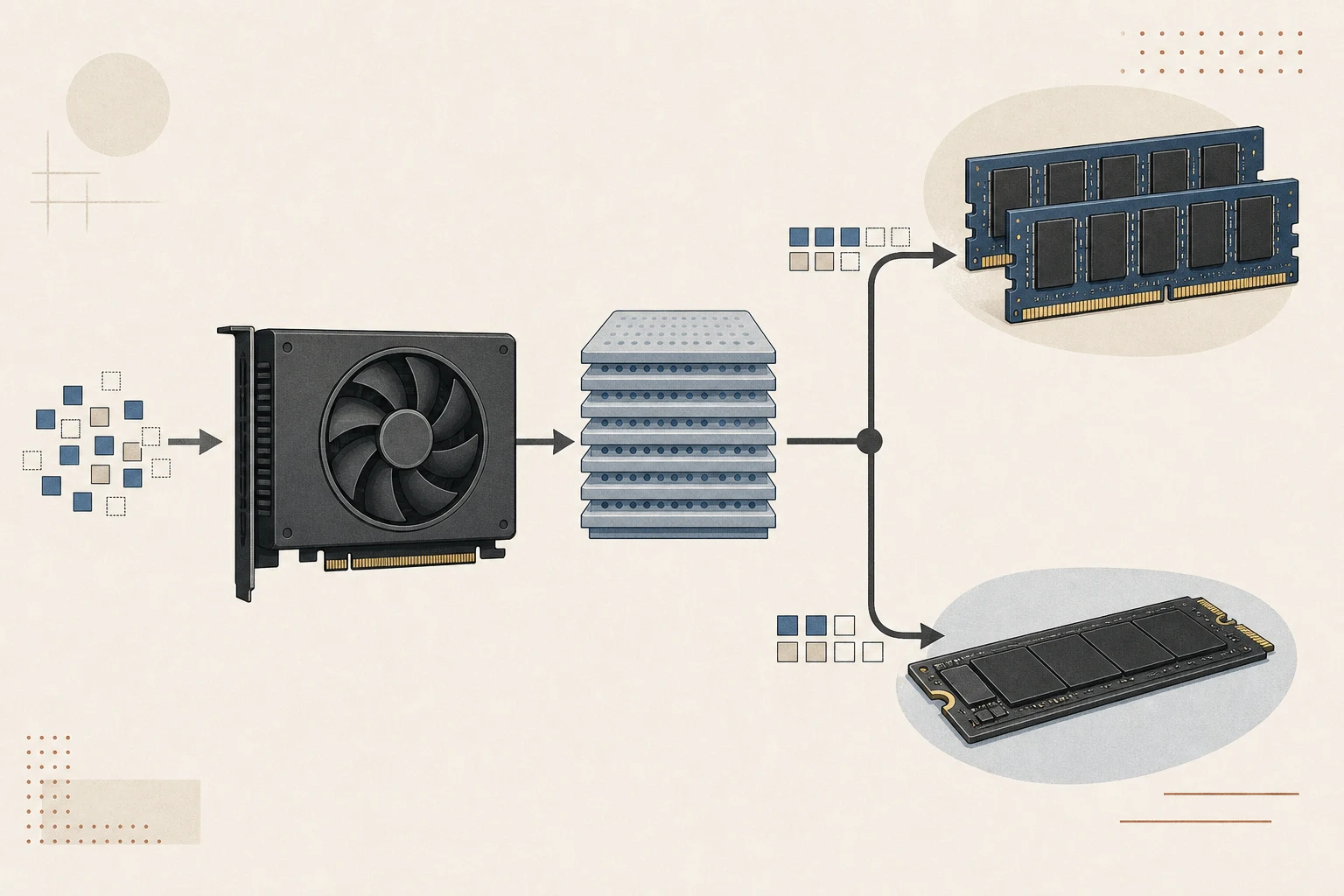
Qwen3.8-Flash-Next is a mixture-of-experts model that keeps many expert networks and uses only some of them for each token. Shared weights stay in memory, and only the selected experts are fetched from the SSD into a cache. Frequently used experts stay in memory so the next read is shorter.
So on a Mac with little memory the disk read sets the speed, and on a Mac with more memory more experts stay resident and the speed rises. The result of the calculation is the same either way.

Check the Mac and the disk before installing
It needs an Apple Silicon Mac, macOS 14 or later, and about 110 GB of free SSD space. Memory is supported from 16 GB, and on an 8 GB Mac even the smallest memory plan does not fit, so it refuses to start.
Windows, Linux and Intel Macs are not supported. It runs on Apple Silicon with MLX4 and Metal5, so it does not start elsewhere.
If free space runs short the download stops partway. The model file and the cache share one disk, so leaving a little more than 110 GB free is safer.
Install it and get a first reply
Run the install script in a terminal. Running the same command again updates it.
curl -LsSf https://raw.githubusercontent.com/carloslfu/slotstream/main/install.sh | shAfter installing, check the Mac with doctor and get a first reply with run. The first run downloads the model, and an interrupted download resumes.
slotstream doctor
slotstream run --prompt "하늘이 파란 이유가 뭐야?"
The download is over 100 GB and can take hours depending on the connection. Once it finishes, the tool runs offline.
Expected speed differs by memory tier
Expected speed and the automatic context length6 change with installed memory. The values below are the developer's published estimates, and real speed drops as other apps use memory.
| Installed memory | Estimated speed | Automatic context length |
|---|---|---|
| 16 GB to under 24 GB | 1–6 tokens per second | 32,768 tokens |
| 24 GB to under 48 GB | 5–16 tokens per second | 32,768 up to 32 GB |
| 48 GB to under 96 GB | 15–27 tokens per second | 131,072 at 64 GB |
| 96 GB and above | 20–32 tokens per second | 262,144 tokens |
Above 96 GB the model fits in memory, and the developer reports that an engine loading the whole model is faster.
Read the conditions behind the published numbers
The developer's published measurement ran on October 5, 2026, on a 48 GB M5 Pro with a 33 GB memory budget. It used the original 4-bit model and ran three workloads three times each.
| Workload | Median |
|---|---|
| Short prompt | 20.91 tokens per second |
| Long context | 23.69 tokens per second |
| Completed coding answer | 21.59 tokens per second |
These numbers cover only reply generation. Loading the model and reading the prompt7 are separate, so the first turn of a conversation feels slower than the table.
Compared with the earlier release, the budget explains the gap
The earlier 0.2.19 release measured 15.86 tokens per second at a 22 GB budget. A larger budget keeps more experts in memory and cuts disk reads.
The developer notes that these numbers do not establish a speedup at identical settings. The budget, workload set and method differ, so they are not a like-for-like comparison between releases.
It decides in advance which experts to read
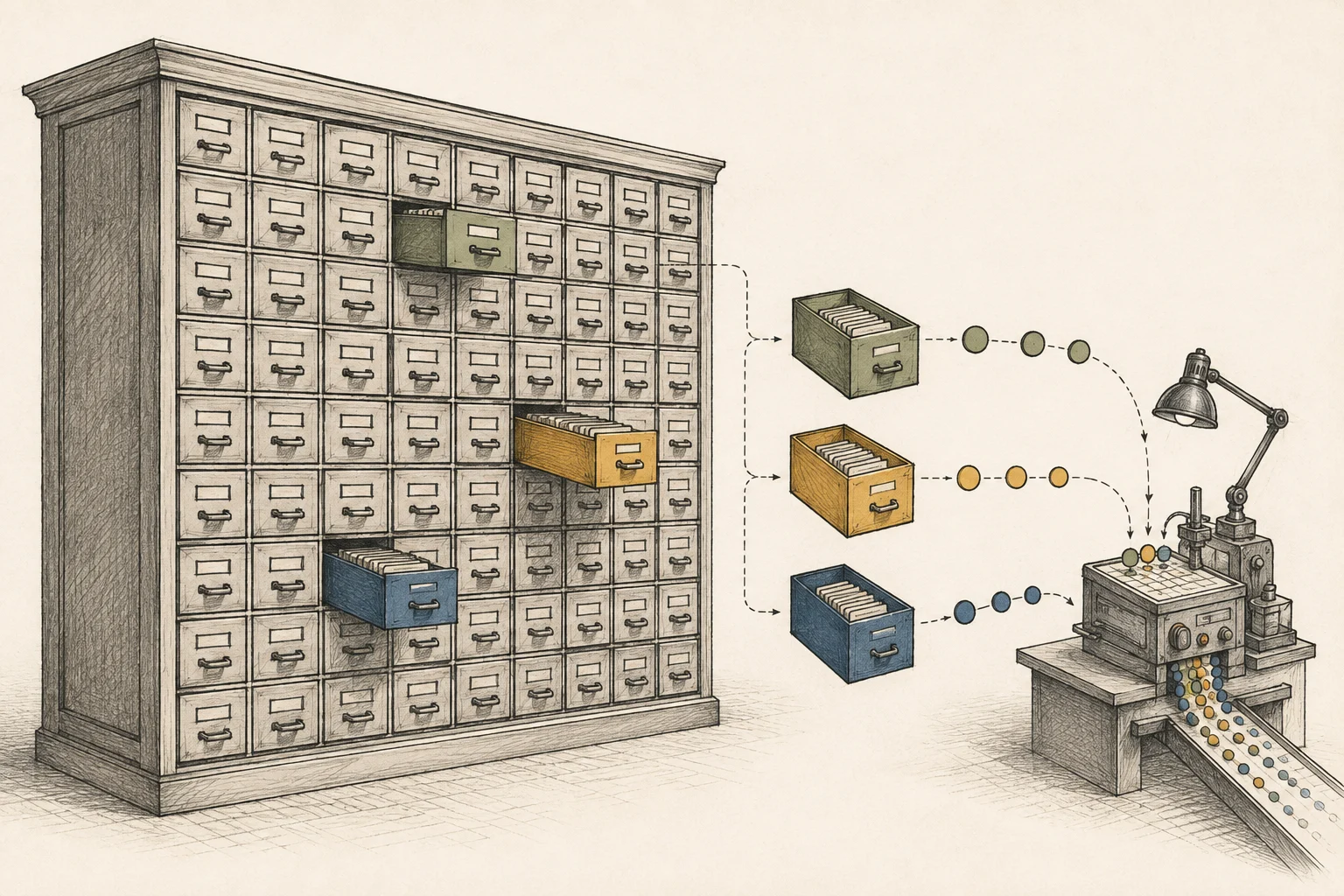
It predicts which experts the next layers will need and reads them from the SSD before they are requested. The prediction changes speed, never the output.
The expert cache shrinks when other apps ask for memory. A smaller cache lowers speed, but it does not remove experts from the model.
Without an explicit target it starts from a 33 GB ceiling and adjusts to the memory actually free. The startup report separates the budget, the cache size and the safety headroom.
When you set a memory target yourself, the value is a maximum budget, not a promise to use it. A short request can peak well below the target.
Connect it to a coding agent
It opens Ollama, OpenAI and Anthropic style APIs at once. Claude Code, Codex, opencode and Hermes can connect, and you start one by putting its name after launch.
slotstream launch claudeIt does not serve several requests at once. Connected apps share one running model, so for many agents at the same time another tool fits better.
| What to check | Slotstream |
|---|---|
| Supported API styles | Ollama·OpenAI·Anthropic |
| Concurrent generation | One at a time |
| Other models | Not supported |
There are cases where this approach does not fit
This tool is built for Macs with 16 to 64 GB of memory. A Mac with more memory does not need this approach in the first place.
Unlike approaches that split memory along the model's structure, such as PLE8 offload9, this tool moves experts between disk and memory. The same model is involved, but what sits on disk differs.
There is no image-accuracy benchmark or comparison with other models on the same Mac yet. Generation does not rewrite the model file, but pushing the automatic setting far past the default adds swap and SSD writes.
Terminology notes
Token — A unit into which a model divides input or output for processing.
Back to the textSSD — A data storage device that uses flash memory and retains data without power.
Back to the textRuntime — The software environment that provides facilities needed while a program runs. In local AI, it can also refer to a model execution engine.
Back to the textMLX — Apple’s machine-learning framework, which runs models using memory shared by the CPU and GPU on Apple Silicon.
Back to the textMetal — Apple’s low-level technology for graphics and parallel GPU computation.
Back to the textContext window — The token span of input and generated content a model can handle in one request. The supported limit and memory use depend on the model and runtime settings.
Back to the textPrompt — The input text sent to a model. For generative models it describes the desired result and strongly shapes the output.
Back to the textPLE embedding table — Short for Per-Layer Embedding, a structure that adds embedding information at particular model layers. The Qwen Flash-Next family uses n-gram tables; supported runtimes can offload these tables to RAM or SSD.
Back to the textOffloading — Moving some model data from GPU memory to system RAM or storage when capacity is limited. This adds data transfer.
Back to the text
Frequently asked questions
- What should you check first in this article?
- Slotstream runs a 105 GB, 125B-parameter model on Macs with 16 to 64 GB of memory. Shared weights stay in memory and only the experts a token needs are read from the SSD. It measured 20.91–23.69 tokens per second on a 48 GB M5 Pro, dropping to 1–6 tokens per second on a 16 GB Mac.
- How much memory does it need?
- Slotstream is a runtime that runs a 125-billion-parameter model on an Apple Silicon Mac. The model file is about 105 GB, and the point of the tool is that it still runs on a 16 GB Mac. Instead of loading the whole model into memory, it reads only what the current calculation needs from the SSD.