
Response speed and acceleration
Last updated
Qwen3.8-Flash-Next PLE Offload: RAM and SSD Requirements and Setup
Keeping Flash-Next PLE data on SSD or in RAM can ease pressure on high-speed memory
PLE1 offload2 keeps Qwen3.8-Flash-Next per-layer embeddings in RAM3 or on an NVMe4 SSD5 and looks up values as needed. The oMLX MLX6 path and the single-DGX-Spark NVFP4/SGLang setup are separate runtime7 combinations. Check the model files and free storage, then record load time, first-request time, repeat-request time, and memory separately.
If Flash-Next exceeds GPU8 memory, examine which weights can live elsewhere. PLE is a model component that supported paths can place separately. Once the model loads, check table-access latency and answer-generation speed.
What does the Flash-Next PLE table do?
Qwen3.8-Flash-Next uses both a core language model and PLE (per-layer embeddings) to answer prompts9. Its published configuration contains about 180B parameters: roughly 125B in the core LM, 51B in PLE, and 4B related to MTP10.
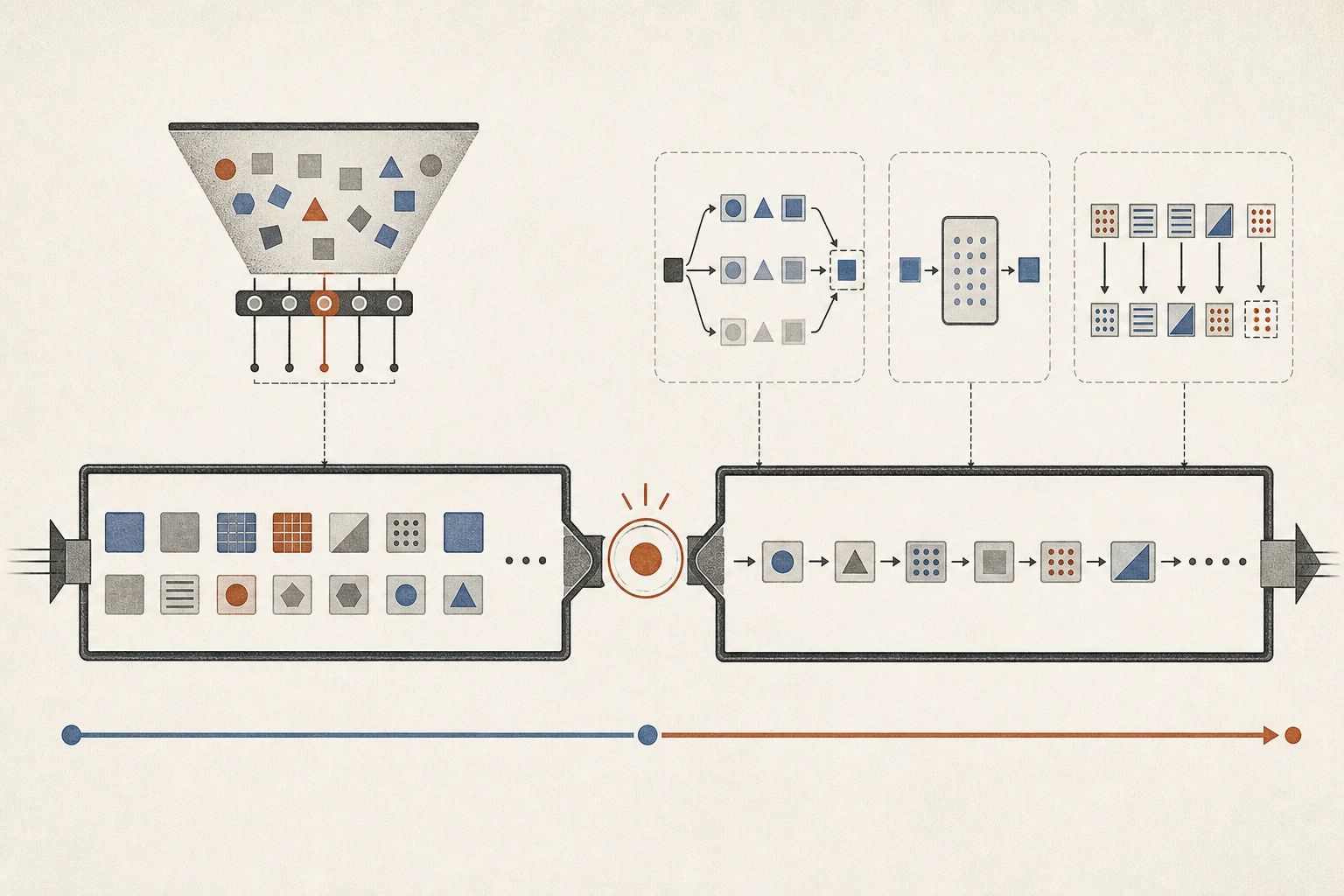
Per-layer embeddings are tables that each model layer looks up using token11 IDs. A runtime with offload support can keep this data in system RAM or on an SSD instead of loading all of it into fast GPU memory, then read values as needed. Quantizing the core weights and placing the embedding data are separate settings. Check where the core weights reside and where the embedding files are read from.
Prompt Lookup12 also uses n-gram13 candidate search, but it is a different feature from PLE. It finds repeated token patterns in earlier input and output and proposes candidate next tokens. Flash-Next PLE looks up embedding tables associated with model layers during execution. If memory is limited, check which PLE offload path your runtime provides.
Choose an offload location for your hardware and runtime
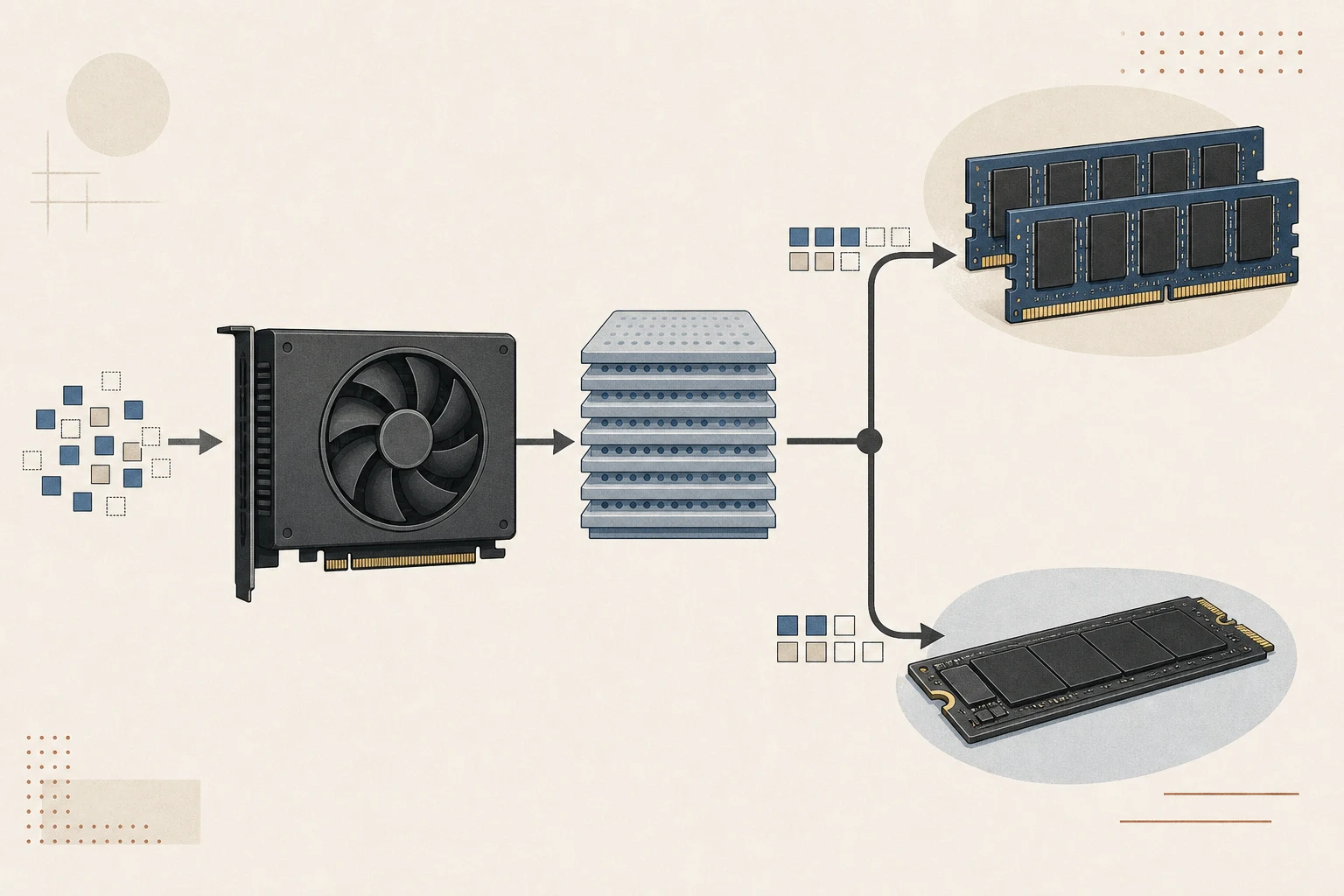
On a PC with a discrete GPU, a supported path can keep PLE tables in system RAM and pass needed values to the GPU. Plan VRAM14 and system RAM as separate capacities. On Apple silicon, the CPU15 and GPU share unified memory16, so check model headroom after accounting for macOS and the runtime within total system memory.
Qwen3.8-Flash-Next is the public model name; model_type: qwen4_exp in its config is the internal type oMLX uses to recognize it. In oMLX 0.7.1.dev1, download a compatible MLX checkpoint17 such as Jundot/Qwen3.8-Flash-Next-oQ4e-mtp, then enable qwen4_ple_ssd_offload in that model's settings to read PLE through SSD mmap. The runtime may also select mmap automatically when resident loading exceeds the model-memory limit but mmap loading fits.
After changing the setting, reload the model and send a short first request. In the model log, look for entries identifying Qwen4-Exp and its PLE mmap/SSD path to confirm the selected mode. If the path is absent or loading fails, check whether the setting was saved, confirm the checkpoint type, and inspect the first log error. Record the first-read and repeat-request times separately.
| Environment | PLE placement | Required combination |
|---|---|---|
| Discrete-GPU PC | Supported system RAM | Runtime and checkpoint with PLE RAM support |
| Apple Silicon Mac | oMLX SSD mmap | Flash-Next MLX loader and supported distribution |
| Single DGX Spark | SGLang file-backed PLE | nvidia/Qwen3.8-Flash-Next-NVFP4 and merged patch |
Check SSD space and the page cache
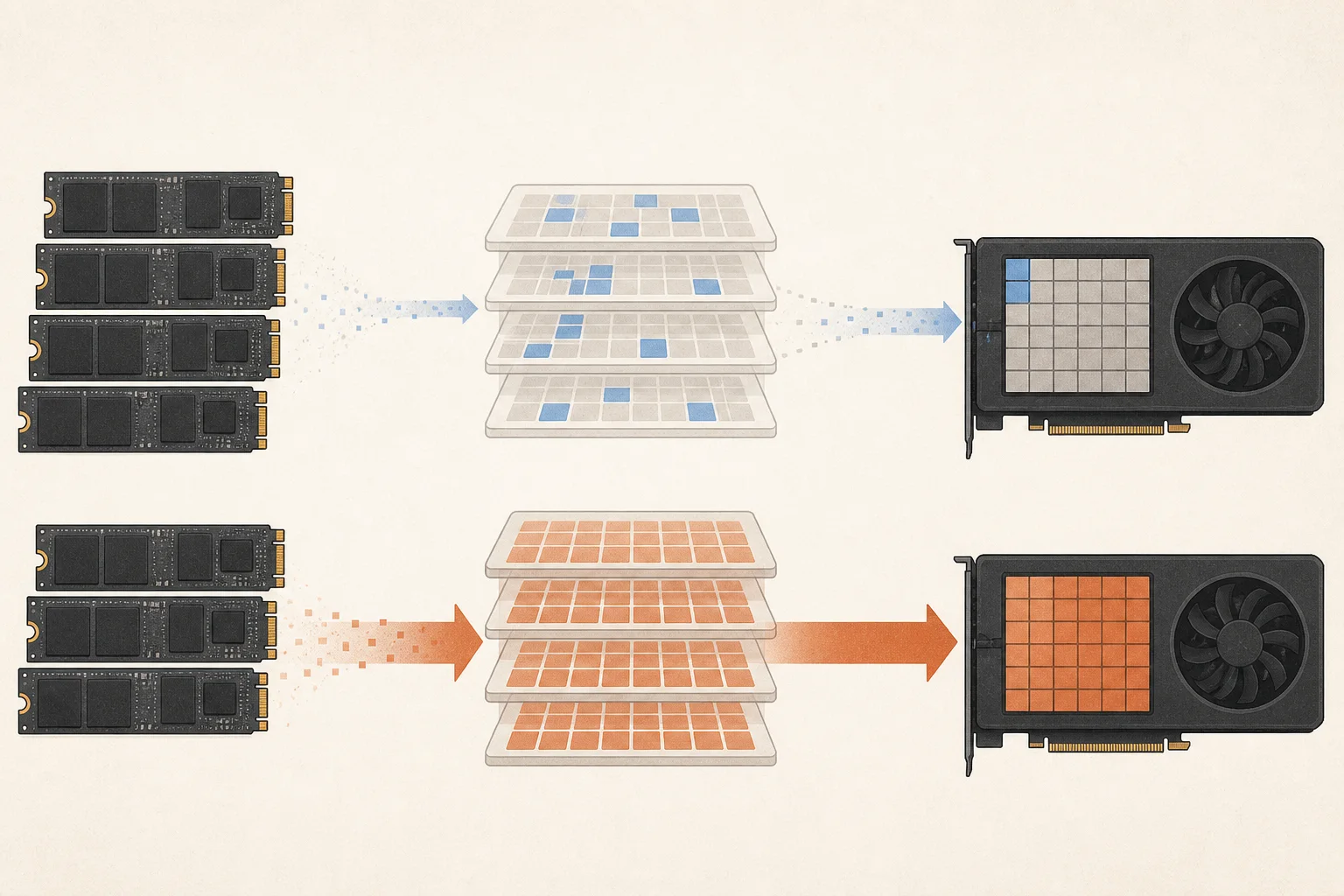
SSD mmap maps a large file into a process's address space and reads pages when referenced. Reading table pages for the first time can add SSD latency. The OS may keep them in the RAM file cache for faster later access, but other apps can displace them and force another storage read.
Record model load time, first-request completion, and the time for a repeated identical request separately. On a Mac, watch Memory Pressure and SSD activity in Activity Monitor. On a GPU PC, track VRAM, RAM, and storage reads. If only the first request is slow, file caching may help; repeated reads may point to limited memory headroom or cache eviction.
Reference: 32K prefill result for expert offload
The oMLX 0.7.1.dev1 release, published on October 9, 2026, records Qwen3.8-Flash-Next 32K prefill18 throughput19 on M3 Ultra at 396 tok/s before and 636 tok/s after an expert-offload change. This measures the expert-weight offload change, not the effect of placing PLE tables on SSD or RAM.
To check your own system, keep the Flash-Next checkpoint, 32K input, engine settings, and cache state fixed. Measure the first run and warmed repeats separately. Record prefill throughput, time to first token20, and generation speed as distinct measures, and note whether the SSD cache was warm.
The oMLX release also includes Flash-Next group-size-32 decode21 comparisons on M3 Ultra: 39→91 tok/s with MTP off and 98→134 tok/s with MTP on. Keep the before-and-after conditions distinct and use them as a reference when testing the matching checkpoint and MTP combination.
| Workload and setting | Hardware | Before → after |
|---|---|---|
| 32K prefill · expert offload | M3 Ultra | 396 → 636 tok/s (+61%) |
| Group size 32 · decode, MTP off | M3 Ultra | 39 → 91 tok/s (+133%) |
| Group size 32 · decode, MTP on | M3 Ultra | 98 → 134 tok/s (+37%) |
Test PLE and MTP in sequence when supported
On oMLX, first apply qwen4_ple_ssd_offload to a Qwen4-Exp checkpoint and confirm the mmap path in the model log. DGX Spark uses a different runtime path. The merged SGLang patch uses the nvidia/Qwen3.8-Flash-Next-NVFP4 checkpoint and --ple-offload-embedding --ple-offload-backend file for file-backed PLE. To add NEXTN, follow the same patch's --speculative-algorithm NEXTN setting and checkpoint. Do not transfer the oMLX setting to Spark.
After confirming the PLE path, record the first and repeated requests. Add MTP separately only when the same checkpoint supports it: enable Lightning MTP in the oMLX model settings, or follow the NEXTN configuration of the DGX Spark SGLang patch. For each run, confirm successful model loading and completion of the first and repeated requests, then record time to first token separately from generation speed.
If the model does not load, check free SSD space, checkpoint files, and the first error in the runtime log. If loading succeeds but the first access fails, check available memory, the file path, and read permissions. If repeat requests slow down, see whether the RAM cache was displaced and how much memory other apps use. Retry with shorter inputs and fewer concurrent requests first.
Decide whether to scale up based on real request completion
If your usual model answers the questions you need without forcing you to close other apps, you do not need to add RAM or SSD capacity just to run this model. Identify the task that requires Flash-Next and test both short prompts and long-document requests on the same checkpoint. Check whether requests complete and how long the first token and subsequent generation take.
Repeat the test with your browser and editor open as usual. Record cases where table pages remain in RAM and where they are displaced, along with free storage, so you do not estimate performance from SSD specifications alone. Keep the offload setup only if you can maintain the chosen Flash-Next checkpoint and engine patches.
Terminology notes
PLE embedding table — Short for Per-Layer Embedding, a structure that adds embedding information at particular model layers. The Qwen Flash-Next family uses n-gram tables; supported runtimes can offload these tables to RAM or SSD.
Back to the textOffloading — Moving some model data from GPU memory to system RAM or storage when capacity is limited. This adds data transfer.
Back to the textSystem RAM — System memory that temporarily holds data while programs run.
Back to the textNVMe — A storage protocol used by SSDs communicating over PCI Express.
Back to the textSSD — A data storage device that uses flash memory and retains data without power.
Back to the textMLX — Apple’s machine-learning framework, which runs models using memory shared by the CPU and GPU on Apple Silicon.
Back to the textRuntime — The software environment that provides facilities needed while a program runs. In local AI, it can also refer to a model execution engine.
Back to the textGPU — A processor designed to handle many calculations in parallel. It performs model computations during AI inference.
Back to the textPrompt — The input text sent to a model. For generative models it describes the desired result and strongly shapes the output.
Back to the textMTP — A training objective or model component for predicting multiple future tokens at once. In speculative decoding, those predictions can be proposed as candidate tokens.
Back to the textToken — A unit into which a model divides input or output for processing.
Back to the textN-gram lookup speculation — A method that finds repeated token sequences in the prompt or generation history and proposes them as next-token candidates. Context lookup supplies candidates without a separate draft model.
Back to the textN-gram — A sequence of n consecutive tokens or items. N-grams may be used for context lookup or speculative generation, and may also form the entries of embedding tables in some models.
Back to the textVRAM — Memory used by a graphics card’s GPU to store model weights and intermediate values.
Back to the textCPU — The central processor that runs the operating system and general-purpose instructions; in AI workloads it also handles tasks such as preprocessing and data movement.
Back to the textUnified memory — An architecture where the CPU and GPU share one physical memory pool.
Back to the textCheckpoint — A file containing saved model weights and related state. Versions or tasks in one model family may use different checkpoints.
Back to the textPrefill — The stage where an LLM reads the input prompt and computes representations for its tokens. Longer prompts contain more tokens to process.
Back to the textThroughput — The amount of work processed or generated over time. Comparisons need the unit, such as tokens per second or requests per second.
Back to the textTime to First Token — The time from sending a request until its first output token arrives.
Back to the textToken decoding — The stage that generates successive output tokens using the input and the response produced so far.
Back to the text
Frequently asked questions
- What should you check first in this article?
- PLE offload keeps Qwen3.8-Flash-Next per-layer embeddings in RAM or on an NVMe SSD and looks up values as needed. The oMLX MLX path and the single-DGX-Spark NVFP4/SGLang setup are separate runtime combinations. Check the model files and free storage, then record load time, first-request time, repeat-request time, and memory separately.
- How much memory does it need?
- Per-layer embeddings are tables that each model layer looks up using token IDs. A runtime with offload support can keep this data in system RAM or on an SSD instead of loading all of it into fast GPU memory, then read values as needed. Quantizing the core weights and placing the embedding data are separate settings. Check where the core weights reside and where the embedding files are read from.