new model · 2026.09.29
Holo4 for Local Computer Use: Model, Runner, and Permission Boundaries
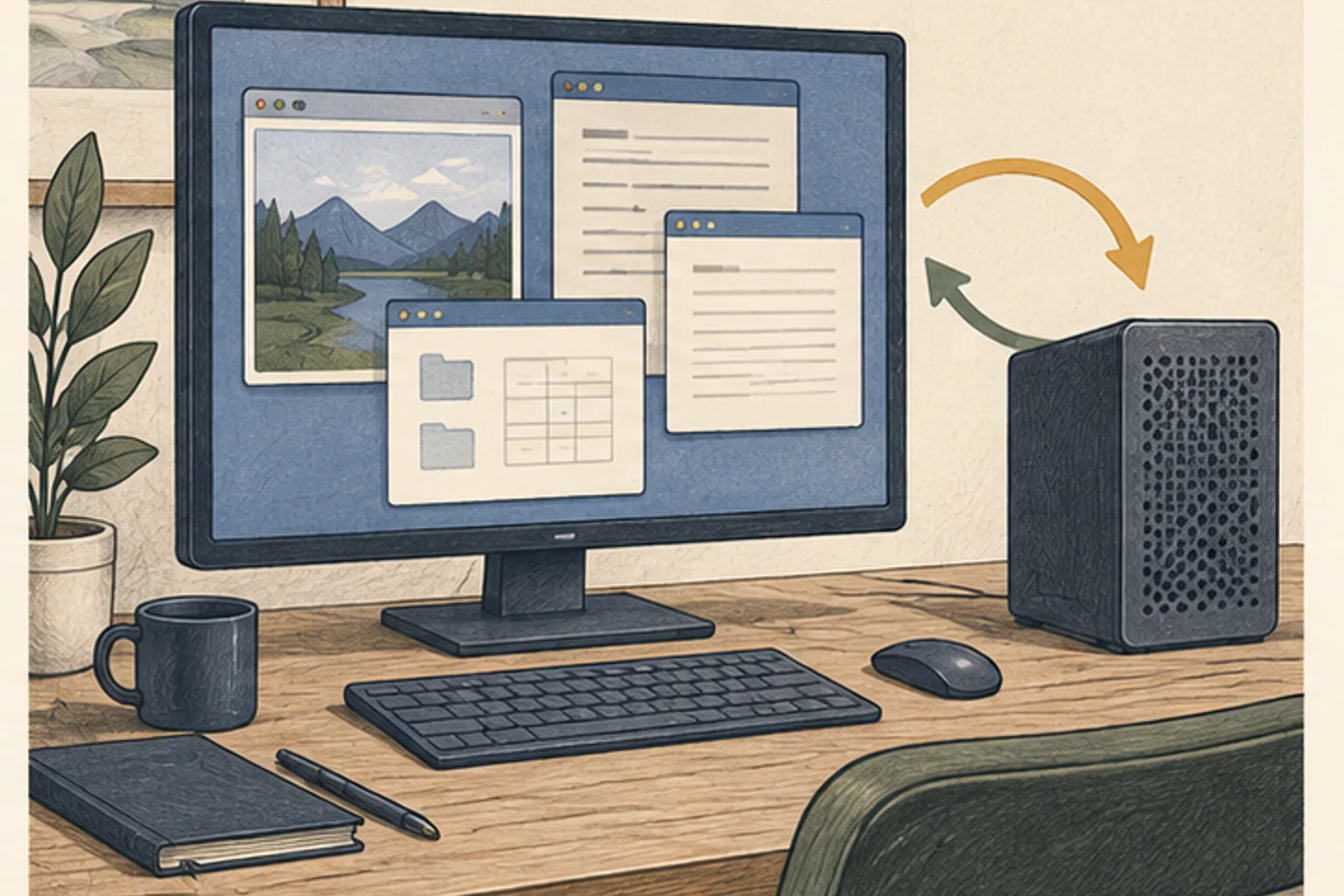
The model chooses the next action from the screen; a separate runner performs the input.
Holo4 proposes the next action based on a screen, while a separate runner such as hai-agents performs clicks and keystrokes. The 27B and 35B-A3B checkpoints1 have different architectures and weight licenses, so verify the model card and backend before choosing one. Start with read-only work and require human approval before external changes such as sending messages, deleting files, or making purchases.
Screen observation and tool execution extend the chat model
A general chat model receives text and returns an answer. A computer-use model receives a screenshot and task instructions, then chooses where to click, what to type, or which tool to call next. Holo4’s response is an action plan or structured tool request; it is not itself a mouse click. A separate runner must capture the screen, send it to the model, and turn the response into actual input.
The model, harness, connected tools, and operating-system permissions are separate components. A model’s request to operate a browser will not run if the harness does not support that tool. Conversely, if the harness has broad browser or file permissions, a bad plan can cause real changes. Do not assume a “local model” makes the task safe or offline.
Choose a read-only first test: find a specific phrase on a non-sensitive test page. Confirm that screenshots and tool requests appear in the logs. Exclude real email, purchases, account settings, and important files from the initial exercise.
Check checkpoint architecture and license by exact model name
The Holo4-27B model card describes a Qwen3.8-based 27B dense architecture and a 262,144-token2 context setting. That setting does not guarantee enough memory or speed at that context length3. Screenshots and long action histories also consume memory for vision processing and KV cache4.
Holo4-35B-A3B is a different MoE5 checkpoint based on Qwen3.6. Distinguish its total weight scale from the active amount per token; it does not need only a 3B-sized file. The 27B license is CC BY-NC 4.0, while 35B-A3B is Apache-2.0. Do not confuse them with similarly named models such as Holotron4; check the exact repository ID.
Permission to use model weights does not grant permission to access websites or automate clicks. Review the runner code, connected tools, and model weights separately. For work use, follow your organization’s legal and security policies.
| Checkpoint | Official-card description | What to verify |
|---|---|---|
| Holo4-27B | Qwen3.8-based dense, 27B | CC BY-NC 4.0; vision memory |
| Holo4-35B-A3B | Qwen3.6-based MoE, 35B-A3B | Apache-2.0; total weights vs. active parameters |
| hai-agents | Harness that routes model responses to tools | Review code, tools, and permissions separately |
Compare each checkpoint’s identity, architecture, and terms when choosing a model.
Holo4-27B
- Official-card description
- Qwen3.8-based dense, 27B
- What to verify
- CC BY-NC 4.0; vision memory
Holo4-35B-A3B
- Official-card description
- Qwen3.6-based MoE, 35B-A3B
- What to verify
- Apache-2.0; total weights vs. active parameters
hai-agents
- Official-card description
- Harness that routes model responses to tools
- What to verify
- Review code, tools, and permissions separately

Choose a supported format and runner combination first
The execution path must combine a format provided for the model with a backend supported by the runner. Check whether the model card documents Transformers, vLLM, or another implementation, and whether that backend also handles screenshot input and tool calls6. Text generation alone does not prove that screen understanding works.
GGUF7, FP88, and NVFP49 use different weight representations and have different hardware requirements. A format’s availability does not mean every runner supports it on every GPU10 or Mac. For NVFP4, verify compatible hardware and kernels; for GGUF, check model and vision support in the current llama.cpp-family version. Do not infer runtime11 memory from file size alone; inspect load logs and device usage.
Check the current installation steps and supported models in the hai-agents quickstart, then begin with a separate test profile. If current documentation conflicts with the installed code or checkpoint support is unclear, do not invent a command; check official releases. This guide does not include new device-specific performance measurements.
Expand in stages, starting with a read-only smoke test
Create a separate browser profile or test account and remove sensitive login sessions. Limit access to one test domain and run a read-only task such as “Find the return window and report it.” A successful run should show the runner capturing the page, the model finding the relevant sentence, and the tool call and screen appearing in logs.
Next, allow only reversible local work, such as reading files in a temporary folder and listing them. Confirm the runner cannot open paths outside the approved directory, and compare files before and after the task.
Then test a limited write action. You might allow drafting but block sending, or permit saving a temporary file while requiring approval before overwriting. Before deletion, purchases, message sending, or account changes, have a person verify the target and content. Test that pause/stop works even while a tool call is in progress.
목표: 테스트 웹페이지에서 환불 가능 기간을 찾아 한 문장으로 보고한다.
허용: 지정 도메인 읽기, 화면 캡처, 텍스트 응답.
금지: 로그인 정보 입력, 링크 열기, 양식 제출, 파일 다운로드, 메시지 발송.
중단: 예상하지 못한 팝업이나 계정 정보가 보이면 멈추고 사람에게 알린다.
검토: 모델 요청, 도구 호출, 캡처 화면, 최종 답을 함께 확인한다.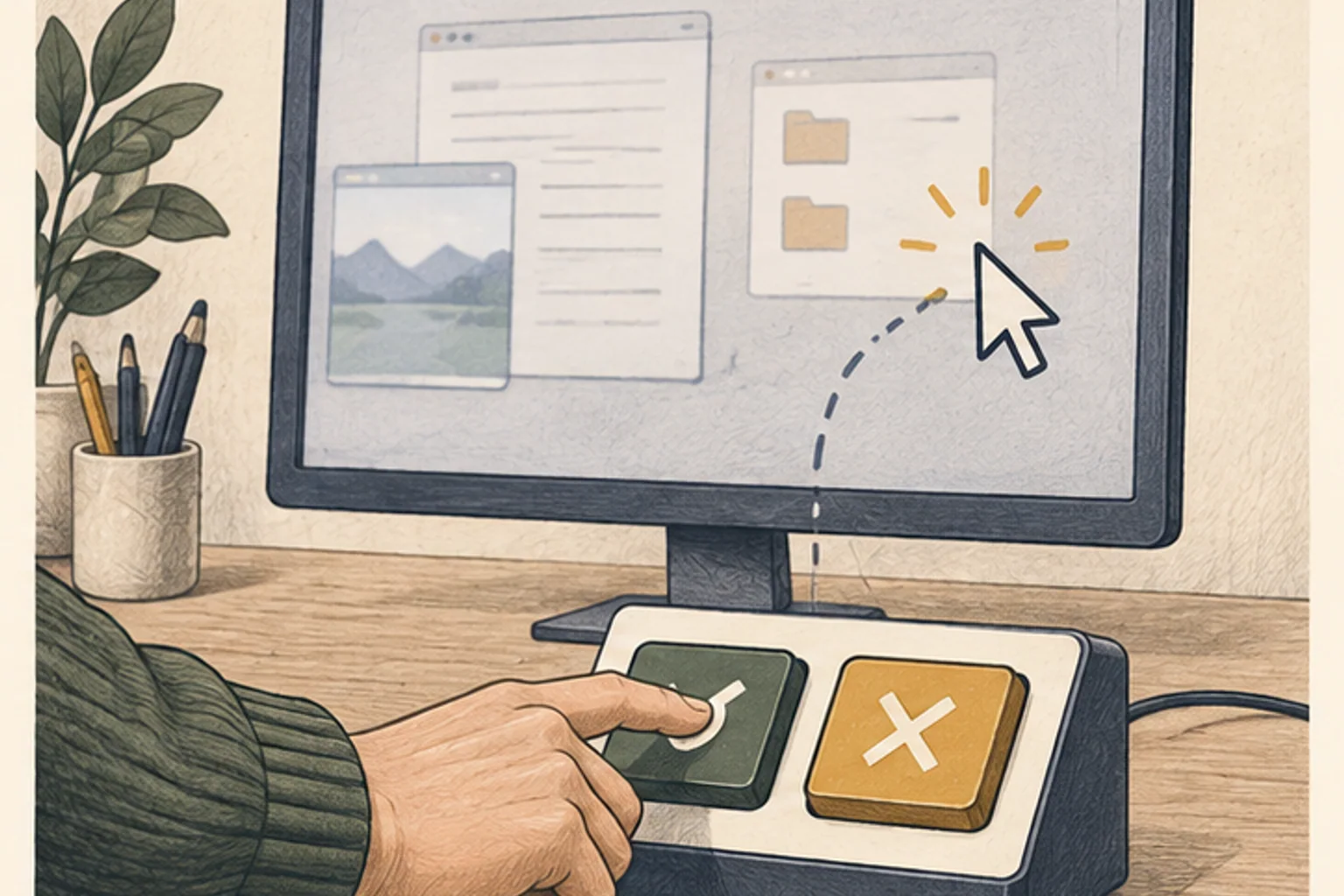
Measure success, impact of failure, and recovery
Repeat the same test five times and record success, incorrect clicks, time to the first action, completion time, and number of human interventions. Check whether the agent keeps acting when the layout changes or a popup appears. An agent that is fast but repeatedly targets a dangerous button is not operationally acceptable.
Keep model plans and runner logs, but prevent passwords, personal data, and session tokens from being recorded. Limit screenshot retention and access. Check whether the backend or telemetry sends data externally.
If the screen differs from expectations, the agent should stop and ask a person rather than continue automatically. Prepare recovery steps, such as restoring the temporary folder or resetting the browser, before the test. Adoption criteria should include not only success rate but also impact radius, detection time, ability to stop, and least-privilege controls.
Evaluate one repetitive task before expanding
Separately verify that the model loads on your device, that the backend handles vision input and tool calls, and that runner permissions behave as intended. For load failures, check checkpoint, format, and memory; for screen misreading, check the capture path; for tool-call failures, check harness compatibility.
Decide whether five repetitions of the task reduce total time after including human review and corrections. If most work is summarization or code questions, a general language model may be simpler. The case for Holo4 is evidence that it safely reduces real screen-and-tool work within defined boundaries.
Official model cards and runner references
Architecture, license, and supported formats are based on the latest official card for each checkpoint. This guide does not report device-performance measurements; verify speed and success rate directly with the runner and task you choose.
Terminology notes
Checkpoint — A file containing saved model weights and related state. Versions or tasks in one model family may use different checkpoints.
Back to the textToken — A unit into which a model divides input or output for processing. One token does not equal one character or a fixed duration.
Back to the textContext window — The token span of input and generated content a model can handle in one request. The supported limit and memory use depend on the model and runtime settings.
Back to the textKV cache — Memory that stores attention keys and values from earlier tokens for reuse during later token generation. Its size depends on context length and batch size.
Back to the textMoE — A model architecture that selects some of several expert subnetworks for each input. Total parameters can differ from the number activated for one token.
Back to the textTool call — A structured request from a model for an external function such as reading a file, searching, or running a command. The agent runtime and its permission settings decide whether the request is actually executed.
Back to the textGGUF — A file format for model data, widely used by llama.cpp-based tools. The format alone does not guarantee compatibility or speed on particular hardware.
Back to the textFP8 — A family of 8-bit floating-point formats. Specific formats and support vary by hardware and software.
Back to the textNVFP4 — A 4-bit floating-point data format defined by NVIDIA. Support depends on GPU generation, model, and software implementation.
Back to the textGPU — A processor designed to handle many calculations in parallel. It performs model computations during AI inference.
Back to the textRuntime — The software environment that provides facilities needed while a program runs. In local AI it can also refer to a model execution engine; a GPU runtime library and a complete serving app are different components.
Back to the text