new model · 2026.09.29
K2 Horizon 0.9B to 36B-A4B: choose the right model for your hardware
The largest K2 is not the answer, but the smallest K2 that can be kept on is the starting point.
K2 Horizon comes in a variety of sizes within one family, from 0.9B to 32B dense and 36B-A4B MoE1. Smaller models are lightweight for browser and laptop automation, while larger models can target more complex answers, but increase memory and wait for the first token2. Support for 512K contexts doesn't mean you have to include everything every time. Deciding on frequent tasks and equipment memory first will quickly narrow down the candidates.
Choose the task ahead of the model size
Tasks with short answers and clear rules, such as mail sorting and short command conversion, are tested starting from 0.9B or 3.7B. For summaries of personal documents, general conversation, and simple coding, 7B may be a good balance. Review 32B or 36B-A4B when small models repeatedly fail in coding and complex reasoning that consider relationships between multiple files.
Send the same question by size and write down whether or not it was answered correctly, citing supporting evidence, first token, and completion time. Don't choose a larger model just because it has longer sentences. If a small candidate reliably provides the required answer, the remaining memory and faster response are greater advantages.

0.9B, 3.7B, and 7B are good sections to always leave on.
0.9B has the advantage of 128K context and small weights. It is suitable for tasks where failure can be easily verified, such as fixed-format extraction and routing, and rough summarization. Starting with 3.7B, we provide the official 512K context, but since processing time for long inputs and KV cache3 are separate, we start at 8K or 16K.
7B is easy to consider running Q4 on an 8GB GPU4 and over 16GB of integrated memory. When you use other apps on your laptop, you leave memory for the operating system and browser to use. If the difference in answer quality between 3.7B and 7B is small in actual work, it is better to stick with the faster and lighter one.

32B dense is seen at the border between 24GB and 32GB devices.
A 32B Q4 file can fit in a short context on a 24GB GPU, but runtime5 and KV cache margins may be tight. More than 32GB of VRAM6 or integrated memory makes it easier to keep long contexts together with other apps. If your system runs out of memory and starts offloading7 RAM8, it will have a big impact on whether or not you can run it and how fast you will experience it.
32B uses full dense weights across all tokens, making single-user decode9 highly dependent on memory bandwidth10. Even if the display is the same at 32GB, the speed will be different if the memory bandwidth and engine are different. In the site speed comparison, change equipment and check separately whether the model is entered and the token creation speed.
The 36B-A4B does not load as lightly as the 4B model
MoVA 36B-A4B stores approximately 36B in total and activates approximately 4B per token. 4B active describes the computational path, but does not mean that the required storage capacity will be 4B. Even in Q4, the entire expert weights and KV cache must be in accessible memory.
If the weights are in high-speed memory, the amount of active computation can result in combinations that have a decode advantage over 32B dense. Conversely, if you frequently load some experts from slow RAM or storage, the benefit is lost. The official vLLM example uses two accelerators and expert parallelism, so it is not considered the same as the desktop GGUF11.
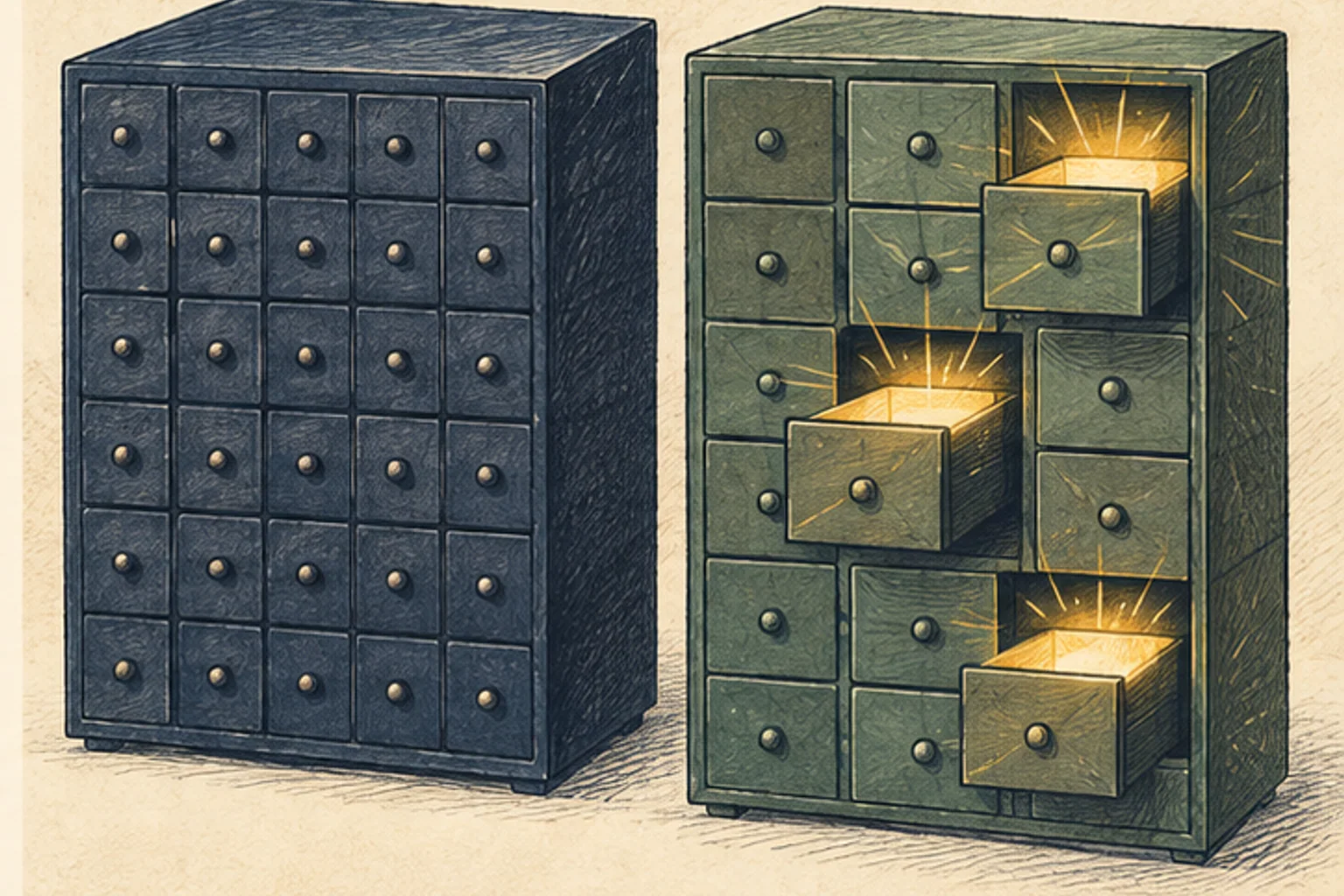
512K can only be used if opened in stages.
Supporting long contexts does not linearly reduce the read time to the first token and the KV cache. Save the quality and speed of your answers at 4K, increase to 16K and 64K, and make sure you actually find the information you need. If you just look at the 512K number and put in the entire file, you'll increase the wait and miss out on important evidence.
Before purchasing, look at the median of three iterations of your favorite input lengths. If 7B gives you the answer you need and 32B doesn't make much of a difference, you don't need a bigger machine. Conversely, if there is a problem that is repeatedly solved only in 32B or 36B-A4B, then compare memory availability, power, and purchase cost.
Terminology notes
MoE — A model architecture that selects some of several expert subnetworks for each input. Total parameters can differ from the number activated for one token.
Back to the textToken — A unit into which a model divides input or output for processing. One token does not equal one character or a fixed duration.
Back to the textKV cache — Memory that stores attention keys and values from earlier tokens for reuse during later token generation. Its size depends on context length and batch size.
Back to the textGPU — A processor designed to handle many calculations in parallel. It performs model computations during AI inference.
Back to the textRuntime — The software environment that provides facilities needed while a program runs. In local AI it can also refer to a model execution engine; a GPU runtime library and a complete serving app are different components.
Back to the textVRAM — Memory used by a graphics card’s GPU for model weights and intermediate values. It is distinct from system RAM.
Back to the textOffloading — Moving some model data from GPU memory to system RAM or storage when capacity is limited. This adds data transfer.
Back to the textSystem RAM — System memory that temporarily holds data while programs run. It differs from storage and from a discrete GPU’s VRAM.
Back to the textDecode — For an LLM, this is the stage that generates output tokens after input processing. For a VAE or audio codec, decoding can mean reconstructing the original form from a compressed representation or encoded data.
Back to the textMemory bandwidth — The amount of data that can be transferred between memory and a processor per unit time. Actual throughput also depends on access patterns and other bottlenecks.
Back to the textGGUF — A file format for model data, widely used by llama.cpp-based tools. The format alone does not guarantee compatibility or speed on particular hardware.
Back to the text