
Model setup recipes
Last updated
Compare Julia, Laya, and Kev decision models in llama.cpp
Compare accuracy over fixed choices, not chat quality.
Small decision models suit bounded choices such as classification, routing, or approval. Their languages and sizes differ, so check fit for your inputs first.
Choose from a bounded action set
A decision model takes a ticket, a question, and a list of allowed actions, then selects one of them. A request to llama.cpp's /v1/systemone returns the selected action and its confidence. Since the output differs from a chat model's long-form natural-language answer, evaluate it mainly by accuracy and classification latency.
Julia-1 is multilingual; Laya and Kev-4B are English models. Save the server script and start exactly one with MODEL=julia bash run_model.sh, MODEL=laya ..., or MODEL=kev .... Stop the current server before switching models.

Test identical tickets and action schemas
Start the selected model in terminal 1, then send the same ticket and action question from terminal 2. Keep question names and action choices consistent, but adapt the request JSON to each project’s API1; do not assume every API accepts the same schema.
curl http://127.0.0.1:8080/v1/systemone \
  -H 'Content-Type: application/json' \
-d '{"state":"I was charged twice for my subscription.","questions":{"route":{"type":"choice","instructions":"Which team should handle this inquiry?","criteria":{"billing":"Payments, charges and refunds","access":"Login and account access","security":"Suspicious activity and account protection"}}}}' | python -c 'import json,sys; a=json.load(sys.stdin)["answers"]["route"]; print(json.dumps({"choice":a["choice"],"confidence":a["confidence"]},indent=2))'The response puts the selected action in answers.route.choice and its probability in answers.route.confidence. For example, billing with confidence 0.86 means the ticket was routed to billing. Do not treat this as a universal threshold; use labeled tickets to assess accuracy and unanswered cases, then set a human-review threshold.
curl -LsSf https://llama.app/install.sh | sh
python -m pip install -U huggingface_hub
MODEL=${MODEL:?Set MODEL=julia, laya, or kev}
case "$MODEL" in
  julia) REPO=ggml-org/Julia-1-GGUF; FILE=Julia-1-Q8_0.gguf; REV=16fee17949206fbf58da9347daea44d792a81211 ;;
  laya) REPO=ggml-org/Laya-GGUF; FILE=Laya-Q8_0.gguf; REV=22265007700297ba9e128297e82540cf28c5d7d4 ;;
  kev) REPO=ggml-org/Kev-4B-GGUF; FILE=Kev-4B-Q4_K_M.gguf; REV=d924f2e2c3872da8b8aaf3eb4453b4126deceb79 ;;
  *) echo "Set MODEL=julia, laya, or kev" >&2; exit 2 ;;
esac
hf download "$REPO" "$FILE" --revision "$REV" --local-dir "./models/$MODEL"
llama-server -m "./models/$MODEL/$FILE" --host 127.0.0.1 --port 8080 --ctx-size 4096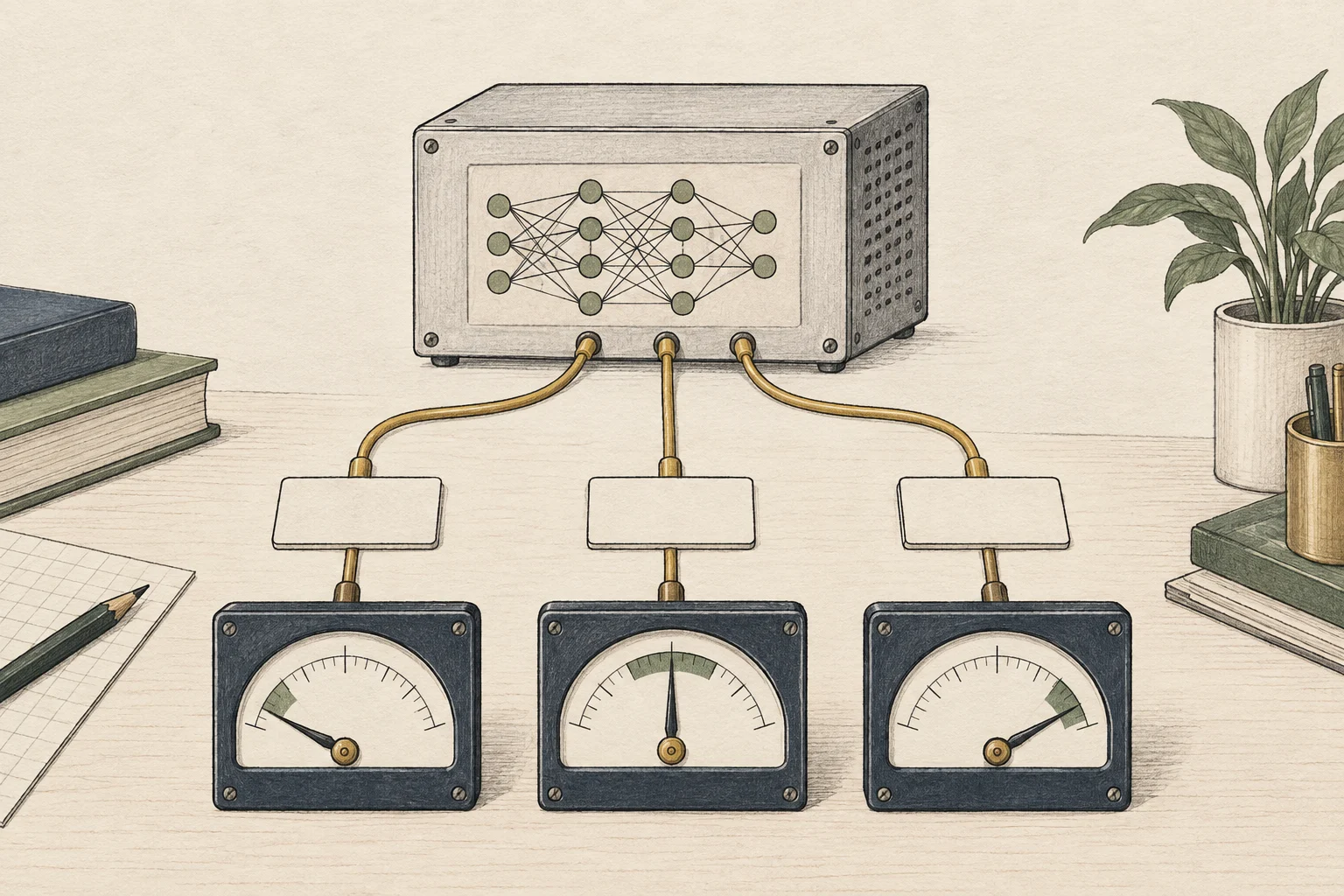
Read hardware figures with their test conditions
The published latency measurements use RTX PRO 6000. They describe that device, runtime2, and request setup—not guaranteed speed on a 4090, 5090, or laptop GPU3. Re-run the same request set on your device.
A smaller, faster model is not always preferable. For costly mistakes, add a confidence threshold or human review; shortlist a model only when language, allowed actions, and latency fit.
If the task needs generated answer sentences, do not use a decision model. These only pick among defined options, so steps that need explanation belong with a general LLM4.

Terminology notes
API — A defined interface that lets other code call a program’s functions.
Back to the textRuntime — The software environment that provides facilities needed while a program runs. In local AI, it can also refer to a model execution engine.
Back to the textGPU — A processor designed to handle many calculations in parallel. It performs model computations during AI inference.
Back to the textLarge language model — A model trained on large text datasets to learn language patterns and process or generate text in context.
Back to the text
Frequently asked questions
- What should you check first in this article?
- Small decision models suit bounded choices such as classification, routing, or approval. Their languages and sizes differ, so check fit for your inputs first.