
new model · 2026.09.04
Last updated
Qwen3.8-27B release: Can it run on a 32 GB system?
Read code and screenshots together with Qwen3.8-27B: Q4 memory and runtime requirements
Learn how to test the model with code and an error screenshot, then decide whether its Q4 file and context memory fit your hardware.
Qwen3.8-27B is a 27B dense model that accepts text, images, and video and returns explanations or code as text. For example, you can send a failing function together with a screenshot and ask for the cause and a fix. To decide whether it is useful for your work, compare its result with your current model on the same task, then check whether your hardware can handle the required context and answer length.
Compare the new model on the same coding problem
Select the function that fails on empty input and the code that calls it. Ask for the cause, a minimal fix, and whether the return format stays the same. Sending the same code range to each model reduces differences caused by the input itself.
Once the text request works, add an error screenshot and ask which line caused the problem. Send the same function, error description, and requested scope to your current model and Qwen3.8-27B. Use project tests to check whether both suggestions preserve empty-input behavior and the calling code. This comparison identifies the actual problem before you change hardware.
Separate parameter count, file size, and runtime memory
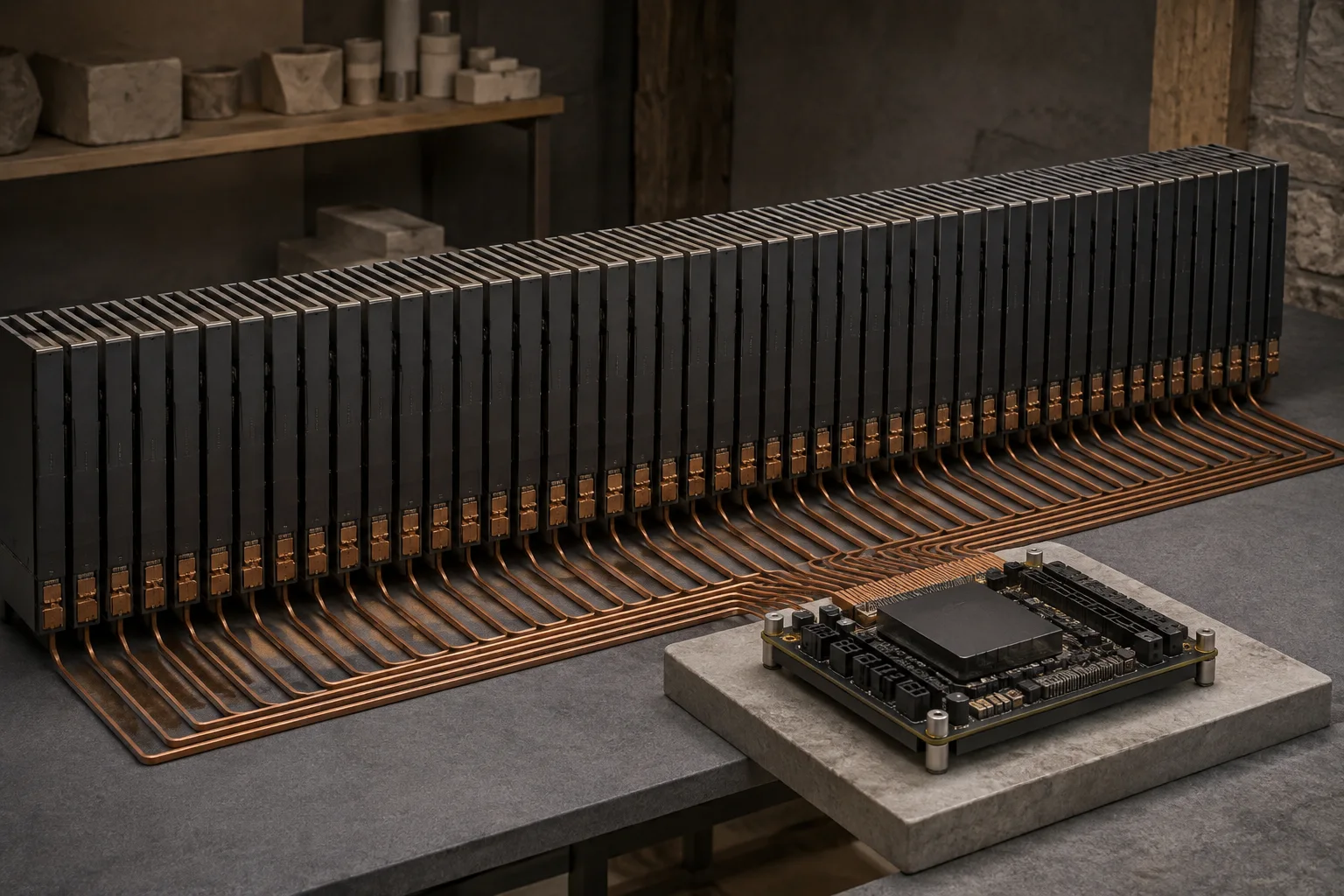
27B is the model's parameter count. BF161 weights and Q4 conversions differ in precision and file size, so check the actual format and size of the download. Q4 is described as roughly around 17 GB, but sizes vary by conversion format and file. The original Qwen model card lists the 27B parameter count and BF16 checkpoint2; each quantization3 card lists the actual files for that runtime4 format.
Multiplying 27B by 4 bits and dividing by 8 gives 13.5 GB as a raw-weight arithmetic estimate. Actual Q4 files include block scales, extra information, and component differences, so their file size may not match that calculation. The 7 GB left after subtracting about 17 GB from 24 GB of VRAM5 is not all available for the KV cache6; the runtime, operating system, and other GPU7 work also use memory.
On a PC with a discrete GPU, VRAM and system RAM8 are separate; on a Mac, CPU9, GPU, the operating system, and apps share unified memory10. Processing a short function requires less than reading a large repository alongside a browser and editor. A 32 GB label alone does not establish that a long context will run.
Check maximum context and option support with the actual model file
The native context limit is 262,144 tokens11. When examining code, start with the function and its caller, then add the repository files you need while recording input tokens, time to first token12, and memory use. Separating prefill13 time from decode14 time helps identify both the context size your task needs and its bottleneck.
To test MTP15, use a converted model that includes the relevant weights together with a runtime that supports them. Save a baseline generation, enable MTP, and send the same request. Check the runtime log for activation, then compare the two results for speed and code-test behavior.
When adding a screenshot, verify that the image is actually included in the request and record its result separately from the text baseline. Passing the text-only test first makes it easier to isolate whether a difference comes from the file, vision input, or runtime.
Decide whether your current hardware can handle the task
Send the same function and error description to your current model and Qwen3.8-27B, then verify the suggested code with your project's tests. If the current model already preserves the return format and empty-input behavior, there is little reason to change hardware for the new model. Consider more memory or a different system only if Qwen3.8-27B repeatedly gives more useful fixes and your current setup cannot handle the required input.
Hardware speed estimates are reference values for comparing prefill and answer-generation stages with the same Q4 file and input length. If you already own a system, test with the same file and request, and record the app, context, and other open programs. If your current setup gives you the answers you need, you do not need to upgrade.
Terminology notes
BF16 — A 16-bit floating-point format for model values. Its exponent has the same width as FP32, giving it a similarly wide value range.
Back to the textCheckpoint — A file containing saved model weights and related state. Versions or tasks in one model family may use different checkpoints.
Back to the textQuantization — A way to represent model weights or values with fewer bits, reducing storage and memory use. The coarser representation can also affect accuracy.
Back to the textRuntime — The software environment that provides facilities needed while a program runs. In local AI, it can also refer to a model execution engine.
Back to the textVRAM — Memory used by a graphics card’s GPU to store model weights and intermediate values.
Back to the textKV cache — Memory that stores attention keys and values from earlier tokens for reuse during later token generation. Its size depends on context length and batch size.
Back to the textGPU — A processor designed to handle many calculations in parallel. It performs model computations during AI inference.
Back to the textSystem RAM — System memory that temporarily holds data while programs run.
Back to the textCPU — The central processor that runs the operating system and general-purpose instructions; in AI workloads it also handles tasks such as preprocessing and data movement.
Back to the textUnified memory — An architecture where the CPU and GPU share one physical memory pool.
Back to the textToken — A unit into which a model divides input or output for processing.
Back to the textTime to First Token — The time from sending a request until its first output token arrives.
Back to the textPrefill — The stage where an LLM reads the input prompt and computes representations for its tokens. Longer prompts contain more tokens to process.
Back to the textToken decoding — The stage that generates successive output tokens using the input and the response produced so far.
Back to the textMTP — A training objective or model component for predicting multiple future tokens at once. In speculative decoding, those predictions can be proposed as candidate tokens.
Back to the text
Frequently asked questions
- What should you check first in this article?
- Learn how to test the model with code and an error screenshot, then decide whether its Q4 file and context memory fit your hardware.
- How much memory does it need?
- Multiplying 27B by 4 bits and dividing by 8 gives 13.5 GB as a raw-weight arithmetic estimate. Actual Q4 files include block scales, extra information, and component differences, so their file size may not match that calculation. The 7 GB left after subtracting about 17 GB from 24 GB of VRAM is not all available for the KV cache; the runtime, operating system, and other GPU work also use memory.
- Where can you check the conditions and sources?
- 27B is the model's parameter count. BF16 weights and Q4 conversions differ in precision and file size, so check the actual format and size of the download. Q4 is described as roughly around 17 GB, but sizes vary by conversion format and file. The original Qwen model card lists the 27B parameter count and BF16 checkpoint; each quantization card lists the actual files for that runtime format.