
Executable programs and extensions
Last updated
Verifying a 3090 unlock: boot logs, GEMM and llama-bench
Without recording the same conditions, you cannot separate the unlock's share.
Comparing before and after starts with fixing conditions: record the kernel, driver, VBIOS, power limit and context length1, measure matrix throughput2 with a torch GEMM and prefill3 and decode4 with llama-bench. Check the logs after a cold boot, and roll back by removing the kernel command-line option if it fails.
Record the baseline first
Before measuring, record the kernel version, NVIDIA driver, VBIOS, power limit and current clocks. uname -r, nvidia-smi and nvidia-smi -q show them. The same card gives different results under a different driver or power setting.
Keep the power limit fixed for the whole experiment. The 3090 defaults to 350 W, and lowering it to 300 or 280 W slows decode slightly. Changing power between runs mixes the compute effect with the power effect.
uname -r
nvidia-smi --query-gpu=name,driver_version,vbios_version,power.limit,clocks.max.sm,memory.total --format=csv
nvidia-smi -q | grep -A2 "GPU Power Limit"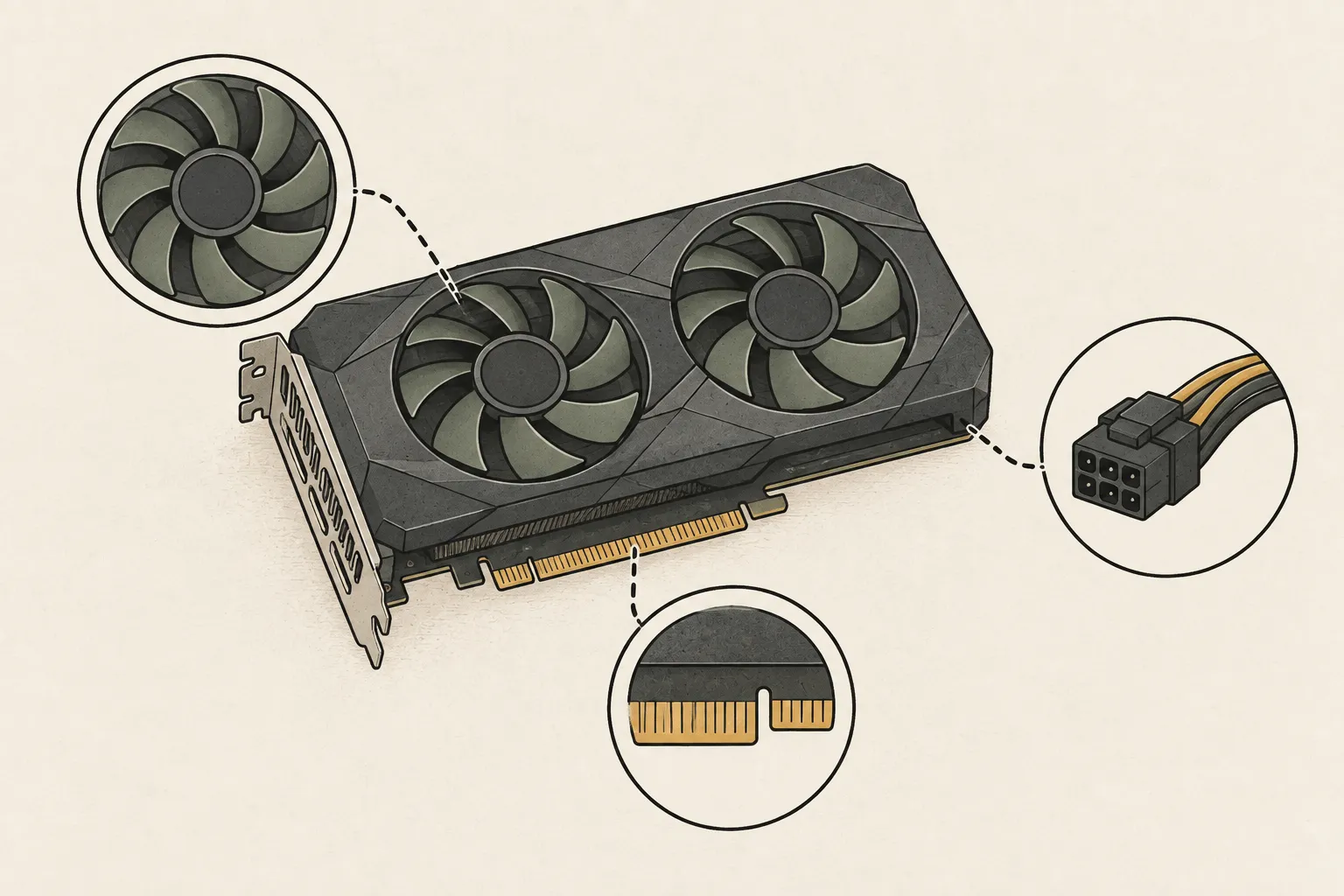
Measure matrix compute with GEMM
The published comparison used a dense 8192³ GEMM with FP325 accumulation and five-sample medians. Measuring FP166, BF167 and TF32 under the same setup isolates the unlock's effect on matrix compute. Discard warm-up runs and use the median.
In PyTorch8, TF32 is used only when torch.backends.cuda.matmul.allow_tf32 is enabled, and BF16 requires torch.bfloat16 inputs. Write the script yourself, following the conditions in the repository issue.
import torch, time, statistics
assert torch.cuda.is_available()
torch.backends.cuda.matmul.allow_tf32 = True
n = 8192
for dtype in (torch.float16, torch.bfloat16):
    a = torch.randn(n, n, device='cuda', dtype=dtype)
    b = torch.randn(n, n, device='cuda', dtype=dtype)
    for _ in range(3): a @ b
    torch.cuda.synchronize()
    times = []
    for _ in range(5):
        start = time.perf_counter(); a @ b; torch.cuda.synchronize()
        times.append(time.perf_counter() - start)
    med = statistics.median(times)
print(dtype, round(2 * n**3 / med / 1e12, 2), 'TFLOPS')Measure prefill and decode with llama-bench
llama-bench reports prefill and decode separately for the same model. Fix context and repetitions with something like -p 4096 -n 128 -r 5, and keep the model, quantization9 and power limit identical before and after. Use a GGUF10 already on the card.
Many of llama.cpp's quantized kernels do not use BF16 matrix products. A large GEMM difference can therefore leave llama-bench decode unchanged. You need to explain that gap to interpret the results.
llama-bench -m /path/to/model.gguf -p 4096 -n 128 -r 5Check logs after a cold boot
The unlock applies after a full power-off and restart. After boot, check the module log with journalctl -k -b | grep gpu_unlock and the driver binding with lspci -nnk -s <PCI address>, and confirm the card appears normally in nvidia-smi.
Stop the experiment if you see Xid errors or a driver reset. A card already used by a driver in the same power cycle is refused, so power off before retrying.
journalctl -k -b | grep gpu_unlock
lspci -nnk -s 0000:21:00.0
nvidia-smi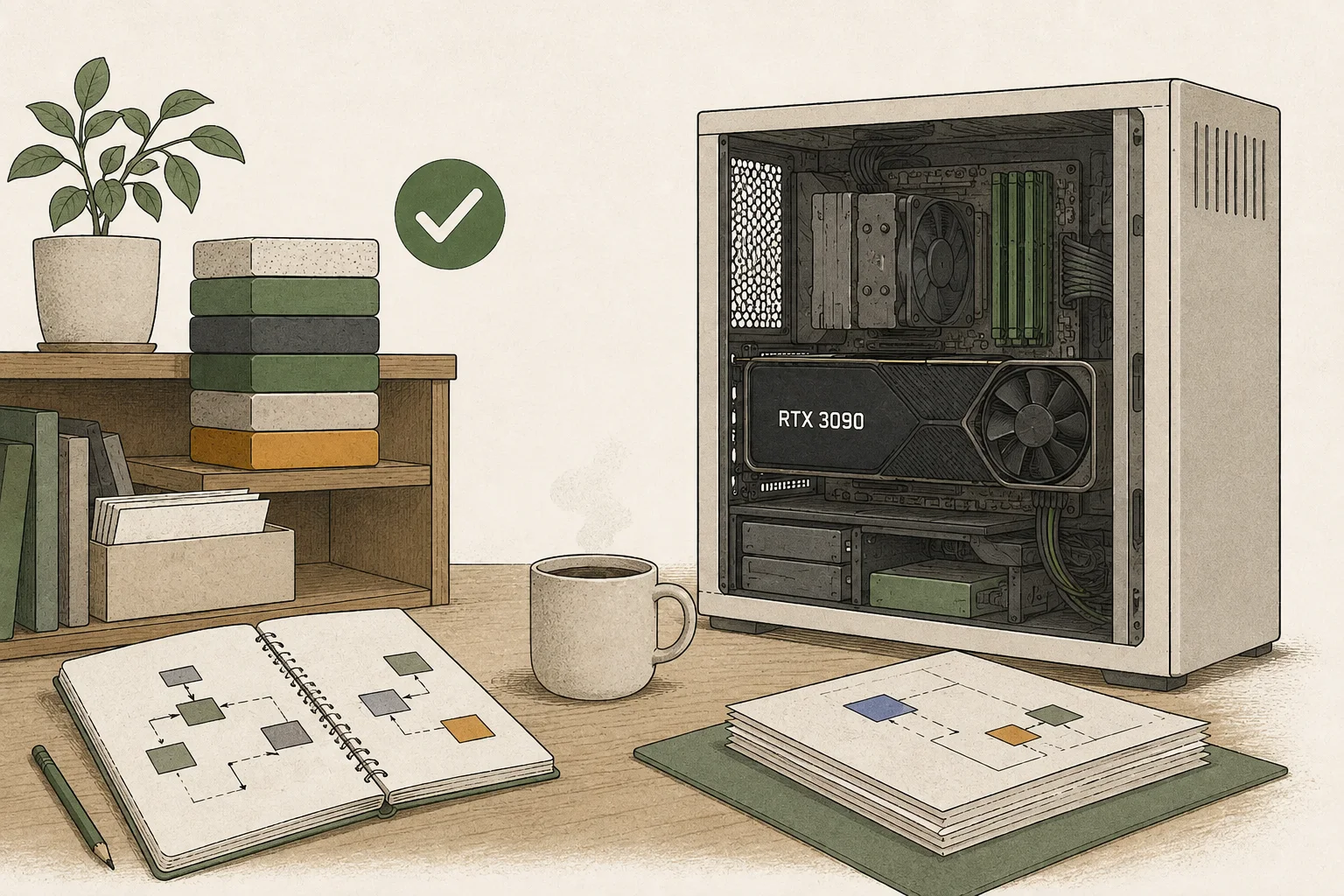
Rollback and failure recovery
If something goes wrong, remove the gpu_unlock.targets= entry from the kernel command line and reboot. Uninstalling the packages also removes the module and initramfs configuration. If the display stays blank, delete the option temporarily in the bootloader edit screen and boot.
If the log says firmware never stopped, DMA buffers remain until the next power-off. Power off before retrying, and test on a spare card when possible.
Record sheet
Fill in these fields for both runs to make the comparison reproducible. If a value differs, explain it first; if it cannot be explained, do not count it as the unlock's effect.
| Field | Example |
|---|---|
| Kernel, driver, VBIOS | 7.2.8-1, 615.71.09, 94.02.42.00.9b |
| Power limit | 350W |
| BF16 GEMM | 87.50 → 157.41 TFLOPS |
| llama-bench prefill | Record with conditions |
| llama-bench decode | 68.9 tok/s (3090, 350W) |
Terminology notes
Context window — The token span of input and generated content a model can handle in one request. The supported limit and memory use depend on the model and runtime settings.
Back to the textThroughput — The amount of work processed or generated over time. Comparisons need the unit, such as tokens per second or requests per second.
Back to the textPrefill — The stage where an LLM reads the input prompt and computes representations for its tokens. Longer prompts contain more tokens to process.
Back to the textToken decoding — The stage that generates successive output tokens using the input and the response produced so far.
Back to the textFP32 — A 32-bit floating-point format. It uses more memory per value than BF16 and can represent values more precisely.
Back to the textFP16 — A 16-bit floating-point format. It uses the same bit width as BF16 but allocates bits differently between exponent and significand.
Back to the textBF16 — A 16-bit floating-point format for model values. Its exponent has the same width as FP32, giving it a similarly wide value range.
Back to the textPyTorch — A software framework for building and running AI models. Check the compatible PyTorch version and hardware support along with the model.
Back to the textQuantization — A way to represent model weights or values with fewer bits, reducing storage and memory use. The coarser representation can also affect accuracy.
Back to the textGGUF — A file format for model data, widely used by llama.cpp-based tools.
Back to the text
Frequently asked questions
- What should you check first in this article?
- Comparing before and after starts with fixing conditions: record the kernel, driver, VBIOS, power limit and context length, measure matrix throughput with a torch GEMM and prefill and decode with llama-bench. Check the logs after a cold boot, and roll back by removing the kernel command-line option if it fails.