
Executable programs and extensions
Last updated
Strata vs llama.cpp: Which Should You Run on Your PC?
Start with your goal: a large model on your existing PC, or switching among models.
Strata distributes Qwen3.8-Flash-Next across the GPU1, RAM2, and CPU3 of a Windows or Linux PC. llama.cpp runs GGUF4 models across a broader set of models and hardware backends. Strata's setup prepares a model and expert cache for your machine; llama.cpp lets you choose the model file and GPU placement. Compare output speed, first-answer latency, and missing information in the result to choose for your workload.
Both tools run a model on your PC
A model produces an answer to your prompt5; a runner loads its files and places computation on your PC's hardware. Strata and llama.cpp fill that runner role. A chat interface or coding app sends requests to the server the runner provides and receives the result.
Strata bundles a GPU expert cache, CPU computation, RAM placement, and MTP6 around the large MoE7 model Qwen3.8-Flash-Next. llama.cpp loads many models as GGUF and uses backends such as CUDA8, HIP9, and Metal10. Strata incorporates ggml components from llama.cpp, while maintaining its own setup, model support, and memory placement.
- Strata computation and memory placement
- llama.cpp model and hardware support
- MoE vs dense: why low active parameters still need memory
- GGUF vs MLX: which model format should you download?
- Run local AI on a Mac with oMLX: what is new in 0.7.1rc1?
- Which local LLM app or serving engine should you start with?
Narrow the choice by model and operating system
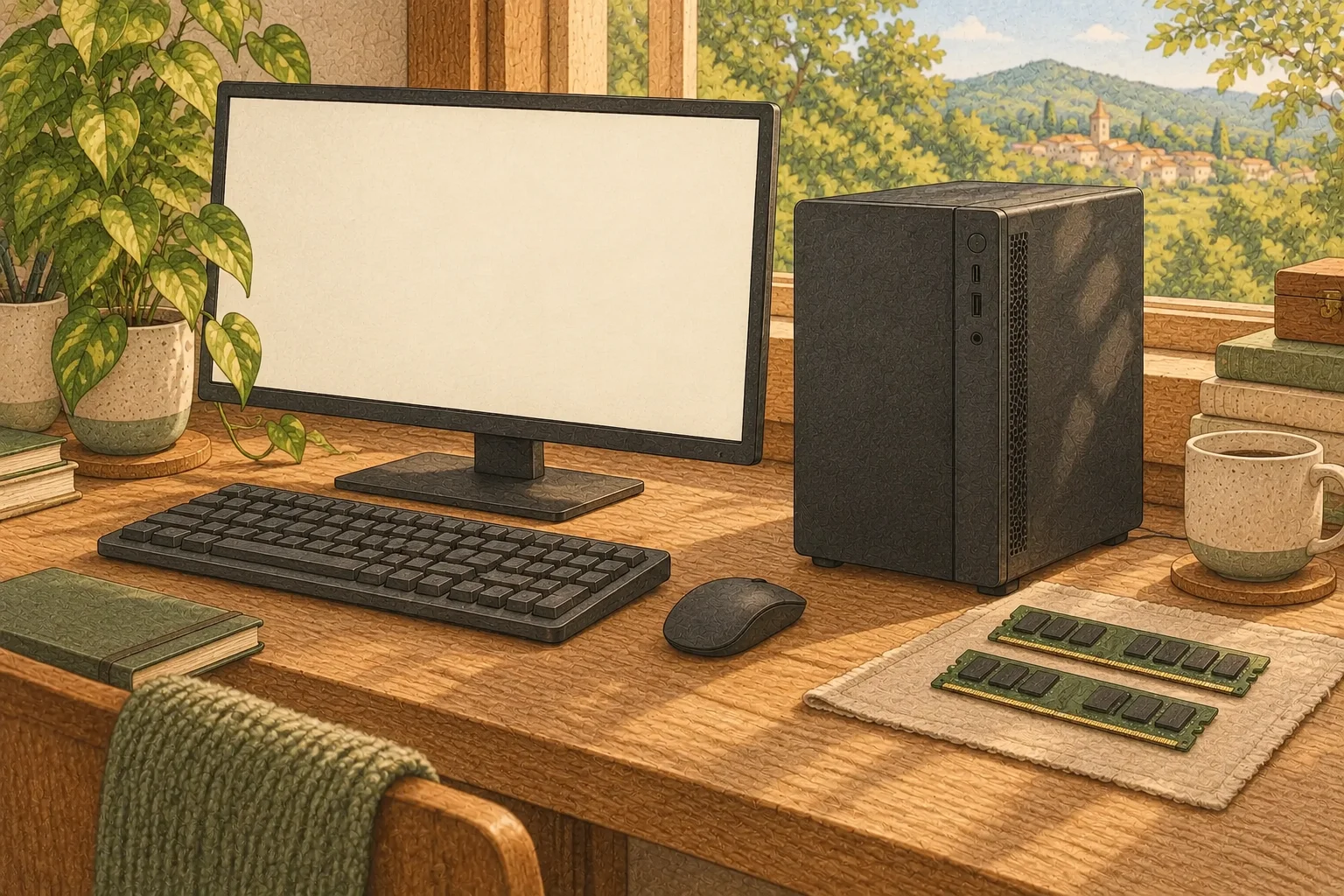
On Windows or Linux, follow Strata's setup if you want to try a heavily quantized Qwen3.8-Flash-Next. It recommends options for your RAM and GPU, then downloads the model and engine. Published configurations start with a 12 GB GPU and sufficient RAM, giving you a way to try a large model before replacing the graphics card.
Start with llama.cpp if you use a Mac or often switch between small and image-capable models. Check support for the GGUF's architecture and your GPU backend. If a newly downloaded model fails to load, use a runner version that supports its architecture.
| Decision | Strata | llama.cpp |
|---|---|---|
| Models to run | Qwen3.8-Flash-Next, Coder, Swift, and supported Unsloth packs | GGUF models supported by your runner version |
| OS and GPU | NVIDIA and supported AMD configurations on Windows/Linux | Multiple backends including CUDA, HIP, and Metal |
| Setup and model preparation | Setup recommendations and downloads | Choose a model GGUF and runner build |
| When VRAM is limited | Expert caching and CPU/RAM computation | CPU/GPU splitting and model-specific offloading |
Scope follows project documentation as of October 10, 2026. Check current runner documentation for Windows/Linux differences on AMD and newly supported models.
Check where your hardware is waiting
In Strata's normal mode, RAM holds all experts and the GPU caches frequently used ones. The CPU computes experts outside the GPU cache. The SSD11 holds per-layer embedding tables, or PLE12, from which the model reads needed rows. Answer speed therefore involves RAM headroom, CPU, and PCIe as well as VRAM13.
With limited RAM, resident mode keeps only non-GPU experts in RAM; mmap maps the file and uses the operating system's cache. A missing cached expert can require an SSD read. If disk activity stays high while generating, try a smaller model or close other apps to free RAM before comparing again.
In llama.cpp, adjust GPU offloading14 for the model and backend. GPU placement, context length15, and cache settings change speed and memory use even on the same PC. Inspect startup logs for actual GPU use and memory placement in both runners, then test with the apps you normally keep open.
Separate model differences from runner differences
Comparing a large Strata model with a small llama.cpp model helps choose a usable setup. To compare runners themselves, match model family, quantization16, and input/output length. A Strata download includes components such as PLE and draft files; prepare a model file supported by the other runner separately.
Send the first prompt in a fresh conversation after starting the server, then send a follow-up in the same conversation. Reusing cached input can shorten the follow-up wait. Record fresh and cached requests separately to reflect both new-document work and an ongoing conversation about one document.
Use the same output limit and sampling settings, and record the tokens17 actually generated. Start around 4K input to check connectivity and memory, then test your normal document length. Record first-answer latency, completion time, output tok/s, and peak RAM/VRAM to identify the source of waiting.
Check whether the fast answer finishes the job
For a summary, check that numbers, dates, and main conclusions survive. For coding, use a small test repository and run its tests after edits. A faster answer can take longer overall if it needs extensive repair. Finish one of your repeated tasks end to end before choosing.
Keep Strata if Qwen3.8-Flash-Next produces the result you need on your PC with RAM headroom. llama.cpp offers useful model and backend choices if you switch among GGUF models or use a Mac. Record model, input, first-answer latency, and correction time before changing runners to make the next choice easier.
Terminology notes
GPU — A processor designed to handle many calculations in parallel. It performs model computations during AI inference.
Back to the textSystem RAM — System memory that temporarily holds data while programs run.
Back to the textCPU — The central processor that runs the operating system and general-purpose instructions; in AI workloads it also handles tasks such as preprocessing and data movement.
Back to the textGGUF — A file format for model data, widely used by llama.cpp-based tools.
Back to the textPrompt — The input text sent to a model. For generative models it describes the desired result and strongly shapes the output.
Back to the textMTP — A training objective or model component for predicting multiple future tokens at once. In speculative decoding, those predictions can be proposed as candidate tokens.
Back to the textMoE — A model architecture that selects some of several expert subnetworks for each input. Total parameters can differ from the number activated for one token.
Back to the textCUDA — A software platform for general-purpose computing on NVIDIA GPUs.
Back to the textHIP — An API and runtime for portable GPU C++ code. It helps with porting CUDA code.
Back to the textMetal — Apple’s low-level technology for graphics and parallel GPU computation.
Back to the textSSD — A data storage device that uses flash memory and retains data without power.
Back to the textPLE embedding table — Short for Per-Layer Embedding, a structure that adds embedding information at particular model layers. The Qwen Flash-Next family uses n-gram tables; supported runtimes can offload these tables to RAM or SSD.
Back to the textVRAM — Memory used by a graphics card’s GPU to store model weights and intermediate values.
Back to the textOffloading — Moving some model data from GPU memory to system RAM or storage when capacity is limited. This adds data transfer.
Back to the textContext window — The token span of input and generated content a model can handle in one request. The supported limit and memory use depend on the model and runtime settings.
Back to the textQuantization — A way to represent model weights or values with fewer bits, reducing storage and memory use. The coarser representation can also affect accuracy.
Back to the textToken — A unit into which a model divides input or output for processing.
Back to the text
Frequently asked questions
- What should you check first in this article?
- Strata distributes Qwen3.8-Flash-Next across the GPU, RAM, and CPU of a Windows or Linux PC. llama.cpp runs GGUF models across a broader set of models and hardware backends. Strata's setup prepares a model and expert cache for your machine; llama.cpp lets you choose the model file and GPU placement. Compare output speed, first-answer latency, and missing information in the result to choose for your workload.
- How much memory does it need?
- In Strata's normal mode, RAM holds all experts and the GPU caches frequently used ones. The CPU computes experts outside the GPU cache. The SSD holds per-layer embedding tables, or PLE, from which the model reads needed rows. Answer speed therefore involves RAM headroom, CPU, and PCIe as well as VRAM.