
Executable programs and extensions
What Is Superfluid? Run Multiple Agents on One Local LLM
Let a short chat request go first while agents process long documents.
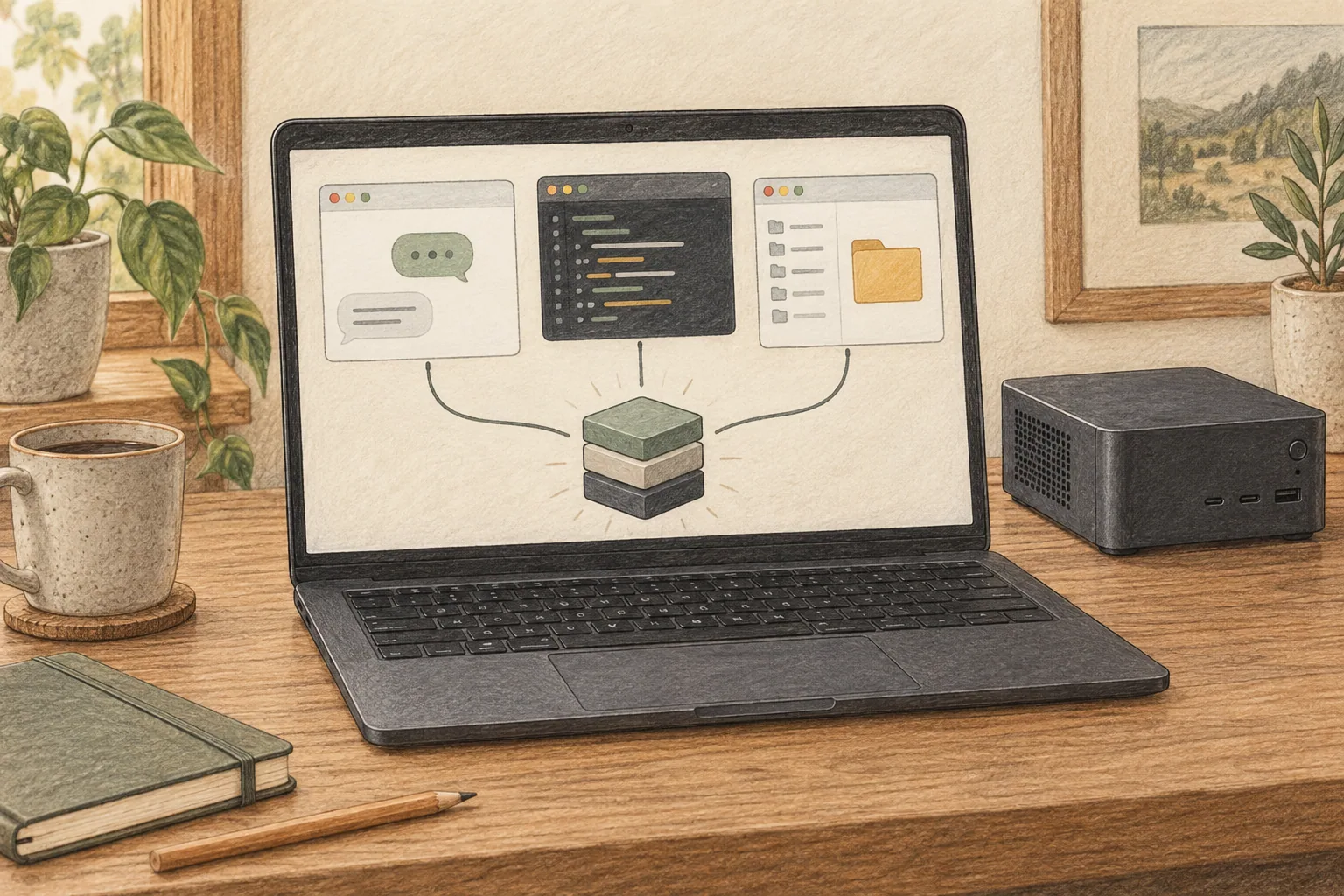
Superfluid is a server that lets several apps and agents share an LLM1 on your computer. Apps send prompts through an API2; an engine such as llama.cpp or MLX3 generates the replies, while Superfluid manages request priority and concurrency. It is useful when you want to chat while several document summaries are running.
When several apps share one model
Suppose three agents are summarizing three documents. A short question sent from your chat window may have to wait behind those long inputs. Alongside the model that writes the answers, you need a server that manages how the requests are processed.
Superfluid batches requests and provides a priority for time-sensitive chat. It also reuses cached prefixes when agents repeatedly send the same instructions or document opening. Instead of starting a separate model for each app, the apps share one server address.
It supports OpenAI, Anthropic and Ollama API formats, so existing compatible clients can connect. We will start by sending a short question through its OpenAI-compatible API, then separate chat and agent priorities.
Start with MLX or GGUF on Mac, and GGUF on Linux
Superfluid selects an engine based on the model format. GGUF4 files run through llama.cpp; MLX models on Apple Silicon use MLX. You can also point it at a downloaded model file or directory.
Apple Silicon Macs can use Metal5 and MLX. On Linux x86-64, llama.cpp provides CUDA6, ROCm7, Vulkan and CPU8 paths. A Windows installation procedure is not currently provided, so this guide covers Mac and Linux.
Leave memory for model weights and conversation caches after installation. Before trying Qwen3.8-27B Q4, check that your current machine can run it. If loading the model is the problem, start with the memory and file-format steps in the Qwen3.8-27B guide.
| Format | Engine | Starting point |
|---|---|---|
| GGUF | llama.cpp | Select a GGUF file on Mac or Linux |
| MLX | MLX | Select an MLX directory on Apple Silicon |
| .base | baseRT | Prepare the separate engine and its bundle |
Start Qwen3.8-27B and get the first reply
Install Superfluid using its Mac or Linux instructions, then run the commands below. They print the version and start Qwen3.8-27B UD-Q4_K_M with two concurrent requests and a 4,096-token9 context. The first run downloads the model and llama.cpp runtime10, requiring internet access and storage.
Once the server is ready, query its health and model list from another terminal. A `status` of `ok` from `/health` and the model appearing in `/v1/models` mean it is ready for prompts. Leave the quantization11 tag `:UD-Q4_K_M` out of the request's model name.
After receiving a reply, set your client's API base URL to `http://127.0.0.1:8453/v1` and select the same model. This example is accessible only on the same computer. If the client requires a key field, a placeholder can be used with this keyless local server.
superfluid --version
superfluid serve unsloth/Qwen3.8-27B-GGUF:UD-Q4_K_M --http 127.0.0.1:8453 --max-batch 2 --max-context 4096curl -sS http://127.0.0.1:8453/health
curl -sS http://127.0.0.1:8453/v1/models
curl -sS http://127.0.0.1:8453/v1/chat/completions \
-H 'Content-Type: application/json' \
-d '{"model":"unsloth/Qwen3.8-27B-GGUF","messages":[{"role":"user","content":"Explain prefix caching in two sentences."}],"max_tokens":128}'
Prioritize your chat over agent work
Once connected, separate interactive chat from automated work. Superfluid treats HTTP requests as `agent` by default. Add the `x-superfluid-qos: interactive` header to your own questions and use `background` for less urgent batch summaries.
When all lanes are occupied by agents, a higher-priority request can pause lower-priority work and let chat run first. The waiting work then resumes. If your chat app does not support custom headers, check its connection settings or test the feature with an API request first.
Put shared instructions at the start in a consistent order to make prefix reuse effective. Keep common instructions, the shared document and the individual question in that order. To check the effect on repeat questions, resend the same document and compare the wait until the first generated text appears.
curl -sS http://127.0.0.1:8453/v1/chat/completions \
  -H 'Content-Type: application/json' \
  -H 'x-superfluid-qos: interactive' \
  -d '{"model":"unsloth/Qwen3.8-27B-GGUF","messages":[{"role":"user","content":"Reply with one short sentence."}],"max_tokens":64,"stream":true}'
Separate total throughput from one reply's speed
Batching more requests can increase the total number of tokens completed in a given time. Since several replies are being generated at once, also compare how quickly each individual reply advances. The right configuration depends on whether you want a batch of summaries to finish sooner or your own reply to arrive faster.
| Concurrent requests | Total tok/s | Mean tok/s per request |
|---|---|---|
| 1 | 76.7 | 76.7 |
| 2 | 87.6 | 43.8 |
| 4 | 126.5 | 31.6 |
| 8 | 150.8 | 18.9 |
Published measurement · 2026-10-06 · M1 Max 64GB · Qwen3-4B Q4_K_M · llama.cpp b11284 · 256 output tokens per request · temperature 0 · distinct inputs · median of three rounds. The per-request figures are aggregate throughput12 divided by concurrency. Method and full results
In this comparison, increasing concurrency from one to eight raised total throughput from 76.7 to 150.8 tok/s. The average received by each request fell from 76.7 to 18.9 tok/s. Start with low concurrency for personal chat; for several automated summaries, increase it while comparing total completion time.
If memory runs short or the connection fails
If the model will not load, use `superfluid runtimes` to check the engine state and device path. You can supply a downloaded GGUF file path instead of a model ID. If downloads complete but memory runs out, reduce concurrency to one and retry with a 4,096-token context.
If the API cannot be reached, query `/health` first. If that succeeds but the chat app fails, check the `/v1` suffix and use the ID shown in the model list. If another program occupies port 8453, use `--port 8455` and update the client's address to the same port.
Keep `127.0.0.1` for use on your own computer. Before sharing with other devices, configure an API key and HTTPS. Prompts and replies are stored under `~/.superfluid/sessions` by default, so manage that directory's access permissions and backup scope when processing sensitive documents.
Superfluid is currently pre-1.0. Keep your existing server setup for important automated work and test on a separate port, expanding from client connection to long documents and concurrent requests. If you are new to agents, start with the local agent guide. For a Mac management interface, also compare oMLX.
Terminology notes
Large language model — A model trained on large text datasets to learn language patterns and process or generate text in context.
Back to the textAPI — A defined interface that lets other code call a program’s functions.
Back to the textMLX — A machine-learning framework developed by Apple. On Apple silicon it uses unified memory and Metal; separate Linux backends are also available. Model and feature support depends on the MLX-based tool.
Back to the textGGUF — A file format for model data, widely used by llama.cpp-based tools.
Back to the textMetal — Apple’s low-level technology for graphics and parallel GPU computation.
Back to the textCUDA — A software platform for general-purpose computing on NVIDIA GPUs.
Back to the textROCm — AMD’s software platform for AI and high-performance computing on GPUs. Support depends on the combination of GPU, operating system, driver, and framework versions.
Back to the textCPU — The central processor that runs the operating system and general-purpose instructions; in AI workloads it also handles tasks such as preprocessing and data movement.
Back to the textToken — A unit into which a model divides input or output for processing.
Back to the textRuntime — The software environment that provides facilities needed while a program runs. In local AI, it can also refer to a model execution engine.
Back to the textQuantization — A way to represent model weights or values with fewer bits, reducing storage and memory use. The coarser representation can also affect accuracy.
Back to the textThroughput — The amount of work processed or generated over time. Comparisons need the unit, such as tokens per second or requests per second.
Back to the text