
Executable programs and extensions
Last updated
What is TensorFold? A local model engine for Mac, RTX, and DGX Spark
TensorFold runs a model and exposes it through an OpenAI-compatible API. First check that a recipe supports your model and hardware combination.
TensorFold 1.0.8 runs qualified checkpoints1 with Metal2 or CUDA3 and returns replies through an OpenAI-compatible API4. The Mac example downloads TensorFold/Qwen3.8-27B-MLX-4bit and z-lab/Qwen3.8-27B-DFlash2, starts the server, and sends a request to /v1/chat/completions. Support is limited to documented model and hardware combinations, so match your device and checkpoint in the table before installing.
Serve a model so an app can call it
TensorFold is a local inference5 engine that reads checkpoints on Apple Silicon and NVIDIA GPUs and generates replies with Metal or CUDA kernels. Once the server is running, a client sends prompts6 to http://127.0.0.1:8080/v1 and receives replies. The steps below cover model selection, server startup, and the first request.

Choose a model and Mac from the 1.0.8 qualified combinations
This example uses the Metal combination listed in the TensorFold 1.0.8 release. The qualified checkpoint is TensorFold/Qwen3.8-27B-MLX-4bit in MLX7 affine 4-bit, group 64 format, on M5 Max and M3 Ultra. The DFlash2 drafter ID for Qwen3.8-27B is z-lab/Qwen3.8-27B-DFlash2.
The release's Qualified models table and tensorfold models output show whether this file and your platform form a supported combination.
| Model and checkpoint | Format | Qualified platform |
|---|---|---|
| Qwen3.8-27B · TensorFold/Qwen3.8-27B-MLX-4bit | MLX affine 4-bit, group 64 · separate DFlash2 drafter | M5 Max, M3 Ultra · Metal |
| Qwen3.8 Flash Next | MLX affine 6-bit, group 32 | M5 Ultra · Metal |
| GLM-5.3-Flash | MLX affine 4-bit, group 64 | Two M5 Ultras · Metal |
| GLM-5.3 · kindlingai/glm-5.3-exlr8-k2-k3-k4 | EXLR8 home profile | Two M5 Ultras · Metal |
| Nemotron 3.5 Lightning 30B-A3B | MLX affine 4-bit, group 64, MTP included | M1–M5 · Metal; GB10·RTX 3090·RTX PRO 6000 Blackwell · CUDA |
| Qwen3.5-2B · mlx-community/Qwen3.5-2B-MLX-4bit | Pinned MLX affine 4-bit, group 64 | M5 Max · Metal |
The table lists TensorFold 1.0.8 Metal and CUDA combinations. MIA's separately patched TensorFold 0.6.x recipes use a different version and runtime8 path.
Download the model and start the API server
Install TensorFold with Homebrew and check its version. Then pull the specified Qwen3.8-27B checkpoint; TensorFold verifies the model files and stores them in its cache.
brew install ashhart/tensorfold/tensorfold
tensorfold --version
After the model download, start the server with the DFlash2 drafter. The default API base is http://127.0.0.1:8080/v1, and --name qwen38-local sets the model name used by API requests. When the server is ready, the terminal reports that it is listening; leave it open and send a request from another terminal.
tensorfold pull TensorFold/Qwen3.8-27B-MLX-4bittensorfold serve TensorFold/Qwen3.8-27B-MLX-4bit --name qwen38-local --drafter z-lab/Qwen3.8-27B-DFlash2 --context 4096 --parallel 1 --temperature 0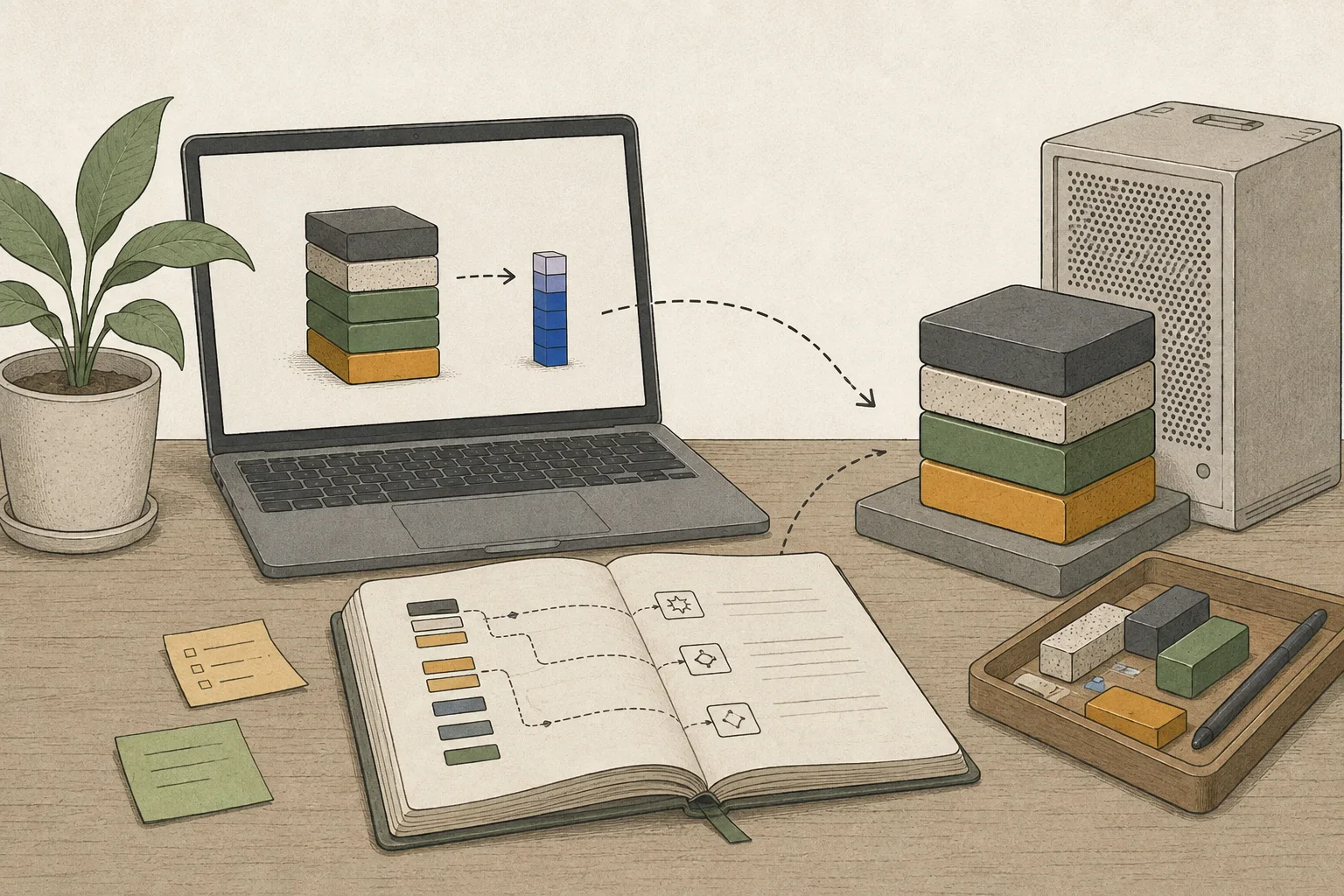
Send a curl request and connect an app
With the server running, open a second terminal and send the request below. A one-sentence reply in choices[0].message.content confirms the request round trip. In your app, choose an OpenAI-compatible provider and enter base URL http://127.0.0.1:8080/v1 and model name qwen38-local.
curl -fsS http://127.0.0.1:8080/v1/chat/completions \
  -H 'Content-Type: application/json' \
  -d '{"model":"qwen38-local","messages":[{"role":"user","content":"Explain what this function returns: def first_item(items): return items[0]"}],"max_tokens":128,"temperature":0}'
If the server cannot find a model ID, check the cached name with tensorfold models. If a hash check or network error interrupts the pull, rerun the same pull command to fetch missing files, then inspect the format with tensorfold info TensorFold/Qwen3.8-27B-MLX-4bit. If startup reports an unsupported family, compare your TensorFold version and the tensorfold models list. This model path is qualified for Metal on M5 Max and M3 Ultra.

Terminology notes
Checkpoint — A file containing saved model weights and related state. Versions or tasks in one model family may use different checkpoints.
Back to the textMetal — Apple’s low-level technology for graphics and parallel GPU computation.
Back to the textCUDA — A software platform for general-purpose computing on NVIDIA GPUs.
Back to the textAPI — A defined interface that lets other code call a program’s functions.
Back to the textInference — The process of using a trained model to compute an output for an input. Here, local inference means running the model on the user’s device.
Back to the textPrompt — The input text sent to a model. For generative models it describes the desired result and strongly shapes the output.
Back to the textMLX — Apple’s machine-learning framework, which runs models using memory shared by the CPU and GPU on Apple Silicon.
Back to the textRuntime — The software environment that provides facilities needed while a program runs. In local AI, it can also refer to a model execution engine.
Back to the text
Frequently asked questions
- What should you check first in this article?
- TensorFold 1.0.8 runs qualified checkpoints with Metal or CUDA and returns replies through an OpenAI-compatible API. The Mac example downloads `TensorFold/Qwen3.8-27B-MLX-4bit` and `z-lab/Qwen3.8-27B-DFlash2`, starts the server, and sends a request to `/v1/chat/completions`. Support is limited to documented model and hardware combinations, so match your device and checkpoint in the table before installing.