Executable programs and extensions
Run GGUF directly in Transformers: how it differs from llama.cpp and MLX
You can treat GGUF like a Python model, but it doesn't change the fastest local chat path.
It's easy to think that you have to go to the llama.cpp app to use the GGUF1 file. The new Transformers path reads GGUF weights compressed from Apple Silicon into the Metal2 kernel and connects to the familiar Python model API3 and local server. It's useful when you want to dig deeper into your experimental code, but for simple chat speed and versatility, llama.cpp is still the default choice.
Why run the same GGUF with different paths?
llama.cpp is GGUF's flagship executor and has many apps and servers that are simple to install. Transformers is familiar to anyone who wants to use model intermediate outputs, custom logit processing, evaluation code, and the Python ecosystem directly. The significance of this path is that GGUF can now be handled within the Transformers API without having to completely solve it again with large floating point weights.
If your goal is a simple chat server, the mature local path to llama.cpp may be simpler. Transformers are advantageous when you need to delve into model internals or perform dataset evaluation and custom preprocessing in the same code. The choice is not based on the superiority of the engine, but rather on where the next step in the work lies.

First check if you have kept it compressed
The official path calls the ggml kernel and ggml-attn in Apple Silicon's MPS to calculate the weights in a compressed manner. If you don't have a compatible PyTorch4·Transformers·kernels version, you may fall down the regular dequantization path. Don't consider success just because the model is opened, look at the load log and the actual memory increase together.
Q4 Even though GGUF is a small file, the KV cache5 and runtime6 space are separate. Save the baseline memory with the compression kernel applied and see how much the memory increases when you increase the context. If it increases more than expected, check whether the kernel is applied and the data type before the file format.
To open the same model, you must also specify the file name.
A single Hugging Face repository can contain multiple quantization7 files together. You need to specify gguf_file as well as the repository ID in from_pretrained to select the desired Q4 file. Before newer features arrive in the official release, you may need a kernels version compatible with Transformers main, as shown in the installation instructions in the official article.
The first run involves a small model and a short prompt to confirm. Record CPU8 memory, GPU9 memory, and first load time, then move to the desired model. If you don't need custom code but still need to match the installed version and kernel, llama.cpp or MLX10 can reduce the operational burden.
pip install -U "git+https://github.com/huggingface/transformers.git" kernelsfrom transformers import AutoModelForCausalLM, AutoTokenizer
repo = "bartowski/Qwen2.5-7B-Instruct-GGUF"
file = "Qwen2.5-7B-Instruct-Q4_K_M.gguf"
tokenizer = AutoTokenizer.from_pretrained(repo, gguf_file=file)
model = AutoModelForCausalLM.from_pretrained(repo, gguf_file=file, device_map="mps")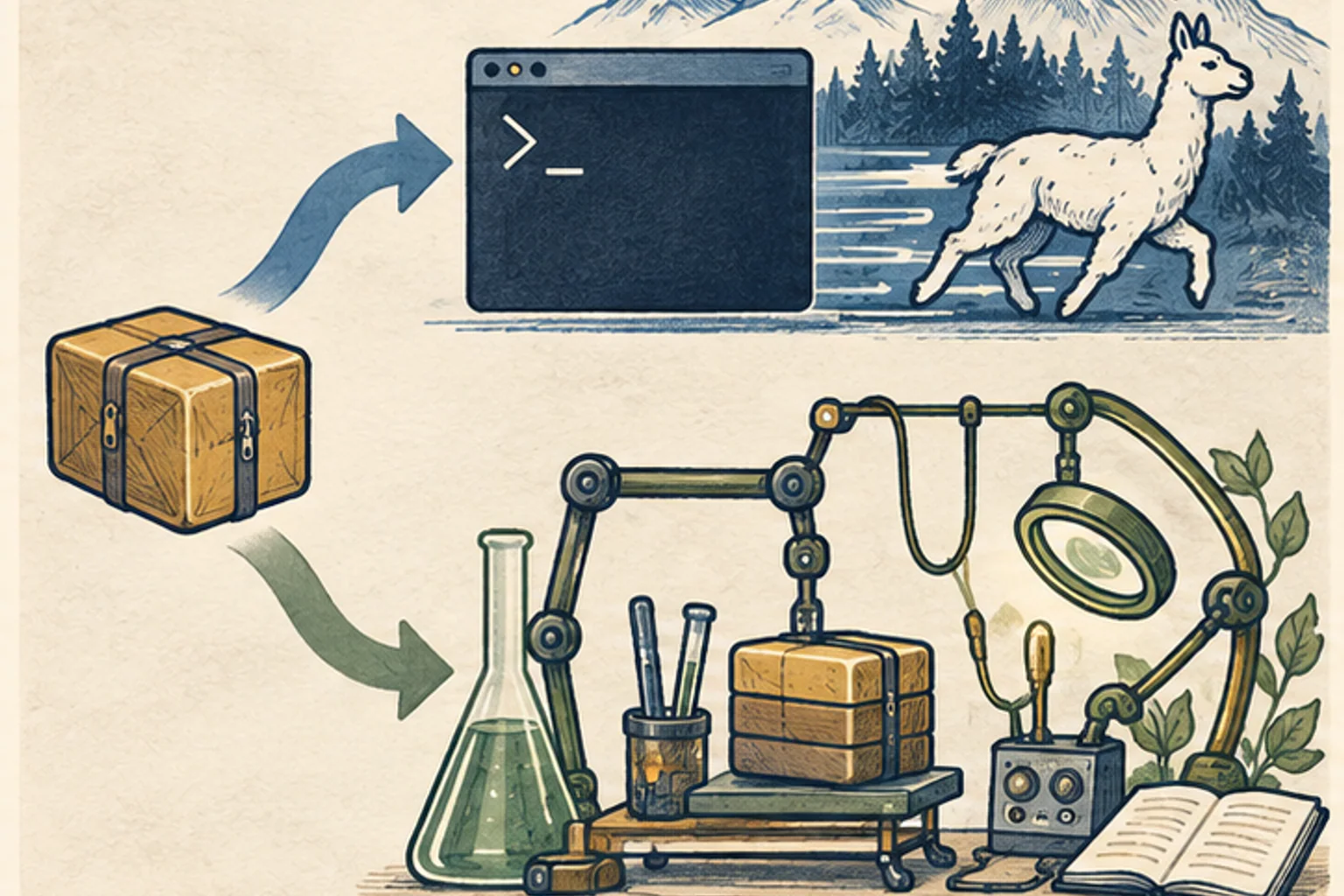
When using as a server you must accept the current limitations
Transformers serve opens OpenAI-compatible APIs, making it easy to connect existing apps. However, the initial implementation of the official post focuses on one conversation at a time, and padding and batching needs further refinement, he explains. If the server is connected to multiple users simultaneously, the first token11 delay and total throughput12 must be measured separately at concurrency 2, 4, and 8 after a single successful conversation.
The code binds to 127.0.0.1 first and adds authentication and proxy before exposing to the outside world. The advantage of being able to easily add Python hooks also means that you can run more arbitrary code and model store code. Fix the revision and package version to use and divide the development environment and production environment.
transformers serve "bartowski/Qwen2.5-7B-Instruct-GGUF:Qwen2.5-7B-Instruct-Q4_K_M.gguf"
Short criteria for selecting three engines
For local chat and embedding servers that are easy to install and have a wide range of GGUF options, llama.cpp is a prime candidate. If you want to handle model conversion and array operations directly on Apple Silicon and use acceleration from the MLX ecosystem, MLX is a good fit. Choose to run Transformers directly when you want to gain GGUF memory savings while maintaining Hugging Face evaluation, pipeline13, and custom forwards.
Speed comparisons are based on the same model file, prompt, and output length. The Transformers figure in the official article is 128 token generation including prefill14, and llama-bench's tg128 is decode15-oriented, so it cannot be ranked as is. In my work, I have to measure the first token, decode, and peak memory together to make a selection.
Terminology notes
GGUF — A file format for model data, widely used by llama.cpp-based tools. The format alone does not guarantee compatibility or speed on particular hardware.
Back to the textMetal — Apple’s low-level technology for graphics and parallel GPU computation. It is not itself a model-selection or chat app.
Back to the textAPI — A defined interface that lets other code call a program’s functions. The term API alone does not imply sending data to an external server.
Back to the textPyTorch — A software framework for building and running AI models. Check the compatible PyTorch version and hardware support along with the model.
Back to the textKV cache — Memory that stores attention keys and values from earlier tokens for reuse during later token generation. Its size depends on context length and batch size.
Back to the textRuntime — The software environment that provides facilities needed while a program runs. In local AI it can also refer to a model execution engine; a GPU runtime library and a complete serving app are different components.
Back to the textQuantization — Representing model values with fewer bits. Memory use, accuracy, or execution speed may change; the effects depend on the format and implementation.
Back to the textCPU — The central processor that executes general-purpose program instructions. AI workloads may divide work between it and other processors such as GPUs.
Back to the textGPU — A processor designed to handle many calculations in parallel. It performs model computations during AI inference.
Back to the textMLX — A machine-learning framework developed by Apple. On Apple silicon it uses unified memory and Metal; separate Linux backends are also available. Model and feature support depends on the MLX-based tool.
Back to the textToken — A unit into which a model divides input or output for processing. One token does not equal one character or a fixed duration.
Back to the textThroughput — The amount of work processed or generated over time. Comparisons need the unit, such as tokens per second or requests per second.
Back to the textPipeline — A sequence of processing stages from input to output. Different models or tools may be used at each stage.
Back to the textPrefill — The stage where an LLM reads the input prompt and computes representations for its tokens. Longer prompts contain more tokens to process.
Back to the textDecode — For an LLM, this is the stage that generates output tokens after input processing. For a VAE or audio codec, decoding can mean reconstructing the original form from a compressed representation or encoded data.
Back to the text