
Executable programs and extensions
Last updated
Set Up a Local vLLM Server: From a Small Model to Adaptive Verification in 0.30
Serve a local LLM and handle multiple requests with vLLM
vLLM is an LLM1 server that keeps a model loaded in memory and generates answers to requests received through an API2. It handles multiple requests together and manages cached conversation context to use the GPU3 efficiently. Start by checking the server with a small model, then choose your model and concurrency before testing 0.30.0's DFlash/DSpark acceleration and adaptive verification.
For a personal coding assistant, time to first token4 and answer completion matter; for a multi-user server, throughput5 matters too. vLLM continuous batching uses the GPU across requests, but server throughput is not the same as one user's response time.
Personal latency and server throughput are different metrics
When several people ask questions at once, vLLM groups active requests for GPU computation, a method called continuous batching. Summing the tokens6 generated by the server each second gives throughput; timing the first token and completion of your own request gives the response speed you experience.
With more concurrent users, total completed work may rise while an individual request waits in a queue; each request also uses KV cache7 memory. Do not transfer concurrent-load results to personal response speed.
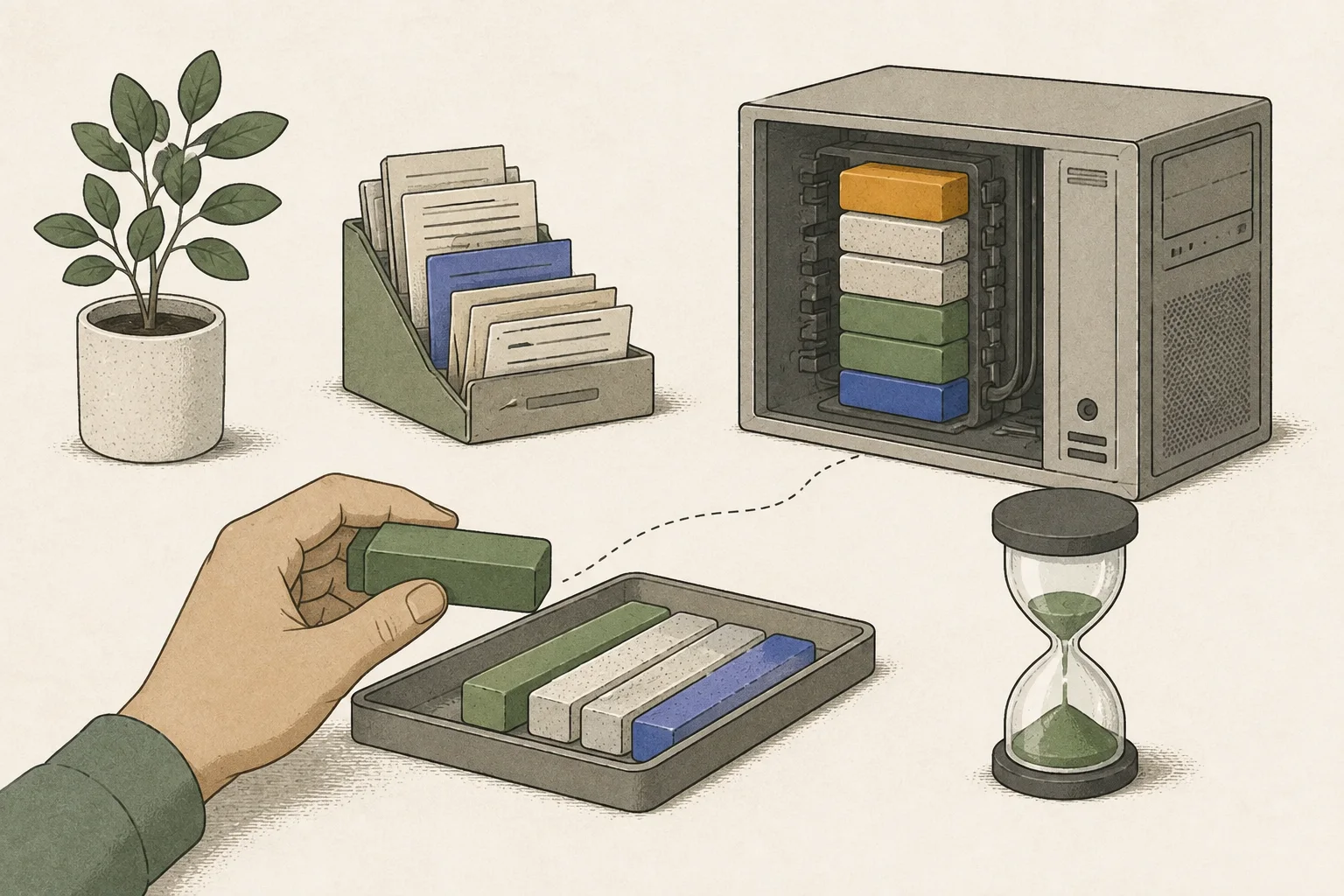
Verify basic connectivity on the CUDA server first
This connectivity example assumes a compatible Linux NVIDIA CUDA8 environment. Use a separate virtual environment9 or device-specific container and record PyTorch10, CUDA, and driver versions. DGX Spark needs an ARM64 and Blackwell-supported build; do not use an x86 image unchanged. Mac CPU/MLX and the community vllm-metal plugin are separate from CUDA serving.
Start by checking model loading and response with Qwen2.5-1.5B-Instruct. A 4096 context and one concurrent sequence are connectivity-test settings, not recommended values for current models or peak speed. Separate initial download and preparation from generation timing.
After the first command loads the model and reports that the server is ready, run the curl request in another terminal. Once an answer returns, set your editor or chat app's OpenAI-compatible base URL to http://127.0.0.1:8000/v1. Both commands must use matching model IDs and ports.
vllm serve Qwen/Qwen2.5-1.5B-Instruct \
  --host 127.0.0.1 --port 8000 \
--max-model-len 4096 --max-num-seqs 1curl --fail-with-body http://127.0.0.1:8000/v1/chat/completions \
-H "Content-Type: application/json" \
-d '{"model":"Qwen/Qwen2.5-1.5B-Instruct","messages":[{"role":"user","content":"Explain what a local AI server does in two sentences."}],"max_tokens":64,"temperature":0}'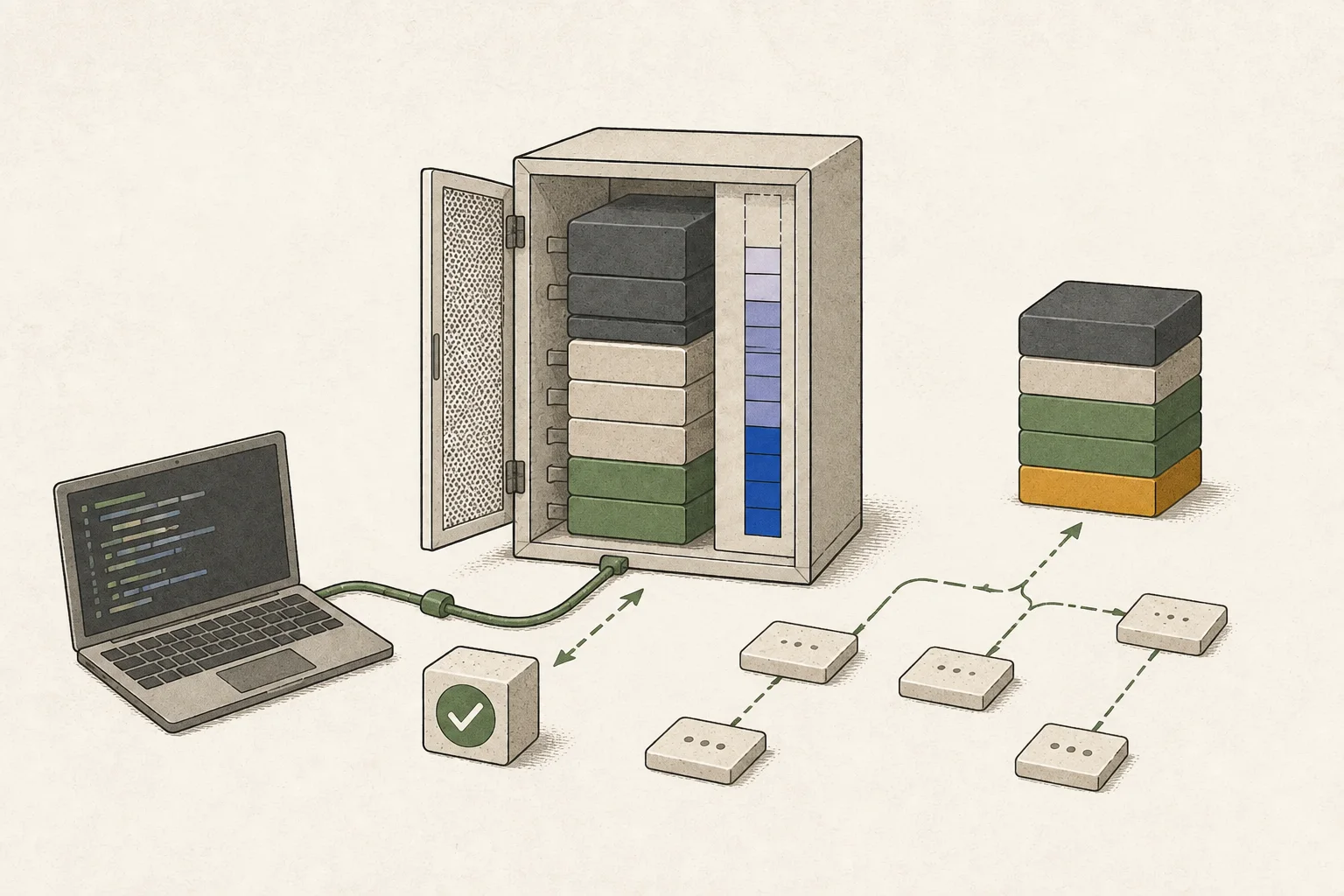
Align model and memory conditions first
For the target model, record filename, revision, precision, and context length11. NVFP412 and GGUF13 Q4 are both 4-bit but are not interchangeable settings; support depends on GPU generation, model architecture, and runtime14. Input KV cache and working space are also needed in addition to weights.
--max-model-len caps total input and output context; start with --max-num-seqs 1. Raising --gpu-memory-utilization can allocate more space to KV cache and related use, but leaves less for the OS and other processes. If errors occur, reduce context and concurrency one at a time.
More requests may increase aggregate throughput while extending an individual's completion time. For a personal coding assistant, record the time from first token through finished code rather than throughput alone.
Check vLLM 0.30.0 adaptive-verification requirements
Pin vLLM 0.30.0 in the container or virtual environment and verify with vllm --version. Check that DeepSeek-V4-Flash-DSpark and its tokenizer are supported on the device and attention15 backend. The example's deepseek_v4 tokenizer and --trust-remote-code can execute model-provided code, so review its source and environment.
Adaptive verification profiles stage costs with CUDA graph. In configurations requiring full cudagraph, --enforce-eager may be rejected; official documentation also lists LoRA16 and pipeline-parallelism limitations. Check memory for model plus KV cache, backend, and graph capture first.
After confirming baseline connectivity, prepare the DeepSeek-V4-Flash target and DSpark draft. The example's seven speculative tokens and probabilistic sampling are documented settings, not recommended depth for other drafts. Check logs and acceptance statistics to verify the intended target and draft are active.
The server examples in this section all use port 8000. Stop the earlier small-model server with Ctrl+C before starting DeepSeek, and check requests from another terminal. Stop the existing server again before switching to DSpark. If the old process retains GPU memory, confirm it has exited before starting the next one.
The DSpark distribution attaches a speculative-decoding17 module to the DeepSeek-V4-Flash checkpoint18. The command below specifies deepseek-ai/DeepSeek-V4-Flash-DSpark for both the server model and draft configuration. After switching servers, confirm that ID in /v1/models and use it in the following request. The earlier plain-Flash request is for checking the baseline server.
vllm serve deepseek-ai/DeepSeek-V4-Flash --host 127.0.0.1 --port 8000 --tokenizer-mode deepseek_v4 --trust-remote-codecurl -sS http://127.0.0.1:8000/v1/models
curl -sS http://127.0.0.1:8000/v1/chat/completions -H 'Content-Type: application/json' -d '{"model":"deepseek-ai/DeepSeek-V4-Flash","messages":[{"role":"user","content":"Reply with one short sentence."}],"temperature":0,"max_tokens":64,"stream":false}'vllm serve deepseek-ai/DeepSeek-V4-Flash-DSpark --host 127.0.0.1 --port 8000 --tokenizer-mode deepseek_v4 --trust-remote-code --speculative-config '{"method":"dspark","model":"deepseek-ai/DeepSeek-V4-Flash-DSpark","num_speculative_tokens":7,"draft_sample_method":"probabilistic","enable_adaptive_verification":true}'curl --fail-with-body http://127.0.0.1:8000/v1/models
curl --fail-with-body http://127.0.0.1:8000/v1/chat/completions -H 'Content-Type: application/json' -d '{"model":"deepseek-ai/DeepSeek-V4-Flash-DSpark","messages":[{"role":"user","content":"Reply with one short sentence."}],"temperature":0,"max_tokens":64}'Compare latency, throughput, and acceptance by request load
Test one and multiple concurrent requests using the same code-editing prompt19. Keep target, draft, input/output lengths, sampling, GPU, and memory fixed; vary only concurrency and repeat runs. Record model loading and CUDA graph capture separately from request processing.
For one request, record TTFT, inter-token latency, and completion time; for total server work, record completed requests or tokens/s. Also track acceptance, GPU memory, preemption, and OOM. Higher concurrency may increase throughput while lengthening an individual's wait.
The release notes report H200 graph capture falling from about 12 to 2 seconds and engine initialization from about 28.9 to 8.2 seconds. These are startup improvements associated with the GC-freeze change. Record server startup separately alongside response timing to identify which operational stage improved.
If startup fails, check backend support for device-decided query length, full cudagraph, and LoRA or pipeline-parallelism conditions. If it runs without benefit, inspect acceptance, draft contention under load, and setup cost for short outputs; change one condition and retest.
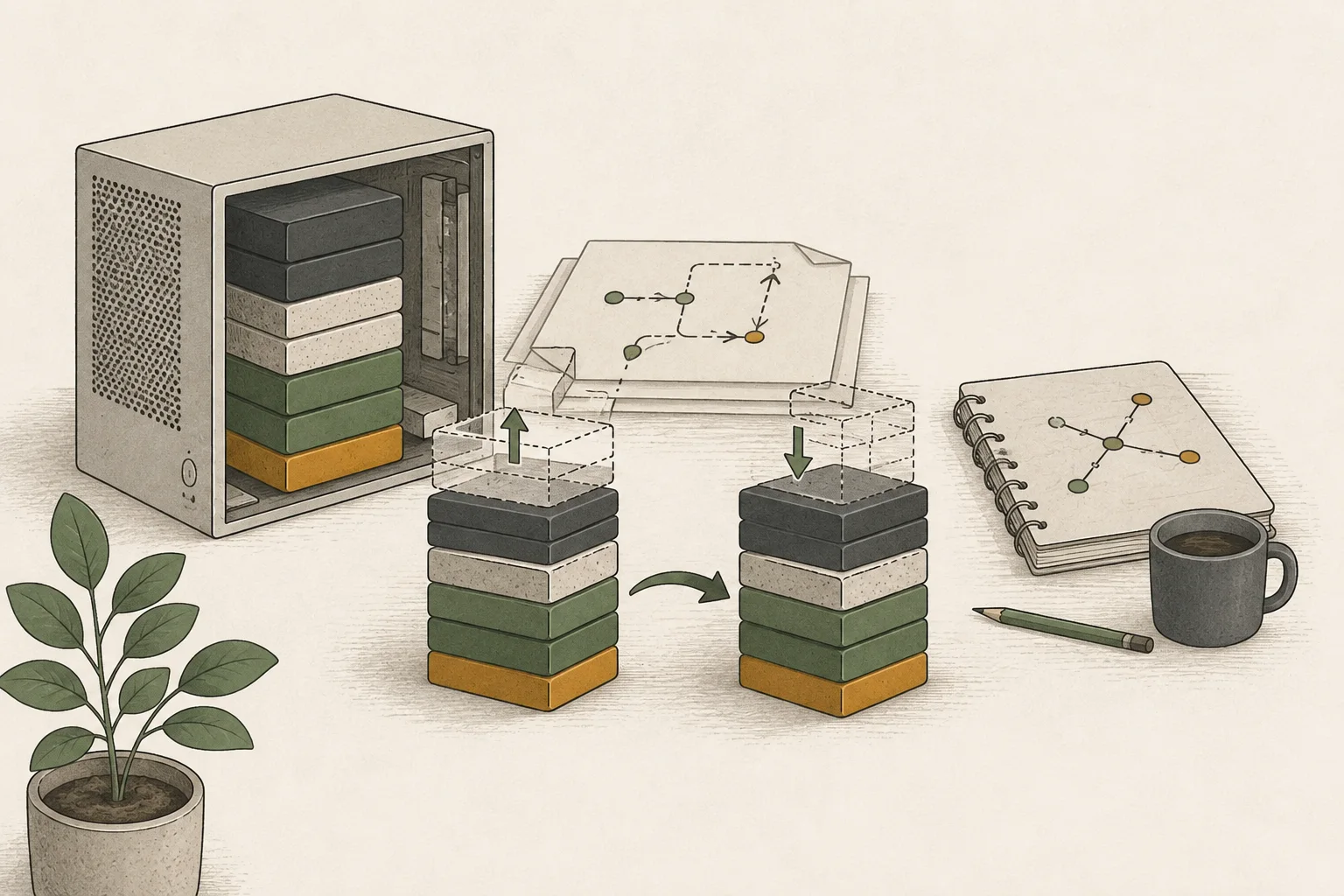
Match official guidance to the reproduced environment
Use the 0.30.0 release and adaptive-verification documentation to check installed version and model/device support. Current main-branch docs or container tags may differ from 0.30.0, so use documentation for the version under test.
Shorten model loading on restart with vLLM 0.31.0
Restarting a vLLM server requires reading a large model file and loading it onto GPUs again. In 0.31.0, vllm preload uses a separate daemon to keep model weights on the GPUs so a new server process can reuse them. It is useful when development or configuration changes require frequent restarts of the same model.
Start the daemon in one terminal, then start the server with --load-format ipc_cache in another. The example uses Qwen3-8B on one GPU. Model, version, parallelism, dtype, and quantization20 settings must match to reuse the cache; otherwise the server loads from disk again.
Run the preload test separately in a 0.31.0 environment. Stop the 0.30.0 server, switch to a virtual environment or container with 0.31.0 and check vllm --version. Both daemon and server terminals must use that same 0.31.0 environment. Begin the two steps below after the earlier server releases port 8000.
vllm preload --model "Qwen/Qwen3-8B" --tensor-parallel-size 1vllm serve "Qwen/Qwen3-8B" --tensor-parallel-size 1 --load-format ipc_cache --host 127.0.0.1Stop the preload daemon when you finish.
Model weights remain in GPU memory while the preload daemon is running, even if the server stops or restarts. Before using the GPU for another task, press Ctrl+C in the daemon terminal, then check that memory was released with nvidia-smi or ROCm21 management tools.
The feature supports tensor, expert, and data parallelism on CUDA and ROCm. Pipeline parallelism22 is unsupported, and some quantization methods may raise UnsupportedQuantForIPCError. Do not apply it to vllm-metal, which is a separate Apple Silicon project. Preload reduces restart waiting time; measure response decode23 speed separately.
Terminology notes
Large language model — A model trained on large text datasets to learn language patterns and process or generate text in context.
Back to the textAPI — A defined interface that lets other code call a program’s functions.
Back to the textGPU — A processor designed to handle many calculations in parallel. It performs model computations during AI inference.
Back to the textTime to First Token — The time from sending a request until its first output token arrives.
Back to the textThroughput — The amount of work processed or generated over time. Comparisons need the unit, such as tokens per second or requests per second.
Back to the textToken — A unit into which a model divides input or output for processing.
Back to the textKV cache — Memory that stores attention keys and values from earlier tokens for reuse during later token generation. Its size depends on context length and batch size.
Back to the textCUDA — A software platform for general-purpose computing on NVIDIA GPUs.
Back to the textPython virtual environment — An isolated space for installing Python packages per project, helping reduce package-version conflicts.
Back to the textPyTorch — A software framework for building and running AI models. Check the compatible PyTorch version and hardware support along with the model.
Back to the textContext window — The token span of input and generated content a model can handle in one request. The supported limit and memory use depend on the model and runtime settings.
Back to the textNVFP4 — A 4-bit floating-point data format defined by NVIDIA. Support depends on GPU generation, model, and software implementation.
Back to the textGGUF — A file format for model data, widely used by llama.cpp-based tools.
Back to the textRuntime — The software environment that provides facilities needed while a program runs. In local AI, it can also refer to a model execution engine.
Back to the textAttention — A neural-network operation that calculates relationships between input tokens and combines information from each position into the current representation.
Back to the textLoRA — A method that learns and applies small additional weights to adapt a base model. The adapter is used with the base model for purposes such as style adaptation or few-step generation.
Back to the textSpeculative decoding — A generation method in which a draft model, MTP head, or repeated-context lookup proposes output candidates for the main model to verify and accept.
Back to the textCheckpoint — A file containing saved model weights and related state. Versions or tasks in one model family may use different checkpoints.
Back to the textPrompt — The input text sent to a model. For generative models it describes the desired result and strongly shapes the output.
Back to the textQuantization — A way to represent model weights or values with fewer bits, reducing storage and memory use. The coarser representation can also affect accuracy.
Back to the textROCm — AMD’s software platform for AI and high-performance computing on GPUs. Support depends on the combination of GPU, operating system, driver, and framework versions.
Back to the textPipeline parallelism — A parallelization method that assigns groups of model layers to device stages and passes each stage’s output activations to the next device.
Back to the textToken decoding — The stage that generates successive output tokens using the input and the response produced so far.
Back to the text
Frequently asked questions
- What should you check first in this article?
- vLLM is an LLM server that keeps a model loaded in memory and generates answers to requests received through an API. It handles multiple requests together and manages cached conversation context to use the GPU efficiently. Start by checking the server with a small model, then choose your model and concurrency before testing 0.30.0's DFlash/DSpark acceleration and adaptive verification.
- How much memory does it need?
- With more concurrent users, total completed work may rise while an individual request waits in a queue; each request also uses KV cache memory. Do not transfer concurrent-load results to personal response speed.
Change log
These entries record changes to the site's guidance. They do not automatically check your installed engine or model version.
Added vLLM runtime-requirement and request-handling guidance
Added short server and API examples for CUDA, while distinguishing the paths for a conventional PC, ARM64 Spark and Mac. It separates single-request generation speed from total server throughput and calls for model-specific quantization and MTP compatibility checks.