
Executable programs and extensions
Last updated
Continuous batching: throughput is not single-user speed
Fill completed requests' slots with new requests to keep computation going.
Continuous batching removes completed requests from an active batch and admits waiting requests into free slots, keeping server compute occupied. It can increase aggregate throughput1, but each user's time to first token2, inter-token latency, and completion time must be measured separately.
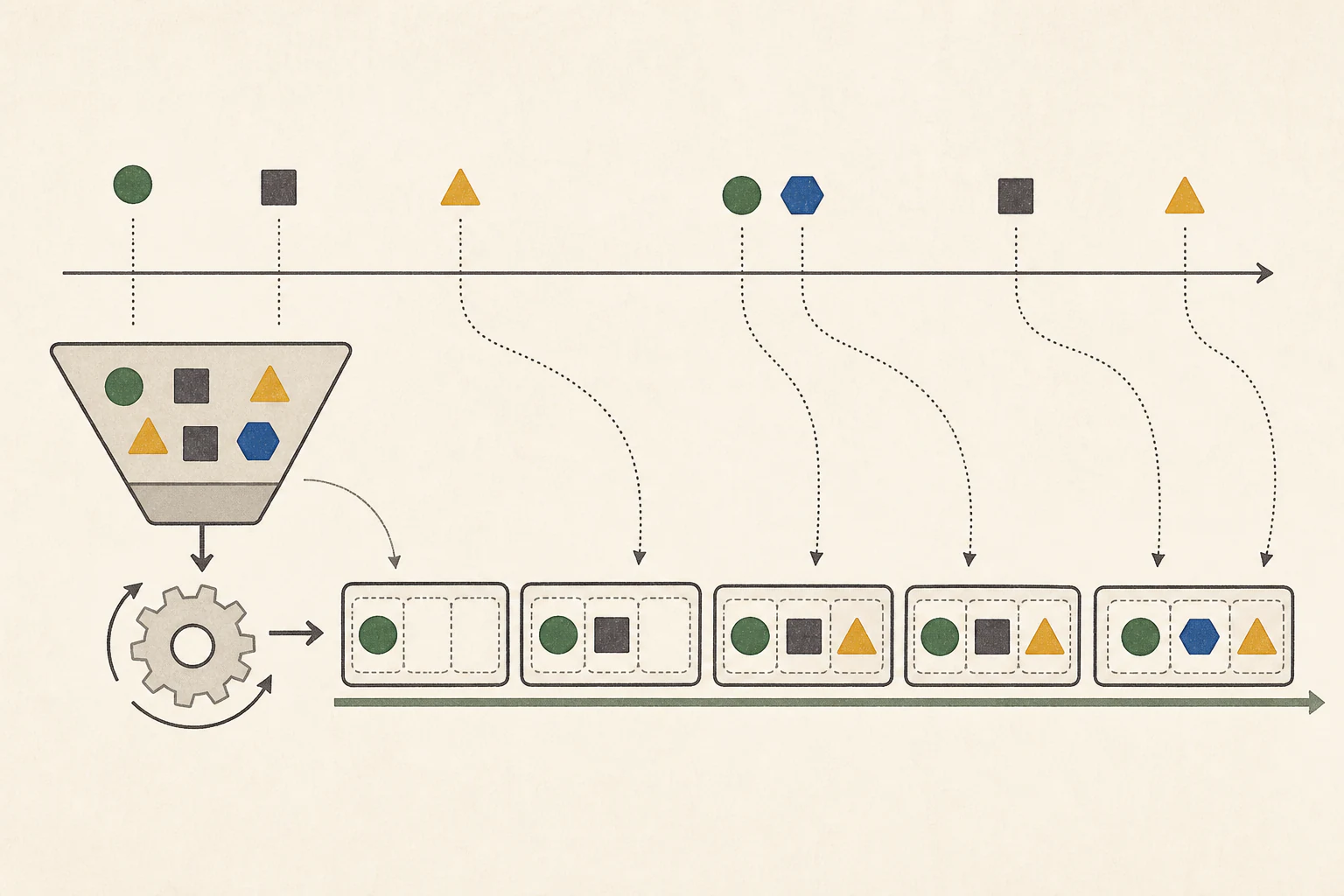
On a shared server, one person may request a long contract analysis while another asks a short date question. With different arrival times and output lengths, a fixed batch can leave a slot idle after a request finishes; continuous batching fills it with a waiting request.
Continuous batching reuses slots when requests finish
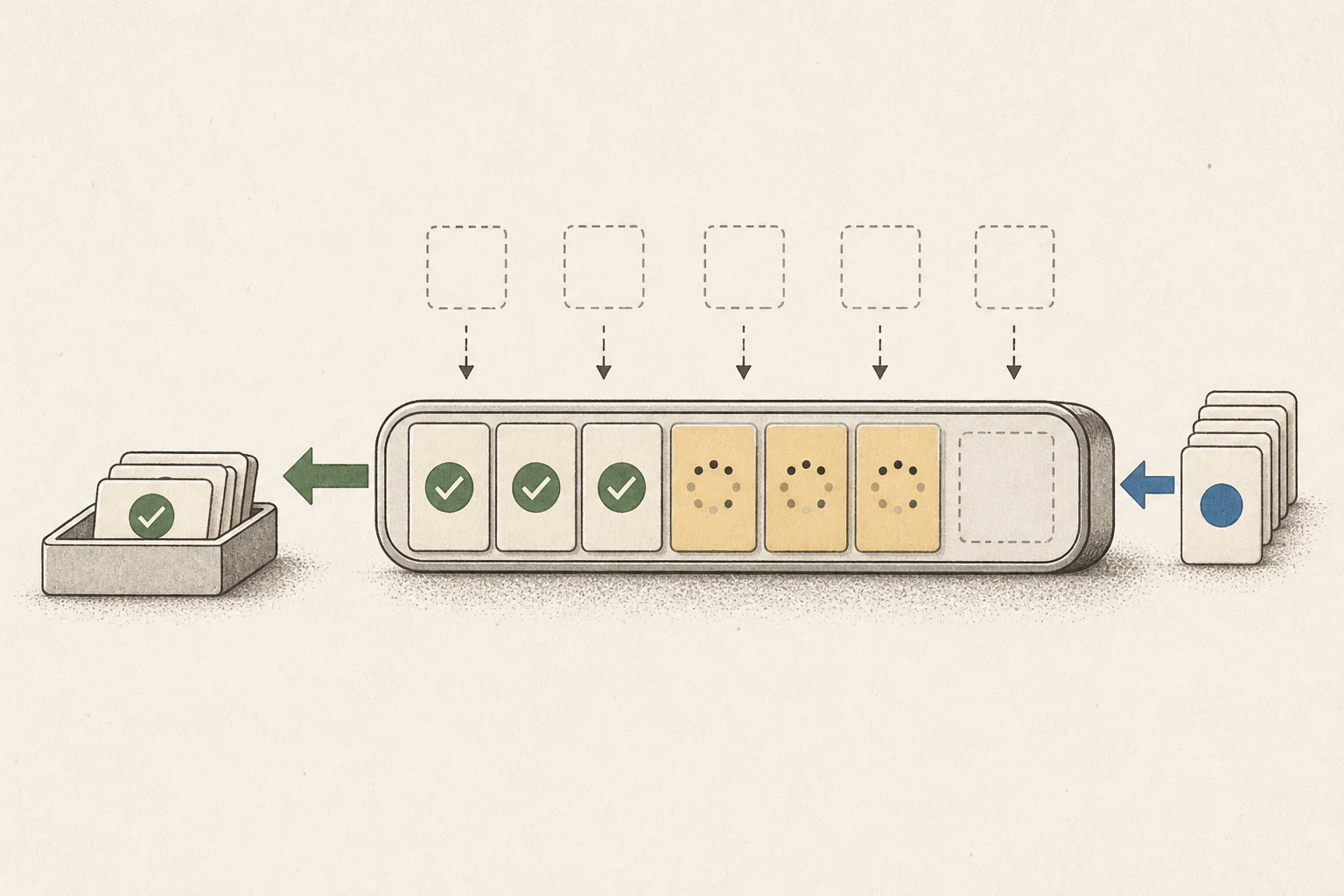
A fixed batch runs a defined group of requests together, so a slot may sit idle after a short response finishes while longer requests continue. Continuous batching removes the completed request and admits a waiting one, keeping GPU3 compute occupied. It shares the same model weights across requests rather than making a separate copy for each.
The key question is how steadily the server handles overlapping requests. With only one user request, there are no other slots to fill, so measure that request's first-token latency and token4 intervals separately.
Distinguish aggregate tok/s from one user's response time
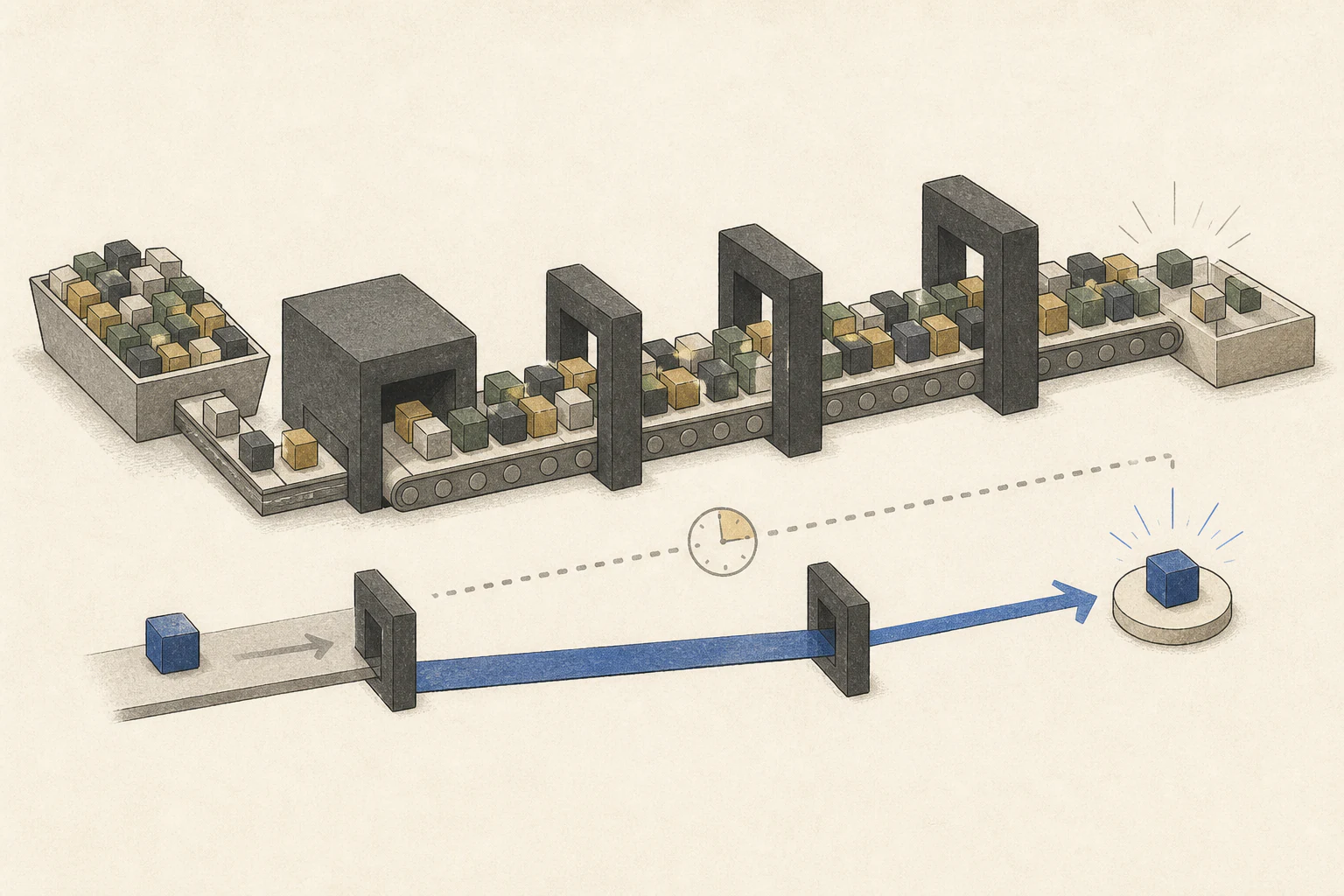
A dashboard's total tok/s may sum tokens generated for multiple requests at once. An individual user cares about time to the first token, gaps between their tokens, and completion time. Aggregate throughput may rise even while one request waits in a queue or sees longer token intervals.
Check whose time a reported aggregate value represents. Total tokens served help compare system capacity, while an individual document-chat experience is reflected in per-request latency. The two metrics do not necessarily move by the same proportion.
Shared weights and per-request KV caches are different
Multiple requests can share model weights while keeping separate input contexts, generated output, and continuation positions. Each needs KV cache5 for its state. More concurrent requests or longer documents can increase cache memory, so do not raise concurrency and context limits without considering headroom.
A long document's prefill6 also consumes GPU compute. Sharing resources with active decode7 can lengthen token intervals. Some runtimes chunk long prefill and schedule it between requests, but support and policy vary by implementation and configuration. Paged KV or common-prefix caching can improve cache management or reuse, but does not add physical memory.
Check whether single-request MTP or speculative decoding works in batches
MTP8 can use additional prediction heads included with a model; speculative decoding9 may use a separate draft model. Both include a path that proposes candidate tokens for the main model to verify. Working for a single request does not establish support in batched execution; that depends on runtime10 and model configuration.
Test a single request and an overlapping multi-request run separately; inspect logs to see whether candidate generation and verification are actually used. If the batched path is unsupported, execution may fall back to standard decoding. Record time to first token and token intervals for individual conversations under concurrency.
Test throughput and user waits using realistic arrival order
Establish a one-request baseline, then reproduce A's long analysis overlapped by B's short question, followed by C's summary when B finishes. Record arrival time, time to first token, token intervals, completion time, and concurrency to see how long each user waits as new requests fill slots.
Also test arrival patterns that resemble the actual application, whether requests arrive together or gradually. Inspect long-waiting requests as well as average throughput. For personal use, prioritize a single response; for a shared team server, use throughput and latency under realistic overlap. GPU utilization or aggregate tok/s alone cannot show that one user's answer got faster.
Terminology notes
Throughput — The amount of work processed or generated over time. Comparisons need the unit, such as tokens per second or requests per second.
Back to the textTime to First Token — The time from sending a request until its first output token arrives.
Back to the textGPU — A processor designed to handle many calculations in parallel. It performs model computations during AI inference.
Back to the textToken — A unit into which a model divides input or output for processing.
Back to the textKV cache — Memory that stores attention keys and values from earlier tokens for reuse during later token generation. Its size depends on context length and batch size.
Back to the textPrefill — The stage where an LLM reads the input prompt and computes representations for its tokens. Longer prompts contain more tokens to process.
Back to the textToken decoding — The stage that generates successive output tokens using the input and the response produced so far.
Back to the textMTP — A training objective or model component for predicting multiple future tokens at once. In speculative decoding, those predictions can be proposed as candidate tokens.
Back to the textSpeculative decoding — A generation method in which a draft model, MTP head, or repeated-context lookup proposes output candidates for the main model to verify and accept.
Back to the textRuntime — The software environment that provides facilities needed while a program runs. In local AI, it can also refer to a model execution engine.
Back to the text
Frequently asked questions
- What should you check first in this article?
- Continuous batching removes completed requests from an active batch and admits waiting requests into free slots, keeping server compute occupied. It can increase aggregate throughput, but each user's time to first token, inter-token latency, and completion time must be measured separately.
- How much memory does it need?
- Multiple requests can share model weights while keeping separate input contexts, generated output, and continuation positions. Each needs KV cache for its state. More concurrent requests or longer documents can increase cache memory, so do not raise concurrency and context limits without considering headroom.