
Executable programs and extensions
Last updated
Using Intel Arc and RTX together with XeStrata
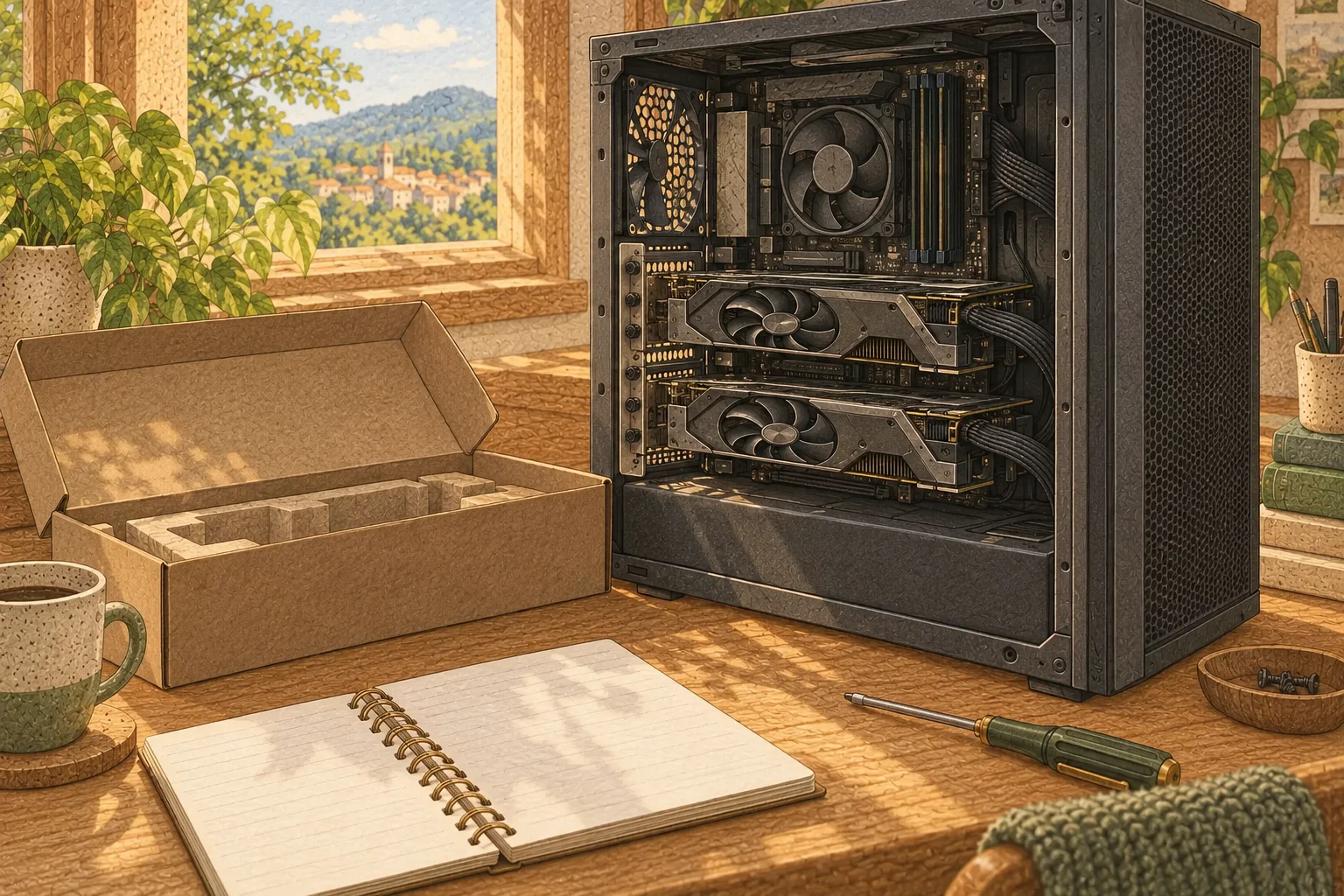
In mixed-GPU mode, each device holds its assigned layers and state, handing data off at layer boundaries.
XeStrata offers an experimental path for splitting model layers across multiple GPUs in one PC. Specify two devices with ./setup.sh --gpus 1,2 and optionally choose a layer boundary. Each GPU1 keeps its assigned weights, state, and expert cache; free VRAM2 is not automatically pooled. Current documentation assumes --serve and an expert profile.
XeStrata mixed-GPU mode splits model layers across Intel, AMD, and NVIDIA cards in one Linux PC. This guide checks the devices from a source checkout, establishes a one-GPU run, then compares the same model with two GPUs.
Free VRAM on each card does not guarantee a useful split if layer, state, and cache placement do not fit. First establish a working single-GPU server, then adjust the layers assigned to the second card.
What each device owns in mixed-GPU mode
XeStrata splits model layers across selected GPUs and places the corresponding dense weights and PLE3 tensors on each device. Session state is also maintained per GPU. The documentation includes GDN recurrent state and QSA KV cache4, along with a separate expert cache on each device.
GPUs hand results off through CPU5 memory once per verify window. A larger expert cache may fit on GPU memory, reducing experts computed by the CPU, but the handoff remains. Total VRAM is therefore not one transparent pool or a guarantee of linear speedup.
Set device indexes and a layer boundary
First clone the repository and run ./setup.sh --check; choose the one-GPU device from the displayed indexes. A mixed setup that includes NVIDIA requires the contrib-llvm build, which is also the source setup's default path. For an Intel/AMD-only machine, choose actual indexes from the same check output.
Replace 0 and 0,1 in the commands below with indexes from --check. First complete setup and a run on one GPU, then record the model, quantization6, context length7, short prompt8, time to first response, and completion time. Stop the server and run two GPUs with the same model and context for a comparable result. Start with automatic splitting, then adjust the boundary using memory use and response time.
git clone https://github.com/MistVVK/XeStrata.git
cd XeStrata
./setup.sh --check./setup.sh --gpu 0./setup.sh --gpus 0,1 --layer-split auto
Run it in serving mode and inspect the result
setup.sh builds the engine, downloads the model, starts the server, and records the selected GPUs and layer split in the model configuration. The server supplies both --serve and --expert-profile for this path; there is no need to run a fragment of those flags in another terminal. When the server is ready, open http://127.0.0.1:8095 and check that both cards have assignments and per-GPU memory use matches the split.
Run the same short request on the single- and dual-GPU configurations and record time to first response and total completion time. XeStrata passes state between GPUs through CPU memory, so compare per-GPU utilization alongside response times that include this handoff.
When device assignment or speed differs from expectations
If the second GPU shows no activity, confirm that the indexes passed to --gpus match xestrata --check and that setup detects both devices. If memory concentrates on one card, compare automatic and manual boundaries. For finer control over multiple split points or device order, consult the multi-GPU docs for --split-device, --split-order, and how the server configuration passes them.
If assignment succeeds but is slower than one GPU, inspect timings for the same input and output length, per-GPU utilization, and CPU-memory handoff intervals. If moving the boundary does not reduce task time, keep single-GPU as the default for this workload. Use the multi-GPU setup only when splitting capacity or placing more cache on GPUs serves the goal.
Terminology notes
GPU — A processor designed to handle many calculations in parallel. It performs model computations during AI inference.
Back to the textVRAM — Memory used by a graphics card’s GPU to store model weights and intermediate values.
Back to the textPLE embedding table — Short for Per-Layer Embedding, a structure that adds embedding information at particular model layers. The Qwen Flash-Next family uses n-gram tables; supported runtimes can offload these tables to RAM or SSD.
Back to the textKV cache — Memory that stores attention keys and values from earlier tokens for reuse during later token generation. Its size depends on context length and batch size.
Back to the textCPU — The central processor that runs the operating system and general-purpose instructions; in AI workloads it also handles tasks such as preprocessing and data movement.
Back to the textQuantization — A way to represent model weights or values with fewer bits, reducing storage and memory use. The coarser representation can also affect accuracy.
Back to the textContext window — The token span of input and generated content a model can handle in one request. The supported limit and memory use depend on the model and runtime settings.
Back to the textPrompt — The input text sent to a model. For generative models it describes the desired result and strongly shapes the output.
Back to the text
Frequently asked questions
- What should you check first in this article?
- XeStrata offers an experimental path for splitting model layers across multiple GPUs in one PC. Specify two devices with `./setup.sh --gpus 1,2` and optionally choose a layer boundary. Each GPU keeps its assigned weights, state, and expert cache; free VRAM is not automatically pooled. Current documentation assumes `--serve` and an expert profile.
- How much memory does it need?
- Replace `0` and `0,1` in the commands below with indexes from `--check`. First complete setup and a run on one GPU, then record the model, quantization, context length, short prompt, time to first response, and completion time. Stop the server and run two GPUs with the same model and context for a comparable result. Start with automatic splitting, then adjust the boundary using memory use and response time.