Executable programs and extensions
Jev-Omni: multimodal decisions on local GPUs
If all you need from a doorway photo is whether the door is open, a long description of the entire scene is unnecessary. With a recording, you may care about a particular event rather than a full transcript. Jev-Omni is an open classifier for such tasks: give it a situation, a question and options, and it returns a probability for each option. Its name does not mean you are downloading TypeSafe AI's Jev. It is an independent project built on Gemma 4 12B IT, with a public execution path that differs from dropping a model file into a chat app.
When a short decision is more useful than a long answer
Imagine a camera facing your front door. An automation needs one of three states: open, closed, or unclear from the picture. A fluent description of every object still leaves the program having to choose one of those states. Jev-Omni is an approach to obtaining that choice directly.
Explaining why a decision was made, or creating an advertisement from a photo, is a different task. Jev-Omni does not write explanations or generate images and video. Its role is closer to a classifier answering recurring questions, or a helper deciding which tool to call next.
How it differs from the Qwen projects in our JEV guides
Some local JEV-style implementations read Qwen's scores for candidate next tokens1 directly. Jev-Omni instead attaches a trained classification head to a model based on Gemma 4 12B IT.
The public code processes the input, sends the hidden representation at the final position to that head, and converts option scores into probabilities. There is no long autoregressive2 decoding3 loop.
The result contains prediction, prediction_index, confidence and probabilities. You can use the most likely option or retain all probabilities for review. Give options distinct labels: the result dictionary uses those labels as keys, so duplicates can obscure the result. Each predict call handles one question; multiple questions do not come for free in the same request.
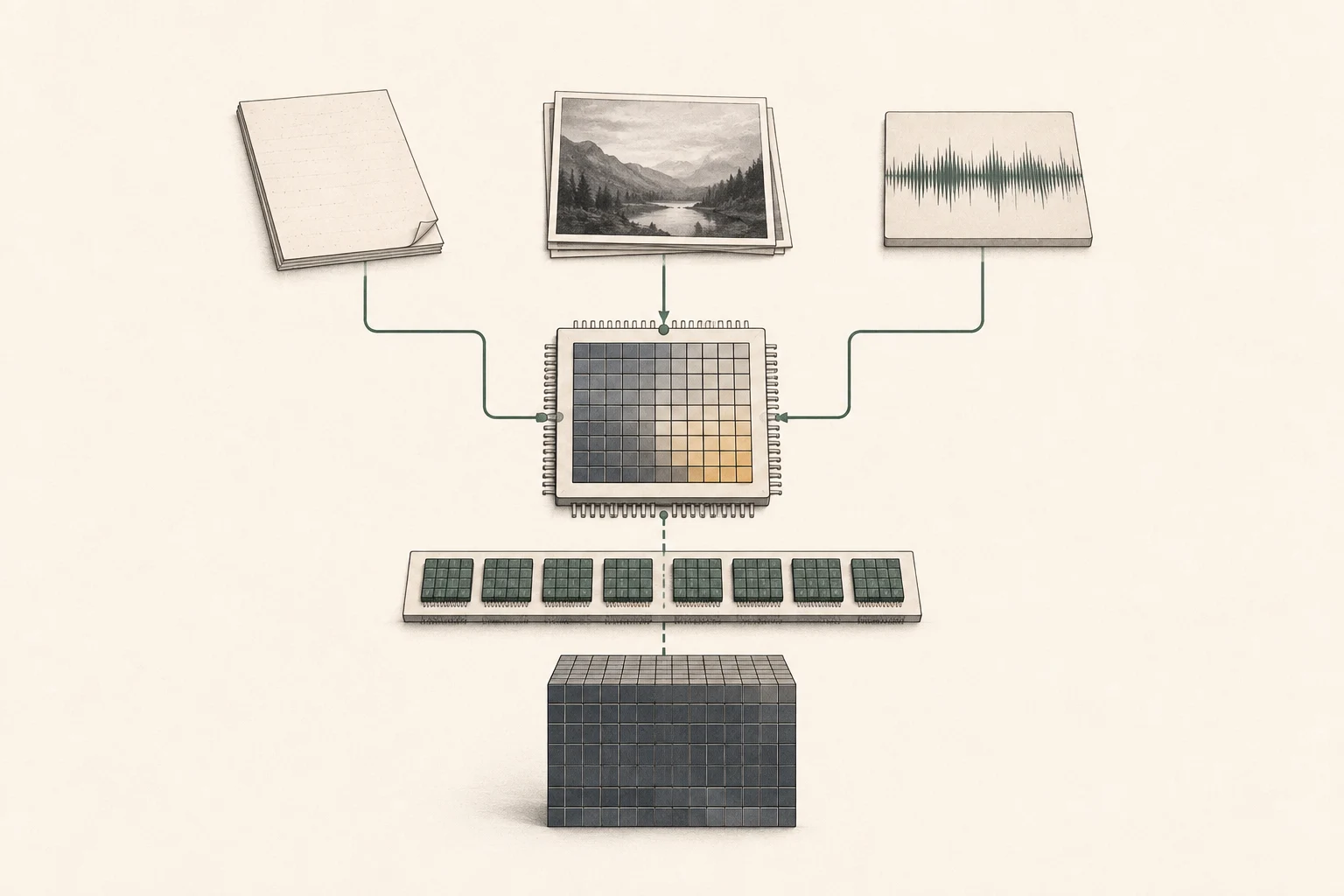
Start with one file, and ask about what is actually visible
A first image task might classify blur or the presence of a specified object. Audio experiments can ask whether a sound occurred in a short clip; video experiments can ask whether a visible state changed.
These are application ideas, not claims that the project has validated every use case. Pair your actual files with human-labeled answers to find out whether it fits your task.
The public audio helper uses ffmpeg to process at most the first 30 seconds. Video defaults to 16 sampled frames4 passed as images; this path does not also listen to the video's audio track. A brief event in a long clip may fall between sampled frames. Supporting video is not the same as observing every moment of it.
Check the loading path before the 12B label
A 12B model running in four bits can make a few gigabytes seem sufficient. That is not how the public Jev-Omni checkpoint5 is packaged.
Its text-weight index alone totals about 47.63GB, and the default loader first puts those weights on CUDA6 in FP327. The model card similarly lists roughly 50GB before runtime8 overhead.
The default example therefore cannot be assumed to fit a 24GB RTX 3090 or 4090, or a 32GB RTX 5090.
Initialization peak memory matters too. The multimodal loader converts some linear weights to BF169, then also loads the original Gemma model before replacing components.
BF16 autocast during computation does not mean all weights are loaded at half size from the start. A device chosen solely by final memory usage may fail during initialization, so we do not declare a specific capacity a guaranteed minimum.
Even a Mac with ample memory cannot use the current public load_jev_omni path, which rejects non-CUDA devices. The default function also does not provide distributed loading that pools two GPUs. On Mac, look first at the existing Qwen and MLX10 JEV-style projects. Quantization11 or loader modifications are separate experiments, not capabilities already provided by this example.
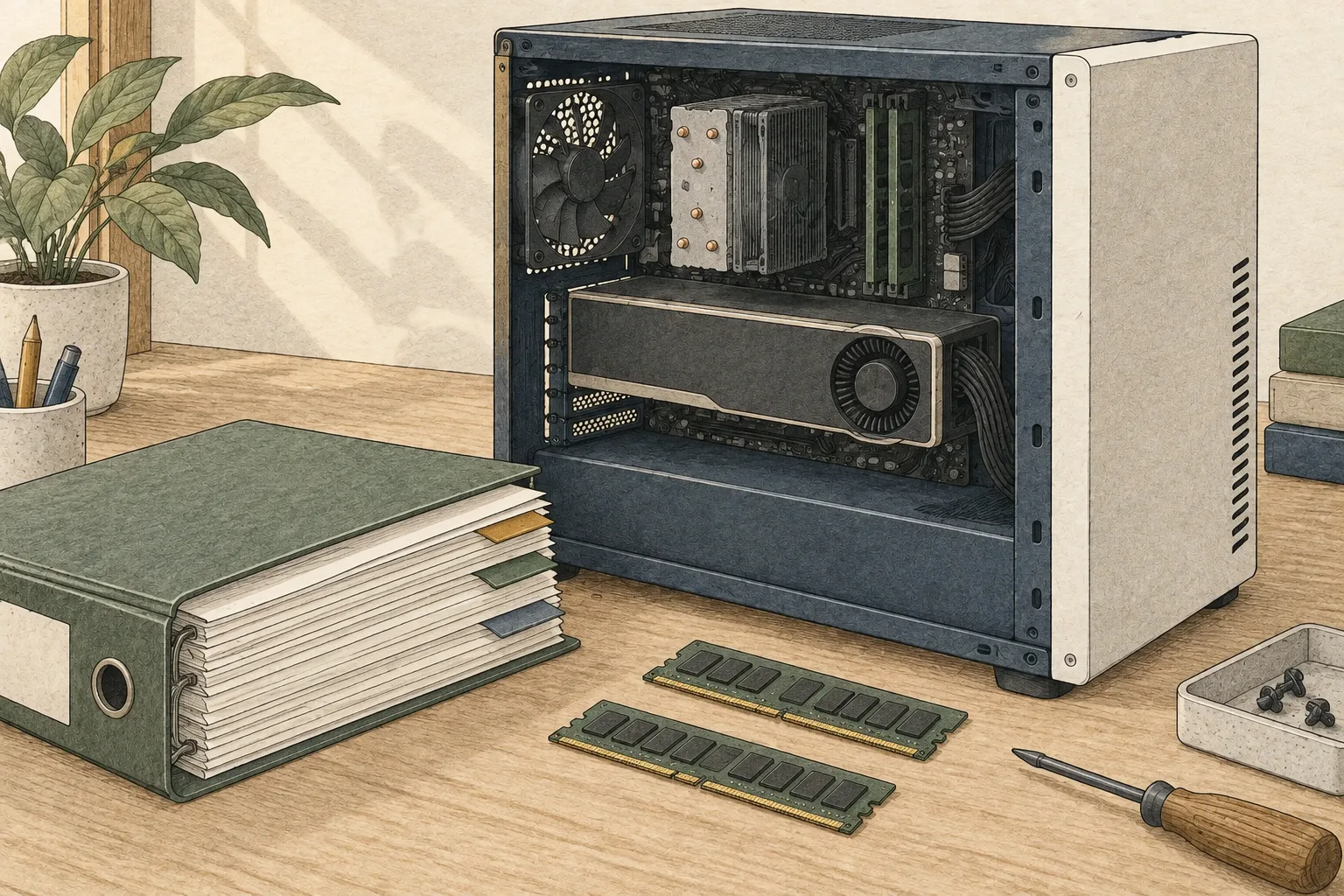
Install into a dedicated Python environment
The steps below use the public Python helper. First ensure a CUDA-enabled PyTorch12 build works on your GPU13. Because code is downloaded and executed from the model repository, review jev_omni.py and load_model.py before installing dependencies. A separate virtual environment14 keeps these package versions apart from your other local AI tools.
The listed requirements are torch 2.10 or later and transformers 5.17.0. Audio also needs the ffmpeg executable, separately from Python packages. The first load downloads Jev-Omni and the original Gemma multimodal components. Treat download storage and time separately from inference15 latency, and use test material rather than personal files for the first run.
python3 -m venv .venv
source .venv/bin/activate
python -m pip install -U pip huggingface_hub
hf download akhilaaa3/Jev-Omni requirements.txt jev_omni.py load_model.py --local-dir jev-omni
# Review the downloaded Python files before continuing.
python -m pip install -r jev-omni/requirements.txt
python -c "import torch; print(torch.cuda.is_available())"Test one text decision, then add a photo
Save the following code as jev_demo.py and run python jev_demo.py in the virtual environment. The first question checks loading and the output structure. The Python result includes option labels and probabilities, so you do not need to parse a free-form answer. This is an example of calling the public function, not a fabricated measurement result.
After the text call works, uncomment the image example and set media to an actual local file. The public helper reads that file locally, although initial model and configuration downloads require an internet connection. Include an unclear option when the answer may not be visible. The examples remain in English because Korean task accuracy requires its own validation.
import sys
from pathlib import Path

sys.path.insert(0, str(Path("jev-omni").resolve()))
from jev_omni import load_jev_omni

classifier = load_jev_omni()
result = classifier.predict(
    state="The parcel arrived yesterday. The customer confirmed receipt.",
    question="Has the customer received the parcel?",
    options=["Yes", "No", "Not enough information"],
)
print(result)

# After the text test succeeds, set an existing local image path.
# result = classifier.predict(
#     state="This is a photo of a doorway.",
#     question="What is the state of the door?",
#     options=["Open", "Closed", "Cannot tell from this image"],
#     media="/absolute/path/door.jpg",
#     modality="image",
# )
# print(result)Fast published results, but what was timed?
The model card reports medians across 20 warm requests on an optimized H200 backend: 83ms for roughly 2,000 text tokens, 26ms for an image, 31ms for 13-second audio and 504ms for a 16-frame video. Preprocessing and network time are additional. These figures do not include opening a large video and decoding its frames, or initially loading weights.
It is also a poor fit for a side-by-side tok/s comparison with chat models. Jev-Omni does not generate a long answer, so input-to-decision latency and request throughput16 are more useful metrics.
That is why we have not converted these H200 figures into the site's RTX or Mac speed simulation. On your hardware, repeat the same file and question after loading, and record a separate timing that includes preprocessing.
| Evaluation | Reported score | Scope to check |
|---|---|---|
| DecisionBench Medium | 87.57% | 80 scenarios, 293 questions; equal-weight scenario average |
| JevBench | 86.15% | 195 matched groups, 231 decisions; equal-weight group average |
| MMAU | 63.10% | Micro accuracy across 1,000 questions |
| MVBench | 53.10% | 14 evaluated tasks, 2,786 questions; task average |
Developer-reported evaluation of the merged model
DecisionBench Medium
- Reported score
- 87.57%
- Scope to check
- 80 scenarios, 293 questions; equal-weight scenario average
JevBench
- Reported score
- 86.15%
- Scope to check
- 195 matched groups, 231 decisions; equal-weight group average
MMAU
- Reported score
- 63.10%
- Scope to check
- Micro accuracy across 1,000 questions
MVBench
- Reported score
- 53.10%
- Scope to check
- 14 evaluated tasks, 2,786 questions; task average
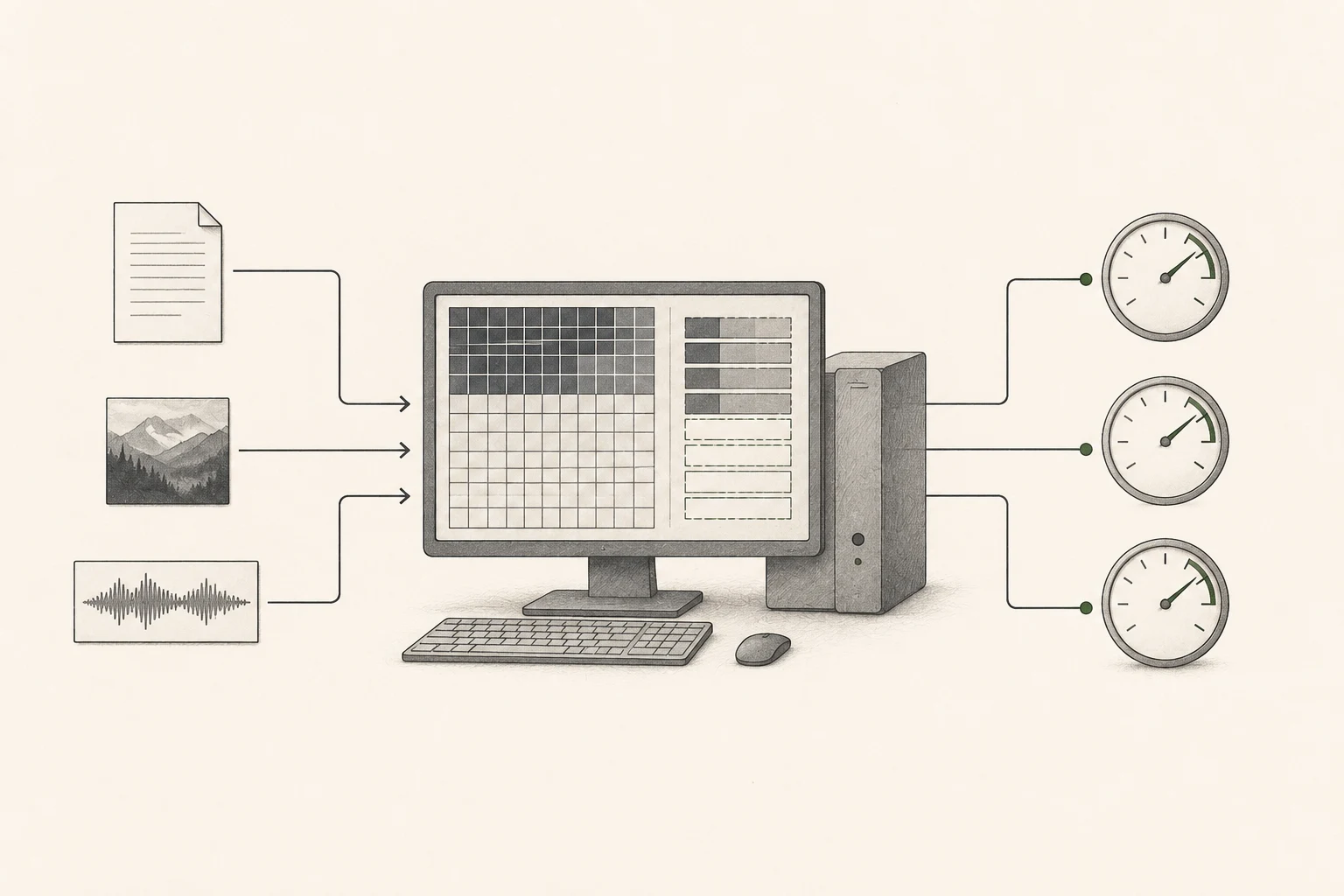
Probabilities do not remove the need to check decisions
A high confidence value does not guarantee high accuracy on your data. The model is best supported at 20 options or fewer; the head's 256-option capacity is not a claim of validated quality across that range.
Label several dozen real questions, compare predictions, and inspect confidence on wrong answers too. Set any automatic acceptance rule from that evidence, and retain uncertain cases for review.
The repository is labeled Apache-2.0, as is its Gemma 4 base. Rights to training data and the photos or recordings you supply remain separate. The project also states that it is independent of TypeSafe AI and was not trained on Jev outputs; keeping that distinction clear avoids confusion caused by the name.
You do not need a long conversation to make local AI useful. Selecting the photos that need attention17, or handling a repetitive classification task, can already save work.
Jev-Omni is an open example of that direction. You can first refine your questions and options with a smaller Qwen project on hardware you already own.
If that process yields useful decisions, the case for loading a larger multimodal model becomes clearer.
Terminology notes
Token — A unit into which a model divides input or output for processing. One token does not equal one character or a fixed duration.
Back to the textAR / NAR — AR (autoregressive) generation proceeds in order, conditioned on prior outputs. NAR (non-autoregressive) generation is less sequential.
Back to the textDecode — For an LLM, this is the stage that generates output tokens after input processing. For a VAE or audio codec, decoding can mean reconstructing the original form from a compressed representation or encoded data.
Back to the textFrame — A single image that makes up part of a video. Frame rate and frame resolution are separate properties.
Back to the textCheckpoint — A file containing saved model weights and related state. Versions or tasks in one model family may use different checkpoints.
Back to the textCUDA — A software platform for general-purpose computing on NVIDIA GPUs. Programs built for CUDA are not guaranteed to run unchanged on other GPUs.
Back to the textFP32 — A 32-bit floating-point format. It uses more memory per value than BF16 and can represent values more precisely.
Back to the textRuntime — Software that loads model files and runs their computations. Supported formats, hardware, and optimizations vary by runtime.
Back to the textBF16 — A 16-bit floating-point format for storing and computing model values. Support depends on the hardware and runtime.
Back to the textMLX — A machine-learning framework for Apple silicon. It uses Apple silicon’s unified-memory architecture; supported models and features vary by MLX tool.
Back to the textQuantization — Representing model values with fewer bits. Memory use, accuracy, or execution speed may change; the effects depend on the format and implementation.
Back to the textPyTorch — A software framework for building and running AI models. Check the compatible PyTorch version and hardware support along with the model.
Back to the textGPU — A processor designed to handle many calculations in parallel. It performs model computations during AI inference.
Back to the textPython virtual environment — An isolated space for installing Python packages per project. It helps reduce version conflicts and is not a virtual machine.
Back to the textInference — The process of using a trained model to compute an output for an input. Here, local inference means running the model on the user’s device.
Back to the textThroughput — The amount of work processed or generated over time. Comparisons need the unit, such as tokens per second or requests per second.
Back to the textAttention — A computation that compares positions in an input so a model can select information relevant to its current step. Details and cost depend on the architecture.
Back to the text