
Response speed and acceleration
Last updated
Local AI speed report — September 2026
Compare September device speeds with the same model and input
The monthly local AI speed table compares prefill1, token2 generation, and total completion time across hardware using the same model and input. The September 2026 table uses Qwen3.6 35B-A3B at 4-bit, 4,096 input tokens, and 302 output tokens. Explore hardware according to which waiting stage you want to shorten.
For example, when reading a code repository and asking for a short fix suggestion, the model processes the input before generating an answer. Tokens per second mainly describe generation, so a higher figure does not mean the repository is read faster or the request finishes first.
Check the model and input fixed in this month's table
The September table compares devices using Qwen3.6 35B-A3B 4-bit, 4,096 input tokens, and 302 answer tokens. Since changing input or output length changes the wait profile, this is not a ranking of peak records but a way to narrow candidates under one assumed task.
The figures are estimates based on hardware specifications and benchmark adjustments, not direct measurements of every device with the same request. Use them to see which stage may favor a device under the same assumptions.
Check that the model loads with room for context
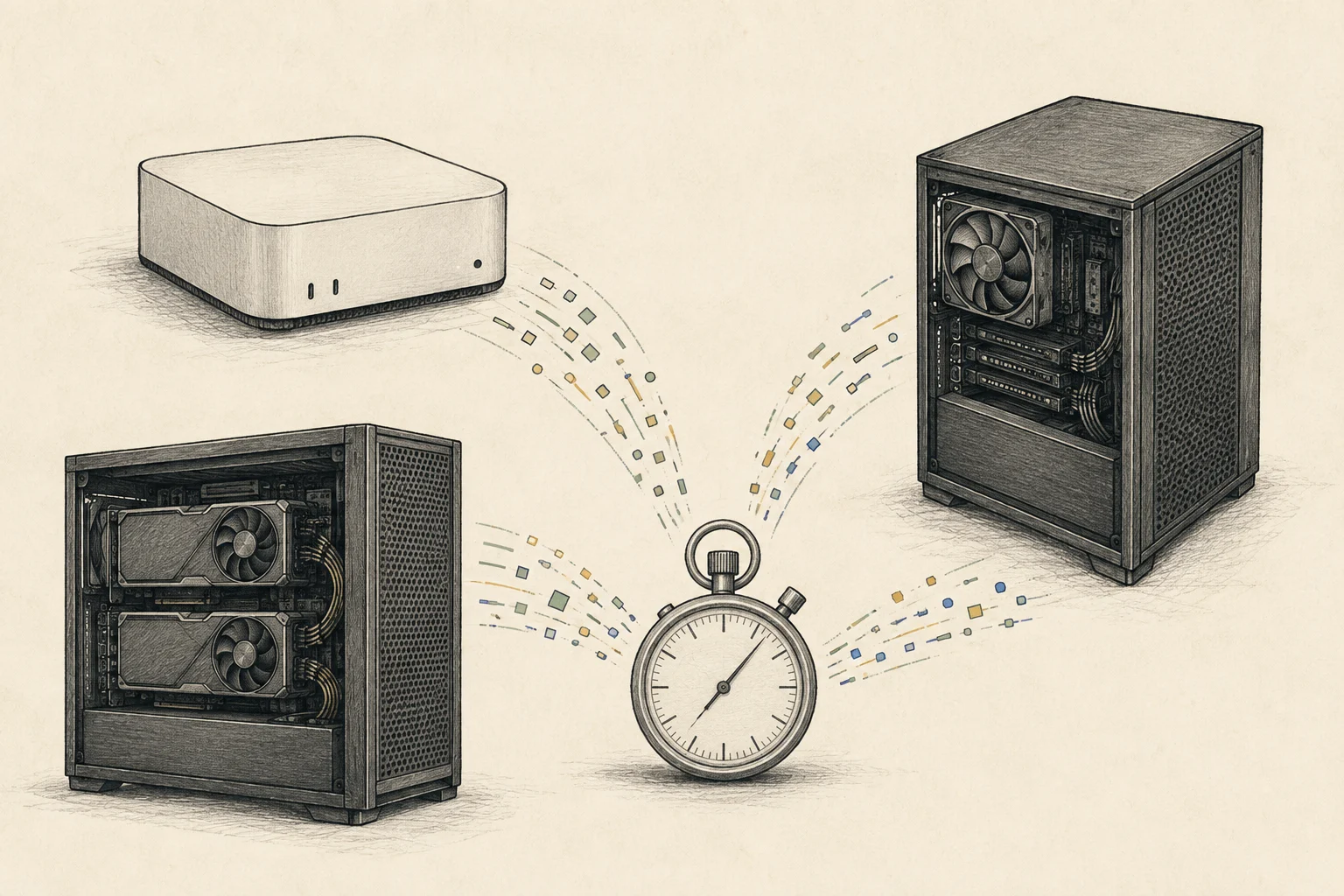
Even if weights barely load, insufficient room for context cache, runtime3, OS, and other apps can prevent the table's task from running as configured. The labeled capacity of Mac unified memory4 or NVIDIA VRAM5 is not all available to the model.
35B-A3B is an MoE6 model. Even if only some experts compute each token, the runtime path must be able to access the full weights, so do not treat it as a small model based only on active parameters. Do not generalize this comparison to other models; first check whether your chosen file and context length7 fit.
Separate first-token wait from answer generation
For a long repository and short answer, input processing and time to first token8 may matter most. A long code review also depends on decode9 after the first text appears. Do not treat prefill time, TTFT, generation rate, and completion time as interchangeable.
For illustration, assuming 302 output tokens at 50 tokens per second gives about 6.04 seconds of generation; at 100 tokens per second it is about 3.02 seconds. This assumes a constant rate, excludes model loading and queues, and is not a device measurement. Input processing before the first token adds to total time.
If the app reports input tokens, record the count and compare it with the 4,096-token baseline. If not, send the same file, instruction, and conversation context to both candidates and note the input used. File size alone does not reveal token count.
Read monthly comparisons alongside feature support
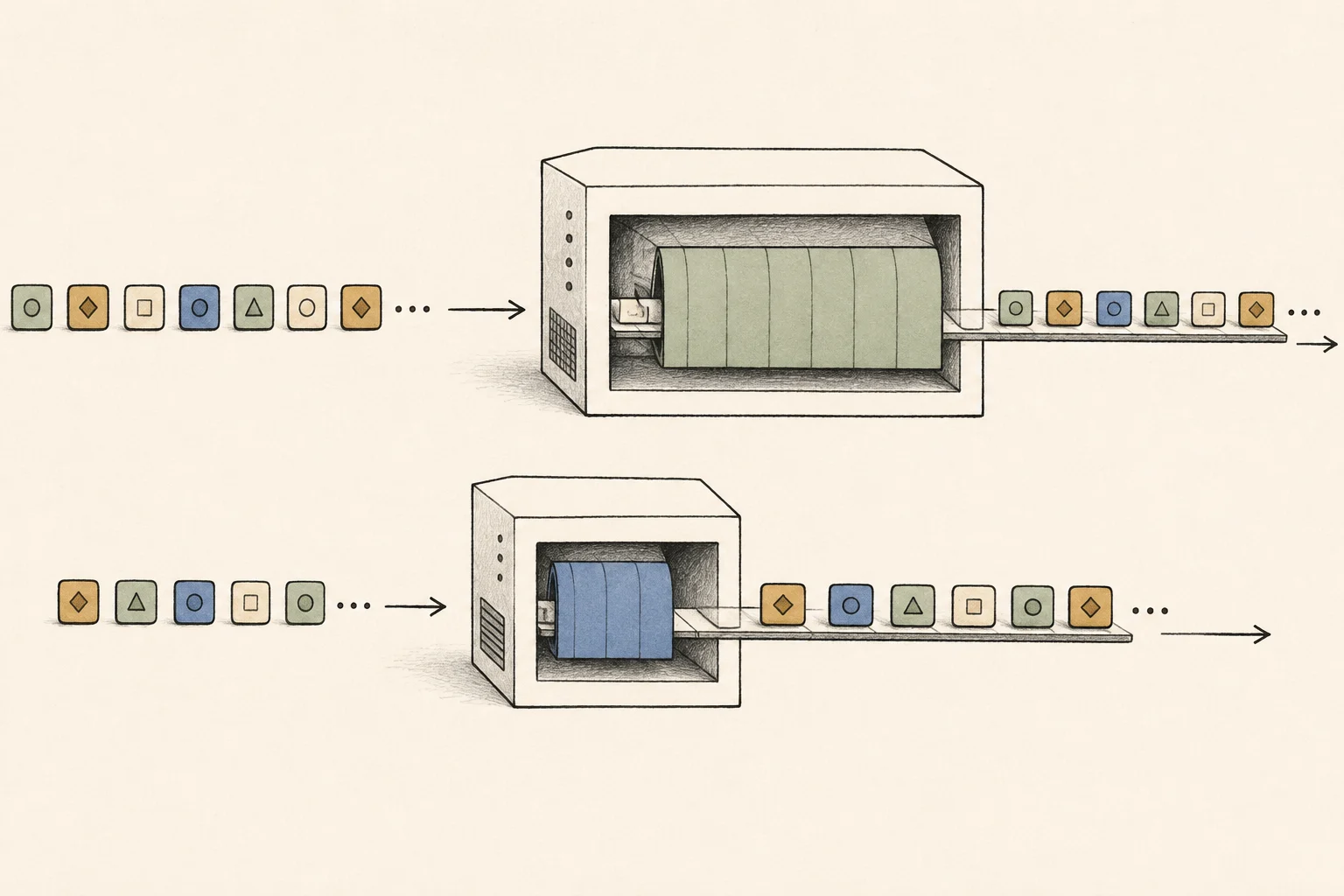
This table is a calculated record saved on September 5, 2026. When comparing it with later tables, check that model, precision, input and answer lengths, and runtime match. Changed conditions can affect rankings, so read older figures with their dates.
No blanket MTP10 multiplier was applied. Multi-device configurations are estimates assuming a supported runtime splits the model. They do not apply unchanged to paths without MTP or model-splitting support, so check feature-specific conditions.
For a direct comparison, start with the same Q4 file and 4,096-token input, and record first-token time, generated length, and completion separately. If you change the input or runtime next, note that condition so you can identify what changed the result.
Compare the remaining two candidates with your workflow
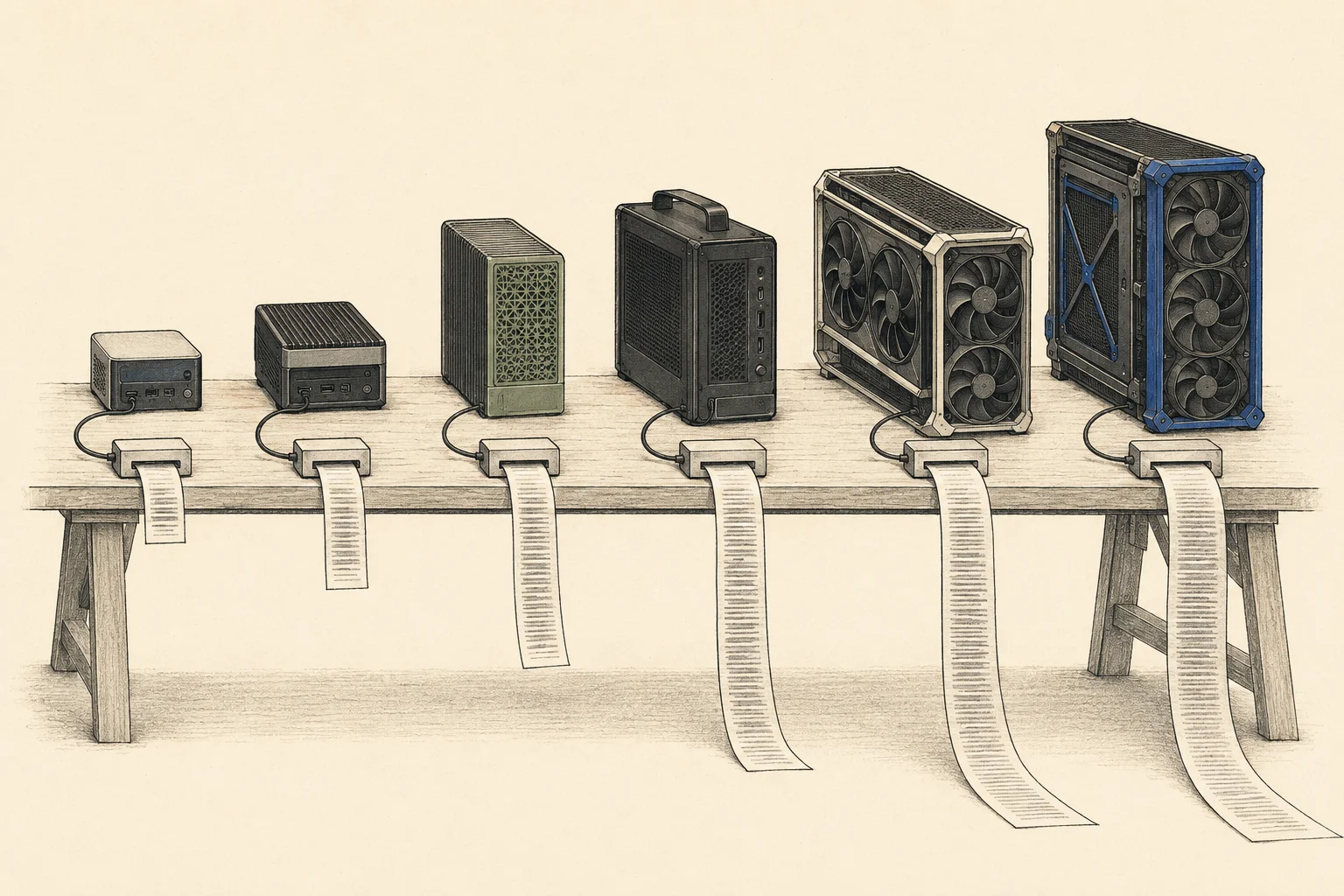
If you send long requests many times daily, decode differences may be noticeable. For a single repository read and short answer, prefill and model loading may matter more. Keep model and input length fixed in the comparison and inspect total flow and generation separately.
Site figures are estimated experiences. Before buying, repeat runs with the model file and runtime you plan to use and check fit and answer quality. Consider whether the wait interrupts work to decide if a more expensive device's advantage merits the cost.
Terminology notes
Prefill — The stage where an LLM reads the input prompt and computes representations for its tokens. Longer prompts contain more tokens to process.
Back to the textToken — A unit into which a model divides input or output for processing.
Back to the textRuntime — The software environment that provides facilities needed while a program runs. In local AI, it can also refer to a model execution engine.
Back to the textUnified memory — An architecture where the CPU and GPU share one physical memory pool.
Back to the textVRAM — Memory used by a graphics card’s GPU to store model weights and intermediate values.
Back to the textMoE — A model architecture that selects some of several expert subnetworks for each input. Total parameters can differ from the number activated for one token.
Back to the textContext window — The token span of input and generated content a model can handle in one request. The supported limit and memory use depend on the model and runtime settings.
Back to the textTime to First Token — The time from sending a request until its first output token arrives.
Back to the textToken decoding — The stage that generates successive output tokens using the input and the response produced so far.
Back to the textMTP — A training objective or model component for predicting multiple future tokens at once. In speculative decoding, those predictions can be proposed as candidate tokens.
Back to the text
Frequently asked questions
- What should you check first in this article?
- The monthly local AI speed table compares prefill, token generation, and total completion time across hardware using the same model and input. The September 2026 table uses Qwen3.6 35B-A3B at 4-bit, 4,096 input tokens, and 302 output tokens. Explore hardware according to which waiting stage you want to shorten.